Free trial
Starting free requires no credit card and grants 2 credits, enough for around 200 words, which is one pass through a short piece of text.
Learn moreRewrite robotic AI drafts into text that reads like a person wrote it

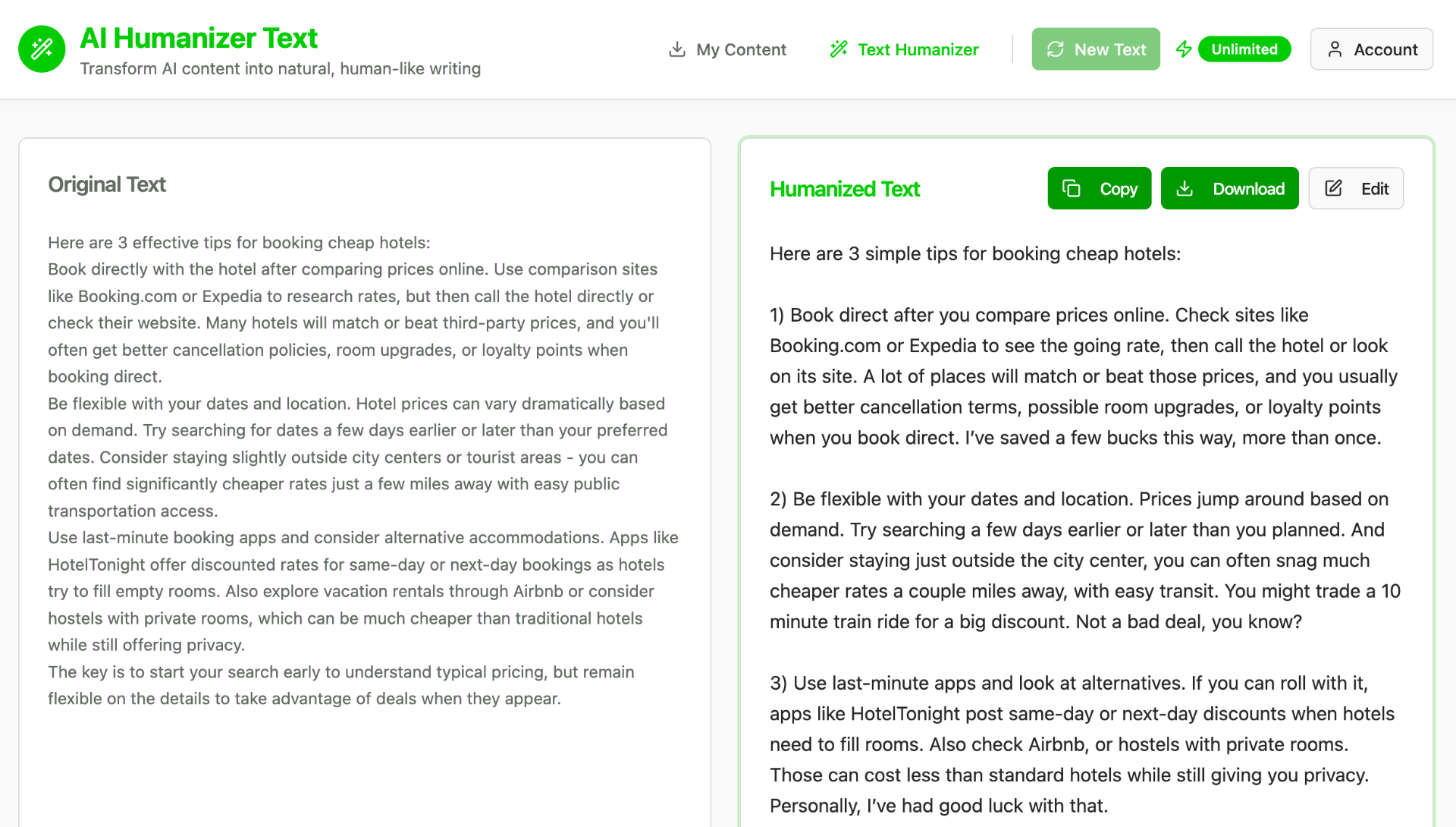
Humanize AI is an AI detection remover tool that rewrites robotic AI drafts into text that reads like a person wrote it. A text humanization suite with a four level rewriter, a free AI detector and a hidden character finder, covering 90+ languages and accepting PDF, DOCX and TXT uploads.
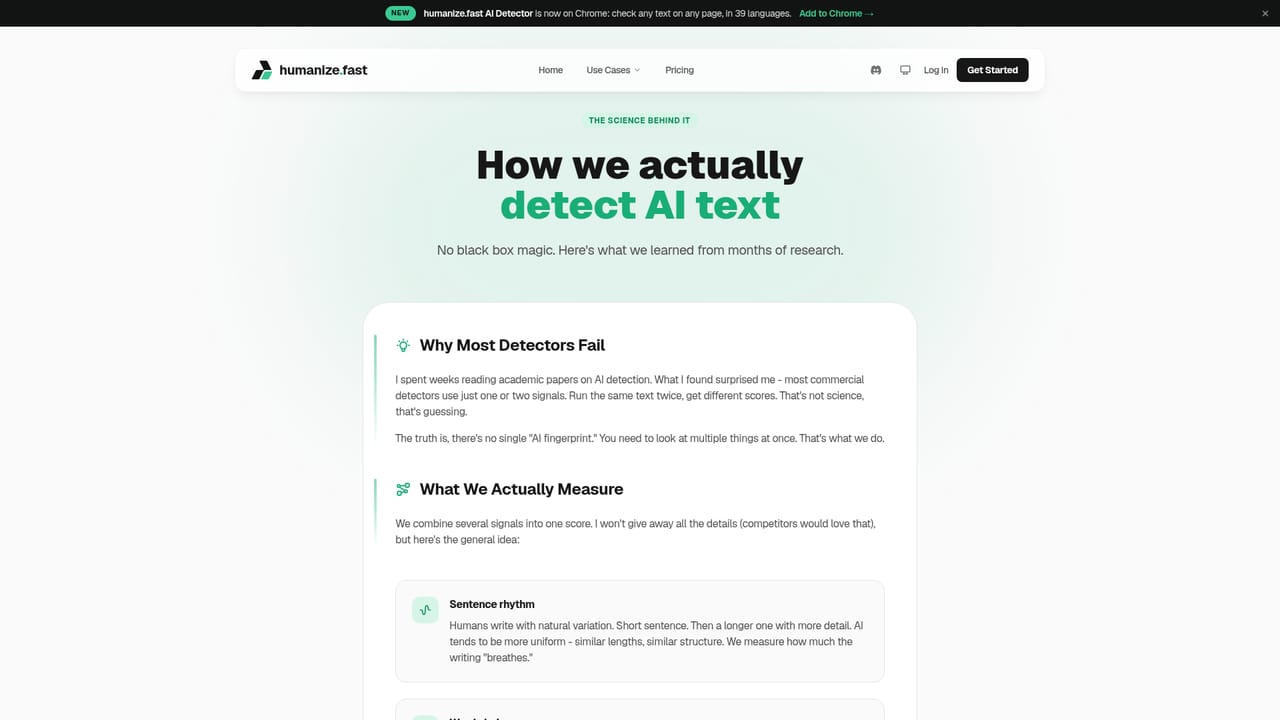
Humanize AI (humanize.fast) is a text rewriting service built around a single goal: taking drafts produced by ChatGPT, Claude or any other model and restructuring them so they read like ordinary human writing. The site bundles three tools. The humanizer is the centrepiece and offers four intensity levels (Quick, Deep, Technical and Complete), each changing a different amount of the original phrasing. Alongside it sits a free AI detector that reports confidence scores plus perplexity and burstiness analysis, and a symbols finder that surfaces hidden Unicode characters, zero width spaces and homoglyphs that can flag or break text. The workflow is deliberately narrow. Text is pasted in or pulled from an uploaded PDF, DOCX, DOC or TXT file (plain text files are capped at 10MB), the rewrite level is selected, and output returns within seconds. The site claims support for more than 90 languages with automatic input language detection, and says meaning is preserved rather than simply reworded, with warnings if a rewrite drifts from the source. Every rewrite is scored by Pallas, the company's own detection model trained across 33 languages, before the user copies it out. The site notes that its rewrites target GPTZero, Originality.ai and Turnitin, and states that detector behaviour shifts constantly, which is why results are tracked version by version on its methodology page. The audience is broad rather than specialist: students, bloggers, SEO and content marketers, copywriters, agencies and business professionals polishing reports and proposals. The common thread is people who like using AI to draft but dislike how the result sounds or how it scores. A Chrome extension adds a detector that can check text on any page in 39 languages, which is useful for quick spot checks outside the editor. Relative to general paraphrasing tools, the appeal here is the closed loop of rewrite then verify in one place. The trade-off is that quality is measured against detectors rather than readers, and the site is upfront that it is aimed at content work rather than academic submission. Content is processed in real time and discarded, and the site says nothing is retained for training.
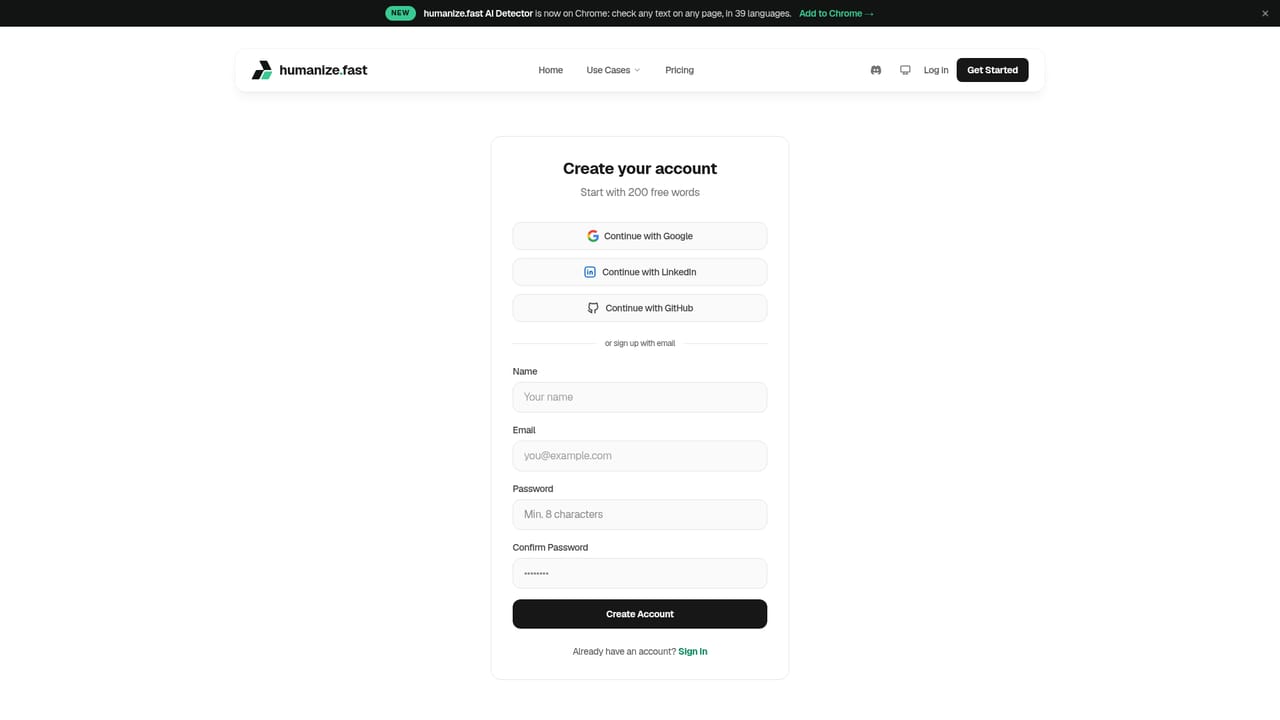
Starting free requires no credit card and grants 2 credits, enough for around 200 words, which is one pass through a short piece of text.
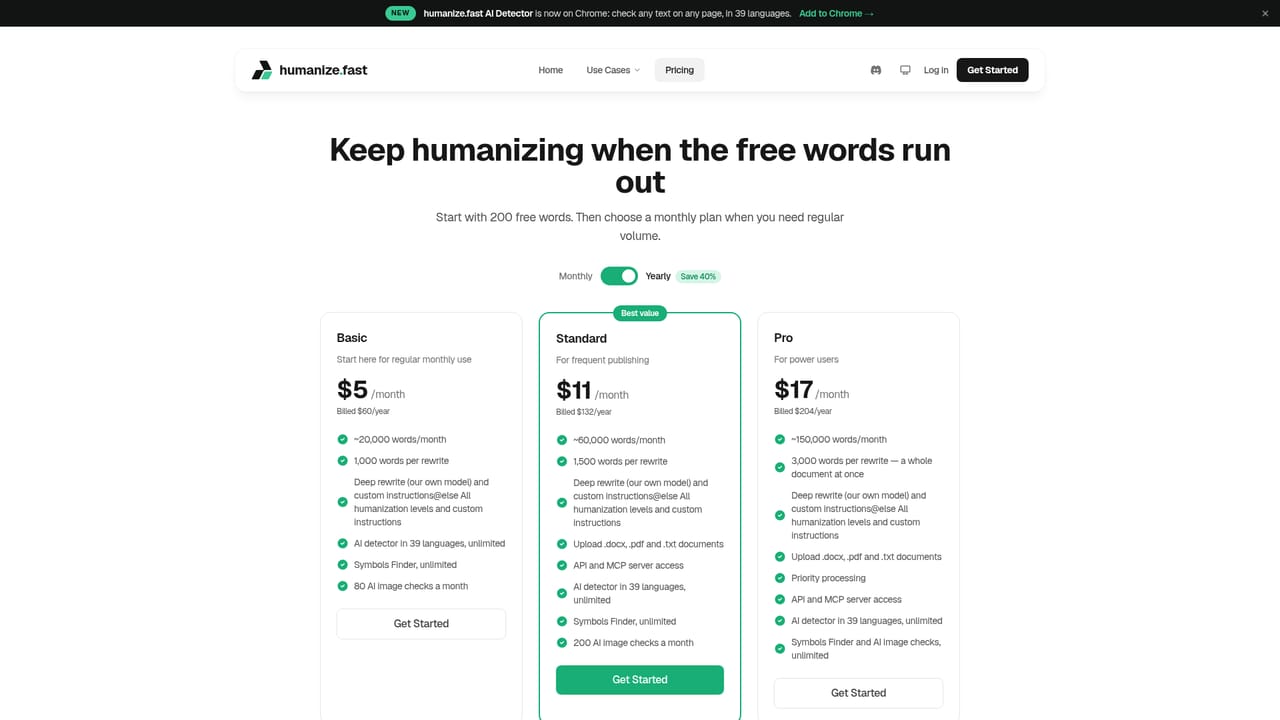
Learn moreFree accounts start with 2 credits (roughly 200 words). Paid plans run from 200 to 1,500 credits per month, with one credit covering about 100 words, and additional credit packs can be bought as needed. Exact plan prices are listed on the pricing page.
Learn moreA contact page handles questions and support requests, and the methodology page documents how the Pallas detection model and rewrite process are measured and versioned.
Learn moreA Chrome extension provides on page AI detection in 39 languages. Beyond the browser extension, no API or third party app integrations are described on the site.
A four level humanizer (Quick, Deep, Technical, Complete) that rewrites AI drafts across 90+ languages while aiming to keep the original meaning, a free AI detector with confidence, perplexity and burstiness scoring, a hidden Unicode and zero width symbol finder, document upload for PDF, DOCX, DOC and TXT up to 10MB, Pallas detection checks on every rewrite, and a Chrome extension detector covering 39 languages.
Learn more AI Angels400+ customizable AI girlfriends for NSFW chat, voice calls, and roleplay
 Candy AIExperience the future of companionship with AI friends who chat, role-play, and connect with you on a human level.
 ourdream.aiA vast AI roleplay platform with millions of characters for chat, images, video and voiceAI Angels400+ customizable AI girlfriends for NSFW chat, voice calls, and roleplayCandy AIExperience the future of companionship with AI friends who chat, role-play, and connect with you on a human level.ourdream.aiA vast AI roleplay platform with millions of characters for chat, images, video and voice