Free trial
Nine of the nine index tools offer a free plan or trial, and seven of those stamp a visible watermark on output, which the site notes can be edited out.
Learn moreIndependent review desk that prices AI avatar video by the finished minute

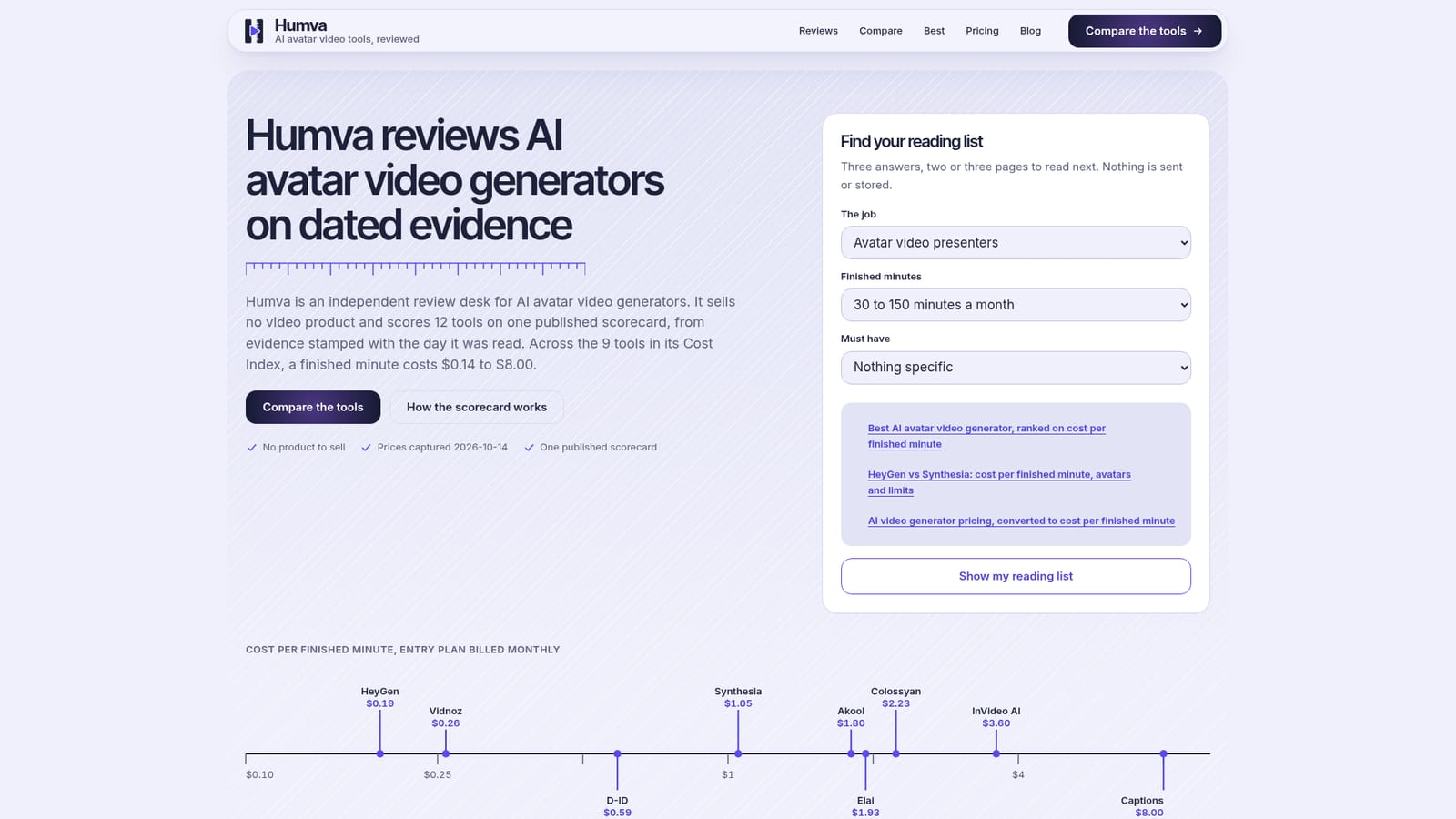
Humva is an AI aggregators tool. An independent review desk for AI avatar video generators. Humva scores tools on one public scorecard and converts every plan into a cost per finished minute, currently $0.14 to $8.00 across nine indexed tools.
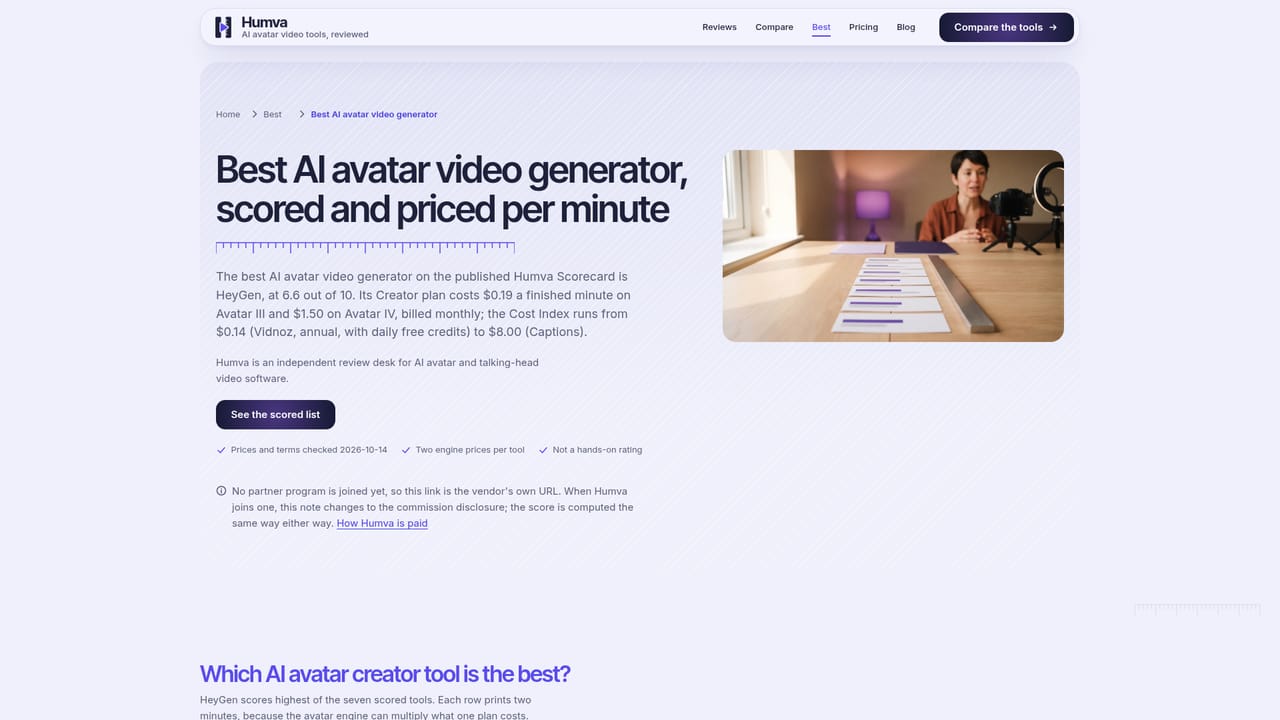
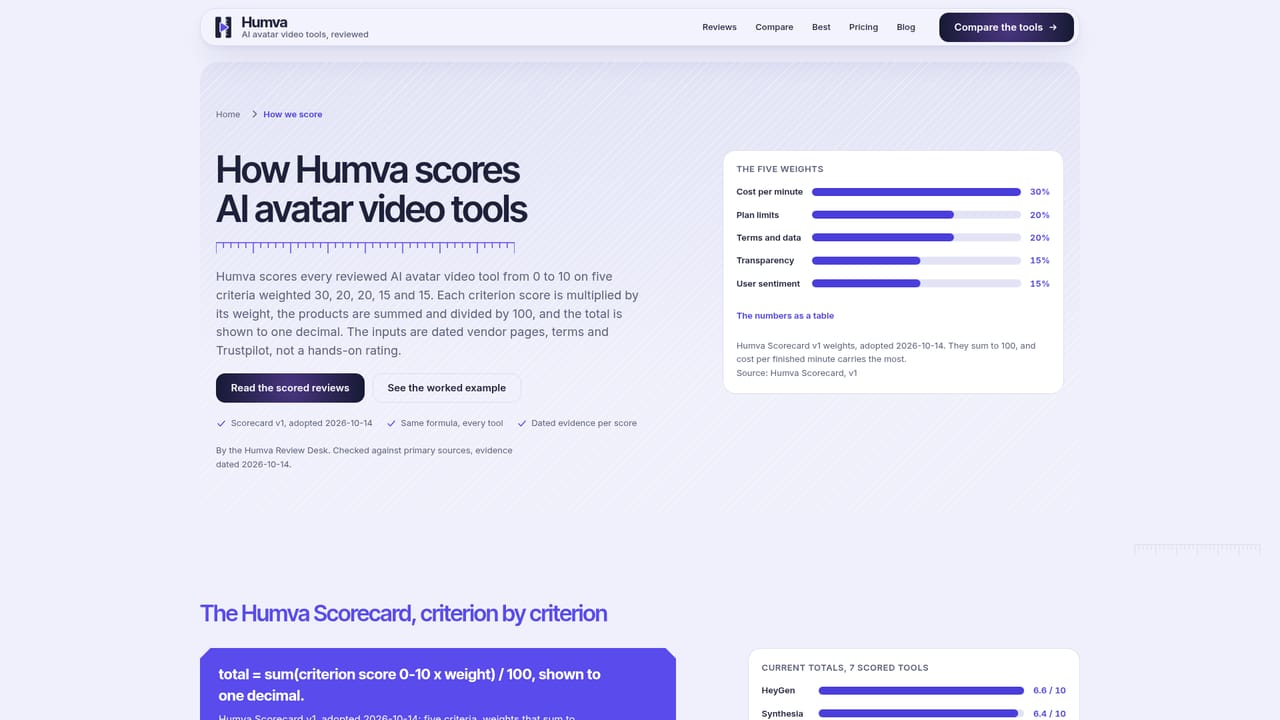
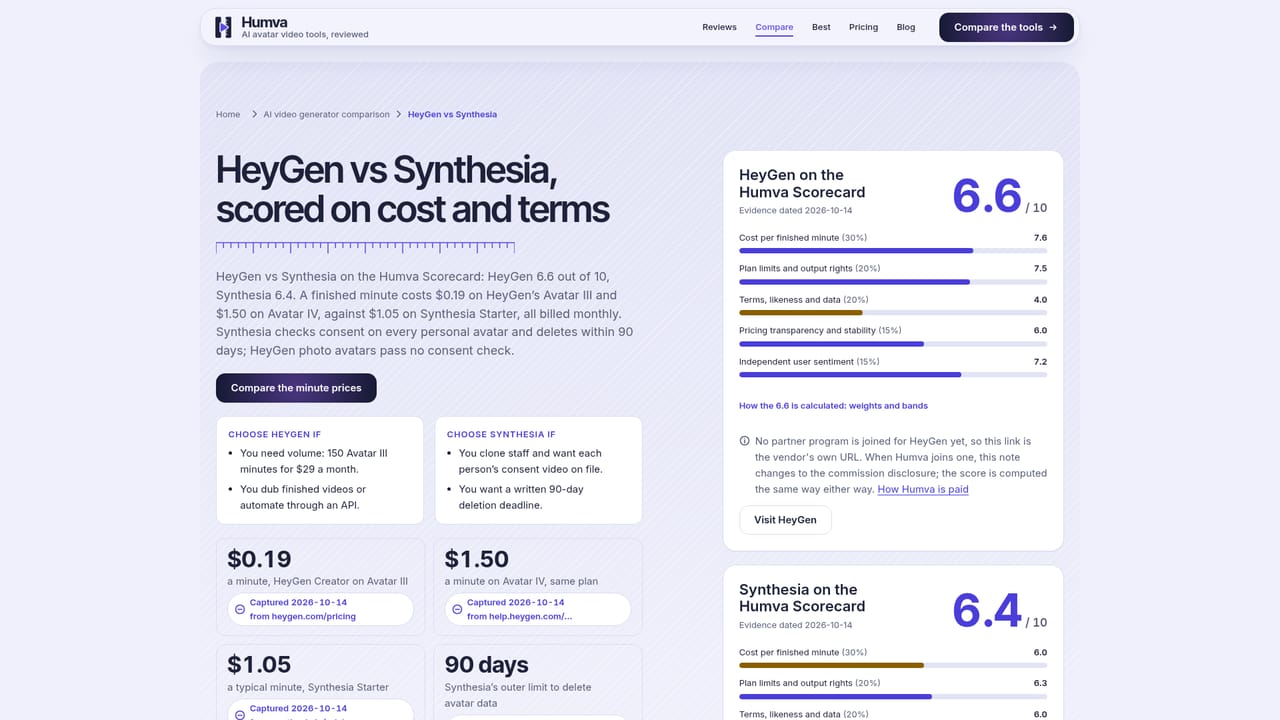
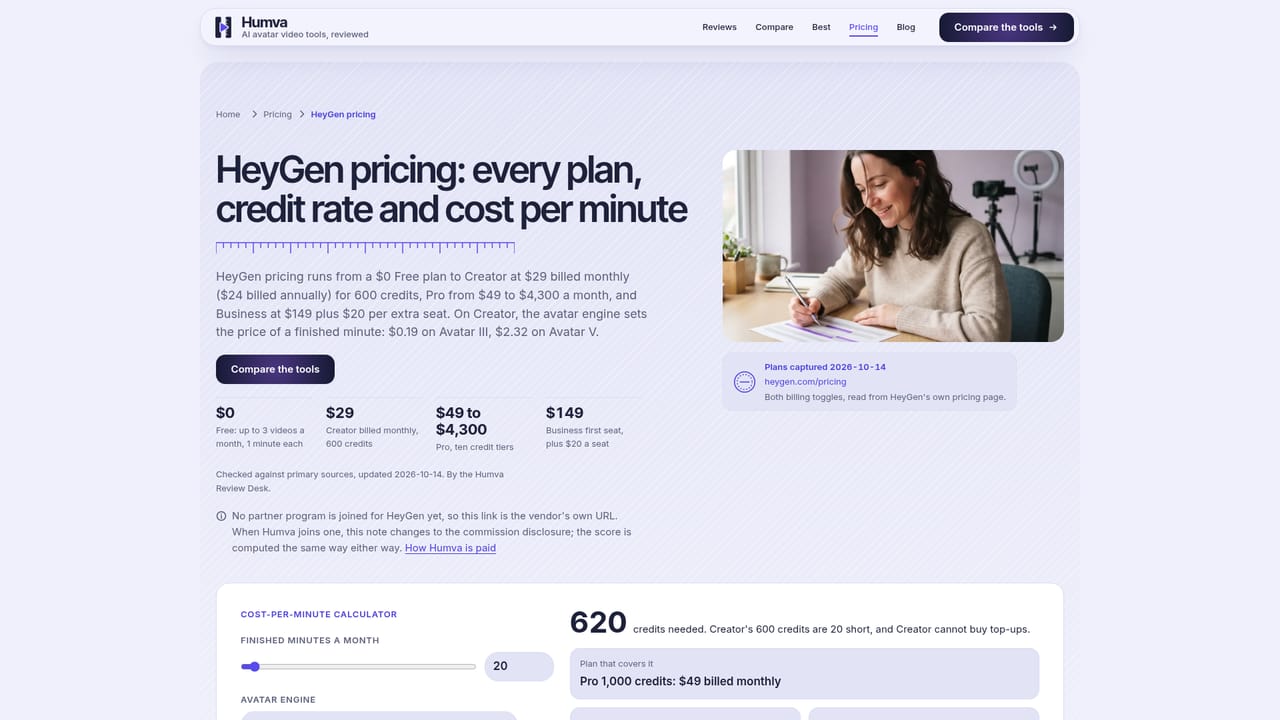
Humva is a review site, not a video product. It scores AI avatar and talking-head video generators against a single published scorecard and refuses to sell any tool it covers. The core unit is the finished minute: every plan is converted from credits or minutes into what one minute of output actually costs, so a $29 plan and a $279 plan can be compared on the same scale. As of the last capture date (2026-10-14), nine tools in the Cost Index run from $0.14 to $8.00 per finished minute, with a median entry plan of $1.80 billed monthly. In practice the site works as a reading desk rather than a software account. A visitor answers three questions about the job (presenter video, a likeness from a photo, UGC style ads, marketing team output), monthly volume and must-haves such as no watermark or a commercial license, and gets a short reading list of two or three pages. Six tools have full reviews, including HeyGen at 6.6/10 and Captions at 3.6/10. Beyond price, Humva maps plan limits (minutes, resolution, avatars, voice clones, languages, watermark, commercial rights) and reads terms of service for output ownership, training licenses over uploads and refund rules. The obvious alternative is going straight to a vendor, or reading affiliate roundups that rank whoever pays best. Humva positions itself against both by publishing its weights, bands and sources and by stating that affiliate status never enters the score. It also publishes what it cannot yet price: Arcads and Creatify bill per ad video and sit outside the Index. Buyers comparing avatar vendors before committing to a subscription are the intended audience. Note that the domain once hosted a separate AI avatar app that is no longer offered here, so older directory listings describing Humva as a video tool are out of date.
Nine of the nine index tools offer a free plan or trial, and seven of those stamp a visible watermark on output, which the site notes can be edited out.
Learn moreThe site itself is free to read and sells nothing. The pricing pages document what the covered tools charge: across nine indexed tools a finished minute runs $0.14 to $8.00, with a median entry plan of $1.80 billed monthly and $1.06 annually, based on 85 plan rows captured 2026-10-14.
Learn moreA contact page is the published route to reach the desk; no live chat or help centre is described on the homepage.
Learn moreA guided reading list, a cost-per-finished-minute index across nine tools, a plan-limit matrix covering seven limits, a terms-of-service read for five clauses, full reviews with dated facts, head-to-head comparisons and an explicit list of tools it cannot yet price.
Learn more AI Angels400+ customizable AI girlfriends for NSFW chat, voice calls, and roleplay
 Candy AIExperience the future of companionship with AI friends who chat, role-play, and connect with you on a human level.
 ourdream.aiA vast AI roleplay platform with millions of characters for chat, images, video and voiceAI Angels400+ customizable AI girlfriends for NSFW chat, voice calls, and roleplayCandy AIExperience the future of companionship with AI friends who chat, role-play, and connect with you on a human level.ourdream.aiA vast AI roleplay platform with millions of characters for chat, images, video and voice


