Free trial
A free credit is granted when you sign up, enough to try a first icon before committing to anything paid.
Learn moreAI app icon generator for iOS and Android
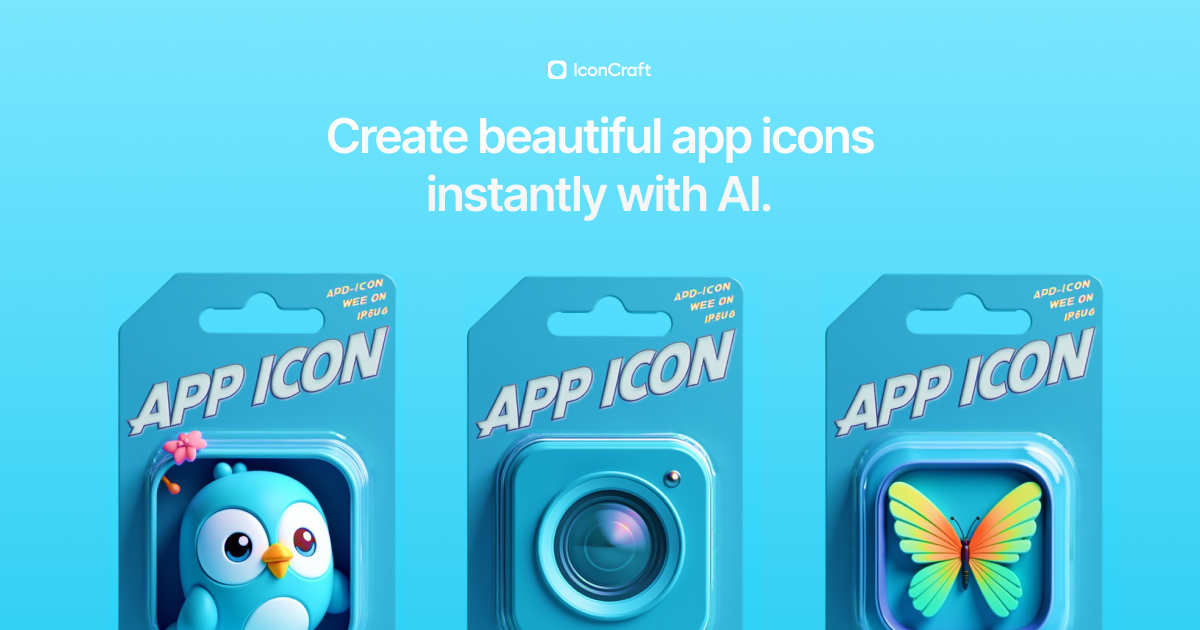
IconCraft turns a written app description into AI-generated iOS and Android app icons. It suggests visual directions, accepts an uploaded logo or a style reference, and is built for developers without design skills.
IconCraft is a browser-based tool that generates app icons from a short written description of your app. You type in what the app does, the system proposes visual directions, and you pick from AI-generated design ideas. The pitch is aimed at developers and small teams who need App Store and Play Store artwork without hiring an illustrator or learning a design suite. The workflow is prompt-first. You describe the concept, review a set of suggested concepts and compositions, then refine from there. Three features extend the basic loop. Custom logo upload takes an existing mark and produces variations that stay close to it, useful when a brand identity already exists and the icon just needs a stronger treatment. Style reference accepts an example or a named aesthetic and steers output toward it. AI suggestions respond to your app description by proposing several distinct visual directions before you commit to one. The visual range on display is broad: messaging bubbles, a todo checklist, a meditation figure, a car on a blue gradient, a typewriter, cherry blossoms, butterflies. That spread suggests the generator is meant for consumer apps of many kinds rather than one niche. Icons are described as production-ready and as scaling across iOS and Android, so the deliverable is a finished asset rather than a moodboard. Among alternatives, IconCraft is narrower than general image generators, which can produce icon-shaped images but offer no shape discipline or platform sizing. It competes instead with template libraries and freelance icon designers, trading a bespoke human result for speed and a low starting cost. A free credit on sign up lets you test a single icon before deciding. It suits indie developers, side-project builders, and product teams shipping quickly. It is a weaker fit for anyone needing a guaranteed custom illustration or a full design system, and the homepage does not describe export formats, commercial licensing terms, or a refund policy.
A free credit is granted when you sign up, enough to try a first icon before committing to anything paid.
Learn moreCore features are prompt-based icon generation from an app description, AI-suggested visual directions and compositions, custom logo upload for brand-consistent variations, and a style reference input for matching a chosen aesthetic. Output is described as production-ready artwork that scales across iOS and Android.
 AI Angels400+ customizable AI girlfriends for NSFW chat, voice calls, and roleplay
 Candy AIExperience the future of companionship with AI friends who chat, role-play, and connect with you on a human level.
 ourdream.aiA vast AI roleplay platform with millions of characters for chat, images, video and voiceAI Angels400+ customizable AI girlfriends for NSFW chat, voice calls, and roleplayCandy AIExperience the future of companionship with AI friends who chat, role-play, and connect with you on a human level.ourdream.aiA vast AI roleplay platform with millions of characters for chat, images, video and voice