Free trial
A limited free run covers three images, and those results carry watermarks until a paid package or subscription is purchased.
Learn moreAI upscaling that enlarges photos up to 8x while sharpening detail and faces
Own Icons8 AI Image Upscaler? Verify ownership to get a dofollow link

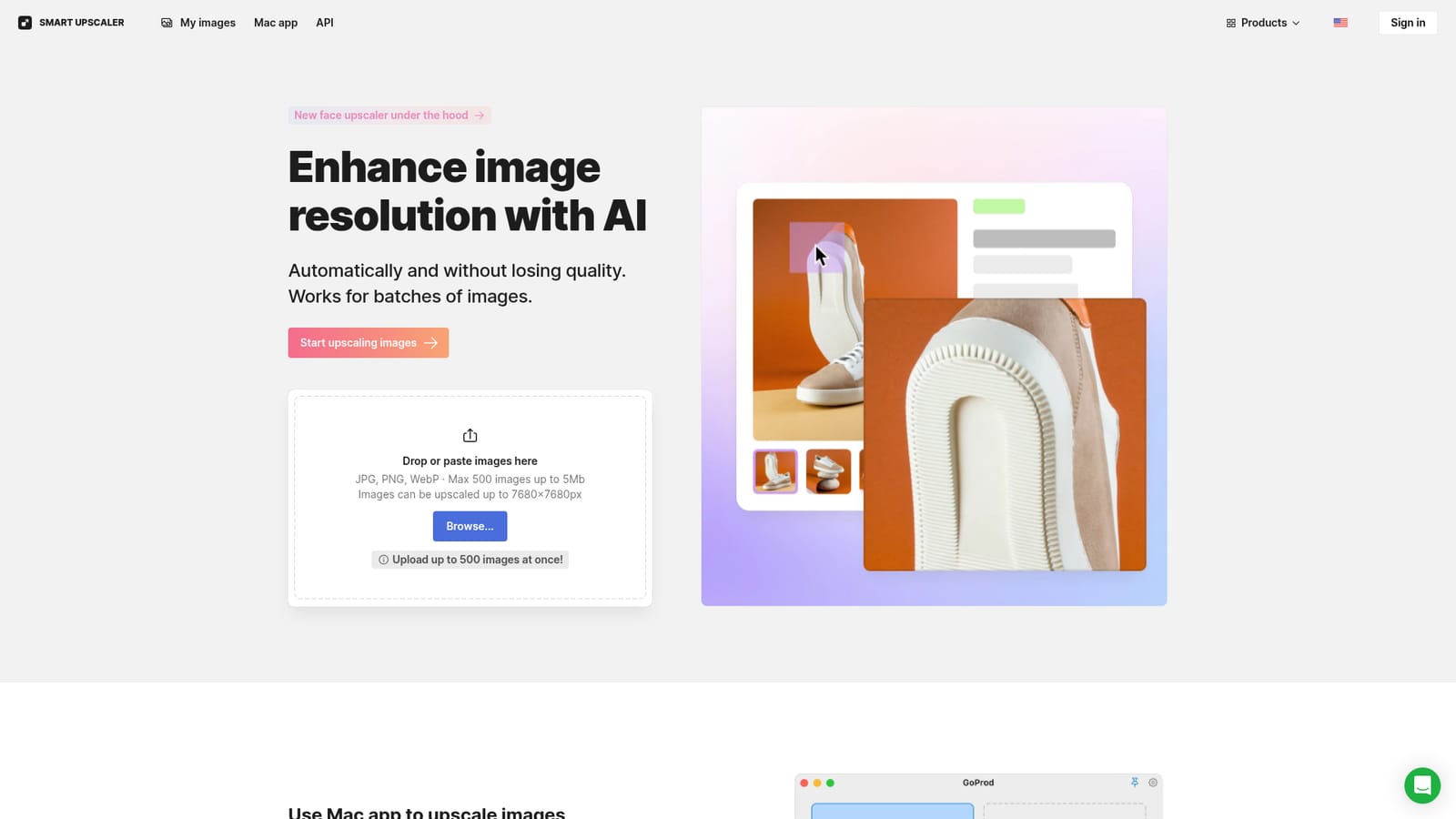
Icons8 AI Image Upscaler is an AI image upscaler tool. A hosted super-resolution tool from Icons8 that enlarges JPG, PNG and WebP images up to 7680x7680 pixels, with batch uploads of up to 500 files, a dedicated face enhancement model, an API and a companion Mac app for daily upscaling and background removal.
Icons8 AI Image Upscaler (also branded Smart Upscaler) is a web tool that increases the resolution of photos and graphics without discarding the fine detail that ordinary resizing tends to smear. Images can be pushed up to 7680 by 7680 pixels, and the service is built for volume: up to 500 images can be dropped in at once, each capped at 5MB, in JPG, PNG or WebP format. The engine is a deep learning model trained on more than 5 million images, a dataset the company says it keeps expanding through synthesis and new photography. That training is what separates it from a basic bicubic enlarge: the model reconstructs edges and textures rather than simply interpolating pixels, and it has a dedicated face upscaling path for low resolution portraits. In practice the workflow is short. You paste or drop files onto the page, let the service process them, and download the results, with history kept so you can re-download an earlier enlargement without spending GPU cycles a second time. Icons8 states that uploaded pictures are stored securely, are not used for machine learning, and are not shared or shown publicly. The tool performs best on JPG or PNG files smaller than 3000 by 3000 pixels; the smaller the source, the more visible the improvement. That makes it most useful for old photo archives, product shots pulled from marketplaces, thumbnails that need to scale for print or large displays, and social media assets. Who it suits: ecommerce teams and designers working through image libraries, archivists and family photo collections, and developers who would rather call an API than run their own super-resolution model. Icons8 exposes Smart Upscaler through an API covering sharpening, noise reduction and upscaling, and there is a separate Mac application called GoProd that combines upscaling with background removal for people processing images daily. Icons8 also sells a standalone Background Remover. Where it fits: it is a single purpose utility competing with other hosted super-resolution services, not a full photo editor. Expect to move files in and out of your regular editing pipeline. Pricing scales by volume, with prepaid credits, a monthly credit subscription and an unlimited tier, so heavy batch users should compare the unlimited plan and API pricing before committing.


A limited free run covers three images, and those results carry watermarks until a paid package or subscription is purchased.
Learn moreThree paid paths remove watermarks: a prepaid package from $10 for 50 images usable at any time, a limited subscription at $9 per month for 100 images with rollover credits, and an unlimited subscription at $99 per month. API pricing is listed separately.
Learn moreSupport runs through an on-page comment thread where Icons8 staff answer questions about watermarks, image quality and pricing. No separate help centre is linked from the homepage.
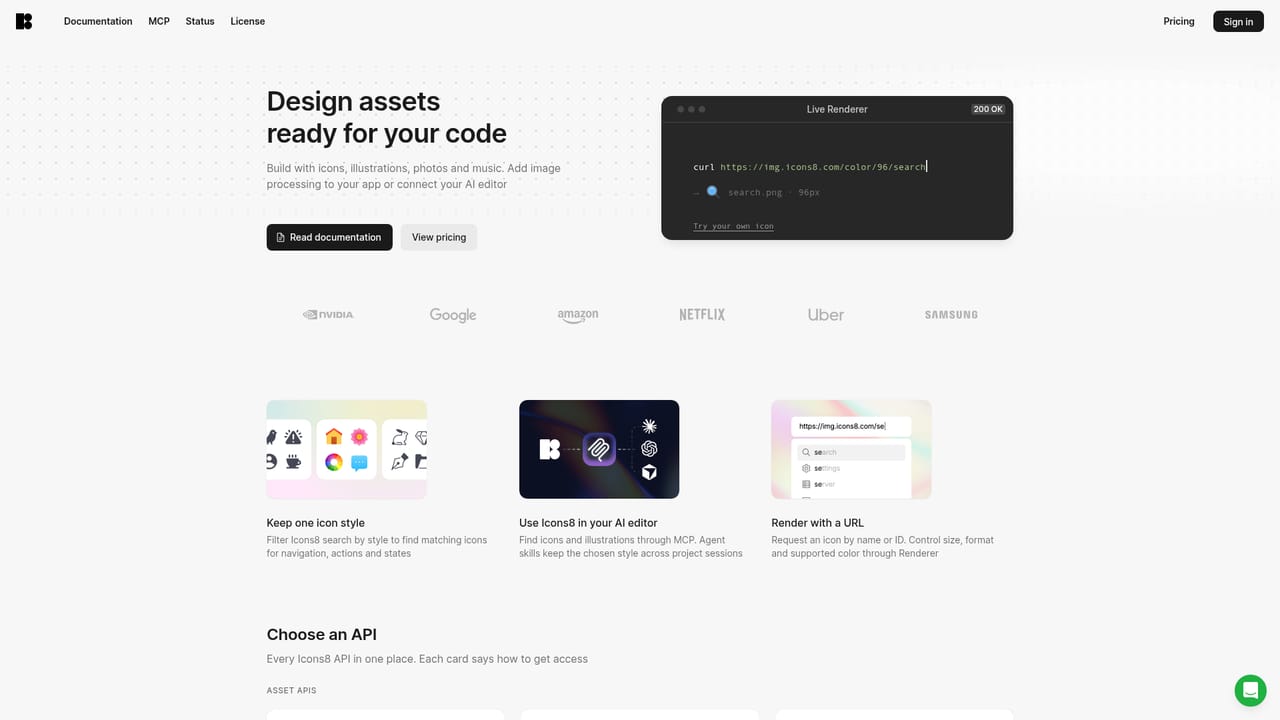
Smart Upscaler is available through the Icons8 API for automated sharpening, noise reduction and upscaling, and through the GoProd Mac application, which pairs upscaling with background removal.
Learn moreDeep learning super-resolution trained on over 5 million images, output up to 7680x7680 pixels, batches of up to 500 files in JPG, PNG or WebP at 5MB each, face enhancement for low resolution portraits, stored history for free re-downloads, a Smart Upscaler API, and a Mac app (GoProd) combining upscaling with background removal.
 AI Angels400+ customizable AI girlfriends for NSFW chat, voice calls, and roleplay
 Candy AIExperience the future of companionship with AI friends who chat, role-play, and connect with you on a human level.
 ourdream.aiA vast AI roleplay platform with millions of characters for chat, images, video and voiceAI Angels400+ customizable AI girlfriends for NSFW chat, voice calls, and roleplayCandy AIExperience the future of companionship with AI friends who chat, role-play, and connect with you on a human level.ourdream.aiA vast AI roleplay platform with millions of characters for chat, images, video and voice








