IdeaToImg

Credit-based image-to-image editing across many AI models

Beginner
Screenshot of IdeaToImg, Credit-based image-to-image editing across many AI models

What is IdeaToImg?

IdeaToImg is a web-based image-to-image and text-to-image tool that lets users restyle photos, swap backgrounds and create variations with text prompts, choosing from many AI models on a credit system.

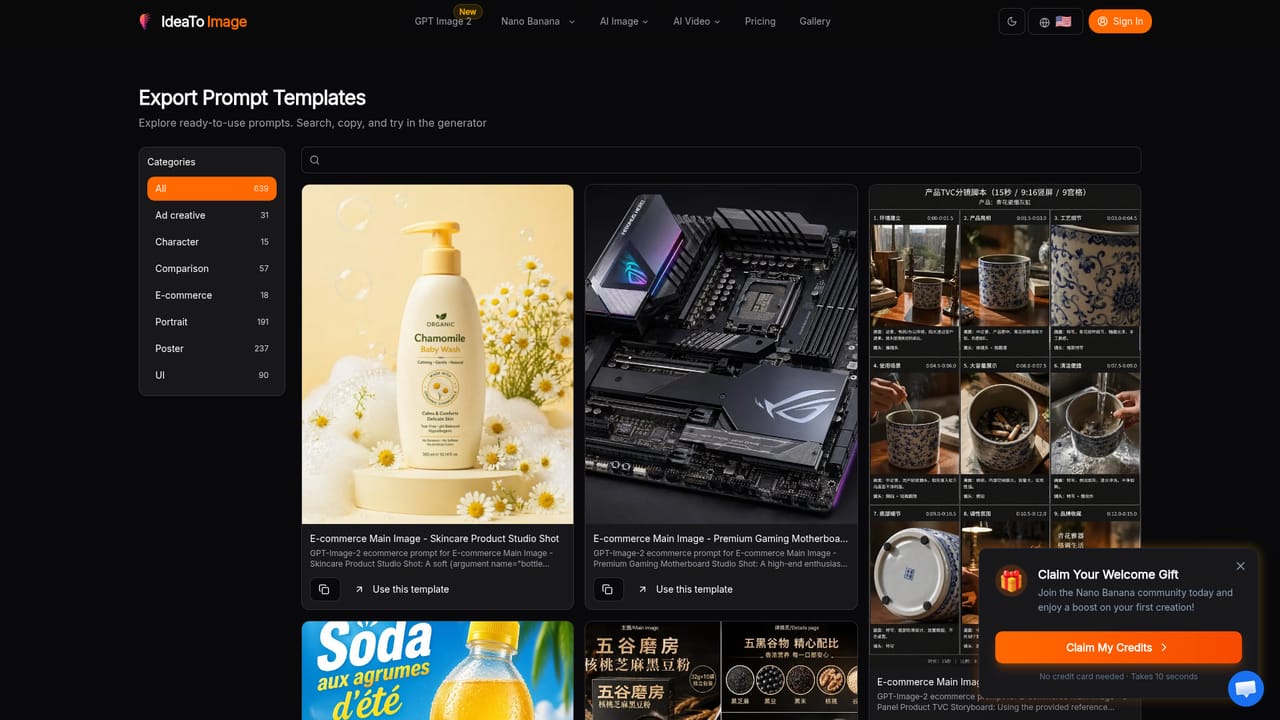
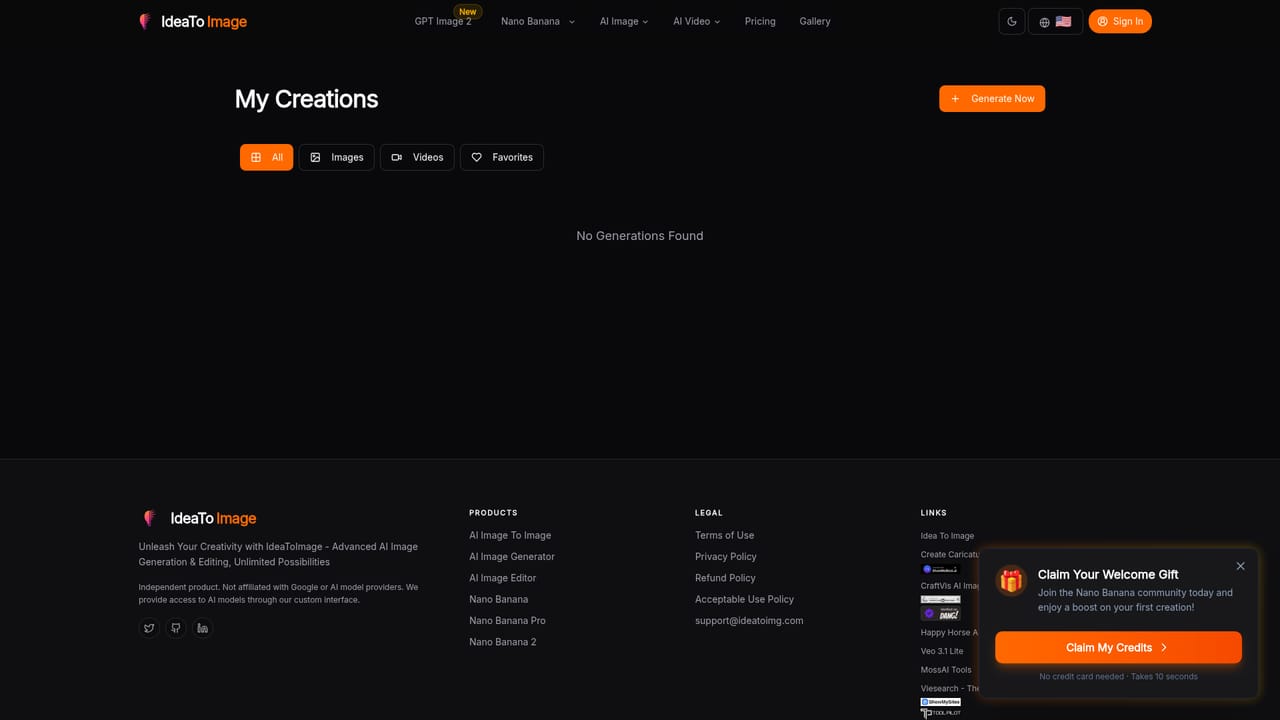
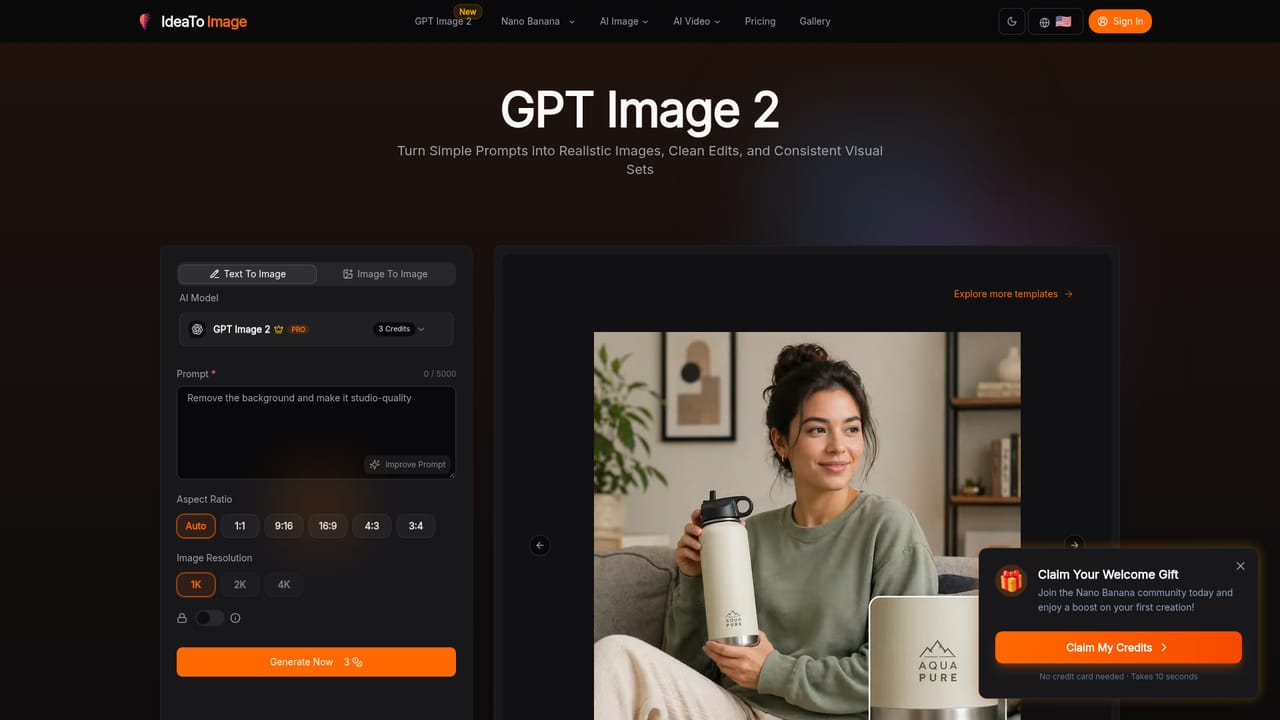
IdeaToImg is a browser-based image generator and editor built around image-to-image workflows. A user uploads an existing picture, describes the change in plain text, and the service returns a restyled, cleaned-up or varied version. The homepage highlights typical jobs: restyling portraits while keeping the person recognizable, replacing backgrounds for product and brand shots, adjusting small details without rebuilding the whole picture, turning rough drafts into polished key visuals, and producing matching variations from a single starting image. The tool works as a front end to a long list of third-party and in-house models rather than a single engine. The model picker includes the house IdeaToImg 1.0 model, GPT Image 2, Qwen Image 2.0, several Nano Banana versions, FLUX.2 in pro and flex variants, Seedream 5.0 Lite and Z Image Turbo. Each model carries a credit cost per generation, from 1 credit up to 10, and a short note on its strength, such as character consistency, photorealism, infographics or text precision. Most of the premium models require logging in. The prompt box accepts up to 5000 characters, offers an Improve Prompt helper, and lets the user pick an aspect ratio from square to vertical and horizontal formats. A Text To Image mode sits alongside Image To Image. The site also runs a gallery of prompt templates grouped by use, including e-commerce main images, ad creatives and portrait effects, each opening the generator with the prompt prefilled. A My Creations area stores past results. New visitors are offered welcome credits with no credit card required. IdeaToImg suits e-commerce sellers, social media creators, marketers and designers who want fast edits and concept visuals without learning layered editing software. Compared with single-model tools, its main appeal is being able to try the same prompt on different engines from one account, though outcomes and costs vary by model.
How do you use IdeaToImg?

  1. 1Open the generator and pick a mode
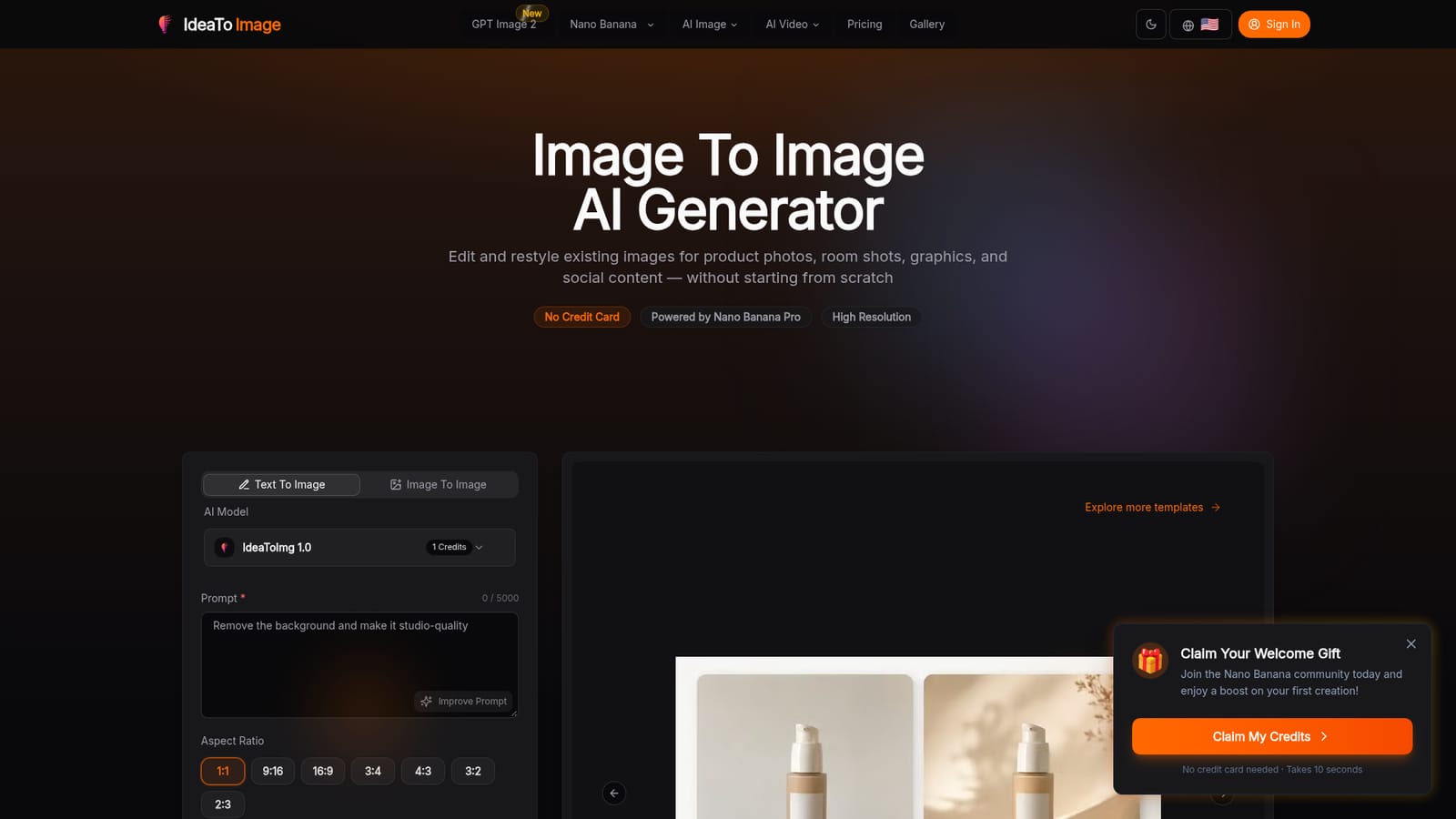
    Go to the homepage and choose Image To Image rather than Text To Image. This mode starts from a picture you upload.
    IdeaToImg — Open the generator and pick a mode
  2. 2Choose a model
    Select a model from the list, noting its credit cost. IdeaToImg 1.0 costs 1 credit, while premium options such as GPT Image 2 need a login.
    IdeaToImg — Choose a model
  3. 3Upload an image and write the prompt
    Add your source image and describe the change, for example removing the background or restyling the scene. Use Improve Prompt to tighten the wording.
  4. 4Set the aspect ratio and generate
    Pick a ratio such as 1:1, 9:16 or 16:9, then start the generation. Credits are deducted according to the model used.
  5. 5Borrow a template from the gallery
    Browse the gallery for e-commerce, ad and portrait templates, and open one to load its prompt into the generator.
    IdeaToImg — Borrow a template from the gallery
  6. 6Review saved results
    Open My Creations to find earlier outputs and compare versions made with different models.
    IdeaToImg — Review saved results

Pros and cons

Pros

  • Multiple image models (GPT Image 2, FLUX.2, Nano Banana, Seedream) are available from one accountAI
  • Plain-text prompts handle background swaps, restyling and detail changes without editing skillsAI
  • Gallery templates open the generator with a prompt already filled inAI
  • Welcome credits are offered with no credit card needed to startAI
  • Improve Prompt helper and several aspect ratios help beginners get usable outputAI

Cons

  • Most premium models require logging in before they can be usedAI
  • Credit costs per generation vary from 1 to 10, so heavy use of top models adds upAI
  • Results depend on the chosen model, and the site does not explain how to pick one beyond short labelsAI
  • Editing is prompt-driven only, with no visible manual brush or layer controls on the homepageAI
  • Pricing for credit packs is not stated on the homepageAI

How much does IdeaToImg cost?

Free trial

New users can claim welcome credits to boost a first creation, with no credit card needed and a sign-up said to take about 10 seconds.

Learn more

Pricing

Uses a credit system: IdeaToImg 1.0 costs 1 credit per generation, other models range from 1 to 10 credits. Credit pack prices are not stated on the homepage.

Learn more

Integrations

No third-party app integrations are listed. It does offer access to external image models such as GPT Image 2, FLUX.2, Nano Banana and Seedream inside its own interface.

Features

Image-to-image and text-to-image generation, background replacement, portrait restyling, detail edits, matching variations, Improve Prompt, aspect ratio choices, a template gallery, My Creations history and a multi-model picker.

Learn more

Frequently asked questions about IdeaToImg

  • How much does IdeaToImg cost?
    Uses a credit system: IdeaToImg 1.0 costs 1 credit per generation, other models range from 1 to 10 credits. Credit pack prices are not stated on the homepage.
  • Does IdeaToImg offer a free trial?
    New users can claim welcome credits to boost a first creation, with no credit card needed and a sign-up said to take about 10 seconds.
  • How do you use IdeaToImg?
    The walkthrough on this page covers 6 steps: 1. Open the generator and pick a mode 2. Choose a model 3. Upload an image and write the prompt 4. Set the aspect ratio and generate 5. Borrow a template from the gallery 6. Review saved results.
  • What platforms does IdeaToImg support?
    IdeaToImg is available on Web App.
  • What does IdeaToImg integrate with?
    No third-party app integrations are listed. It does offer access to external image models such as GPT Image 2, FLUX.2, Nano Banana and Seedream inside its own interface.
  • What are the limitations of IdeaToImg?
    Most premium models require logging in before they can be used. Credit costs per generation vary from 1 to 10, so heavy use of top models adds up. Results depend on the chosen model, and the site does not explain how to pick one beyond short labels.

Status

StatusActive
Views0
Outbound clicks0
Added10/18/2026

Platforms

Web App

Pricing

FreemiumSubscription