Image to Image.tech

Multi-model AI image and video studio with daily free credits

Beginner
Screenshot of Image to Image.tech, Multi-model AI image and video studio with daily free credits

What is Image to Image.tech?

Image to Image.tech is a web studio that transforms uploaded photos or sketches with text prompts, offering many third-party image models plus video tools, daily free credits and paid monthly plans.

Image to Image.tech is a browser-based creative studio that turns an uploaded photo, sketch or design into a new image guided by a text prompt. Instead of starting from a blank canvas, a user supplies up to six reference images, writes a description, picks an aspect ratio (1:1, 16:9, 9:16, 3:2 or 2:3) and an output format (JPG or PNG), and generates. Plain text-to-image is available too, and the site extends into video with separate image-to-video and text-to-video pages. The main draw is model choice. The homepage lists a comparison table of models from Google (Nano Banana variants), OpenAI (GPT Image 2 and 2.5), xAI (Grok Imagine Image 2), Black Forest Labs (several Flux versions), ByteDance (Seedream) and Alibaba (Wan Image 2.7). Each row shows a credit cost, strengths, weaknesses and a suggested use, such as quick drafts on a cheap Flux model or text-heavy posters on a model with stronger lettering. That makes it easier to match cost and quality to the job than a single-model generator allows. The audience is broad: e-commerce sellers who want marketplace-ready product shots with clean backgrounds and lifestyle scenes, social and ad teams producing banners and thumbnails, brand designers keeping a consistent look, writers and illustrators building character sheets and storyboards, and game artists iterating on characters and concept art. Visitors can start without signing up and receive a fresh batch of free credits each day, with extra credits available for purchase. Generated images and videos are saved to free cloud storage. Paid plans (Basic, Plus and Pro) add monthly credit allowances, access to all models, watermark-free downloads, more parallel tasks and, on the higher tiers, a priority queue and support. Among alternatives, it sits closer to aggregator-style generators than to a precise retouching editor like a layer-based photo app: it excels at prompt-driven transformation and variation, while pixel-level manual control is not its focus.
How do you use Image to Image.tech?

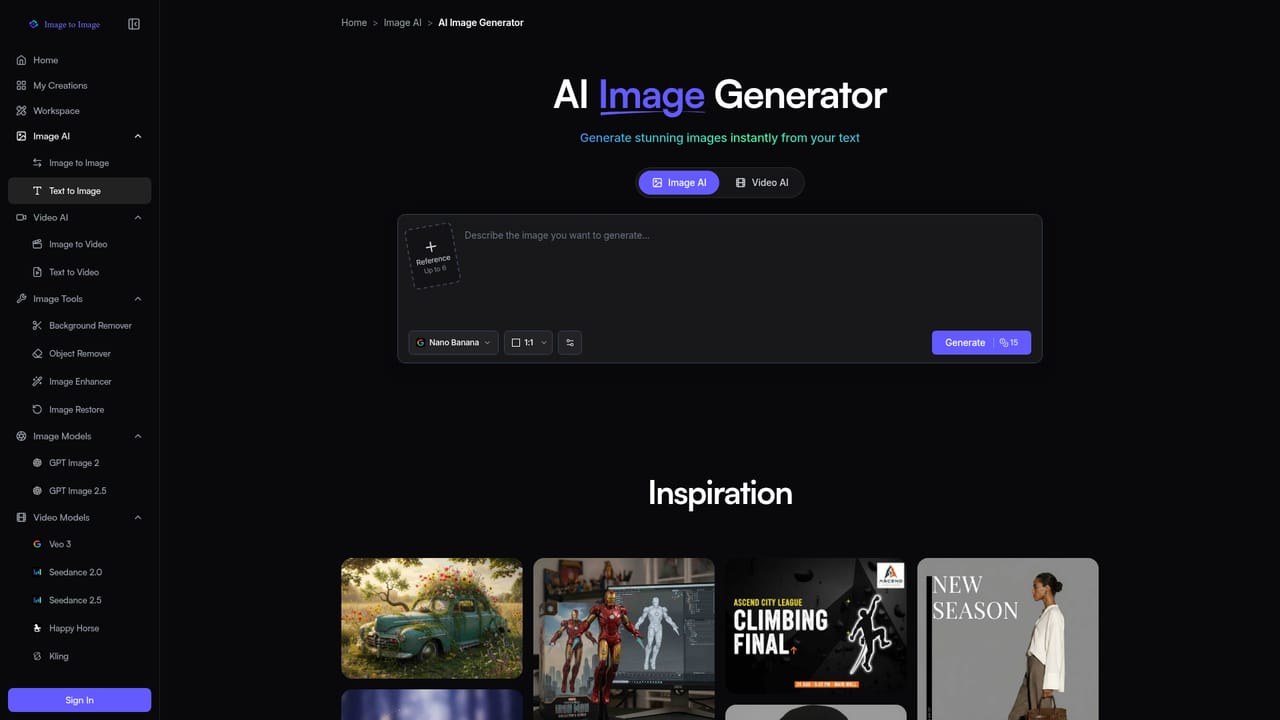
  1. 1Open the image generator
    Visit the homepage or the AI image generator page. No signup is needed to begin, and a daily batch of free credits is available.
    Image to Image.tech — Open the image generator
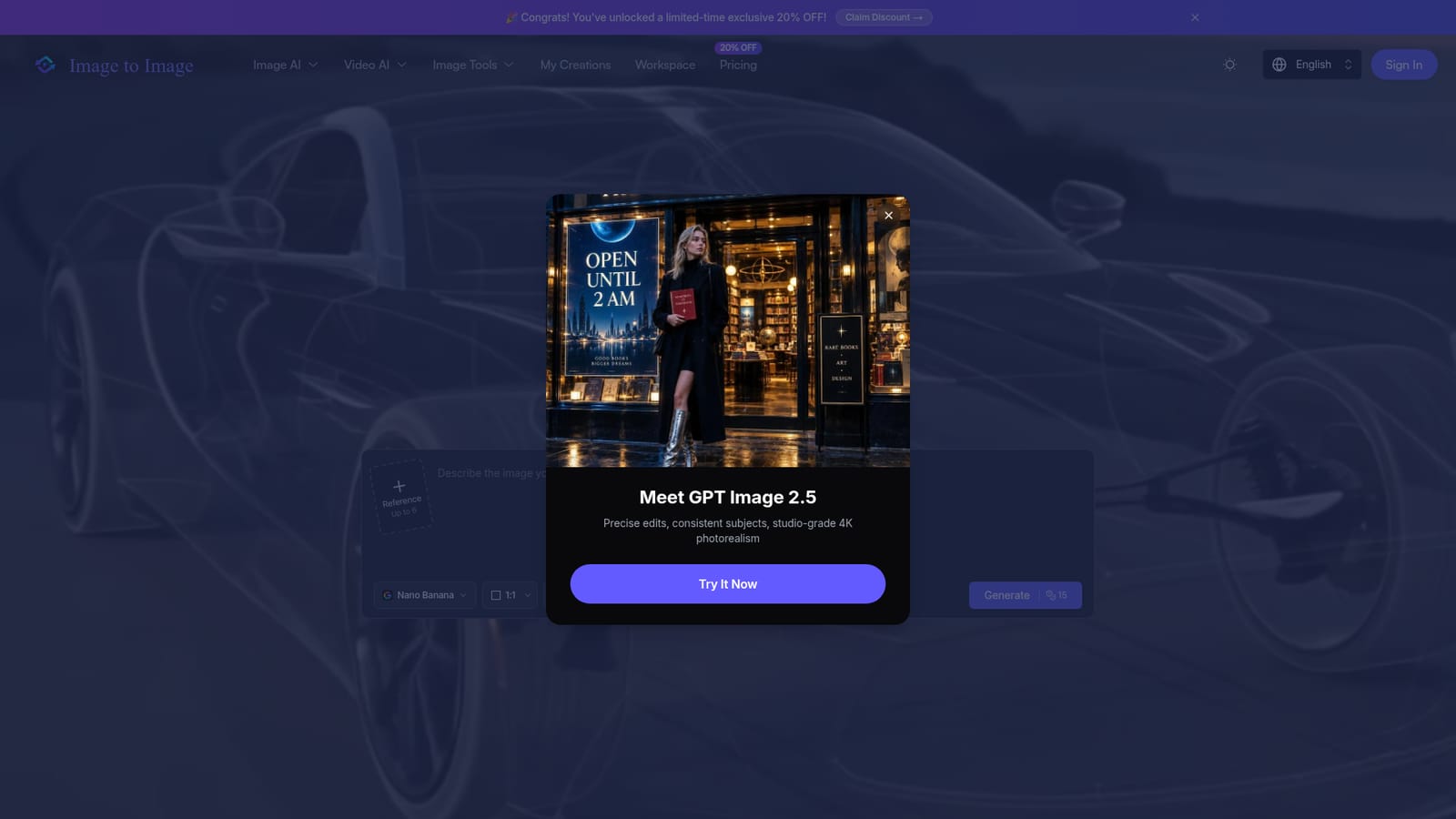
  2. 2Choose a model
    Pick a model from the dropdown, such as Nano Banana or GPT Image 2.5. The model table shows credit cost and best-fit uses to help the choice.
    Image to Image.tech — Choose a model
  3. 3Add references and a prompt
    Upload up to six reference images and describe the transformation you want in the prompt box, up to 5000 characters.
  4. 4Set ratio and format, then generate
    Select an aspect ratio and JPG or PNG output, then press Generate. The result is saved to your cloud storage.
  5. 5Try video generation
    Turn an image into a clip with the image-to-video page, or start from text on the text-to-video page.
    Image to Image.tech — Try video generation

Pros and cons

Pros

  • Wide model lineup from Google, OpenAI, xAI, Black Forest Labs, ByteDance and Alibaba in one placeAI
  • Model table lists credit cost, strengths and weaknesses, which helps match model to taskAI
  • Free daily credits are offered with no signup required to startAI
  • Accepts up to six reference images, useful for multi-image edits and consistent subjectsAI
  • Generated images and videos are saved automatically to free cloud storageAI

Cons

  • Credit costs vary by model (from 3 to 60 or more per generation), so budgeting takes some trackingAI
  • Several models list their own limits, such as imperfect fine text or capped edit resolutionAI
  • Free tier has a finite daily credit allowance, and the paid plans were the only route to watermark-free downloads listedAI
  • Focus is prompt-driven generation, so precise manual retouching is not a strengthAI
  • Homepage offers little detail on support channels, integrations or an APIAI

How much does Image to Image.tech cost?

Free trial

No signup is required, and visitors receive a fresh batch of free credits every day.

Learn more

Pricing

Free daily credits are given just for visiting, and extra credits can be bought. Paid monthly plans: Basic ($9.9/month billed annually, 1,000 credits), Plus ($23.9, 4,000 credits) and Pro ($39.9, 8,000 credits). Annual billing saves 20%.

Learn more

Support

Basic plan includes standard support; Plus and Pro include priority support.

Features

Image-to-image transformation with up to six references, text-to-image, image-to-video and text-to-video, 15 selectable models, aspect ratio and JPG/PNG options, watermark-free downloads on paid plans, and free cloud storage for outputs.

Learn more

Frequently asked questions about Image to Image.tech

  • How much does Image to Image.tech cost?
    Free daily credits are given just for visiting, and extra credits can be bought. Paid monthly plans: Basic ($9.9/month billed annually, 1,000 credits), Plus ($23.9, 4,000 credits) and Pro ($39.9, 8,000 credits). Annual billing saves 20%.
  • Does Image to Image.tech offer a free trial?
    No signup is required, and visitors receive a fresh batch of free credits every day.
  • How do you use Image to Image.tech?
    The walkthrough on this page covers 5 steps: 1. Open the image generator 2. Choose a model 3. Add references and a prompt 4. Set ratio and format, then generate 5. Try video generation.
  • What platforms does Image to Image.tech support?
    Image to Image.tech is available on Web App.
  • What are the limitations of Image to Image.tech?
    Credit costs vary by model (from 3 to 60 or more per generation), so budgeting takes some tracking. Several models list their own limits, such as imperfect fine text or capped edit resolution. Free tier has a finite daily credit allowance, and the paid plans were the only route to watermark-free downloads listed.

Status

StatusActive
Views0
Outbound clicks0
Added10/18/2026

Platforms

Web App

Pricing

FreemiumSubscription