Pricing
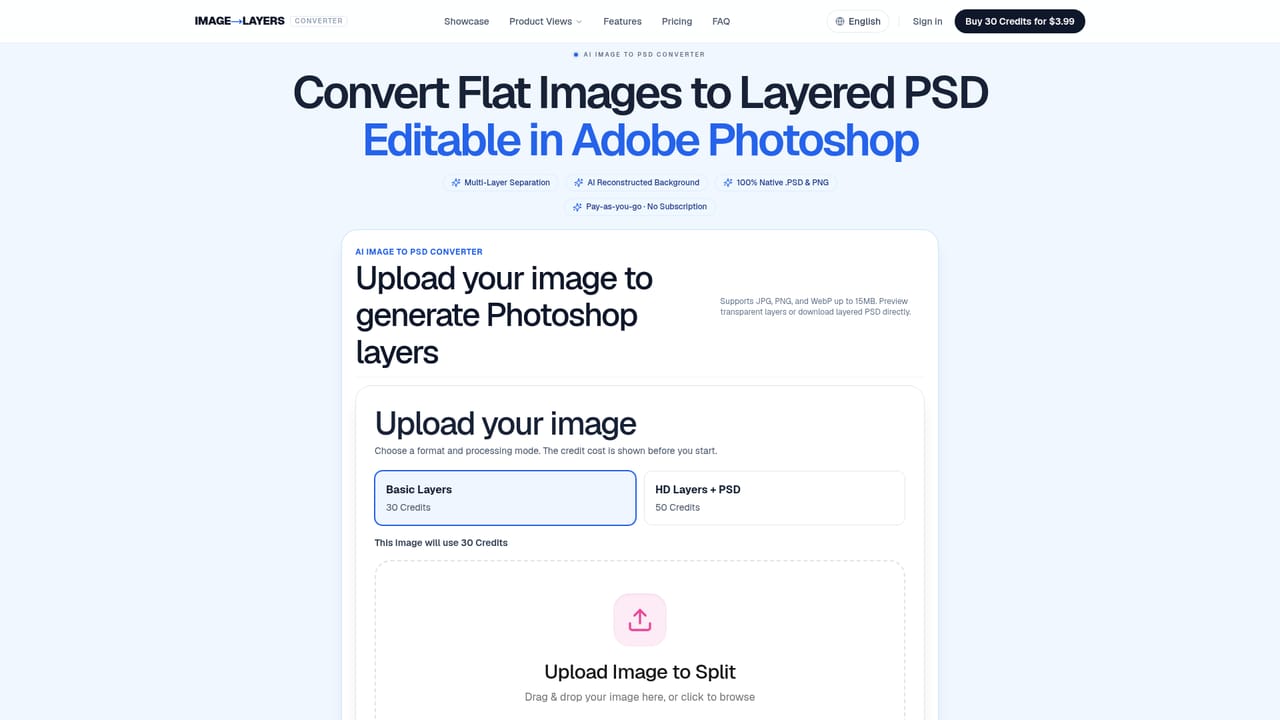
Pay-as-you-go credit packs with no subscription. The Starter Pack is $3.99 for 30 credits, covering one standard layer separation; HD Layers plus PSD export costs 50 credits per image.
Learn moreAI that splits flat images into editable transparent layers and PSDs.

Image to Layers uses AI segmentation and inpainting to turn a flat photo or illustration into separate transparent PNG layers and a reconstructed background, exportable as PSD or ZIP for use in Photoshop, After Effects and similar tools.
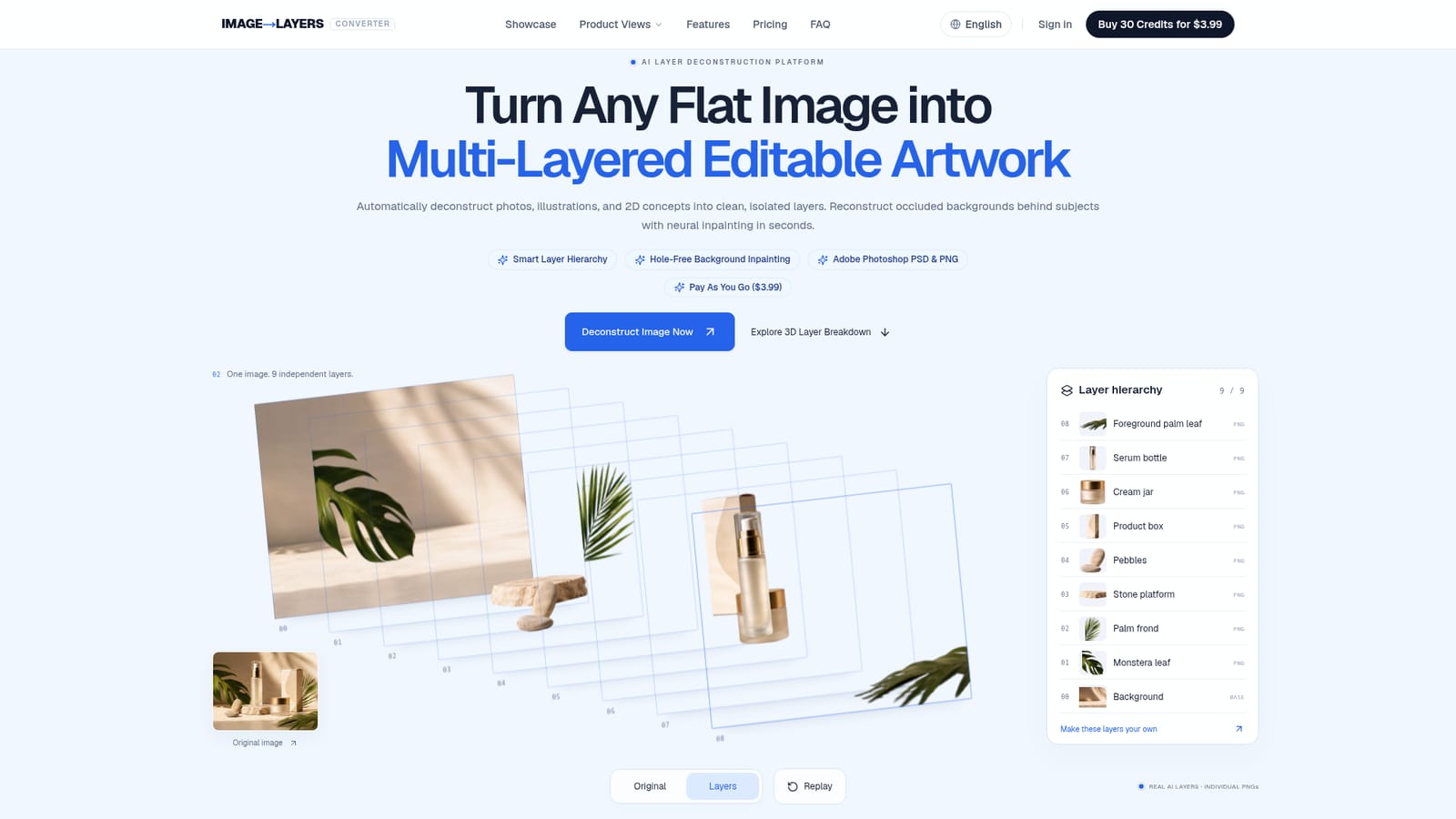
Image to Layers is a browser-based tool that takes a single flat image, photo or illustration and breaks it apart into separate transparent layers using AI. Instead of a basic background remover that leaves an empty cutout, its neural model identifies individual objects such as products, characters, props and shadows, then reconstructs the hidden scenery behind them through occlusion inpainting. The result is a stack of independently editable PNG layers plus a reconstructed background, exportable as a native Photoshop PSD or a ZIP archive with a JSON manifest. The tool targets people who need layered source files but do not want to manually trace, mask and clone-stamp in Photoshop. That includes product photographers and ecommerce sellers preparing Amazon or Shopify mockups, advertising and social media designers reworking seasonal campaigns, illustrators building CGs for visual novels, and animators assembling parallax depth passes for After Effects, Spine 2D or Live2D Cubism. In practice, a user uploads a JPG, PNG or WebP file up to 30MB, chooses between a standard layer separation or an HD plus PSD export, and watches credits get deducted only after processing completes. The interactive canvas lets layers be toggled, reordered and repositioned before export, so the output can be inspected before committing to a download. Typical results range from three to twelve distinct layers depending on scene complexity. Within the layer-extraction niche, Image to Layers differentiates itself mainly through its inpainting step: competitors that simply cut out a subject leave a transparent hole, while this tool attempts to synthesize plausible texture and lighting underneath. It sits alongside manual Photoshop workflows and generic background removers as a faster, automated middle ground, though it is a specialized utility rather than a full design or editing suite.
Pay-as-you-go credit packs with no subscription. The Starter Pack is $3.99 for 30 credits, covering one standard layer separation; HD Layers plus PSD export costs 50 credits per image.
Learn moreExported PNG and PSD files are stated to be compatible with Adobe Photoshop, Clip Studio Paint, Canva, Procreate, Figma, After Effects and Live2D Cubism.
Semantic segmentation and edge matting isolate subjects, props and shadows into transparent PNG layers; neural inpainting reconstructs occluded backgrounds; an interactive canvas allows real-time reordering and visibility toggling; export options include PNG, ZIP with JSON manifest, and native PSD.
Learn more AI Angels400+ customizable AI girlfriends for NSFW chat, voice calls, and roleplay
 Candy AIExperience the future of companionship with AI friends who chat, role-play, and connect with you on a human level.
 ourdream.aiA vast AI roleplay platform with millions of characters for chat, images, video and voiceAI Angels400+ customizable AI girlfriends for NSFW chat, voice calls, and roleplayCandy AIExperience the future of companionship with AI friends who chat, role-play, and connect with you on a human level.ourdream.aiA vast AI roleplay platform with millions of characters for chat, images, video and voice


