Pricing
Quixary charges per image processed rather than through a monthly subscription. The price for a given job is shown before the job runs, so costs are visible upfront for each tool used.
Learn moreA browser based image studio with eight focused tools and pay per image pricing.

Quixary is a browser based AI image studio offering eight separate tools, background removal, upscaling, text removal, extension, relighting, camera angle change, retouching, and text to image generation, priced per image rather than by subscription.
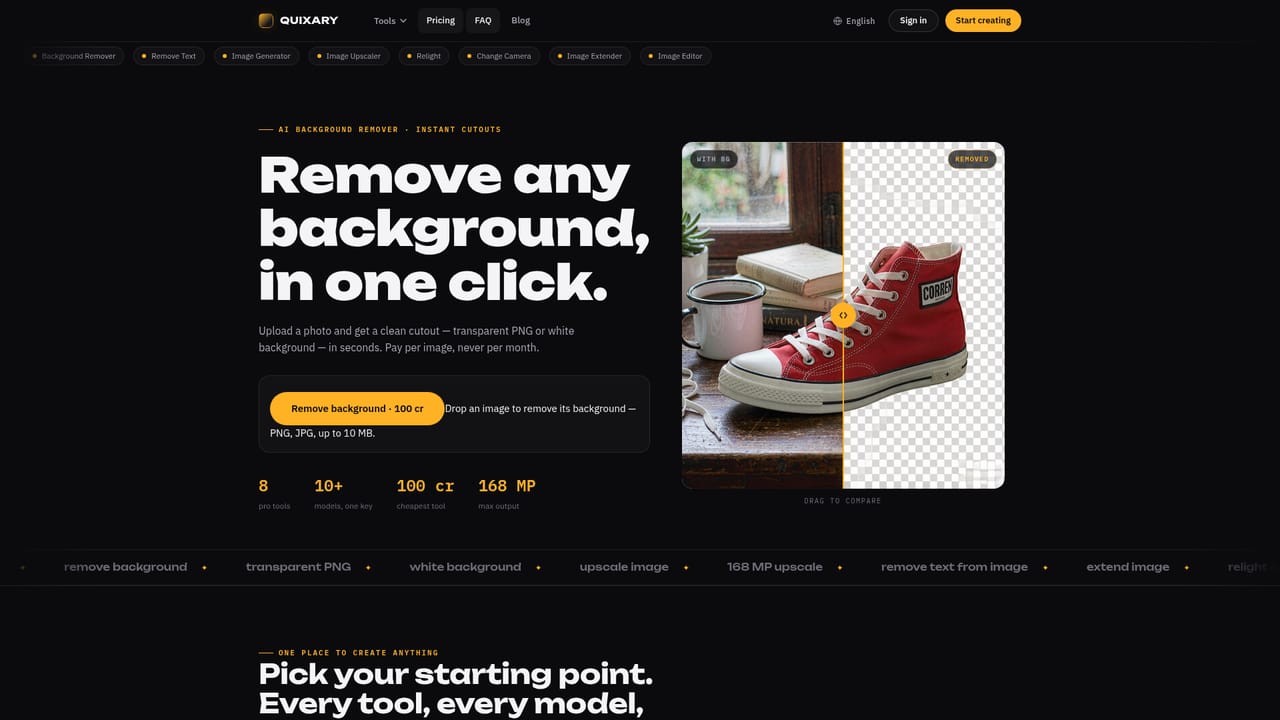
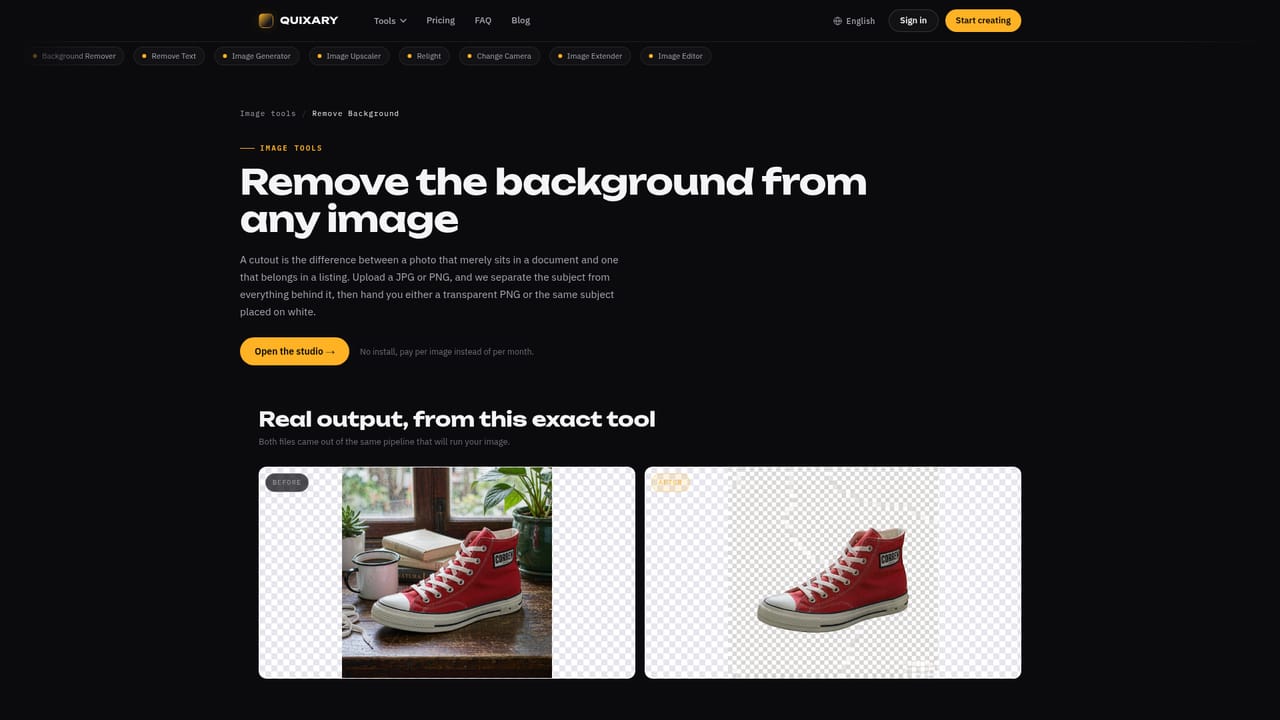
Quixary is a browser based image editing and generation studio built around eight separate tools rather than one do everything interface. Each tool targets a specific job: removing a background, erasing unwanted text or objects, upscaling resolution, extending an image beyond its original frame, retouching faces and detail, relighting a scene, changing the camera angle of a shot, and generating new images from a text prompt. Instead of a single complex editor with layered menus, users pick the tool that matches the task and work through a narrow, purpose built flow. The product is aimed at people who need occasional, high quality image fixes without installing desktop software or paying for a recurring plan. That includes online sellers preparing product photos, photographers cleaning up shots, marketers preparing creative assets, and small teams that do not have the volume to justify a full subscription to a traditional editing suite. Nothing is installed locally and no account software runs outside the browser, which keeps the barrier to entry low for someone who just needs one image fixed today. In practice, a user uploads a photo, selects the relevant tool (background removal, upscaling, text removal, and so on), and sees the price of the job before committing to run it. Output comes back as a processed image ready to download, with no bundled subscription tier required to access the tools. This pay per image approach sets Quixary apart from many AI photo editors that lock core functions behind monthly plans, positioning it closer to a utility than a creative suite. Among alternatives, Quixary sits between single purpose background removers and full AI editing platforms. It does not try to replace a complete design tool like Photoshop, but it covers a wider range of common photo fixes than most single feature apps, consolidating background removal, upscaling, relighting, reframing, and generation into one browser based workspace.
Quixary charges per image processed rather than through a monthly subscription. The price for a given job is shown before the job runs, so costs are visible upfront for each tool used.
Learn moreSupport is available through a dedicated contact page, alongside published policies covering acceptable use and refunds.
Learn moreEight dedicated tools: background removal, image upscaling, text and object removal, image extension (outpainting), face and detail retouching via an AI image editor, photo relighting, camera angle change, and text to image generation, all accessible from the browser.
Learn moreTwitter / X
 AI Angels400+ customizable AI girlfriends for NSFW chat, voice calls, and roleplay
 Candy AIExperience the future of companionship with AI friends who chat, role-play, and connect with you on a human level.
 ourdream.aiA vast AI roleplay platform with millions of characters for chat, images, video and voiceAI Angels400+ customizable AI girlfriends for NSFW chat, voice calls, and roleplayCandy AIExperience the future of companionship with AI friends who chat, role-play, and connect with you on a human level.ourdream.aiA vast AI roleplay platform with millions of characters for chat, images, video and voice


