Pricing
A small preview PNG is free with no account. Full-resolution PNG downloads use one cutout credit from either the RemoveBG Pack or RemoveBG Plus plan; specific prices are not listed on the homepage.
Learn moreCuts a subject out of any photo and drops it onto transparency or a solid color.

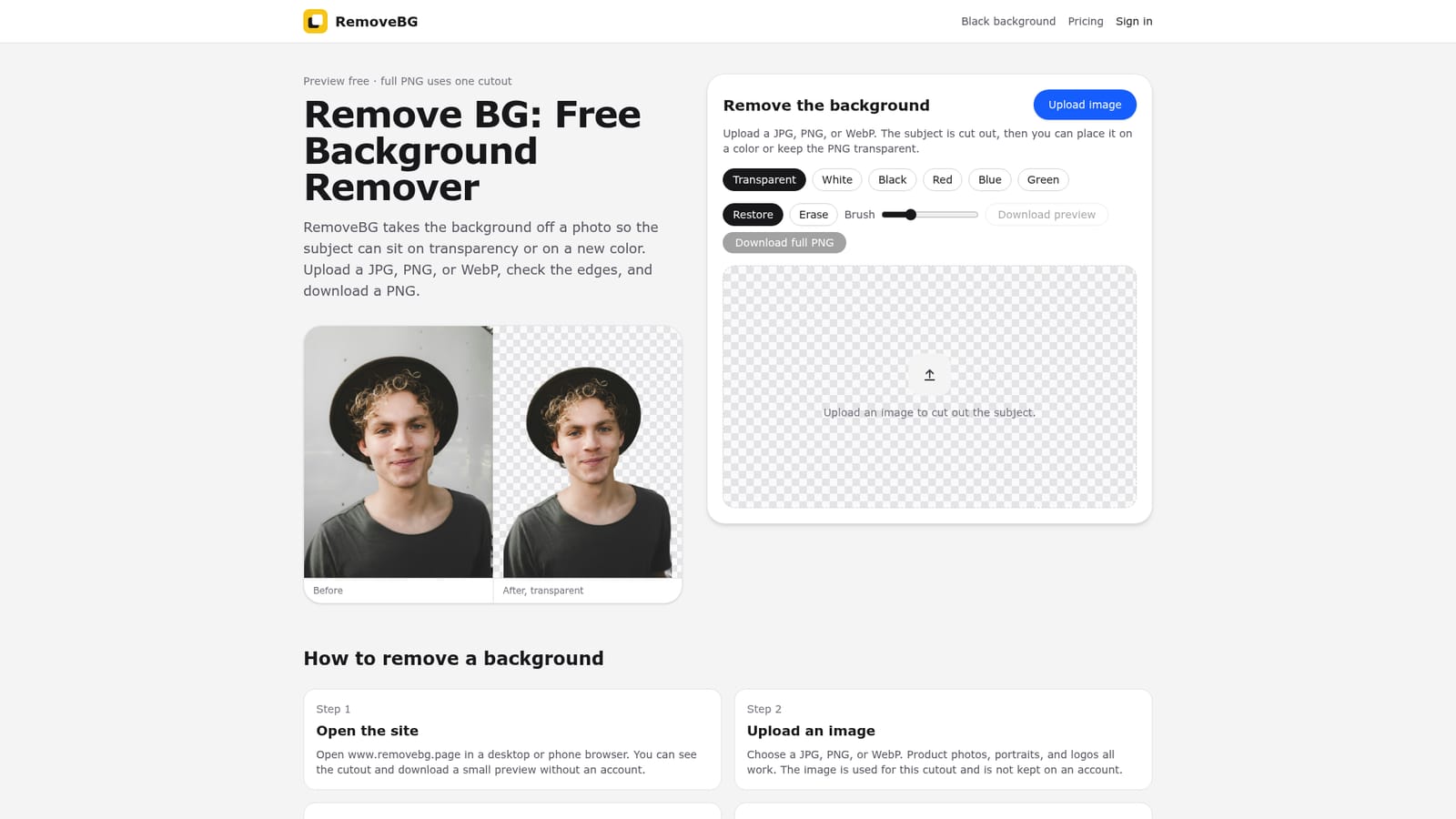
RemoveBG is a background tool. RemoveBG isolates the subject of a photo so it can be exported as a transparent PNG or placed on a flat white, black, red, blue, or green canvas, directly in a browser.
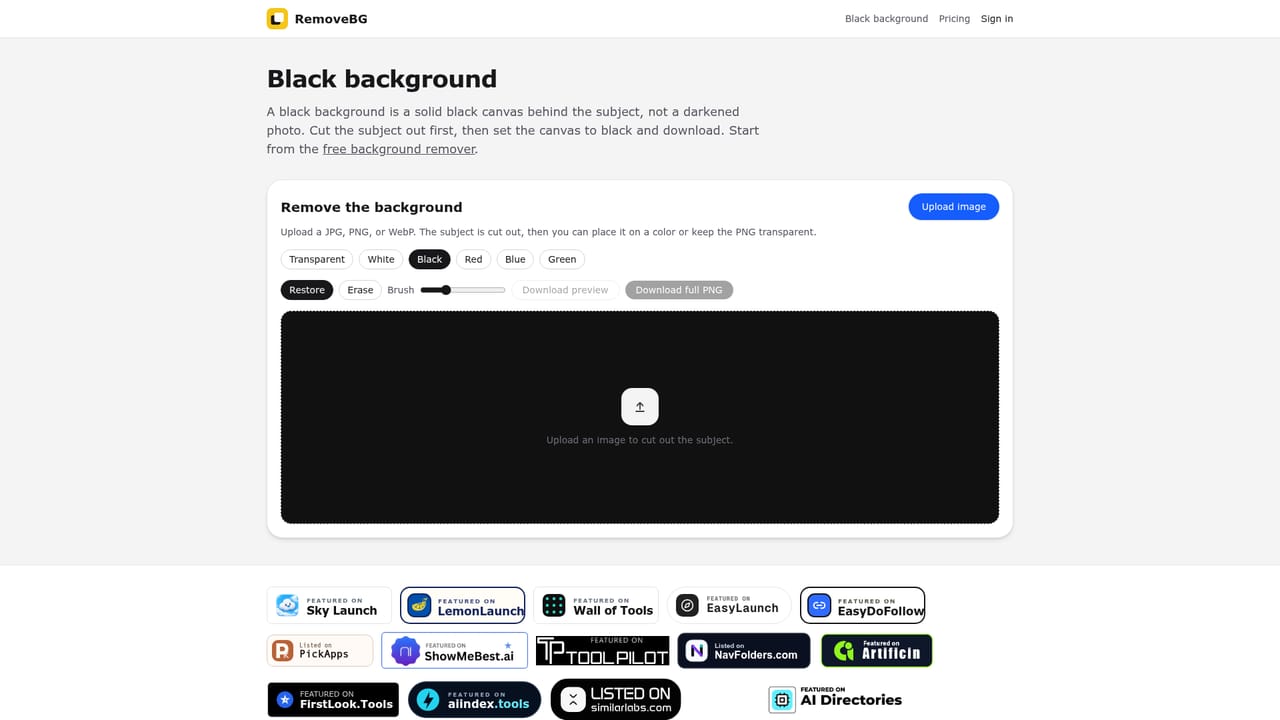
RemoveBG is a browser-based background remover built around a single workflow: upload a photo, let the cutout engine isolate the subject, then either keep the file transparent or place it on a flat canvas. It works directly in the browser on desktop or mobile, so no app install is required, and it accepts JPG, PNG, and WebP files. The tool is aimed at anyone who needs a clean subject cutout without opening a full photo editor: online sellers prepping catalog shots, designers building slide decks and logos, and people who just need a tidy headshot or product image for a profile or listing. In practice the process is short. A photo goes in, the remover separates the subject from its original scene, and the result can be checked against a checkerboard pattern to confirm the empty pixels are where they should be. From there, a small color palette (transparent, white, black, red, blue, green) swaps the canvas behind the subject without touching the subject itself. A Restore and Erase pair of tools lets a user patch back clipped hair or a missed product edge, or clear a stray fragment of the old background that survived the cut, before exporting. The free tier covers the cutout preview and a small downloadable version, which is enough to judge quality before committing to anything. A full-resolution PNG download draws on a cutout credit from one of the paid plans. Compared with full image editors like Photoshop, RemoveBG trades flexibility for speed: it does one job (isolate a subject and recolor its backdrop) and skips layers, masks, and manual selection tools. That makes it a fit for repetitive batches of product or portrait photos rather than complex composites, and it sits closer to single-purpose cutout tools than to general photo editing suites.
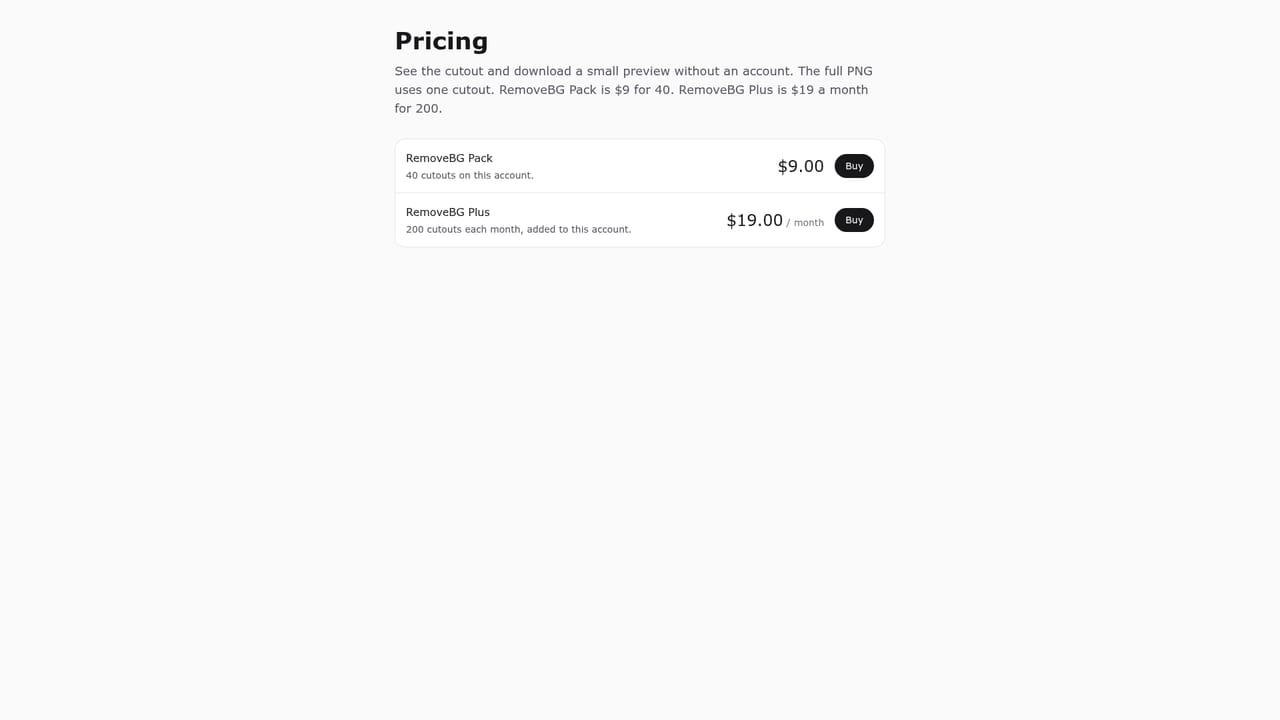
A small preview PNG is free with no account. Full-resolution PNG downloads use one cutout credit from either the RemoveBG Pack or RemoveBG Plus plan; specific prices are not listed on the homepage.
Learn moreAn FAQ section on the homepage answers common questions about formats, accounts, commercial use, and mobile support; no separate help center or contact channel is listed.
Automatic background cutout from JPG, PNG, or WebP uploads, transparent or solid-color (white, black, red, blue, green) export, Restore and Erase tools for edge correction, free low-res preview, browser-based use on desktop and mobile.
 AI Angels400+ customizable AI girlfriends for NSFW chat, voice calls, and roleplay
 Candy AIExperience the future of companionship with AI friends who chat, role-play, and connect with you on a human level.
 ourdream.aiA vast AI roleplay platform with millions of characters for chat, images, video and voiceAI Angels400+ customizable AI girlfriends for NSFW chat, voice calls, and roleplayCandy AIExperience the future of companionship with AI friends who chat, role-play, and connect with you on a human level.ourdream.aiA vast AI roleplay platform with millions of characters for chat, images, video and voice


