Free trial
Free tools are available without paying, including text-to-image generation, background removal and basic editing. Limits on the free tier are not specified on the homepage.
Learn moreMany AI image models and editing tools gathered in one browser app
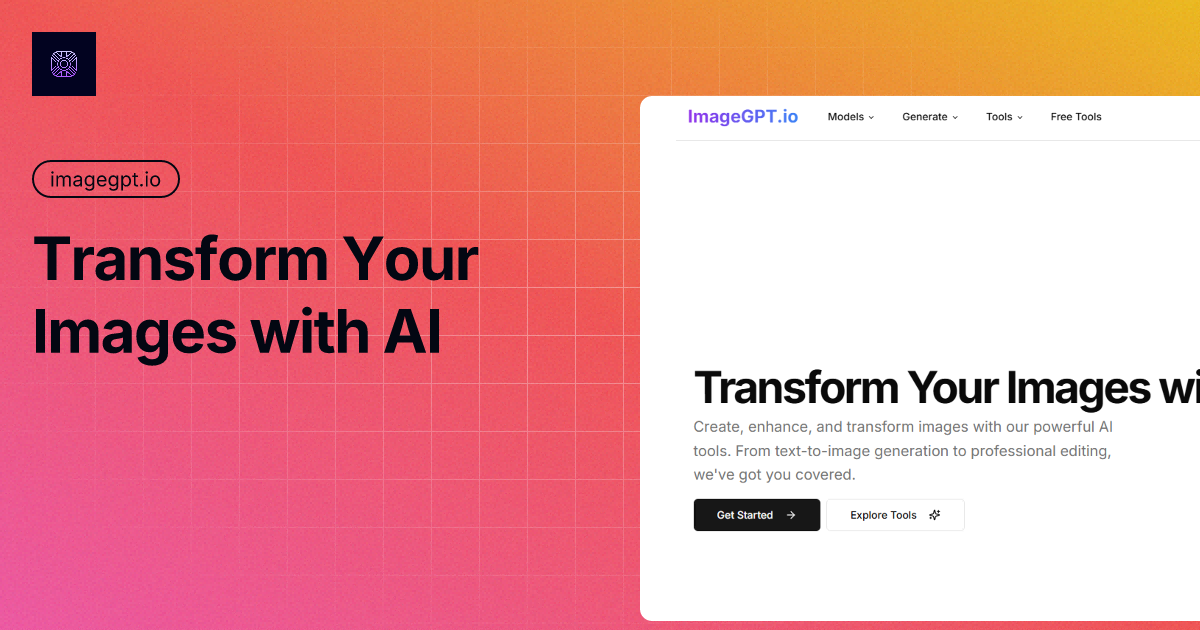
ImageGPT is a browser-based hub for AI image generation, enhancement and editing that offers many third-party models (GPT-4o, Flux, Ideogram, Stable Diffusion, DALL-E 3) alongside inpainting, upscaling and background removal tools, with free and paid tiers.
ImageGPT is a web platform that bundles AI image generation, enhancement and editing under one roof. Rather than building a single proprietary model, it gives access to a spread of third-party engines, including GPT-4o, Flux, Recraft, Ideogram, Stable Diffusion, DALL-E 3, Gemini-based editing (marketed as Nano Banana) and Seedream 4.0. Each model or task gets its own landing page and workspace, so users pick the engine that suits the job. The tool list is wide. Generation covers text-to-image and image-to-image, plus themed generators such as a Ghibli-style creator, an action figure maker and a GPT-4o effect collection. Editing tools include inpainting, outpainting, object removal, background removal, face swap, an image enhancer, an unblur tool and a Flux Kontext workflow that edits pictures from plain-language instructions and can combine several images into one. A newer Nano Banana Pro model is promoted for 4K output, stronger text rendering and blending up to 14 reference images. In practice, a visitor opens the tool that matches the task, uploads a picture or types a prompt, and receives the result in the browser. The site states that free tools exist, including text-to-image, background removal and basic editing, with paid plans for advanced features and higher usage limits. The homepage also lists a few sister utilities for translating video, documents and text in images, hosted on a separate domain. ImageGPT suits marketers, small business owners, content creators and designers who want to try several models without keeping separate accounts. Its closest alternatives are single-model services and other multi-model hubs. The trade-off is that quality depends on whichever underlying engine is chosen, and the platform's own differentiation lies in packaging and convenience more than in original technology. The homepage leans on marketing claims, such as user counts and partner names, that are not independently documented there.
Free tools are available without paying, including text-to-image generation, background removal and basic editing. Limits on the free tier are not specified on the homepage.
Learn moreThe site says it offers both free and premium features, with affordable premium plans for advanced tools and higher usage limits. No plan prices are listed on the homepage. A first-purchase promotion offering 50% off with a code was shown at the time of capture.
Learn moreSupport is offered through an email contact linked from the FAQ. The site also publishes blog-style tutorials and comparison articles.
Text-to-image and image-to-image generation, access to GPT-4o, Flux, Recraft, Ideogram, Stable Diffusion, DALL-E 3, Gemini and Seedream models, inpainting, outpainting, object and background removal, face swap, enhancement, unblur, image combining and themed effect generators.
Learn more AI Angels400+ customizable AI girlfriends for NSFW chat, voice calls, and roleplay
 Candy AIExperience the future of companionship with AI friends who chat, role-play, and connect with you on a human level.
 ourdream.aiA vast AI roleplay platform with millions of characters for chat, images, video and voiceAI Angels400+ customizable AI girlfriends for NSFW chat, voice calls, and roleplayCandy AIExperience the future of companionship with AI friends who chat, role-play, and connect with you on a human level.ourdream.aiA vast AI roleplay platform with millions of characters for chat, images, video and voice


