Free trial
There is no separate time-limited trial; the converter is free to use on a daily quota for printed formulas, with credits required for handwriting and document conversion.
Learn moreTurn a math screenshot into clean, editable LaTeX and Word equations in seconds.

imagetolatex is an education tool that turns a math screenshot into clean, editable LaTeX and Word equations in seconds. A focused image-to-LaTeX converter that turns screenshots, photos and handwriting into editable LaTeX and Word equations, with a free daily tier, a built-in equation editor and a LaTeX symbol reference.
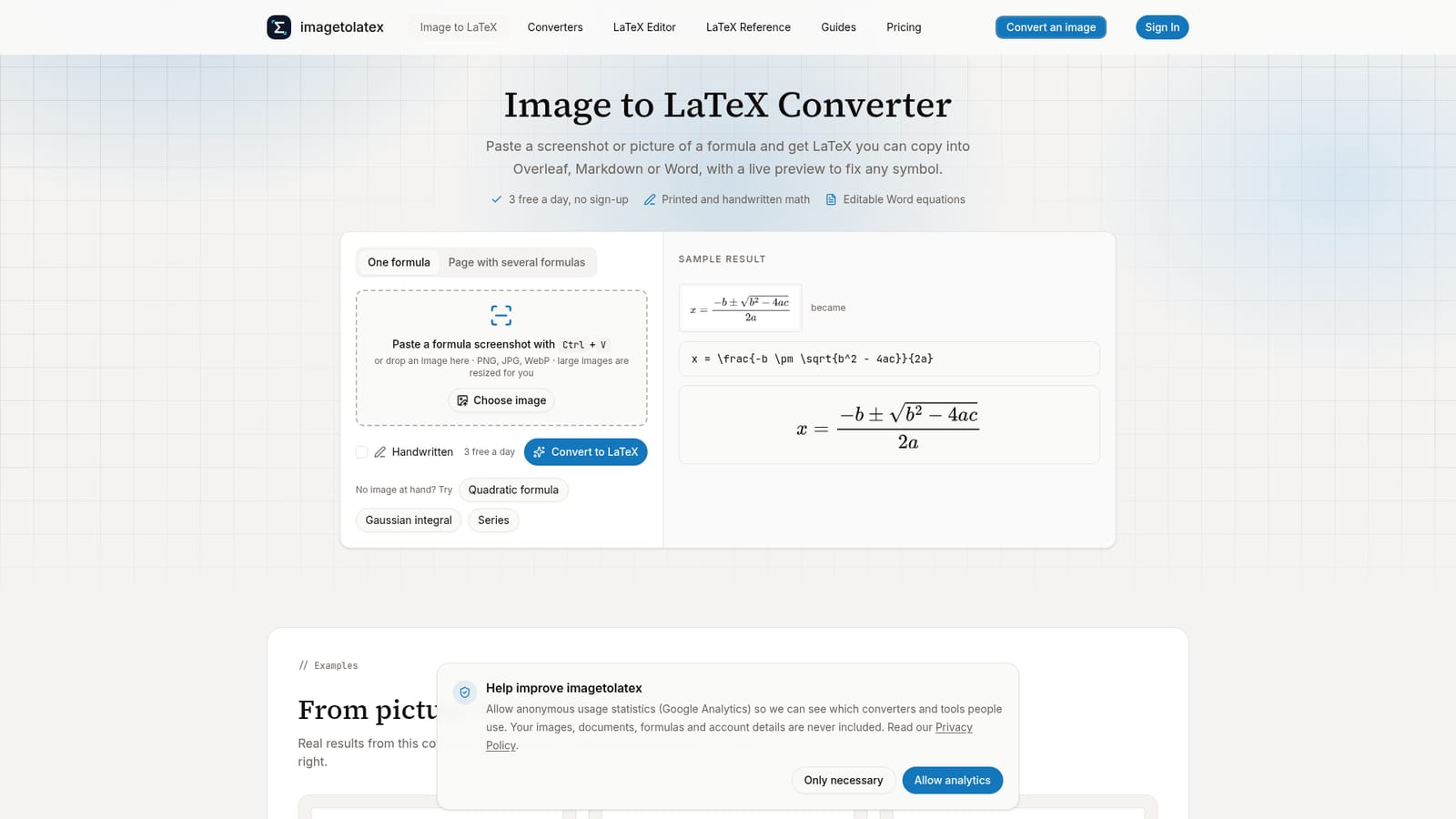
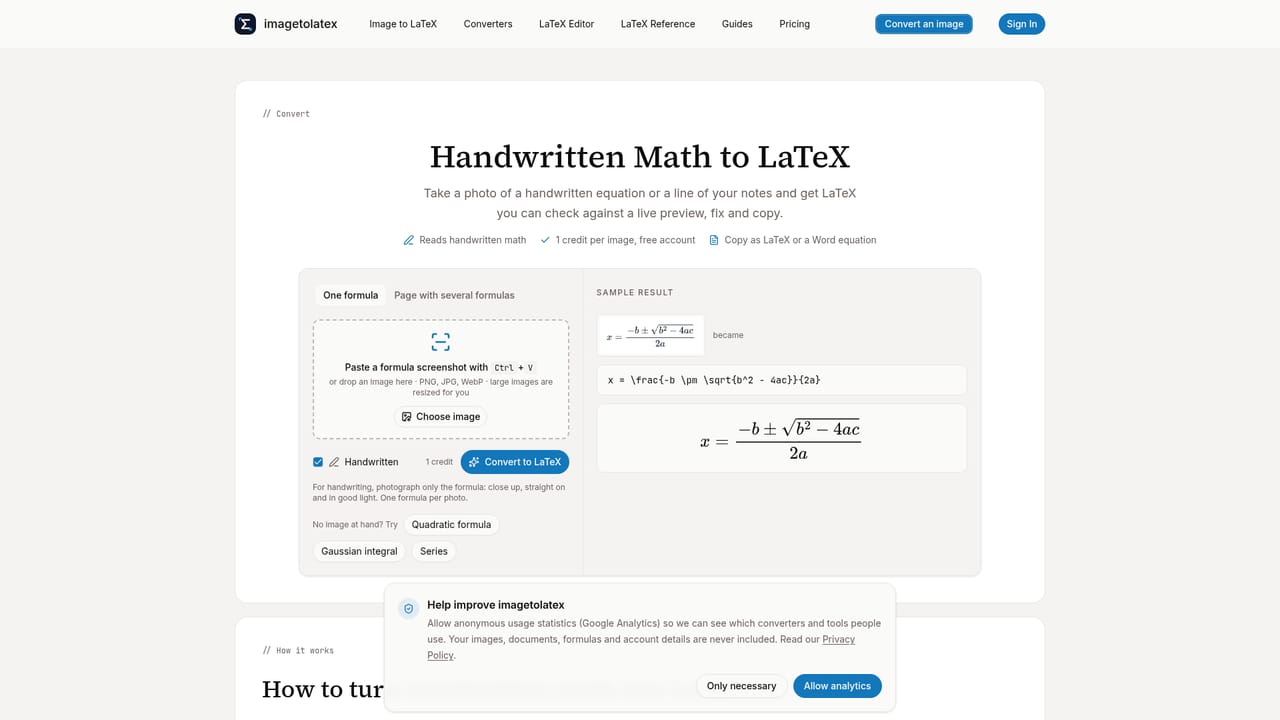
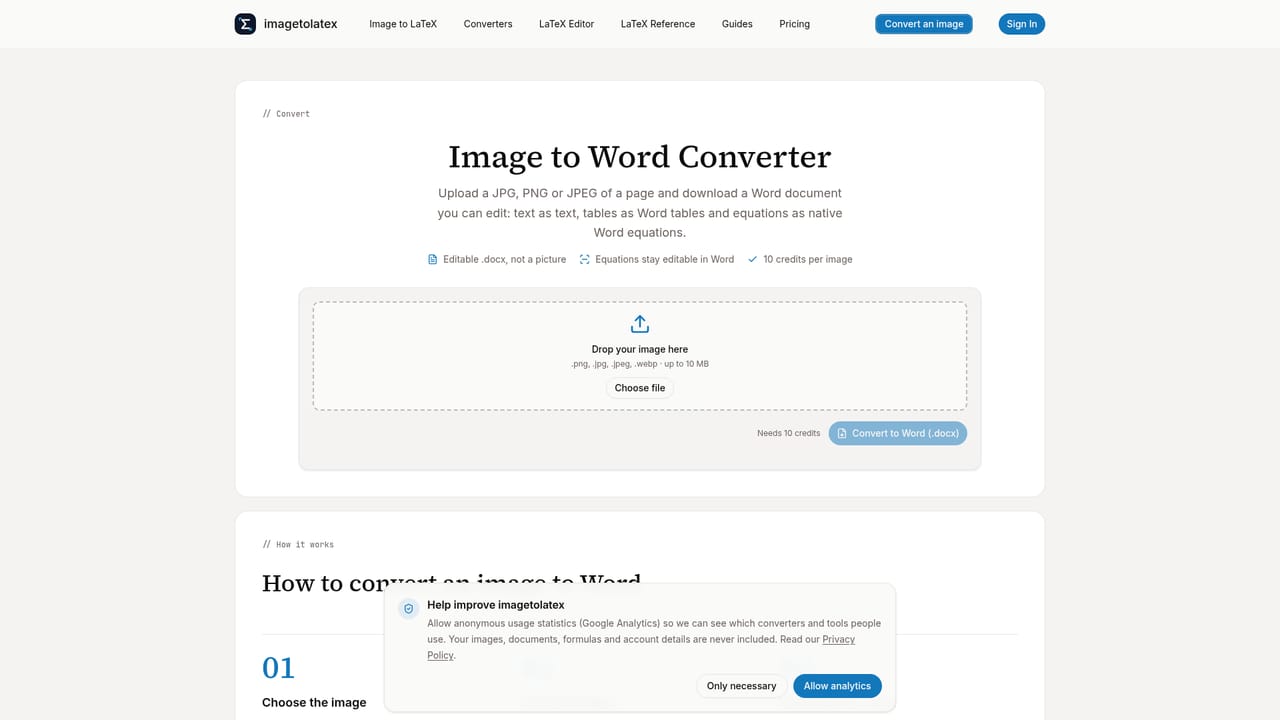
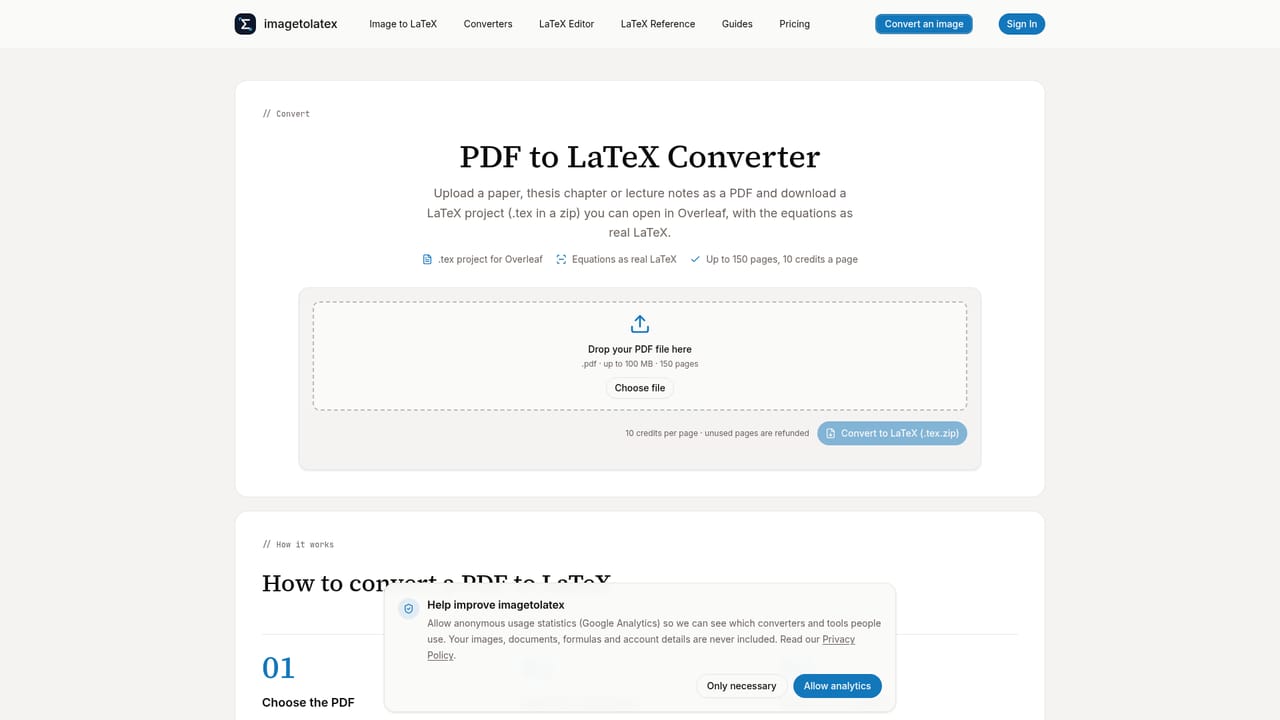
imagetolatex is a browser-based converter that reads an image of a math formula, printed or handwritten, and returns LaTeX code alongside a rendered preview. Users paste a screenshot, drop an image file, or photograph a whiteboard or notebook page, and the tool recognizes the symbols and structure well enough to reconstruct the expression as editable markup rather than a static picture. The tool is built for anyone who regularly moves math between formats: students typing up homework, researchers assembling a paper in Overleaf, teachers building worksheets, or writers who need a formula to behave as a real equation in Word instead of a pasted image. Because the code and the rendered output sit side by side, a misread subscript or missing symbol is easy to spot and correct before the formula ever leaves the page. In practice, a single formula converts for free without an account, with daily limits that loosen once a free account is created. Harder cases, handwriting, pages with multiple formulas, and full PDF or Word documents, draw on a credit-based high-accuracy engine instead of the standard free path. Output is not limited to raw LaTeX: a copy-for-Word option produces a genuine, editable Word equation via MathML, and downloads are available as .docx, PNG or SVG. Beyond the converter itself, the site bundles a standalone LaTeX equation editor, a table generator, and a reference library covering common syntax (fractions, matrices, arrows, inequalities and more), which makes it useful even when there is no image to convert at all. Against general-purpose OCR or manual LaTeX typing, imagetolatex positions itself as a narrower, formula-specific tool: faster than typing code from scratch, and more structured in its output than a generic image-to-text scraper, at the cost of needing credits once usage moves past simple printed formulas.
There is no separate time-limited trial; the converter is free to use on a daily quota for printed formulas, with credits required for handwriting and document conversion.
Learn morePrinted formulas convert free: 3 a day without an account (20 a month), rising to 6 a day (50 a month) plus Word downloads with a free account. Credits cover handwriting, high-accuracy re-runs, and PDF or Word document conversion. Full plan details are on the pricing page.
Learn moreSupport is available by email at support@imagetolatex.com, backed by documentation and step-by-step guides covering equation insertion in Word, Google Docs and PowerPoint.
Learn moreOutput is designed to be pasted into Overleaf, Markdown, Google Docs or Microsoft Word, and exported as .docx, PNG, SVG or Excel-ready formats; no API or third-party app integrations are mentioned.
Converts pasted or uploaded images of printed and handwritten formulas into LaTeX with a live rendered preview, editable code box, copy-for-Word (MathML) output, and .docx, PNG or SVG export. Also offers PDF to LaTeX, image to Word, LaTeX to Word converters, a standalone LaTeX equation editor, a table generator, and a LaTeX symbol reference.
Learn more


