Free trial
A free plan gives registered users 20 basic credits daily, enough for two manga page translations a day at 10 credits each. Free uploads are capped at 10MB and limited to personal use.
Learn moreManga, manhwa and webtoon page translator that keeps the art intact
Own ImageTranslate.AI? Verify ownership to get a dofollow link

ImageTranslate.AI is an image editing tool. Web-based AI translator for manga, manhwa, manhua and webtoons. It detects speech bubbles, swaps in translated text across 130+ languages and keeps the original artwork, with a free daily allowance and paid plans for batches and commercial use.
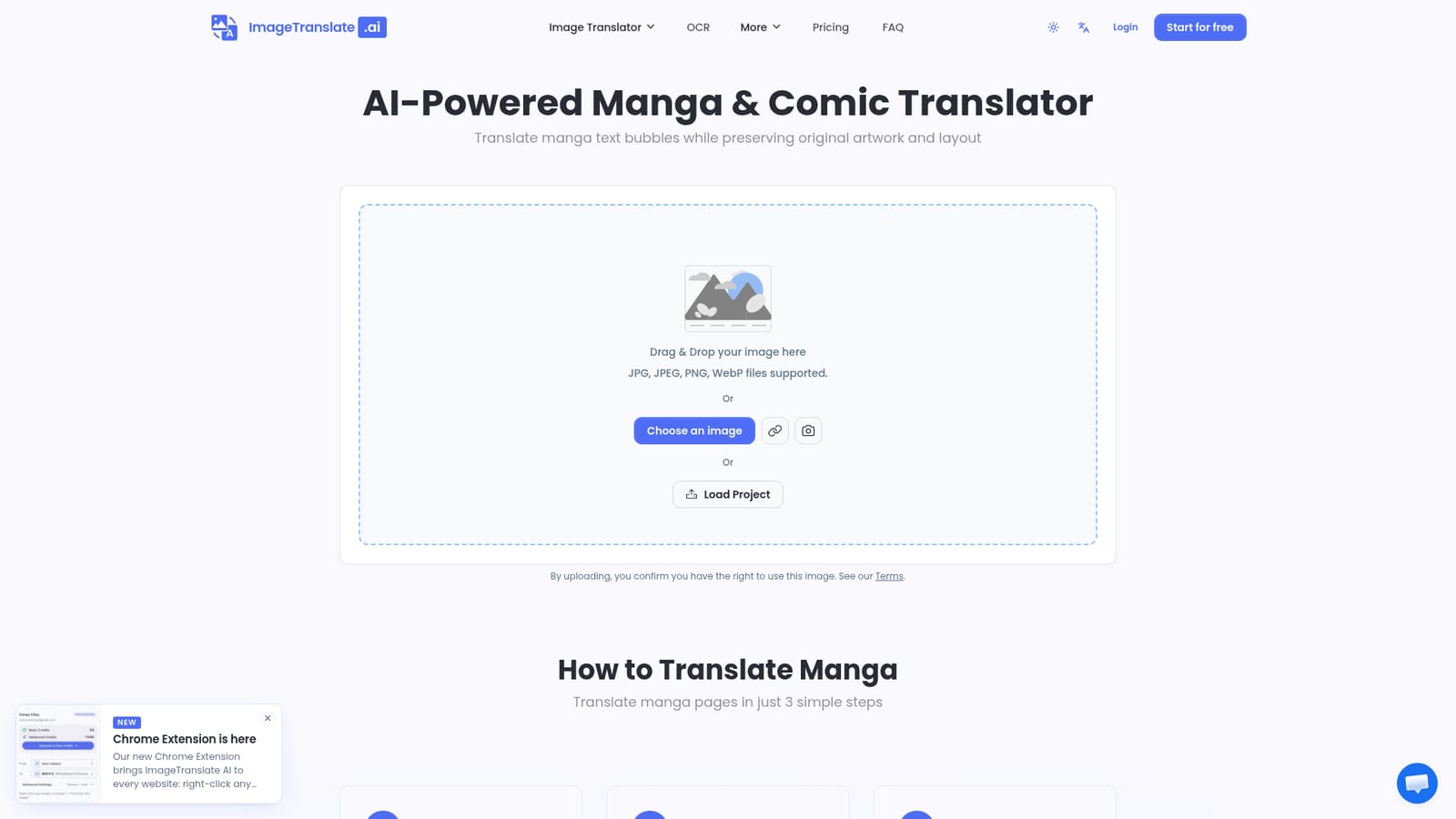
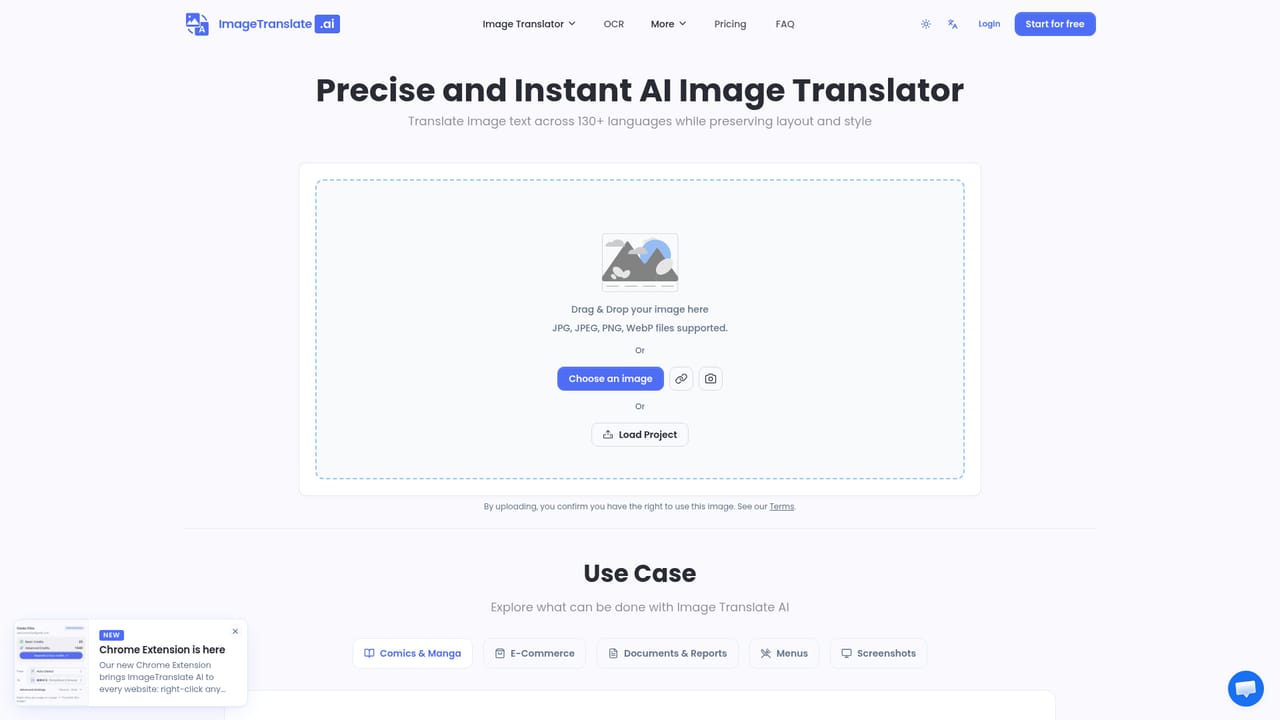
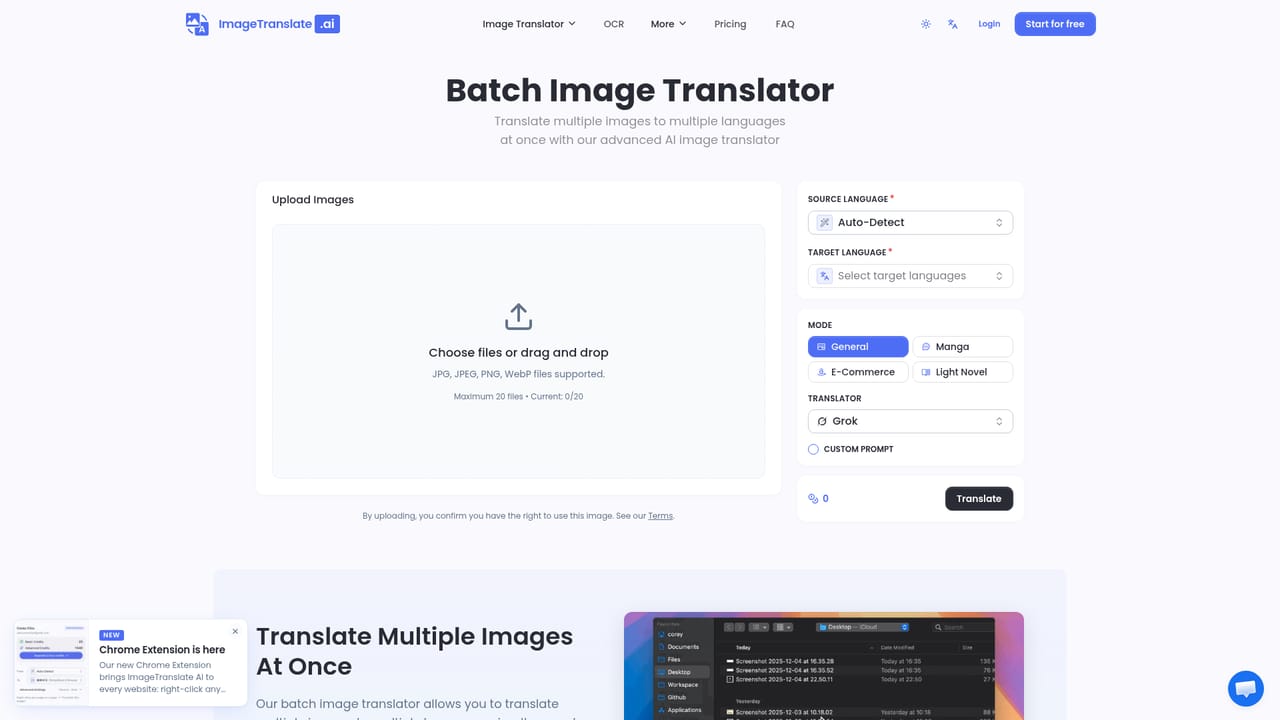
ImageTranslate.AI Manga Translator is a browser-based tool that translates text inside comic pages and puts the result back into the original speech bubbles. A user uploads a JPG, PNG or WebP page, picks a source and target language from more than 130 options, and downloads a version where the dialogue has been replaced while the illustrations and layout stay as drawn. The tool is aimed at readers who want to follow raws in their own language, as well as scanlation-style workflows, small publishers and teams that need to localize comics. It handles Japanese manga, Korean manhwa, Chinese manhua and long vertical webtoon strips. Detection is tuned to the problems that make comic pages harder than ordinary documents: vertical and rotated text, right-to-left reading order, sound effects, honorifics such as -san and -kun, and the different voices of dialogue bubbles, narration boxes and inner thoughts. The site notes that clear printed-style sound effects translate best, while heavily stylized hand-drawn ones can occasionally be missed, and a built-in editor lets users correct any text block afterwards. In practice the flow has three steps: upload, choose languages, download. Under the hood the service removes the original lettering, fills the background and typesets the new text in the bubble. Several AI model families are offered for the translation itself, and extra options include custom prompts, a translation editor and a light novel mode. Batch mode, available from the Professional plan, accepts up to 20 pages at once for chapter-length jobs. A Chrome extension translates images in place on other websites using the same account and credits. Among alternatives, it sits between general image translators and dedicated scanlation editing software. It trades fine manual typesetting control for speed and a credit-based pricing model, with a free tier of two pages a day and paid plans that add monthly credits, larger file limits and commercial use.
A free plan gives registered users 20 basic credits daily, enough for two manga page translations a day at 10 credits each. Free uploads are capped at 10MB and limited to personal use.
Learn moreFree Basic plan with 20 basic credits per day; each page translation costs 10 credits. Paid plans on monthly or yearly billing: Starter about $8.3/month, Professional about $16.6/month and Enterprise about $83.3/month when billed annually. Paid tiers add monthly advanced credits and commercial use.
Learn moreSupport is by email at support@imagetranslate.ai. Starter includes full support, Professional adds priority custom support, and Enterprise offers 1v1 custom support.
A Chrome extension translates images in place on any website using the same account and credits. The pricing table also lists an API, available on Professional and Enterprise plans, and several AI model families such as Gemini, ChatGPT and Claude.
Speech bubble detection, smart text removal and replacement, vertical and rotated text reading, sound effect translation, honorific handling, 130+ languages, a translation editor, custom prompts, batch mode, and a Chrome extension for in-place image translation.


