ImgEditor AI

Prompt-driven photo editing and focused AI tools in one browser workspace

Beginner
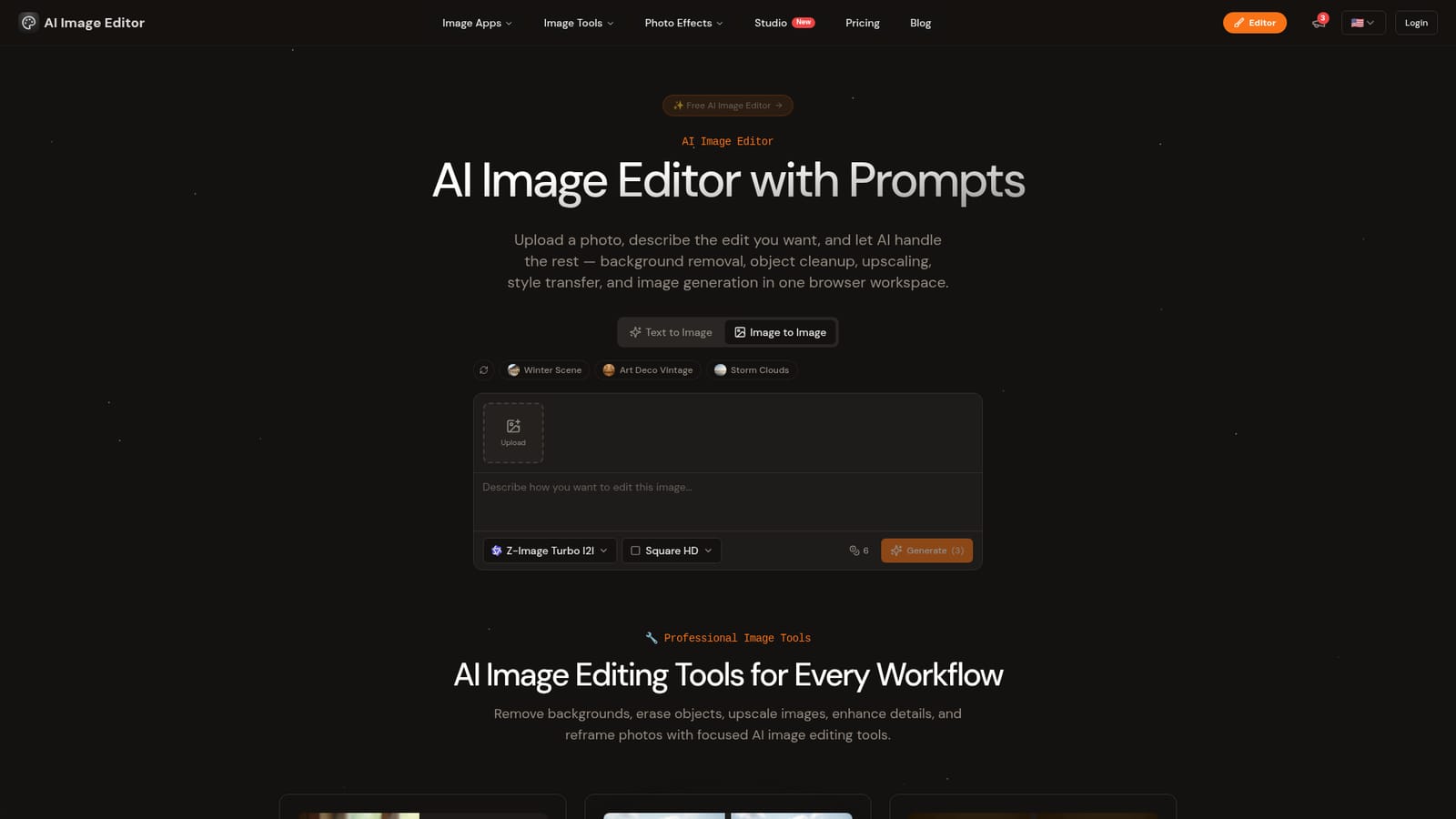
Screenshot of ImgEditor AI, Prompt-driven photo editing and focused AI tools in one browser workspace

What is ImgEditor AI?

ImgEditor AI is a browser-based image editor that pairs prompt-driven edits with dedicated tools for background removal, object removal, upscaling and resizing, plus style effects and image generation. Free to start, with no install.

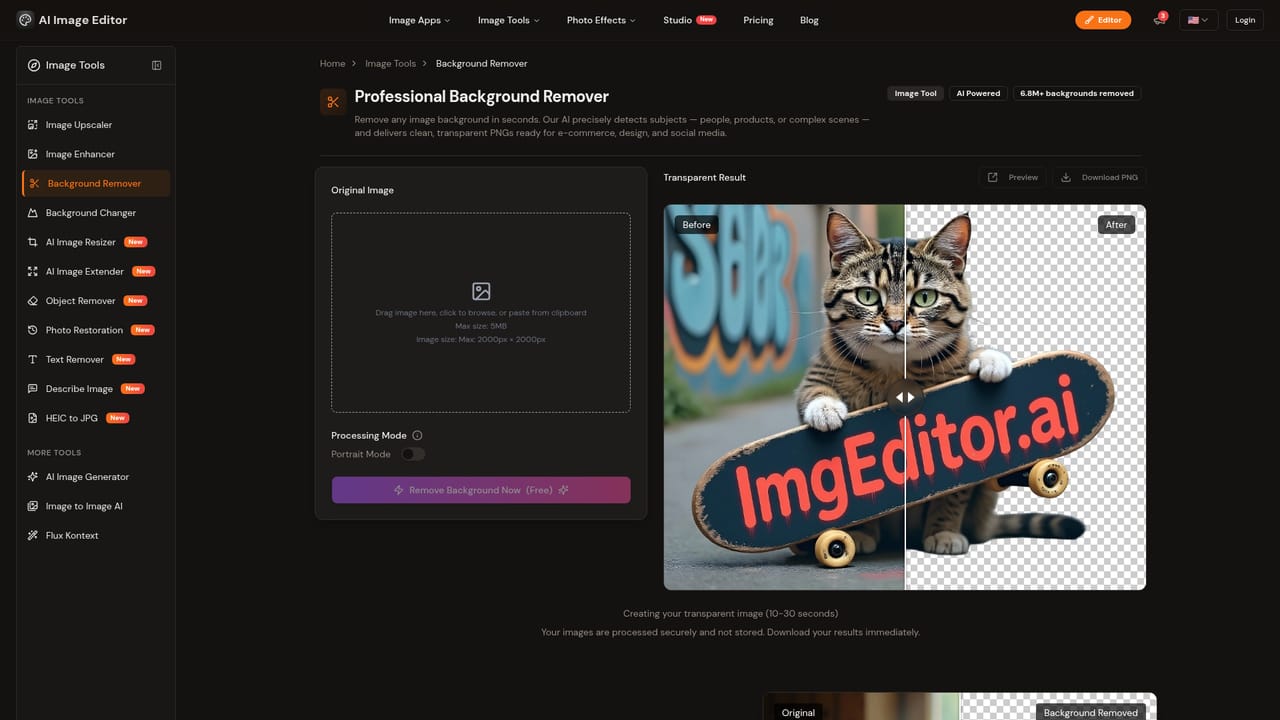
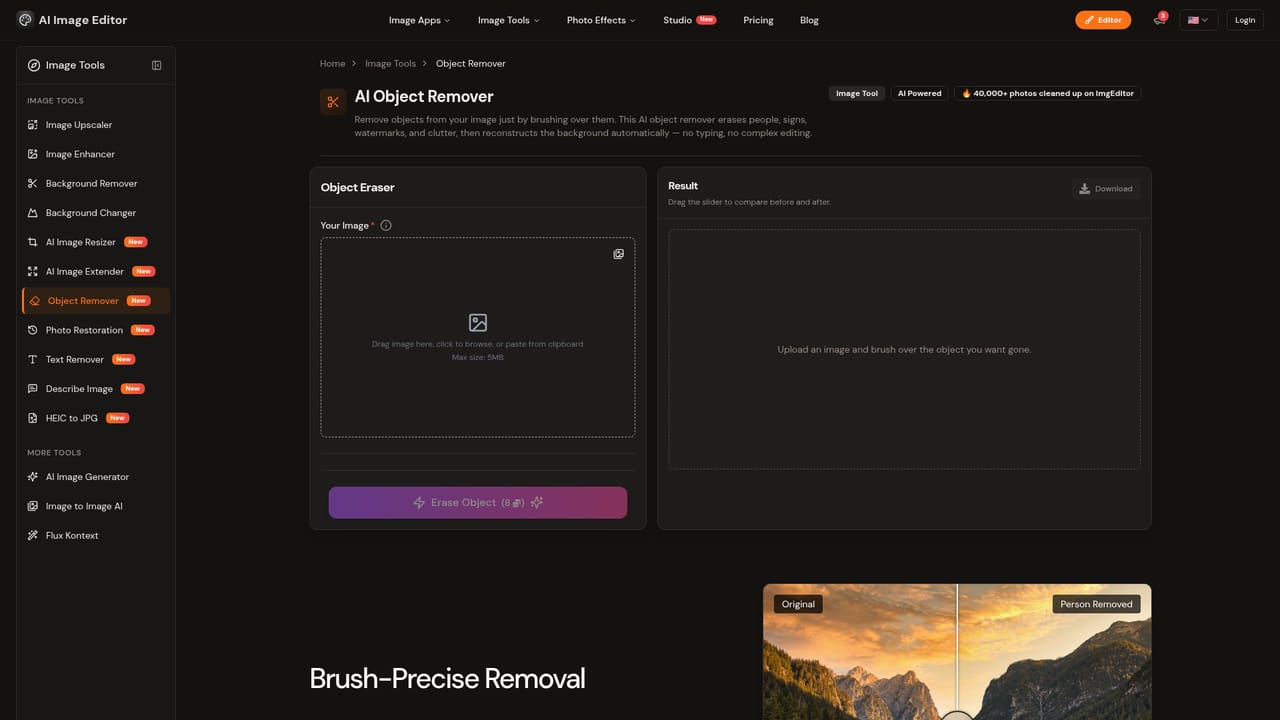
ImgEditor AI is a browser-based image editing workspace that combines prompt-driven edits with a set of single-purpose tools. Users upload a JPG, PNG or WebP file, then either describe the change in plain language or open a dedicated tool for a specific job: background removal, background replacement, object removal, upscaling, enhancement, and resizing with smart cropping. The site also offers text-to-image and image-to-image generation, plus an image-to-text describer, for a stated total of more than 15 tools. The product is aimed at designers, photographers, marketers, content creators and anyone who needs usable results without learning layered editing software. Typical jobs include cutting out a product for an e-commerce listing, enlarging a low-resolution photo for print, erasing a distraction from a shot, or reframing an image for a different format. The homepage states that output can reach 4K and that most edits finish in under 30 seconds. In practice the flow is short: upload, pick a tool or write a prompt, preview the result, refine the prompt if needed, and download. A second strand of the product is creative photo effects. These include Ghibli-style and Pixar-style conversions, an action figure generator, baby and baby-filter effects, and a face-filter effect, each on its own page with before and after examples. The site says it draws on models such as Flux and Stable Diffusion alongside custom-trained networks, and that uploaded images are not stored without permission. Among alternatives, ImgEditor AI sits between single-function utilities (a lone background remover or upscaler) and full desktop editors. It trades fine manual control for speed and breadth, with no installation and no manual masking. The homepage says it is free to start with no credit card required, though it does not publish plan prices, so buyers comparing it with established editors will want to check limits and commercial terms on the site before relying on it for production work.
How do you use ImgEditor AI?

  1. 1Open the image-to-image workspace
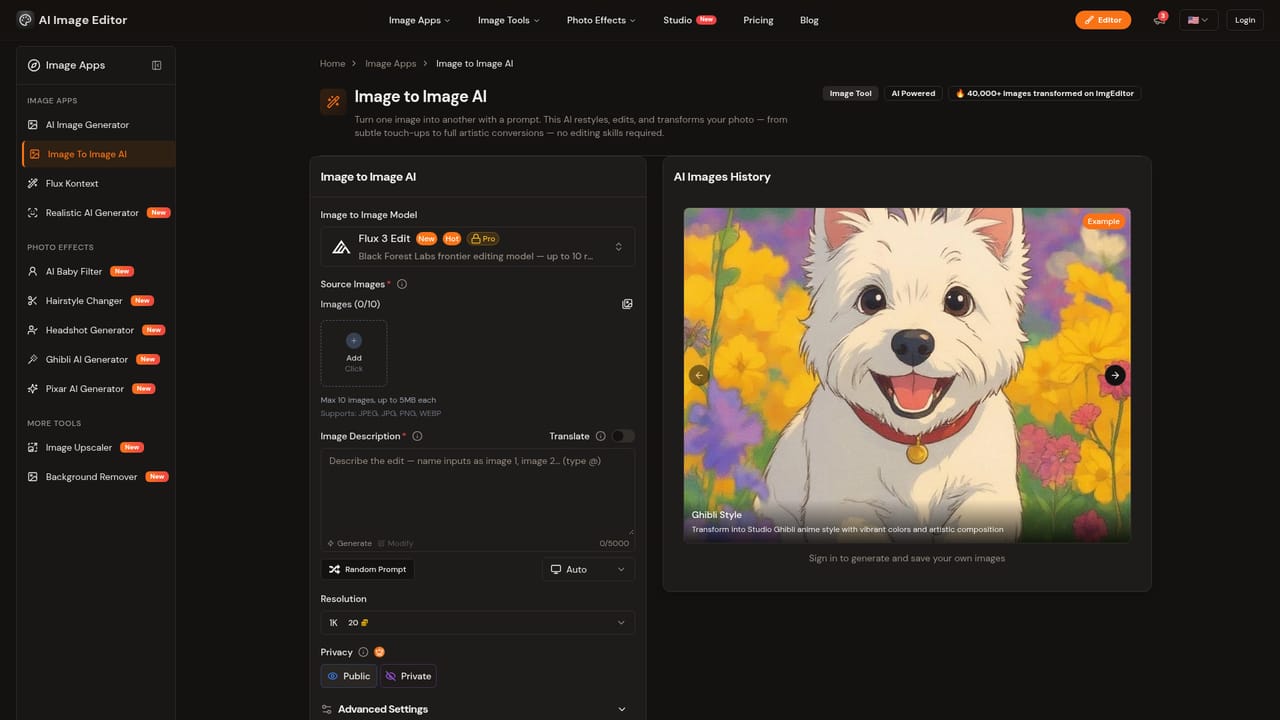
    Start from the main editor page, where uploading a photo and entering a prompt happen in the same browser workspace.
    ImgEditor AI — Open the image-to-image workspace
  2. 2Upload a JPG, PNG or WebP
    Drag your photo into the upload area. No account-side software or installation is needed.
    ImgEditor AI — Upload a JPG, PNG or WebP
  3. 3Describe the edit or pick a tool
    Type a prompt for the change you want, or open a focused tool such as the background remover for a cutout.
    ImgEditor AI — Describe the edit or pick a tool
  4. 4Clean up or enlarge the result
    Use the object remover to erase distractions, or the upscaler to raise resolution before printing or publishing.
    ImgEditor AI — Clean up or enlarge the result
  5. 5Preview, refine and download
    Check the preview, adjust the prompt if the result is off, then download the finished image.

Pros and cons

Pros

  • Wide toolset in one place: background removal, object removal, upscaling, enhancing, resizing and generationAI
  • Runs entirely in the browser on desktop, tablet and mobile, with no software to installAI
  • Prompt-based editing lowers the barrier for people without design or masking skillsAI
  • Stated free start with no credit card required makes trying it low riskAI
  • Dedicated pages per tool and per photo effect make it easy to jump straight to one taskAI

Cons

  • Pricing tiers, credit limits and paid plan details are not shown on the homepageAI
  • Speed, precision and 4K output claims are the site's own and not backed by published benchmarksAI
  • Offers no manual layer or mask controls, so fine retouching still needs a traditional editorAI
  • Several novelty effects (fat filter, baby generator) are entertainment-oriented and add little for professional workAI
  • Commercial-use and image retention terms are only summarized in collapsed FAQ items, so they need checking on the siteAI

How much does ImgEditor AI cost?

Free trial

Described as free to try with no credit card required, and a free start in the browser. Specific limits on the free tier are not stated on the homepage.

Learn more

Pricing

The site says it is free to start with no credit card required. Paid plan names, prices and usage limits are not listed on the homepage.

Learn more

Features

Over 15 tools including background remover, background changer, object remover, image upscaler, enhancer, AI resizer, text-to-image, image-to-image and an image-to-text describer. Also style effects such as Ghibli and Pixar, with output up to 4K.

Learn more

Frequently asked questions about ImgEditor AI

  • How much does ImgEditor AI cost?
    The site says it is free to start with no credit card required. Paid plan names, prices and usage limits are not listed on the homepage.
  • Does ImgEditor AI offer a free trial?
    Described as free to try with no credit card required, and a free start in the browser. Specific limits on the free tier are not stated on the homepage.
  • How do you use ImgEditor AI?
    The walkthrough on this page covers 5 steps: 1. Open the image-to-image workspace 2. Upload a JPG, PNG or WebP 3. Describe the edit or pick a tool 4. Clean up or enlarge the result 5. Preview, refine and download.
  • What platforms does ImgEditor AI support?
    ImgEditor AI is available on Web App.
  • What are the limitations of ImgEditor AI?
    Pricing tiers, credit limits and paid plan details are not shown on the homepage. Speed, precision and 4K output claims are the site's own and not backed by published benchmarks. Offers no manual layer or mask controls, so fine retouching still needs a traditional editor.

Status

StatusActive
Views0
Outbound clicks0
Added10/18/2026

Platforms

Web App

Pricing

Freemium