Free trial
No card is required to start, and the Free plan provides a recurring monthly allowance of 2 tattoos. Output on that tier is public and limited to 3 styles.
Learn moreTurn words or photos into tattoo-ready artwork in seconds

inker.ai is a cover up tattoo tool that turns words or photos into tattoo-ready artwork in seconds. Inker.ai generates tattoo concepts from text prompts or uploaded photos, offers multiple styles, a virtual try-on for placement, and high-resolution PDF or PNG downloads.
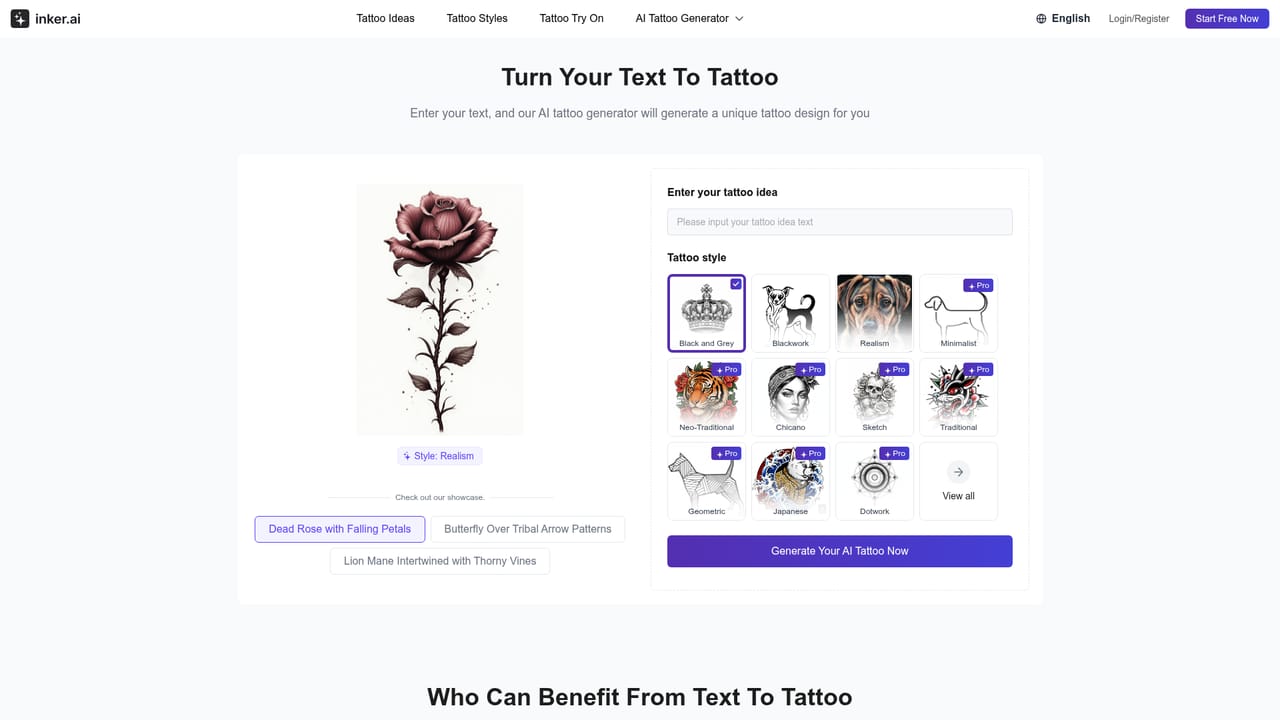
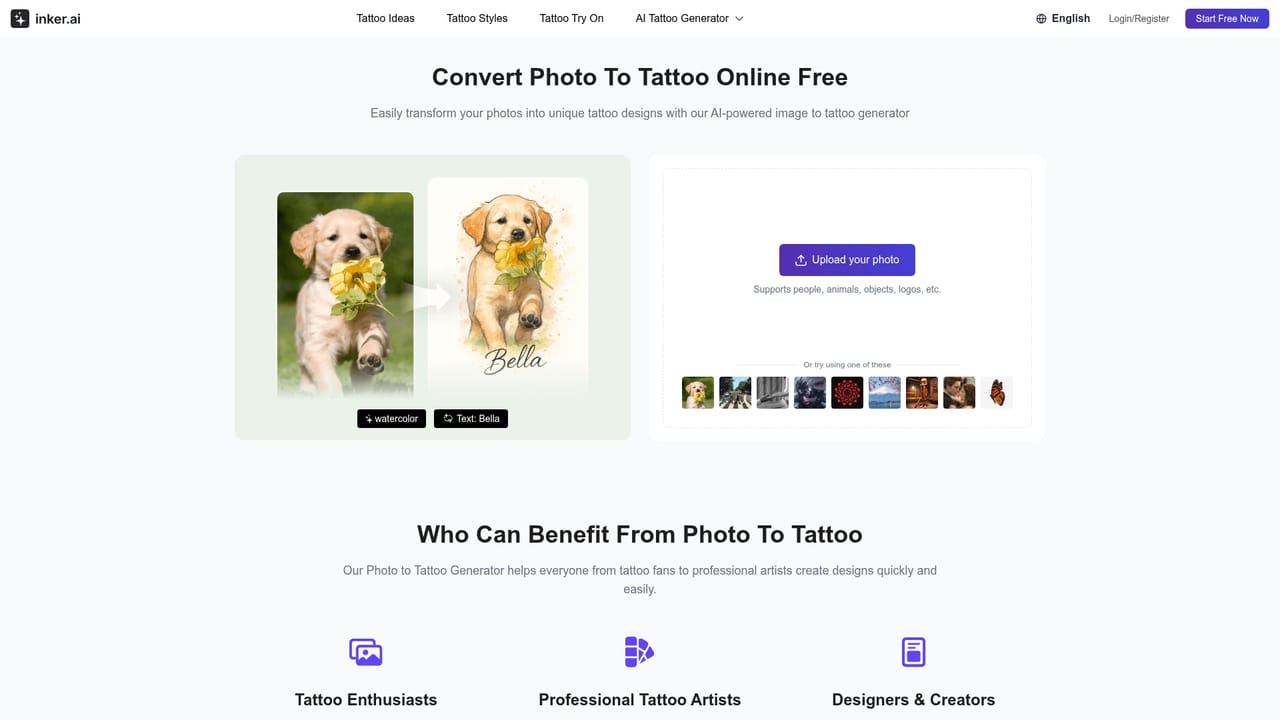
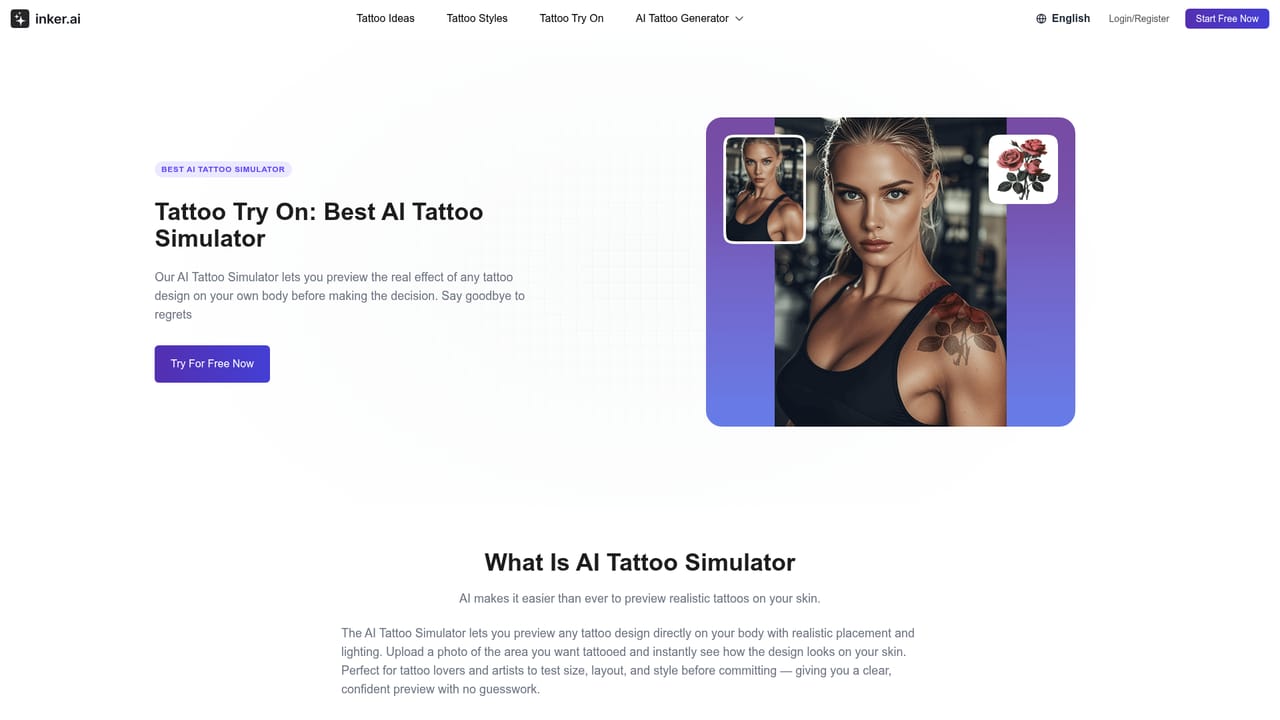
Inker.ai is a browser-based tattoo design studio built around a single focused idea: helping people see a tattoo concept before anyone picks up a needle. The generator accepts either a written description or an uploaded photograph and returns finished designs with clean outlines and high resolution output. A photo of a family dog, a memorial portrait, or a reference image from a phone gallery can be converted into tattoo-style line art, while a short phrase can be expanded into a full concept without any sketching skill. The workflow is deliberately short. A user enters text or uploads an image, picks an artistic direction from the available styles (fine line, realism, watercolor, geometric, minimal among them), and downloads the result as a high-resolution file suitable for printing or stencil transfer. A virtual try-on mode goes a step further by placing a design onto skin, which helps with judging placement and scale before committing. Downloads are offered in PDF and PNG, and the site states that generated designs come with royalty-free, commercial licensing terms, with a commercial use tier reserved for paying Professional subscribers. The tool suits two audiences. The first is individuals researching their own ink who want exploration without the cost or pressure of a shop consultation. The second is tattoo artists and studios fielding custom requests, where a rough client description can become a visual starting point in minutes rather than hours of sketching. Alongside the generator, a browsable library of free tattoo ideas (over eleven thousand designs across themes like Maori, galaxy, tulip, Naruto and foo dog) works as a reference pool when a starting point is the harder part. In a crowded field of general image generators, Inker.ai narrows its scope to tattoo-specific output: line clarity, stencil readiness, print resolution and body placement preview. That focus is the differentiator, though the style presets and monthly generation caps are the main constraints to weigh against broader illustration tools.
No card is required to start, and the Free plan provides a recurring monthly allowance of 2 tattoos. Output on that tier is public and limited to 3 styles.
Learn moreFour tiers. Free allows 2 tattoos per month, 3 styles, public-only designs and personal use. Starter is $9.99 per month ($119.88 billed yearly) for 150 tattoos, private designs, 10 styles and try-on with your own photos. Hobby is $31.66 per month ($379.92 yearly) for 500 tattoos and 24/7 email support. Professional is $69.99 per month ($839.88 yearly) for 1200 tattoos and commercial use.
Learn moreEmail support is listed on all paid plans, with 24/7 email support from the Hobby tier upward. The Free plan includes email support as well.
Text-to-tattoo and photo-to-tattoo generation, ten style presets, a virtual try-on simulator for placement, high-resolution PDF and PNG downloads, watermark removal, upscaling on photo conversions, and a searchable library of over 11,000 free tattoo designs.
 AI Angels400+ customizable AI girlfriends for NSFW chat, voice calls, and roleplay
 Candy AIExperience the future of companionship with AI friends who chat, role-play, and connect with you on a human level.
 ourdream.aiA vast AI roleplay platform with millions of characters for chat, images, video and voiceAI Angels400+ customizable AI girlfriends for NSFW chat, voice calls, and roleplayCandy AIExperience the future of companionship with AI friends who chat, role-play, and connect with you on a human level.ourdream.aiA vast AI roleplay platform with millions of characters for chat, images, video and voice