Free trial
The homepage promotes a free try option and links to signup, so a limited free entry point appears to exist. Specific limits are not stated on the homepage.
Learn moreAI tattoo idea generator for instant inspiration
Own TattooMakerPro? Verify ownership to get a dofollow link

TattooMakerPro generates tattoo ideas from curated categories or random prompts. It suits collectors who need a starting point and artists building quick concept references.
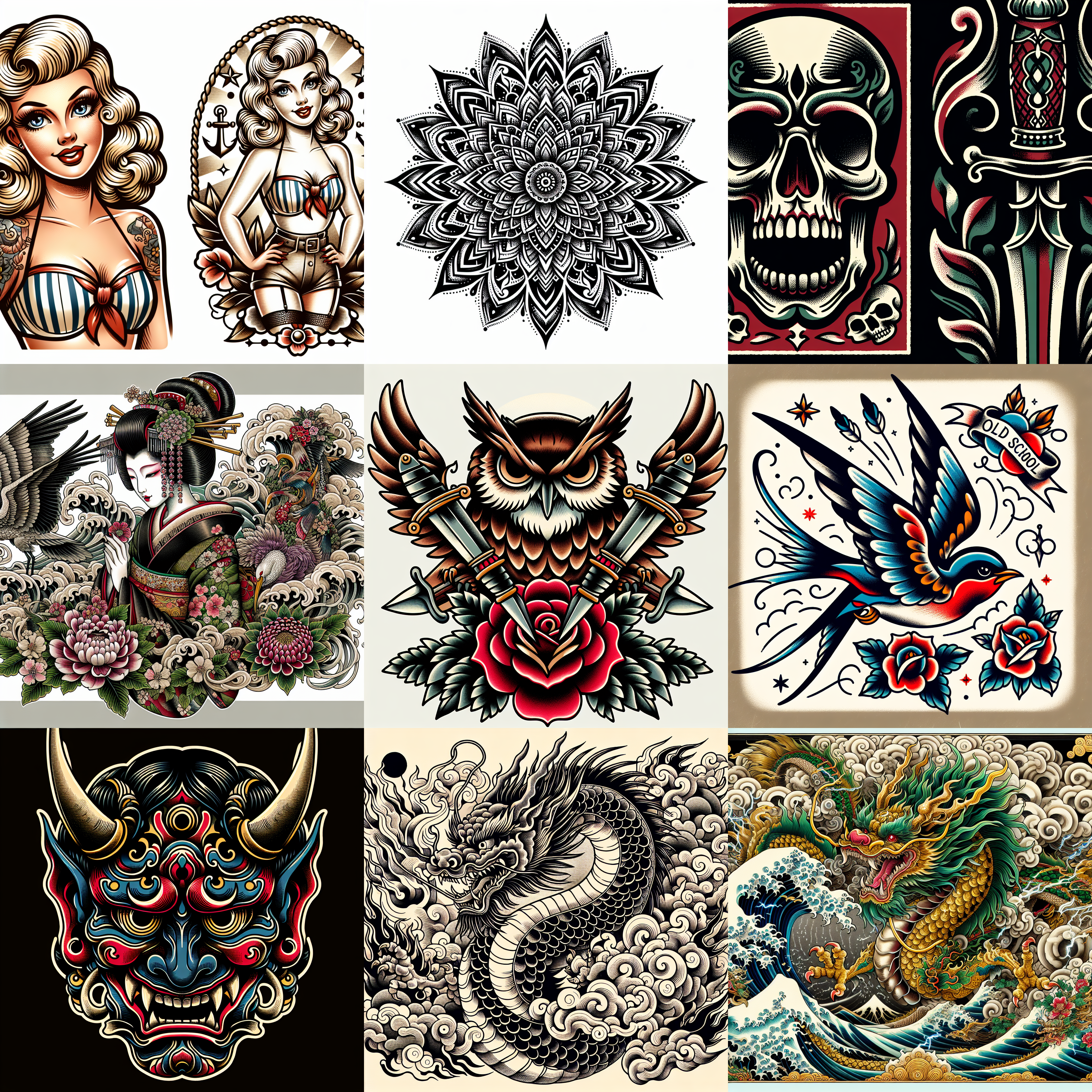
TattooMakerPro is a web based tool that turns simple prompts into original tattoo concepts. It is built around a single job: helping people who want a tattoo move past the blank page. Instead of browsing image boards for hours, the user picks a curated category or asks for a random idea and receives generated artwork to react to. The site shows a wall of sample generations so visitors can see the style range before signing up. The workflow is lightweight on purpose. You sign up, choose a direction from the curated categories or let the random generator propose something, then generate designs and refine the ones that match your taste. The homepage FAQ confirms that generated designs can be refined. Downloads have file formats available, though this summary does not claim specific formats. The output is a starting reference, not a finished stencil, so the practical use is narrowing down direction before a consultation. New tattoo collectors and returning clients trying to describe an idea will get the most from it. Tattoo artists can use it for quick mood boards during early client chats. People who are only curious about a design will find the low commitment structure useful. The tool is less suited to work that needs exact line control or precise placement mockups on a body part. On the market, TattooMakerPro sits between general purpose image generators and tattoo specific inspiration apps. The narrow focus keeps prompts simple and removes the need to understand model settings. That same focus is a limit: it is a concept tool, not a full design suite. It is also web only, so there is no native mobile app. Anyone comparing options should treat it as an idea engine that shortens the gap between a vague wish and a concrete reference.
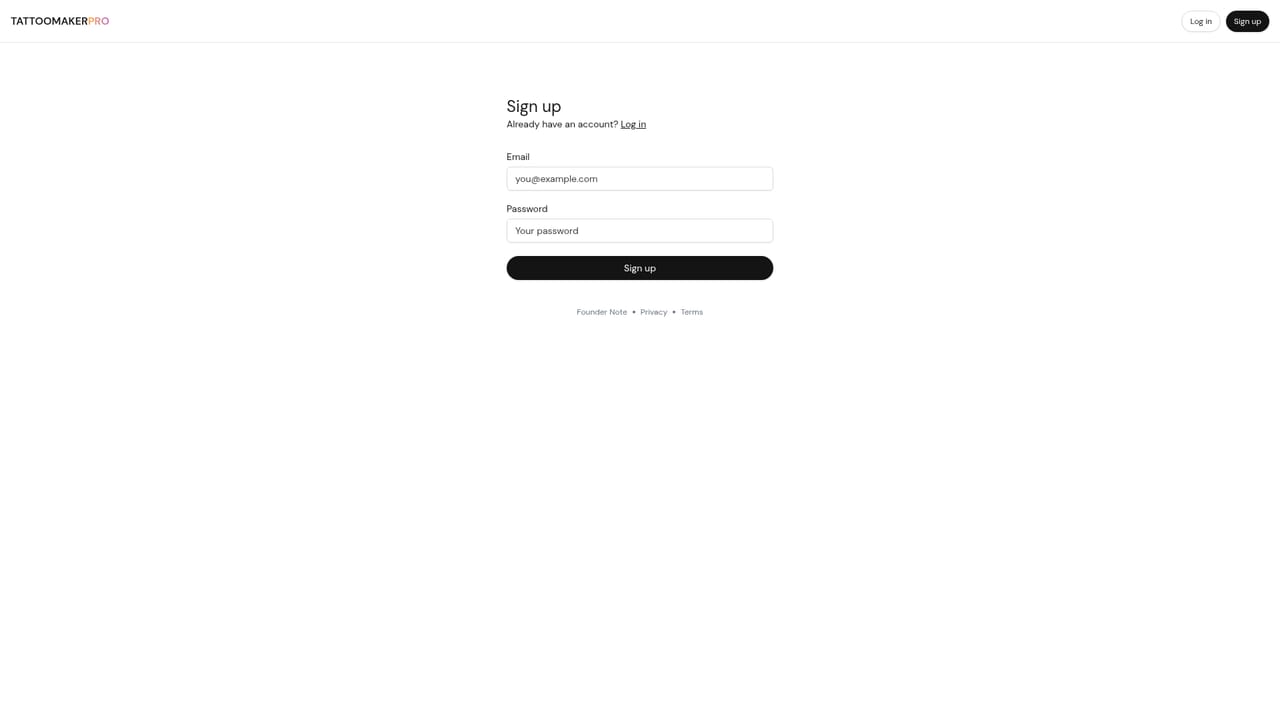
The homepage promotes a free try option and links to signup, so a limited free entry point appears to exist. Specific limits are not stated on the homepage.
Learn moreCurated tattoo categories and a random idea generator, AI generated tattoo concepts from simple prompts, refinement of generated designs, and downloadable output in available file formats. The site emphasizes infinite idea generation rather than fine graphic control.
 AI Angels400+ customizable AI girlfriends for NSFW chat, voice calls, and roleplay
 Candy AIExperience the future of companionship with AI friends who chat, role-play, and connect with you on a human level.
 ourdream.aiA vast AI roleplay platform with millions of characters for chat, images, video and voiceAI Angels400+ customizable AI girlfriends for NSFW chat, voice calls, and roleplayCandy AIExperience the future of companionship with AI friends who chat, role-play, and connect with you on a human level.ourdream.aiA vast AI roleplay platform with millions of characters for chat, images, video and voice