Integrations
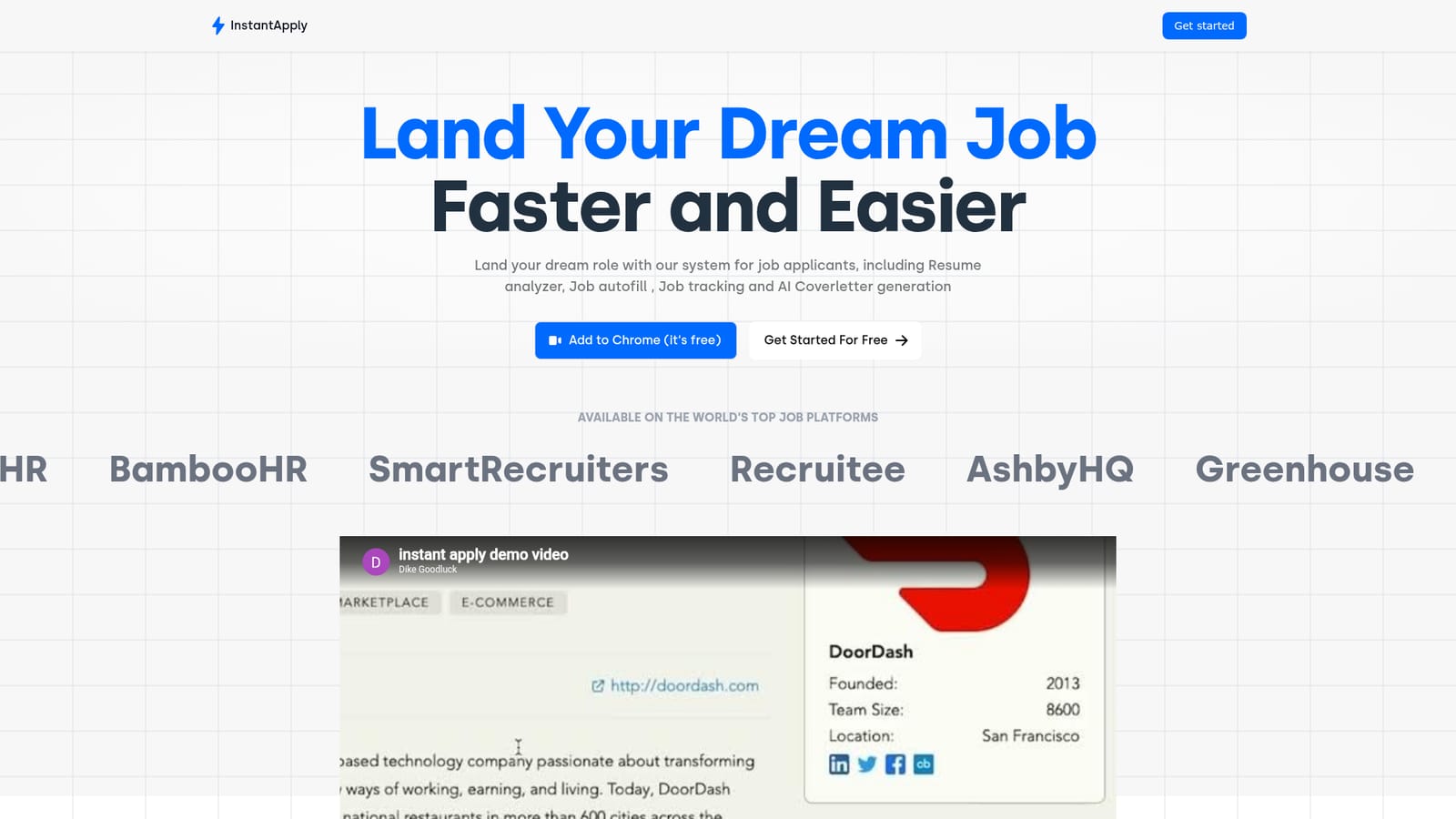
The extension fills forms on Greenhouse, Lever, Workable, BreezyHR, BambooHR, SmartRecruiters, Recruitee and AshbyHQ, and the outreach tools connect to Gmail.
Autofill job applications and tailor resumes with AI.

Instantapply is an automatic job apply tool. InstantApply pairs a Chrome extension that autofills job applications on major ATS platforms with a resume keyword analyzer, AI cover letter generator, application tracker and Gmail outreach tools.
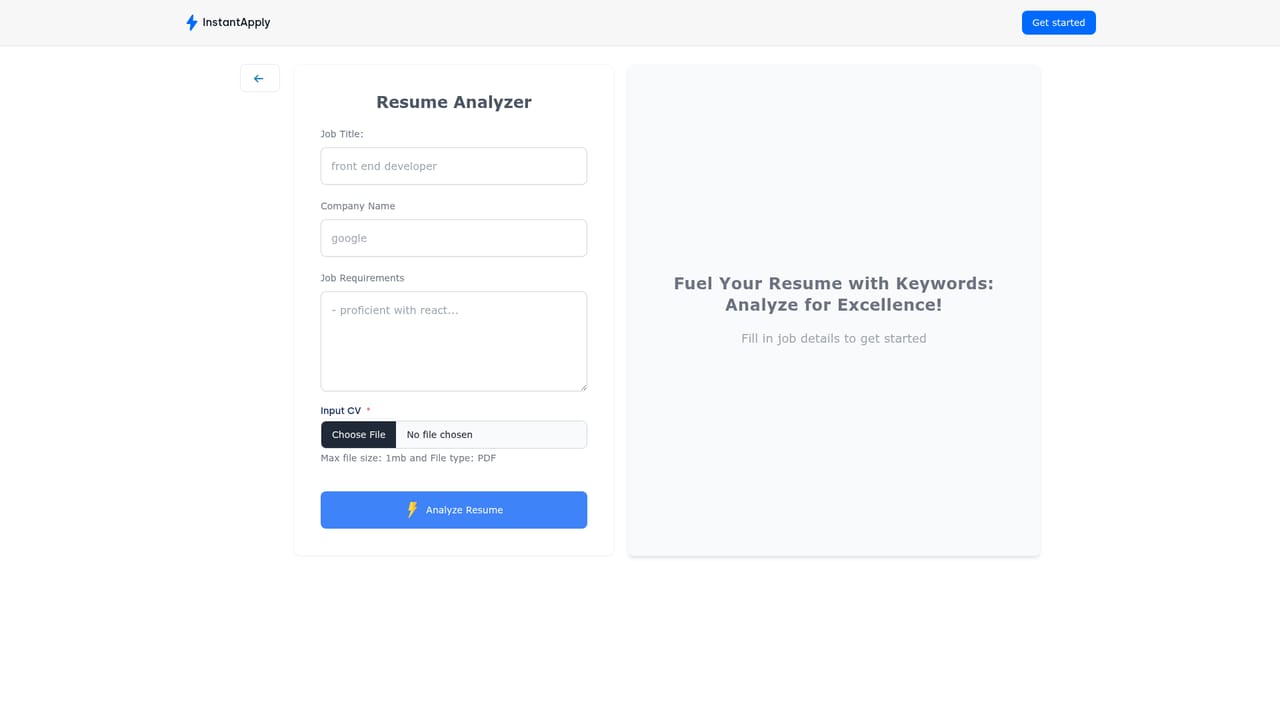
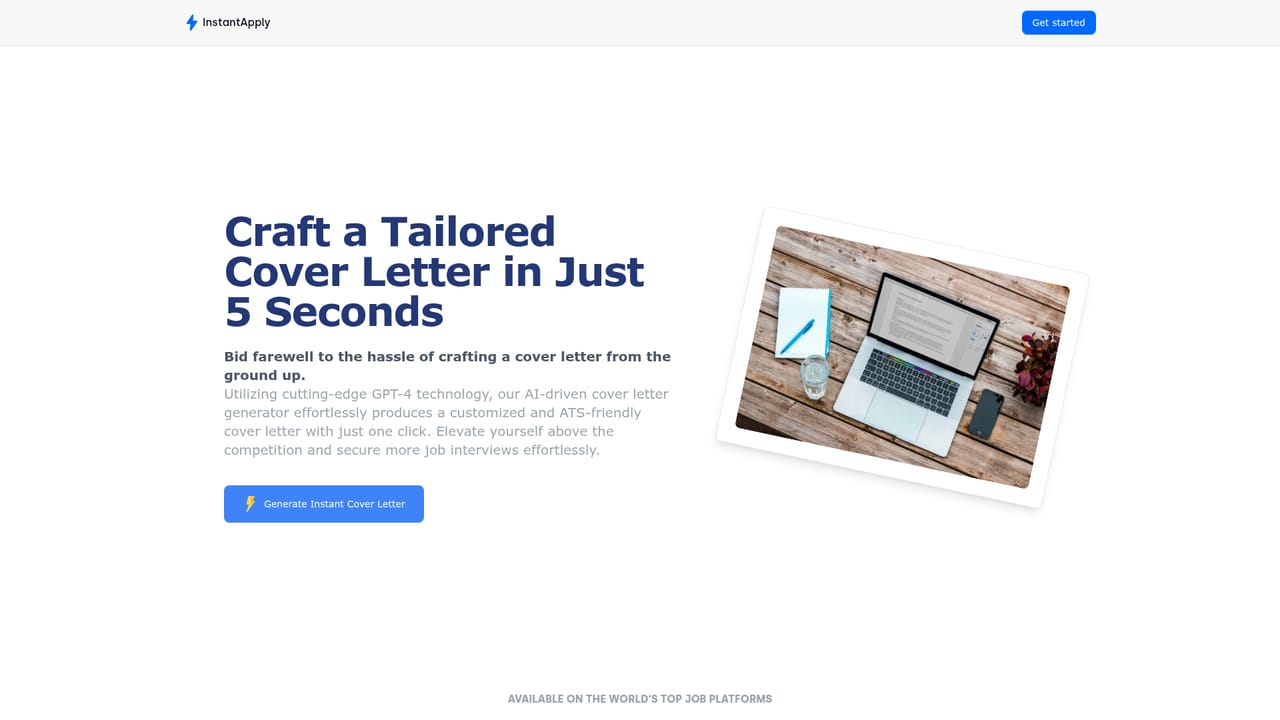
InstantApply is a job search toolkit that combines a Chrome extension with a web dashboard to cut down the manual work of applying. The extension fills out application forms on major applicant tracking systems, while the resume analyzer checks a document against a specific job description and points out keywords that are missing. An AI cover letter generator produces a tailored letter for each role, and a job board surfaces recent remote listings from around the world. The system works in two directions. Job seekers get a resume keyword analyzer, AI cover letter generation, autofill for application forms, application tracking, analytics, activity timelines, and an email finder with Gmail template autofill for cold outreach to recruiters. Employers get a talent pool that uses AI to filter candidates against hiring preferences. On the job seeker side, the practical loop is: find a role on the job board or elsewhere, run the resume analyzer against the description, generate a cover letter, autofill the form through the extension, then follow the application through the tracking dashboard. InstantApply is aimed at active job seekers who apply at volume and do not want to retype the same details into Greenhouse, Lever, Workable, BreezyHR, BambooHR, SmartRecruiters, Recruitee or AshbyHQ forms. It also has a recruiter-facing side through the talent pool. Compared with a plain autofill extension, it adds resume gap analysis, letter generation and application tracking in one place; compared with a full applicant tracking system, it stays on the candidate side and does not manage interviews or offers. Pricing tiers are not stated on the homepage, and the free option is tied to the Chrome extension.

The extension fills forms on Greenhouse, Lever, Workable, BreezyHR, BambooHR, SmartRecruiters, Recruitee and AshbyHQ, and the outreach tools connect to Gmail.
Resume keyword analyzer, AI cover letter generation, job autofill on major ATS platforms, a remote job board, application tracking, analytics, activity timelines, an email finder, Gmail template autofill, and a recruiter-side talent pool.
Learn more AI Angels400+ customizable AI girlfriends for NSFW chat, voice calls, and roleplay
 Candy AIExperience the future of companionship with AI friends who chat, role-play, and connect with you on a human level.
 ourdream.aiA vast AI roleplay platform with millions of characters for chat, images, video and voiceAI Angels400+ customizable AI girlfriends for NSFW chat, voice calls, and roleplayCandy AIExperience the future of companionship with AI friends who chat, role-play, and connect with you on a human level.ourdream.aiA vast AI roleplay platform with millions of characters for chat, images, video and voice


