Integrations
The homepage references intake of matter history and interaction context from Outlook and Teams, and integrated third party screening data for client acceptance. No further integration catalogue is given on the homepage.
Firm AI agents that run the business side of professional firms

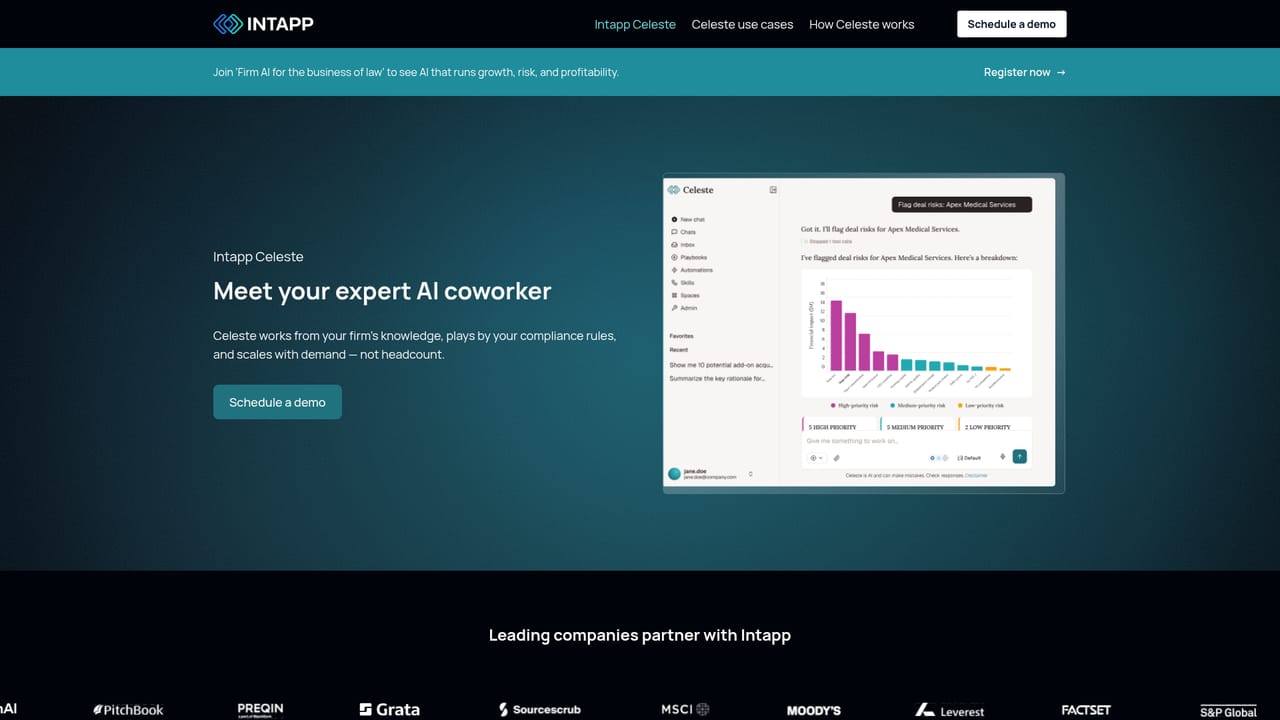
Intapp is a legal assistant tool. Intapp sells Firm AI, a set of agents and applications that run the business side of law, accounting, consulting and investment banking firms. Celeste is its expert AI coworker, grounded in firm knowledge and bounded by compliance rules, while modules like DealCloud, Conflicts and Intake cover relationships, risk and billing.
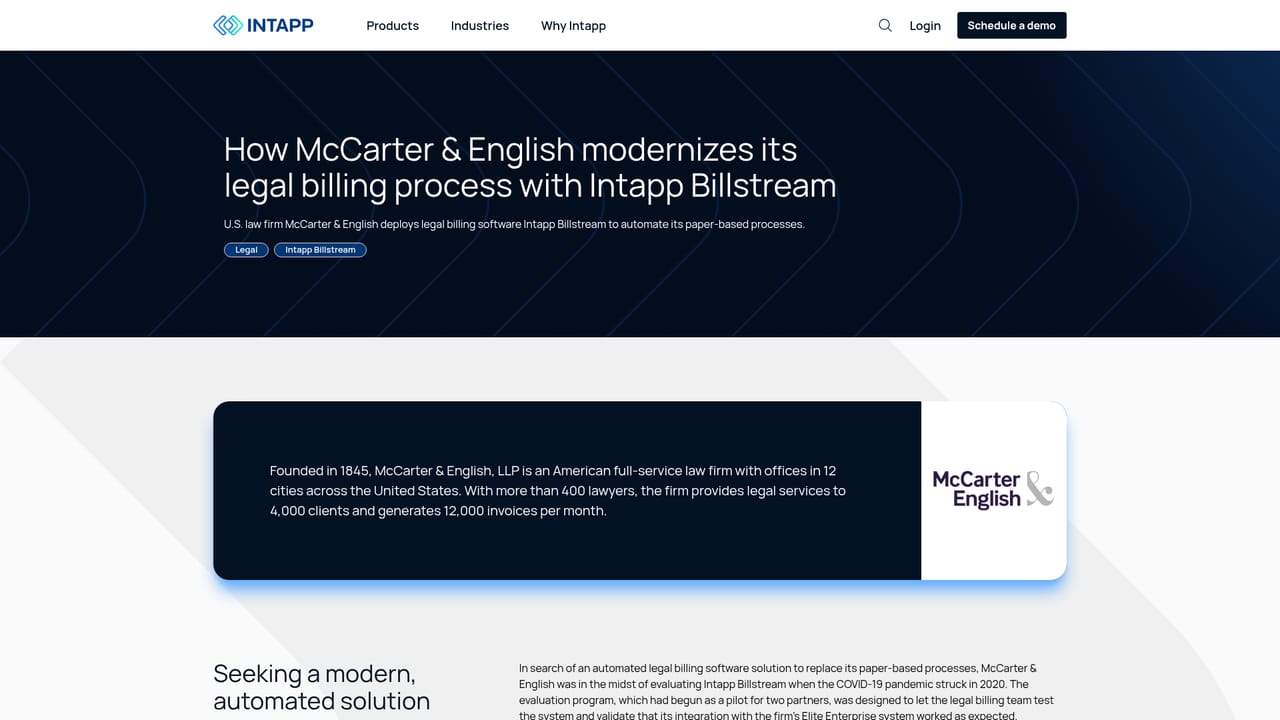
Intapp is an enterprise software platform built around Firm AI: agents that handle the operational work of professional firms rather than the delivery work itself. Where most AI tools speed up an individual, Intapp targets the shared machinery of a firm, covering business development, risk and compliance, client intake, and profitability. The company positions the product for regulated industries, and its client roster reads like a who's who of law, accounting, consulting, investment banking and private capital. The core of the newer offering is Intapp Celeste, described as an expert AI coworker. It is grounded in a firm's own knowledge and governed by that firm's compliance rules, which is the key architectural claim: the assistant draws on internal precedent and policy rather than open web content. Around Celeste sits a suite of named products for specific workflows, including DealCloud for deal and relationship management, Conflicts for AI assisted conflict screening, Intake for client acceptance, Walls for ethical walls, Billstream for billing, time tracking, employee compliance, workspaces and properties. Several of these features overlap and reinforce each other, so the real value only appears when a firm adopts a connected set rather than a single module. In practice, a firm would use Intapp to map relationships across matters and clients, screen new business for conflicts and independence issues, enforce outside counsel guidelines during billing, and reconstruct billable time from emails, meetings and documents. The homepage leans heavily on automation of compliance chores and revenue leakage, which suggests buyers are expected to measure success in recovered hours and avoided regulatory problems rather than in creative output. Among alternatives, Intapp does not compete with general purpose chatbots or writing assistants. It sits closer to practice management and professional services automation suites, with the differentiator being the breadth of AI woven into risk, intake and finance workflows. Expect a formal sales cycle, implementation work and configuration against your own data and policies. The platform is aimed at firm leadership, IT and risk teams at organizations large enough to have those functions in place.
The homepage references intake of matter history and interaction context from Outlook and Teams, and integrated third party screening data for client acceptance. No further integration catalogue is given on the homepage.
Celeste acts as an expert AI coworker grounded in firm knowledge and governed by compliance rules. Supporting products cover deal and relationship management (DealCloud), AI assisted conflict screening, client intake and risk assessment, ethical walls, outside counsel guideline monitoring, automated time capture and billing. AI also analyzes engagement patterns to surface cross-service opportunities.
Learn more AI Angels400+ customizable AI girlfriends for NSFW chat, voice calls, and roleplay
 Candy AIExperience the future of companionship with AI friends who chat, role-play, and connect with you on a human level.
 ourdream.aiA vast AI roleplay platform with millions of characters for chat, images, video and voiceAI Angels400+ customizable AI girlfriends for NSFW chat, voice calls, and roleplayCandy AIExperience the future of companionship with AI friends who chat, role-play, and connect with you on a human level.ourdream.aiA vast AI roleplay platform with millions of characters for chat, images, video and voice


