Free trial
The free hobby plan doubles as a no card trial: full assistant creation and cloning with limited chat access. No credit card is required to start.
Learn moreBuild reusable AI assistants that turn long prompts into repeatable tasks

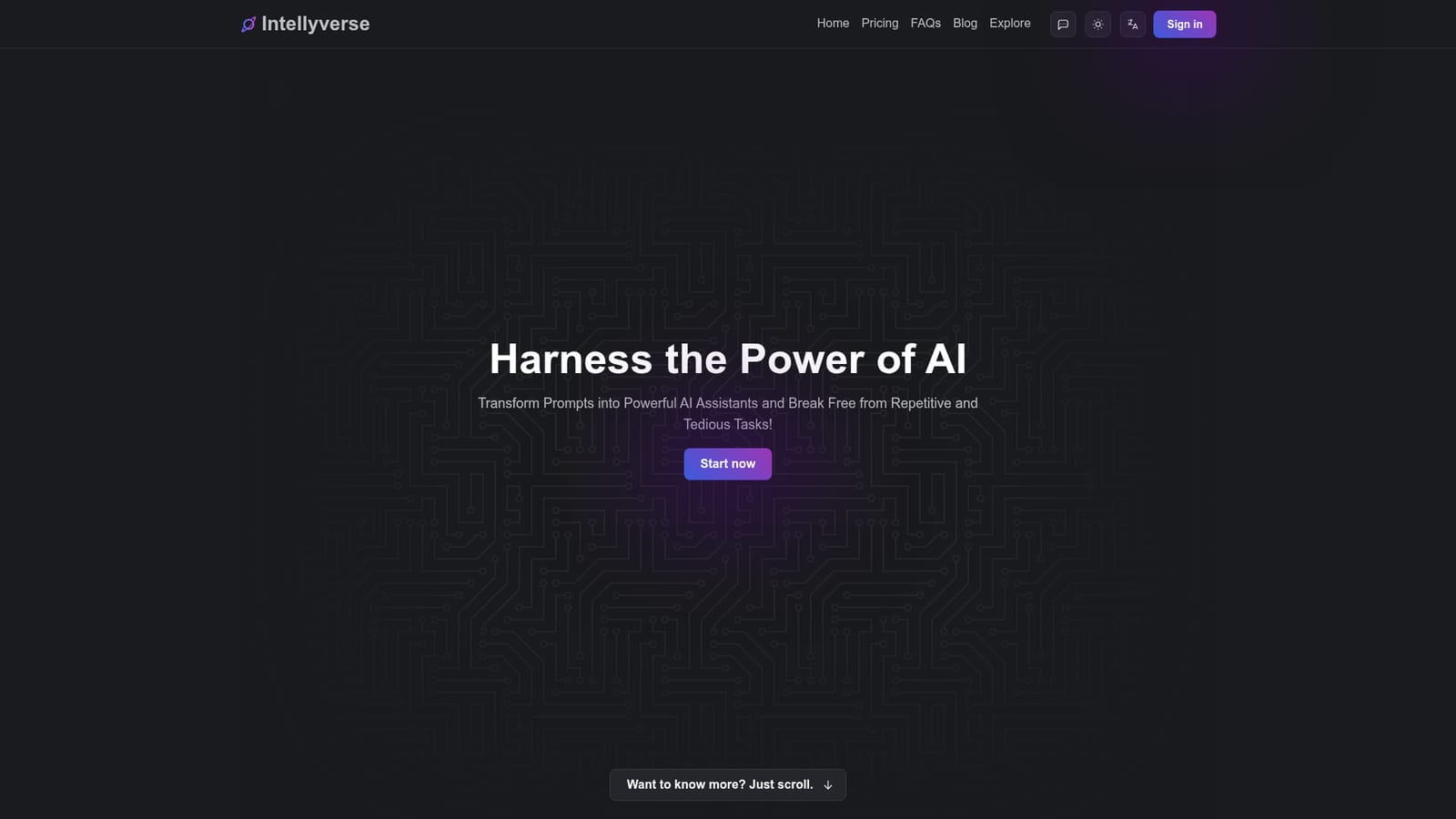
Intellyverse is an AI task generator tool that builds reusable AI assistants that turn long prompts into repeatable tasks. A freemium workspace where you create, save, share and clone AI assistants that carry their own task context, so recurring jobs become one click instead of a freshly written prompt.
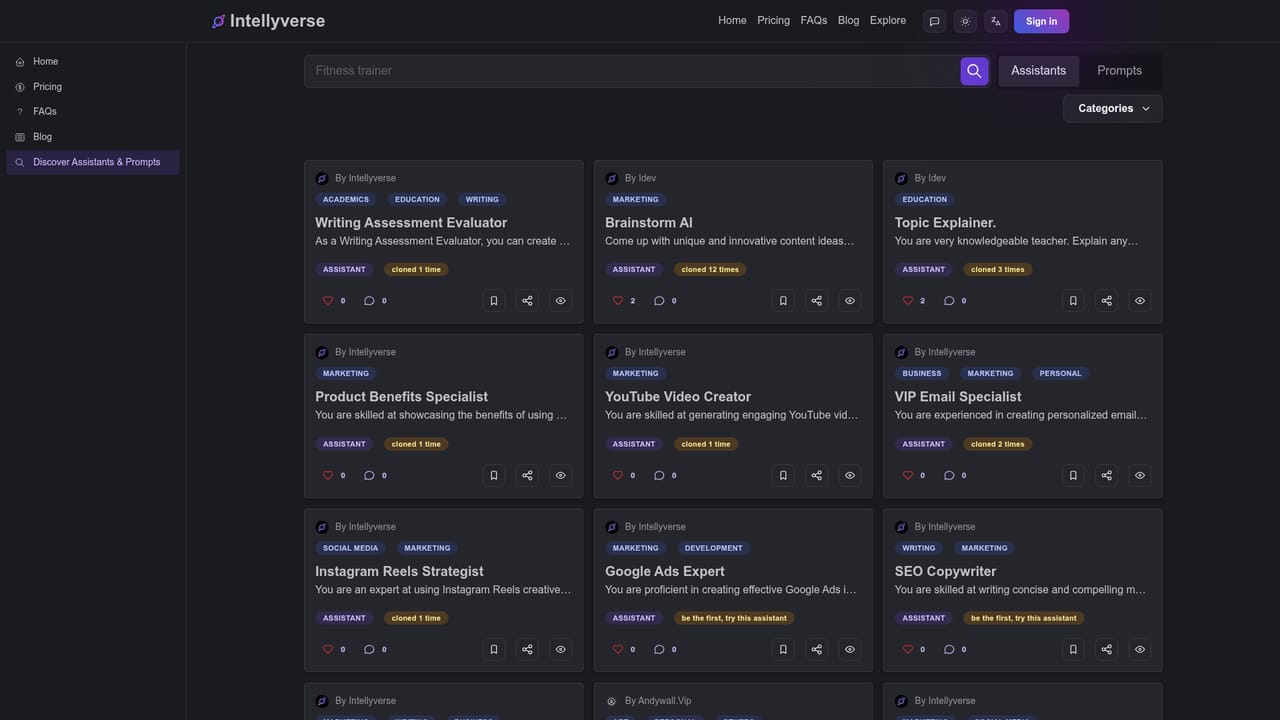
Intellyverse is a browser based productivity platform built around a simple idea: instead of writing a long, careful prompt every time you want an AI to do something, you build an assistant once and reuse it. An assistant is a named AI program with a written context that spells out the task it performs, the way it should perform it, and the structure of the result it should return. Once saved, that assistant becomes a button you press rather than a paragraph you retype. The workflow starts when you register with a Google account or an email address. From the dashboard you either pick an existing assistant or create your own. A chat opens, you type the specific details in the bottom bar, and the generated output appears in the central pane. If the result misses, the documented remedy is to open the assistant settings inside the chat, sharpen the context, and run the prompt again. Assistants and individual prompts can be marked public, which places them in a browsable space where other users can clone them and where you can clone theirs. Chats can be copied out, saved locally, and grouped into private libraries by assistant. The platform also ships a handful of dedicated tools alongside the assistant chat. Text Wizard organizes, structures or formats arbitrary text, Site Analyzer pulls data from a website, and several more are listed as coming soon, including video to post, subtitle generation, post to video script and a business name generator. Intellyverse is aimed at people who want AI output without learning prompt craft. Its own framing is that prompt engineers are expensive and that a well written assistant context lets a newcomer reach comparable results. That positions it against general chat assistants, where every task starts from a blank box, and against prompt marketplaces, which hand you text to paste rather than a saved, editable assistant tied to your account. Anyone comfortable composing prompts from scratch will find less here than someone who repeats the same handful of jobs week after week.
The free hobby plan doubles as a no card trial: full assistant creation and cloning with limited chat access. No credit card is required to start.
Learn moreTwo tiers. The hobby tier is free forever with unlimited conversations and unlimited assistants but limited chat access. The basic tier costs 14.99 USD with unlimited chat access and carries the same unlimited assistants, sharing and cloning. Influencers can apply for a free full access account.
Learn moreA feedback form on the homepage takes feature requests, comments and file attachments. Email and social application forms exist for influencer accounts. The FAQ covers setup, assistant creation and cancellation terms.
Assistant creation with named task context, public sharing and cloning of assistants and prompts, in-chat assistant settings you can edit and rerun, copy and local saving of chats, private prompt libraries grouped by assistant, name and category search, plus tools including Text Wizard (text formatting), Site Analyzer (site data extraction) and several listed as coming soon.
 AI Angels400+ customizable AI girlfriends for NSFW chat, voice calls, and roleplay
 Candy AIExperience the future of companionship with AI friends who chat, role-play, and connect with you on a human level.
 ourdream.aiA vast AI roleplay platform with millions of characters for chat, images, video and voiceAI Angels400+ customizable AI girlfriends for NSFW chat, voice calls, and roleplayCandy AIExperience the future of companionship with AI friends who chat, role-play, and connect with you on a human level.ourdream.aiA vast AI roleplay platform with millions of characters for chat, images, video and voice


