Intelogos

AI workforce analytics that turns daily tool activity into clear performance KPIs

Beginner API
Screenshot of Intelogos, AI workforce analytics that turns daily tool activity into clear performance KPIs

What is Intelogos?

Intelogos converts real-time tool and activity data into workforce KPIs, benchmarks and AI-written recommendations for managers, HR and finance teams. It offers executive, personal and daily timeline views without screenshots or keylogging, and a 7-day trial covers all analytics features.

Intelogos is an AI-native workforce analytics platform built for managers who need evidence rather than impressions when they assess how work gets done. It captures real-time activity across the tools a team already uses, then converts those signals into KPIs such as time, engagement, productivity, contribution and activity. Instead of relying on memory and self-reporting at review time, leads can see how hours are actually distributed, which applications carry the work, and where focus breaks down. The system works in three layers. An executive view rolls engagement scores, productivity benchmarks and tool effectiveness up to department and company level. Personal analytics zooms into one person's rhythms, tool mastery and contribution trend. A daily timeline maps individual tool interactions, project switches and focus sessions, which is the layer that supports coaching conversations. A separate tool intelligence module classifies applications as primary, secondary or distracting, so spend and attention can be shifted toward what actually produces output. The AI agent sits on top and answers plain-language questions about a team, a project or a single person, flags risks and can draft follow-up notes. It suits People Ops and HR teams, team leads, finance and revenue operations groups validating software spend, executives comparing departments, and IT administrators who need granular access control. Employees get their own performance patterns and improvement tips rather than only top-down reporting. The pitch is deliberately privacy-first: no screenshots and no keylogging, with SOC 2 audited security and encryption in transit and at rest. Compared with classic employee monitoring suites, Intelogos positions itself closer to performance management than surveillance, and compared with project trackers it works from ambient activity data instead of tickets and timesheets. Teams that want only attendance hours will find it heavier than needed; teams that want defensible, data-backed performance reviews are the intended audience.

How do you use Intelogos?

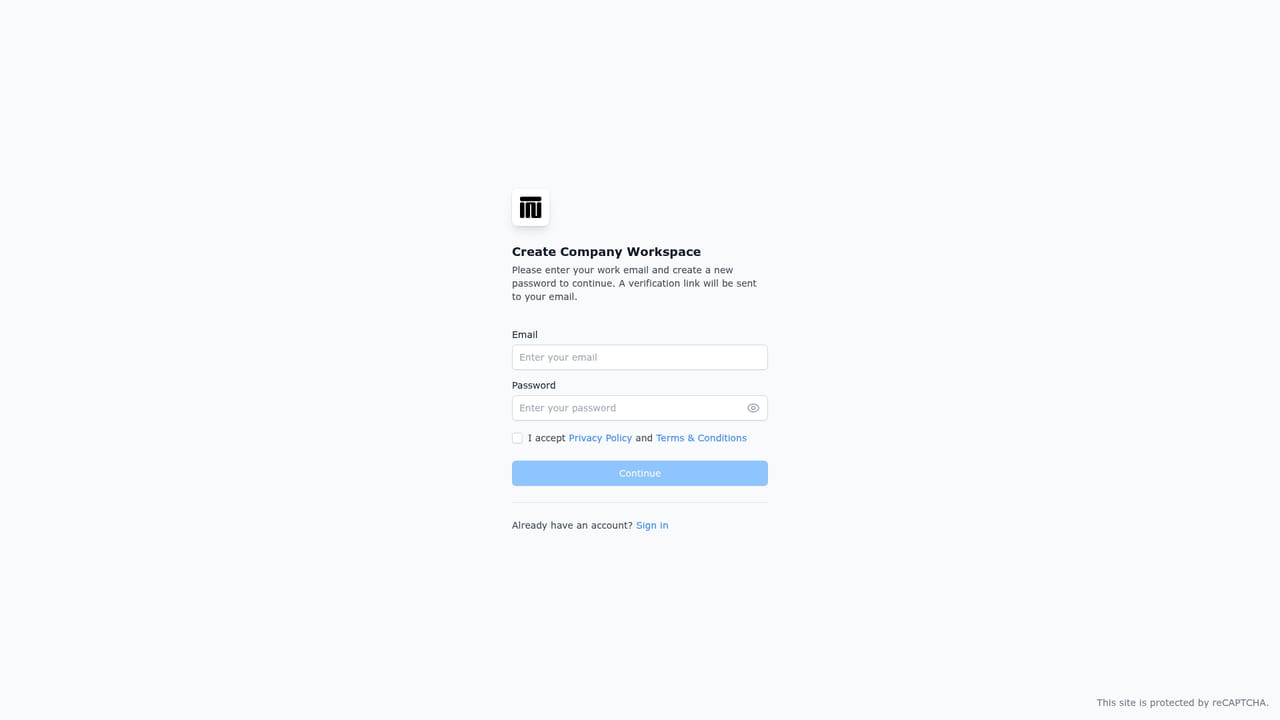
  1. 1Create your account and start the trial
    Register on the Intelogos sign-up page to open a workspace. The free trial grants full analytics access for 7 days with unlimited team members and no credit card.
    Intelogos — Create your account and start the trial
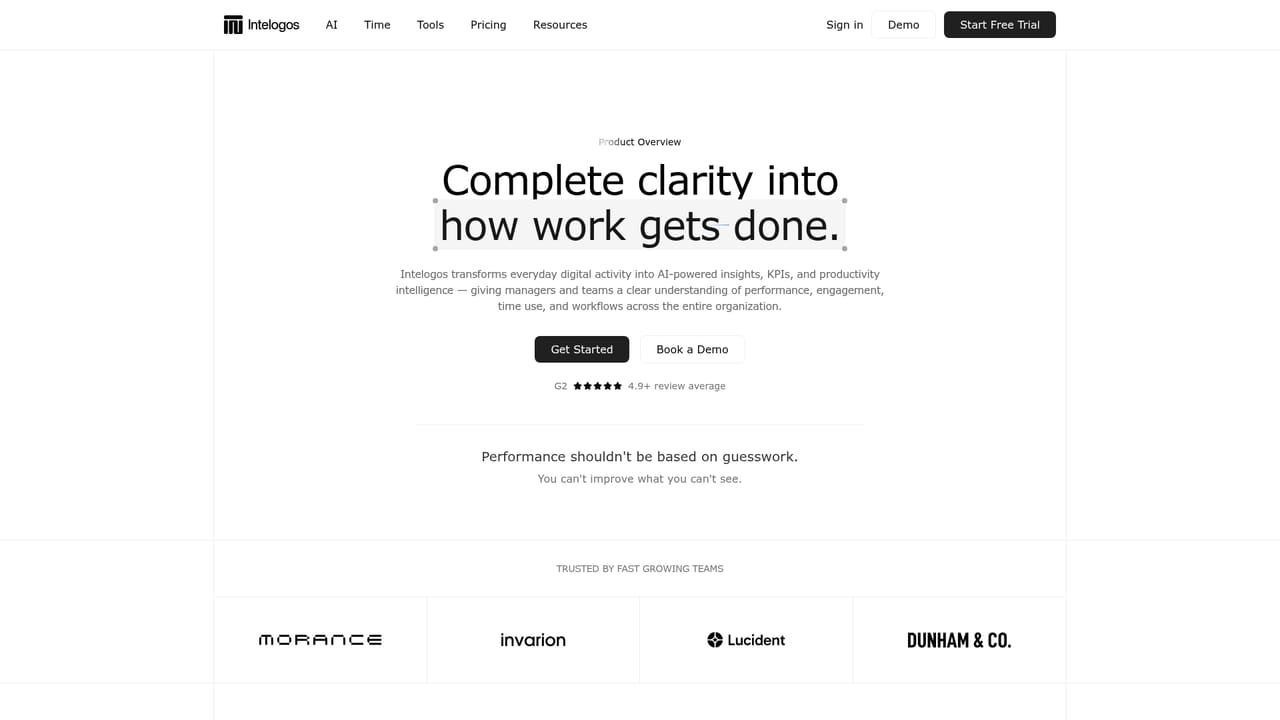
  2. 2Review the product overview
    Read the overview page to understand which KPIs Intelogos tracks and how the executive, personal and timeline layers differ before you configure anything.
    Intelogos — Review the product overview
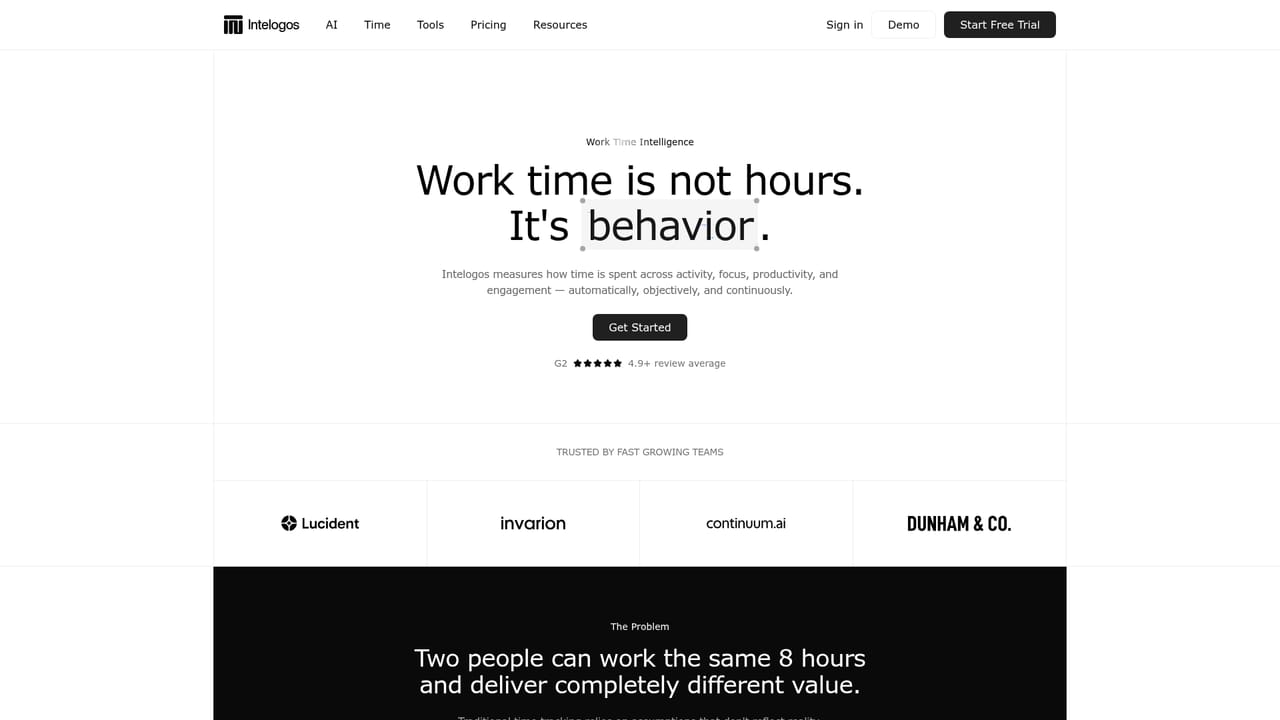
  3. 3Set up time tracking and tool analytics
    Visit the time tracking and tool analytics pages to see how activity capture and application classification work, then decide which tools count as primary for each role.
    Intelogos — Set up time tracking and tool analytics
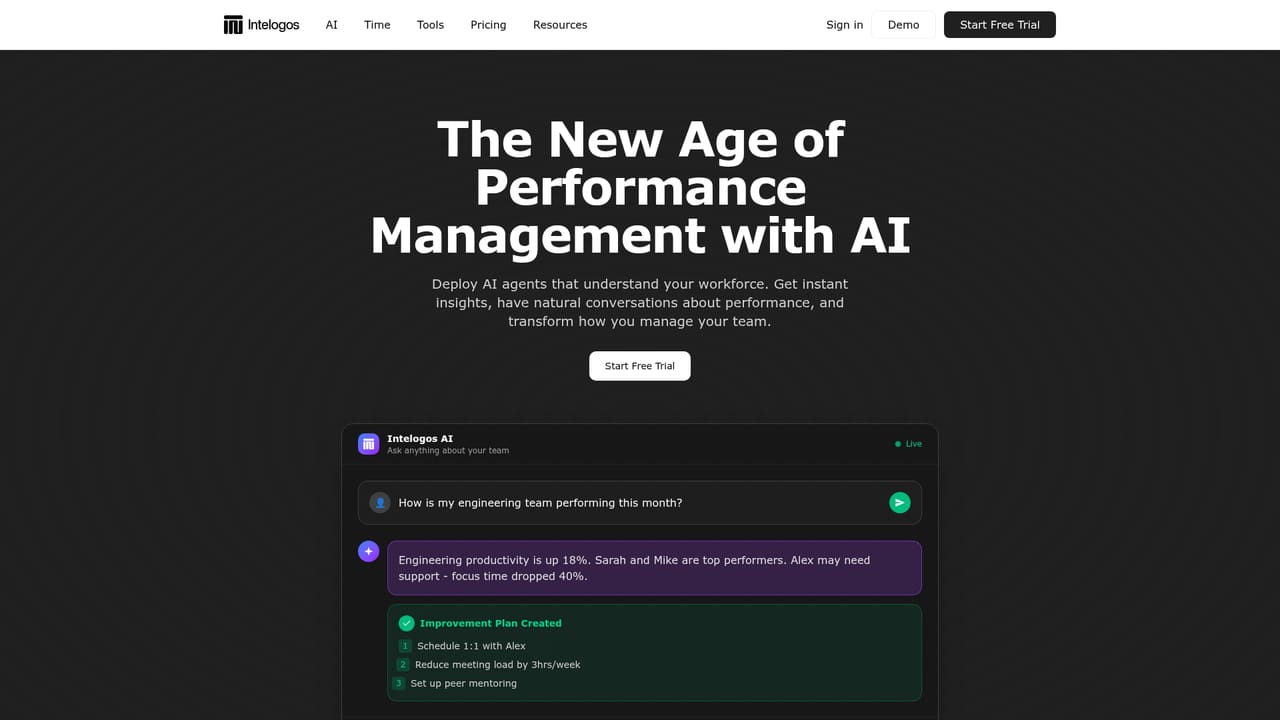
  4. 4Ask the AI agent a performance question
    Open the AI page to see example queries. Inside the product, ask about a team or person for the current quarter and review the risks and recommended actions it returns.
    Intelogos — Ask the AI agent a performance question
  5. 5Book a walkthrough with the team
    If you need an implementation plan or an ROI analysis before rolling out, schedule a demo and bring your department structure and tool list to the call.

Pros and cons

Pros

  • Turns raw activity across work tools into named KPIs covering time, engagement, productivity and contributionAI
  • Three view levels (organization, individual, daily timeline) support both benchmarking and one-to-one coachingAI
  • AI agent answers natural-language questions and proposes follow-up actions rather than only charting historyAI
  • Privacy stance is explicit: no screenshots, no keylogging, SOC 2 audited security and encryptionAI
  • Tool classification separates primary, secondary and distracting applications, which helps justify software spendAI

Cons

  • Activity-based scoring can misread knowledge work with long offline thinking, reading or meeting-heavy daysAI
  • No published price points on the homepage, so budget planning requires a sales conversationAI
  • Privacy-friendly or not, continuous activity capture still needs clear employee communication and consent processesAI
  • Value depends on how completely a team's tools feed data in, and integrations are not documented on the homepageAI
  • Small teams without dedicated People Ops staff may find the reporting depth exceeds what they can act onAI

How much does Intelogos cost?

Free trial

7-day free trial with full access to all features, unlimited team members, every analytics plan feature and AI-generated insights. No credit card required, and setup is described as taking minutes with results visible the next day.

Learn more

Support

A help centre is available, along with a contact page and a demo booking flow for tailored implementation plans, enterprise feature walkthroughs and ROI analysis.

Learn more

Features

KPI engine tracking time, activity, engagement, productivity and contribution; tool intelligence that labels applications primary, secondary or distracting; daily activity timelines; configurable advanced reports across teams and periods; three visibility layers from company overview to individual timeline; and an AI agent that answers questions, flags risks and drafts follow-ups.

Learn more

Frequently asked questions about Intelogos

  • Does Intelogos offer a free trial?
    7-day free trial with full access to all features, unlimited team members, every analytics plan feature and AI-generated insights. No credit card required, and setup is described as taking minutes with results visible the next day.
  • Does Intelogos have an API?
    Yes, Intelogos offers an API.
  • How do you use Intelogos?
    The walkthrough on this page covers 5 steps: 1. Create your account and start the trial 2. Review the product overview 3. Set up time tracking and tool analytics 4. Ask the AI agent a performance question 5. Book a walkthrough with the team.
  • What platforms does Intelogos support?
    Intelogos is available on Web App.
  • What are the limitations of Intelogos?
    Activity-based scoring can misread knowledge work with long offline thinking, reading or meeting-heavy days. No published price points on the homepage, so budget planning requires a sales conversation. Privacy-friendly or not, continuous activity capture still needs clear employee communication and consent processes.

Status

StatusActive
Views0
Outbound clicks0
Added10/21/2026

Platforms

Web App

Pricing

Free TrialSubscription