Free trial
No formal trial. The free plan serves as the testing ground, and upgrades to the paid plan come with 30 days to explore premium features, with the upgrade reversible on request.
Learn moreLive polling and Q&A that turn passive meetings into conversations

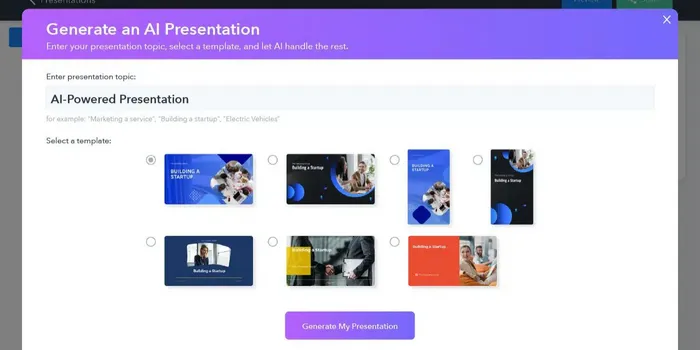
FeedBeo is a web tool for running live polls and Q&A inside meetings, webinars and town halls. Participants join by link, code or QR Code with no app, choose from seven poll types, and organizers review and export results. An AI Copilot drafts full poll sets from a short event brief.
FeedBeo is a browser-based audience engagement tool built around live polls and Q&A. Organizers create an event, share it through a link, a short code or a QR Code, and participants join from any device without installing an app. Seven poll formats are available: Q&As, word clouds, multiple choice, scales, open text, ranking and an AI-driven option. Answers appear as they arrive, so a presenter can react to the room in real time or return to the results afterwards. The product targets people who run meetings where input matters but rarely gets collected: all hands sessions, workshops, webinars, town halls, brainstorming and icebreakers are the use cases FeedBeo names. Because joining needs only a browser, the barrier is low for attendees who have never seen the tool. Organizers get three views (Moderator, TV and Participant), which lets them manage an event in the backoffice while previewing what the audience sees on screen. Branding can be adjusted with a company logo and custom colors. The AI Copilot is the headline differentiator against simpler polling widgets. A short description of the event and its goals is enough for the assistant to draft a structured set of polls in a format matched to the occasion, which cuts the blank-page problem out of meeting prep. Results are collected in an Analytics menu with graphs, and reports can be exported as CSV or shared through a direct link for later review. FeedBeo sits between free quiz tools and full event platforms. It skips deep integrations and complicated settings in favor of a fast setup flow, and participants are never capped on either plan. The free tier covers unlimited events but stops at three polls per event, so heavy facilitation work pushes teams toward the paid Enterprise plan.
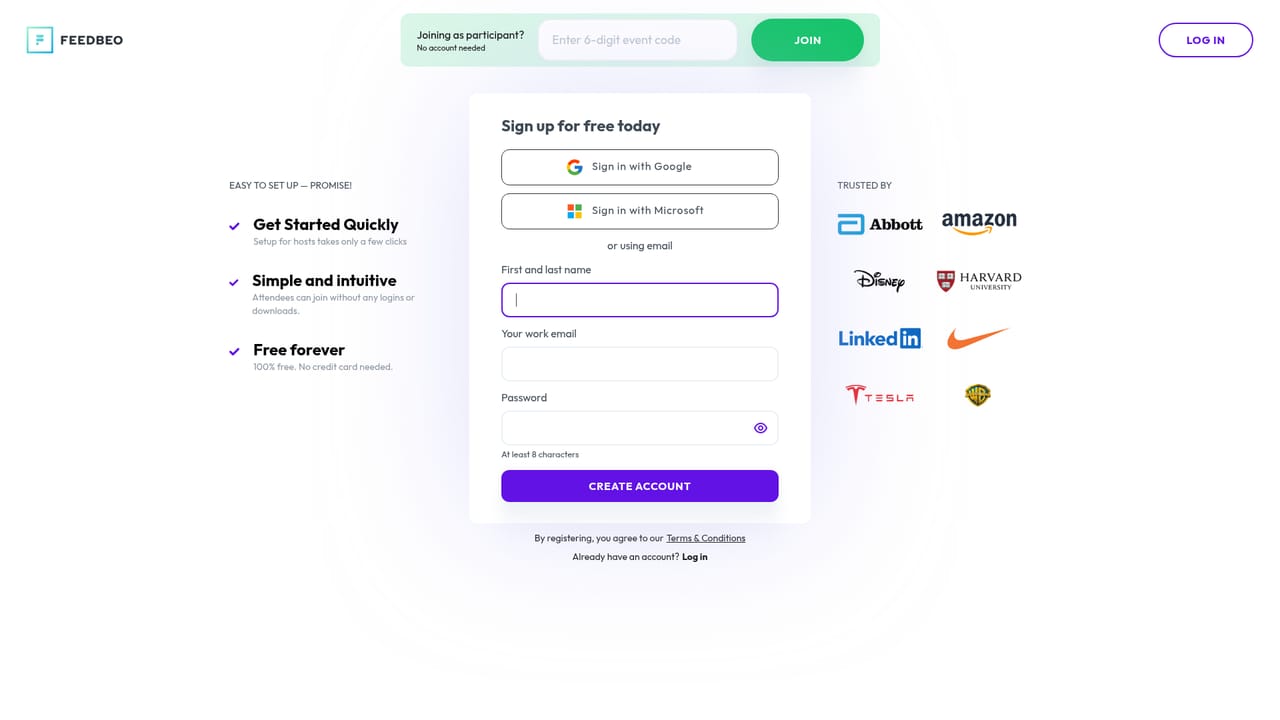
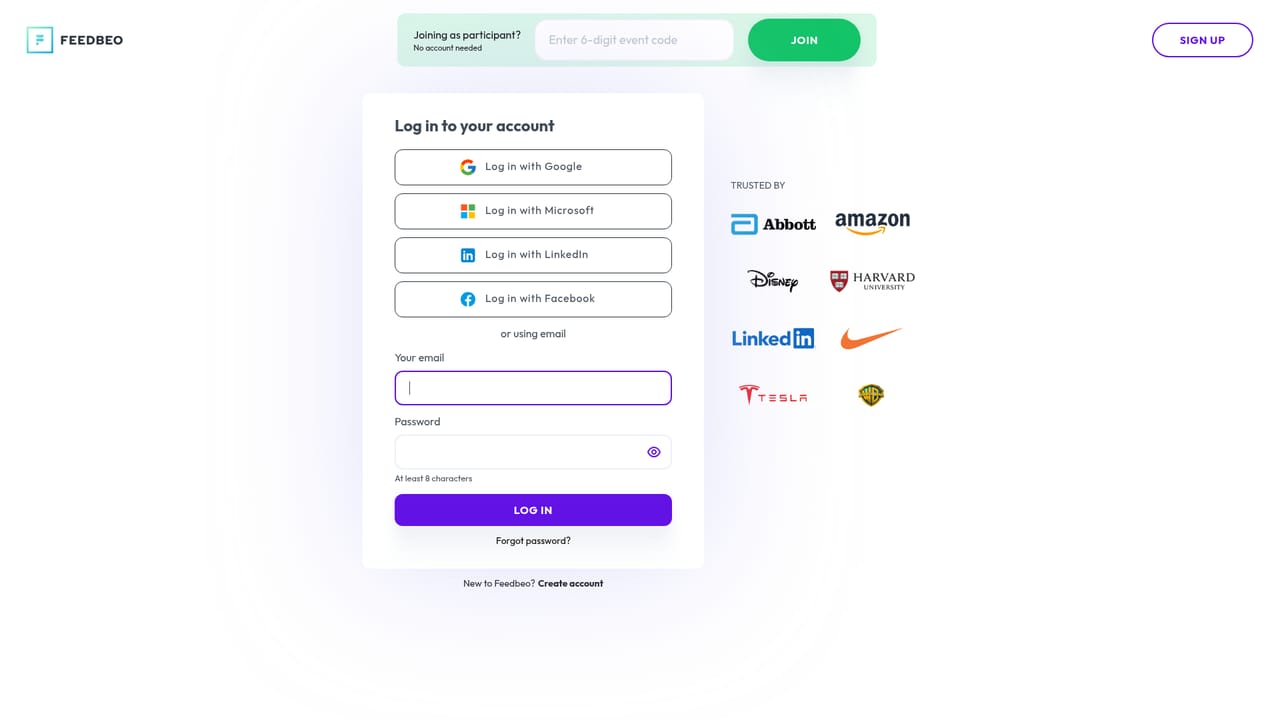
No formal trial. The free plan serves as the testing ground, and upgrades to the paid plan come with 30 days to explore premium features, with the upgrade reversible on request.
Learn moreTwo plans. Free forever with no credit card: unlimited events, one admin seat, unlimited participants, maximum three polls per event. Enterprise costs $39 billed monthly: unlimited events, admin seats, participants and polls, a custom link hashtag #code and premium support. A monthly or yearly toggle advertises 25 percent savings on the yearly option.
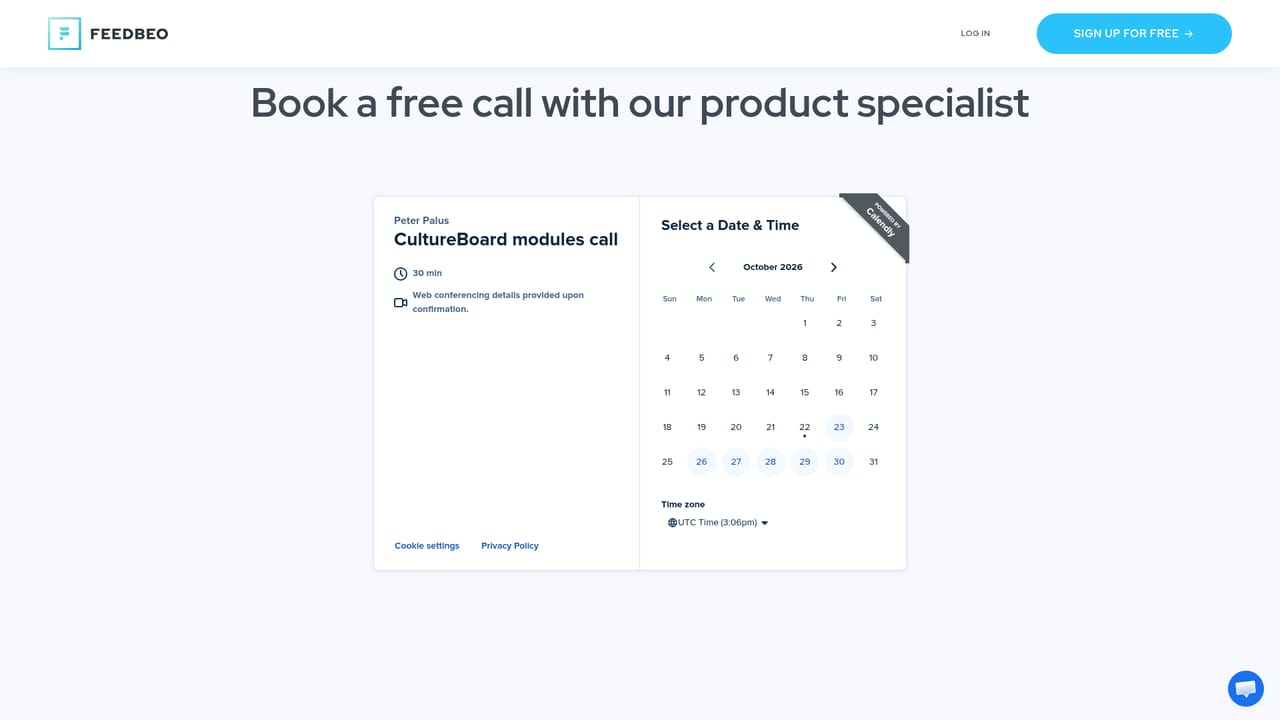
Learn moreEmail contact at hello@feedbeo.com plus a demo call booking page. Premium support is listed as an Enterprise plan benefit; free users get the standard email channel.
Learn moreNo native connectors. FeedBeo bridges to PowerPoint, Google Slides, Canva and similar tools indirectly by placing the event QR Code on a presentation slide.
Seven poll types (Q&A, word cloud, multiple choice, scale, open text, ranking and AI). AI Copilot that generates a full event from a brief. Moderator, TV and Participant views. Analytics with graphs, CSV export and shareable report links. Custom logo, colors and event code. Joining by link, #code or QR Code from any browser.
 AI Angels400+ customizable AI girlfriends for NSFW chat, voice calls, and roleplay
 Candy AIExperience the future of companionship with AI friends who chat, role-play, and connect with you on a human level.
 ourdream.aiA vast AI roleplay platform with millions of characters for chat, images, video and voiceAI Angels400+ customizable AI girlfriends for NSFW chat, voice calls, and roleplayCandy AIExperience the future of companionship with AI friends who chat, role-play, and connect with you on a human level.ourdream.aiA vast AI roleplay platform with millions of characters for chat, images, video and voice