Free trial
The homepage states that no signup is required and that users can start designing for free, so the tool can be evaluated at no cost before any commitment. No time limit or credit allowance is published.
Learn moreRedesign rooms and exteriors from a single photo with AI
Own Interior Decorator AI? Verify ownership to get a dofollow link

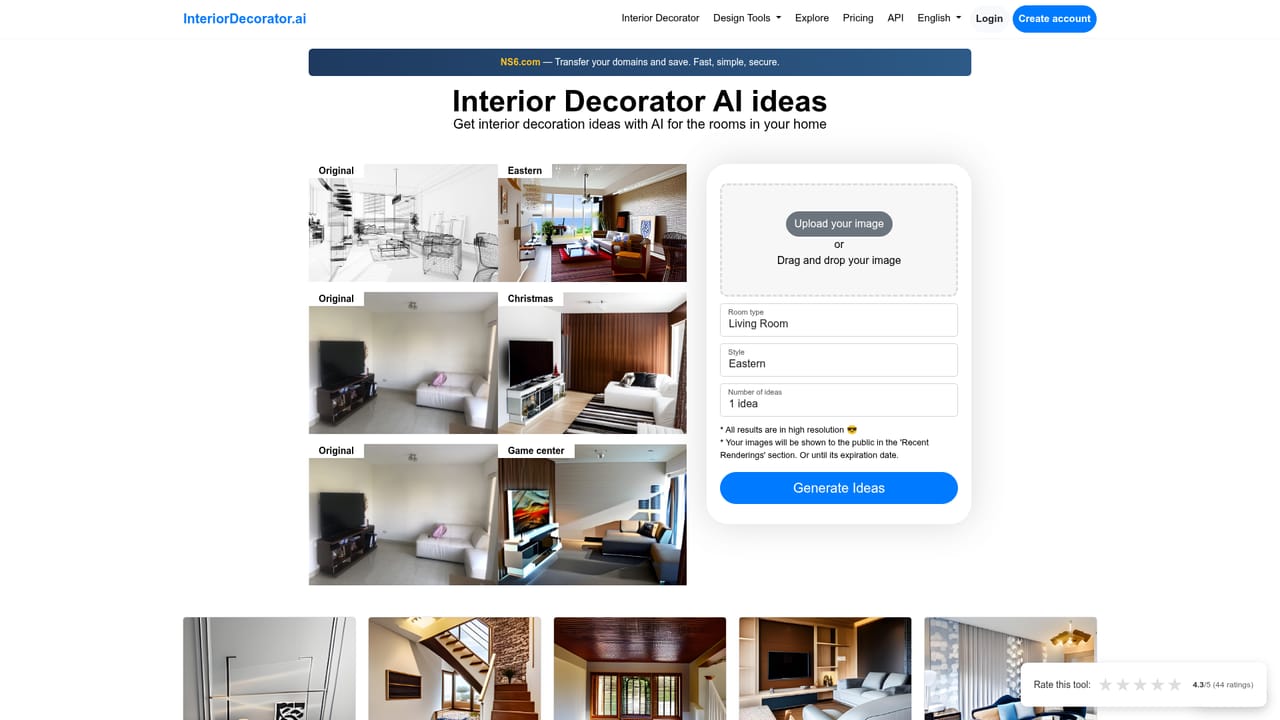
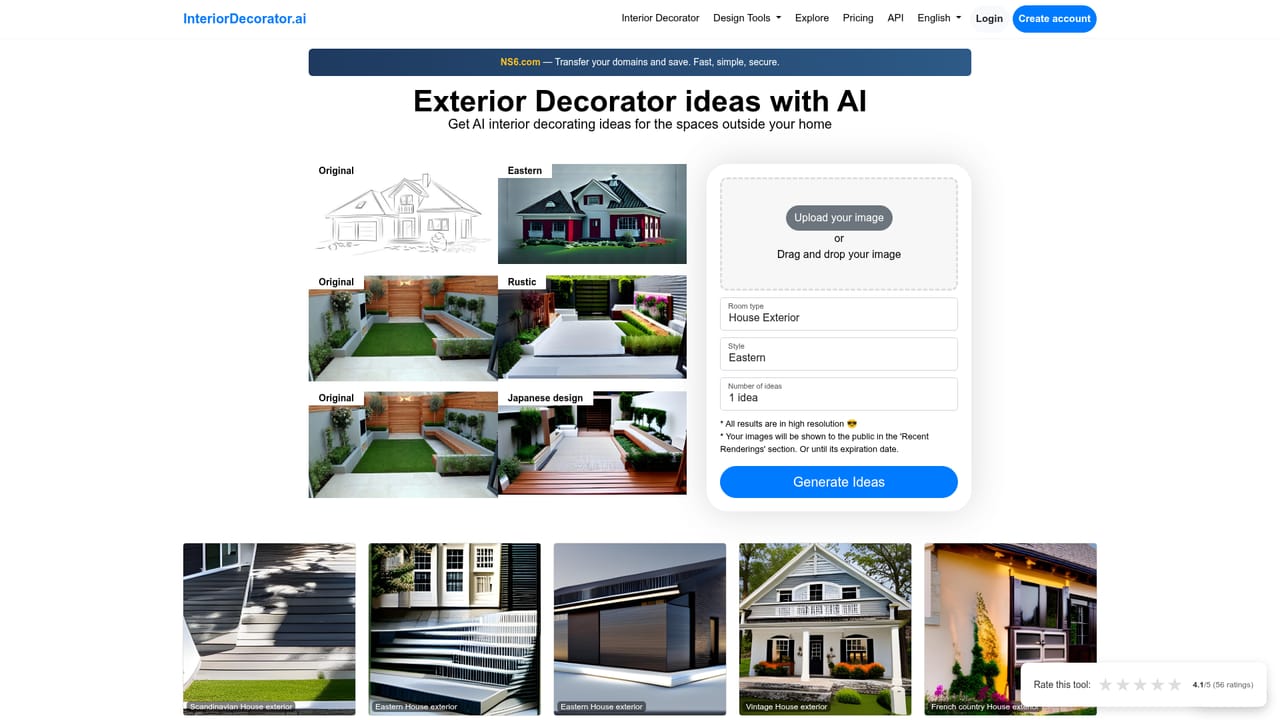
Interior Decorator AI is an exterior home design tool. An AI restyling tool that turns a photo of a room or house exterior into a new design across 26 styles and 28 room types. Upload a photo, pick a style, and get a rendered result in seconds, with sketch to render and virtual staging included.
Interior Decorator AI is a browser based image transformation tool built for people who want to see a space restyled before committing to real furniture, paint or landscaping. The workflow is deliberately narrow: a user supplies a photograph of an existing room, a room type and a preferred design style, and the service returns a rendered version of that same space in the chosen look. The catalogue lists 26 design styles (Modern, Scandinavian, Minimalist, Industrial, Bohemian and Japanese among them) and 28 room types, and the same engine handles exteriors such as house fronts, patios and gardens. Beyond the basic restyle, the tool advertises virtual staging for empty rooms, which is aimed at real estate listings and rentals where unfurnished photos tend to sit on the market. It also converts hand drawn sketches and floor plans into photorealistic visualizations, a use case that overlaps with traditional 3D rendering but skips the modelling software. Results arrive in seconds according to the site, and the homepage gallery shows finished examples across bedrooms, living rooms, dining rooms, home offices, patios and several exterior styles, so prospective users can judge output quality before uploading anything. The practical loop is three steps: drop in or photograph a room, pick a style and room type, then review the generated design. The site states that no signup is required to start designing for free, which lowers the barrier for a quick experiment or a single staging job. It is a visual ideation layer rather than a full design suite: there are no measured drawings, material specifications or shopping links documented, so anyone needing procurement or construction detail will still finish the job elsewhere. Given the focus, the natural audience is homeowners testing a renovation direction, estate agents producing staged listing photos, interior designers building mood boards for client conversations, and landscapers or facade renovators previewing an exterior change. Compared with general purpose image generators, the appeal here is that the room structure is preserved while surfaces and furnishings change, which keeps a proposal recognizable to the client. Compared with full interior design platforms, it trades breadth of project management for speed and a very low learning curve.
The homepage states that no signup is required and that users can start designing for free, so the tool can be evaluated at no cost before any commitment. No time limit or credit allowance is published.
Learn moreRoom redesign from an uploaded photo across 26 design styles and 28 room types, plus virtual staging for empty rooms, sketch and floor plan to photorealistic render, and exterior makeovers for house fronts, patios and gardens. Generation is described as taking seconds rather than hours.
 AI Angels400+ customizable AI girlfriends for NSFW chat, voice calls, and roleplay
 Candy AIExperience the future of companionship with AI friends who chat, role-play, and connect with you on a human level.
 ourdream.aiA vast AI roleplay platform with millions of characters for chat, images, video and voiceAI Angels400+ customizable AI girlfriends for NSFW chat, voice calls, and roleplayCandy AIExperience the future of companionship with AI friends who chat, role-play, and connect with you on a human level.ourdream.aiA vast AI roleplay platform with millions of characters for chat, images, video and voice


