Free trial
Registration grants free credits with no credit card required, allowing the platform to be tested before any purchase.
Learn moreTurn a garden photo into a realistic AI redesign in seconds

Ogrovision is an exterior home design tool that turns a garden photo into a realistic AI redesign in seconds. Ogrovision turns photographs of gardens and patios into realistic AI visualisations.
Ogrovision is a browser based AI tool that reworks photographs of outdoor spaces into realistic garden visualisations. A user uploads a JPG or PNG taken with a phone or camera, or picks one of the sample images supplied by the site, then selects a preset or writes a description of the intended result. The AI returns a rendered image in roughly 15 to 60 seconds, and the finished picture can be downloaded at full resolution and revisited later from a saved generation history. The style library is the core of the product. It holds 109 presets spread across eight categories: front yard, backyard, patio, relaxation zone, playground, entrance, interiors and seasons. Newcomers work in simple mode, where a single click on a preset triggers a transformation. Advanced mode adds a mask tool: users paint coloured zones on the original photo and describe what should appear inside each one, which gives targeted control over individual beds, paths or structures instead of restyling the whole frame. A one click seasons feature produces four variants of the same garden across spring, summer, autumn and winter. Beyond imagery, Ogrovision handles plant identification. It recognises species visible in the uploaded photo, offers care advice, and assembles a planting plan as a PDF that includes a shopping list, a schedule and a care calendar. Two generation models sit behind the interface: Ogrovision Standard, the fast option billed at one credit, and GPT Image 1.5 from OpenAI at three credits per run. The team reports more than 20,000 users and over 740,000 generations across 375 countries. Homeowners weighing a renovation, garden designers presenting options to clients and landscape architects producing quick concept visuals are the natural audience. Compared with a full landscape design suite, Ogrovision is narrower and faster, and it leans on generative output rather than measured drafting. The interface runs in Polish and English, with AI prompts and responses adapting to the chosen language.
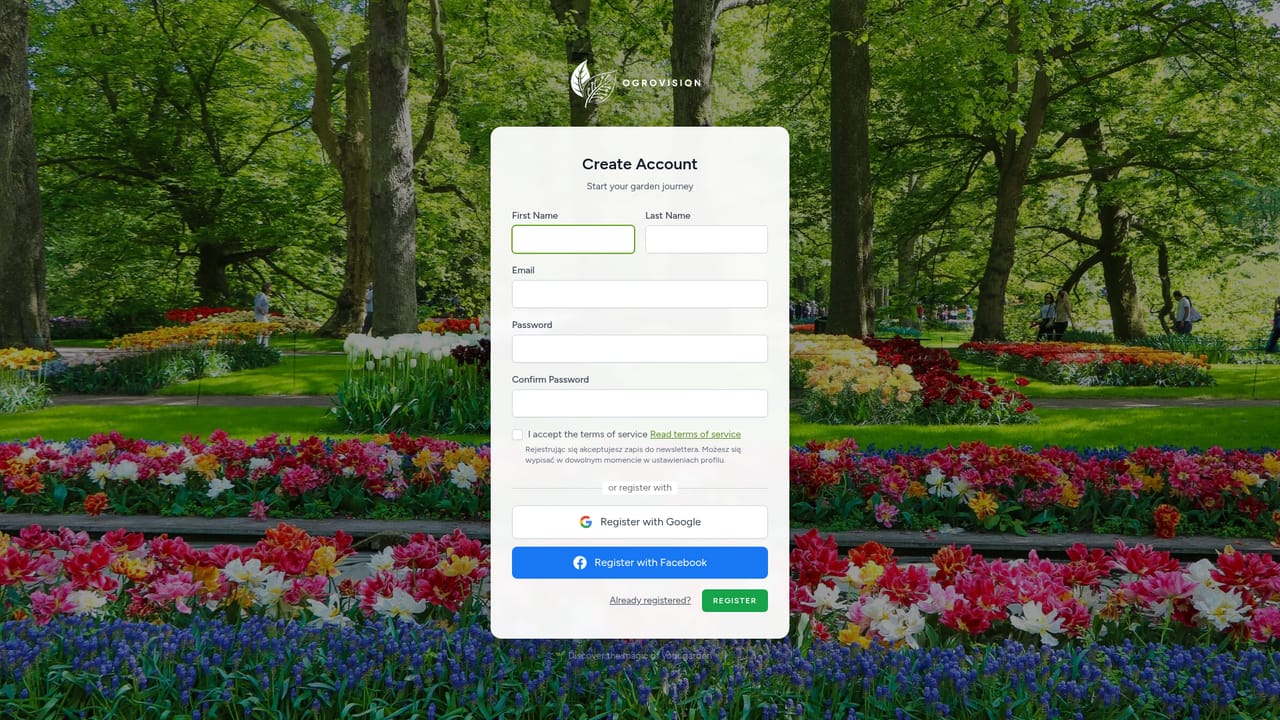

Registration grants free credits with no credit card required, allowing the platform to be tested before any purchase.
Learn moreThree credit packages: Starter at $2.99 for 10 credits, Hobbyist at $7.99 for 30 credits and Designer at $12.99 for 60 credits. A generation costs 1 credit on Ogrovision Standard or 3 credits on GPT Image 1.5. New accounts receive free credits at registration.
Learn moreA contact page and a documentation section are published on the site; no chat, phone or email response commitments are stated on the homepage.
Learn morePreset and prompt driven garden visualisation from a photo, 109 presets in eight categories, zone masking for precise edits, four seasonal variants in one click, plant recognition with care advice, PDF planting plans with shopping list and schedule, full resolution downloads and saved history.
 AI Angels400+ customizable AI girlfriends for NSFW chat, voice calls, and roleplay
 Candy AIExperience the future of companionship with AI friends who chat, role-play, and connect with you on a human level.
 ourdream.aiA vast AI roleplay platform with millions of characters for chat, images, video and voiceAI Angels400+ customizable AI girlfriends for NSFW chat, voice calls, and roleplayCandy AIExperience the future of companionship with AI friends who chat, role-play, and connect with you on a human level.ourdream.aiA vast AI roleplay platform with millions of characters for chat, images, video and voice


