TsquareAI

Custom AI visualisers, planners and take-off tools for building-product brands

Beginner
Screenshot of TsquareAI, Custom AI visualisers, planners and take-off tools for building-product brands

What is TsquareAI?

TsquareAI builds custom AI applications for building-product brands: a visualiser that shows products on real project photos, a planner for layouts and fit-outs, and a take-off tool that turns drawings into quantities. Delivered as a scoped, fixed-quote project with ongoing support.

TsquareAI is a Sydney-based studio that builds and operates AI applications for companies selling into the built environment. Rather than shipping a single self-serve product, it delivers tailored tools around a client's own catalogue: their products, colours, sizes and the rules for what combinations are allowed. The published work covers brands and organisations including James Hardie, No.1 Roofing, Ombra, a commercial furniture supplier, a kitchen and wardrobe manufacturer, a paint brand, a glazing contractor and a local council, with more than one million designs generated across those applications. Three applications anchor the offer. The Visualiser lets a homeowner or specifier start from a photo or an address and see products applied to the real project, then compare options side by side. The Planner works on layouts, from a single room to a full office floor, letting customers and internal teams agree on a furnishing or fit-out plan before anything is ordered. Quantities turns drawings into measured counts, optionally enriched with a client's price lists so the output feeds quoting. Several live examples follow the same funnel: a customer uploads a photo or address, explores a design, and the result becomes an enquiry or a quote request for the sales team. The practical audience is building-product manufacturers, suppliers, contractors and councils that want customers to picture finished results without redrawing by hand. Scoping is collaborative, a fixed quote is issued before development, and most applications are described as launching within four to eight weeks from signing, with larger programmes split into milestones that each function on their own. The team positions the tools as an early-ideas layer that frees designers for refinement, not a replacement for them. Compared with generic image generators or standalone take-off software, the differentiator is the combination: brand-specific visualisation, spatial planning and measurement in one workflow, delivered and maintained as a managed service rather than an off-the-shelf subscription.

How do you use TsquareAI?

  1. 1Book a scoping call
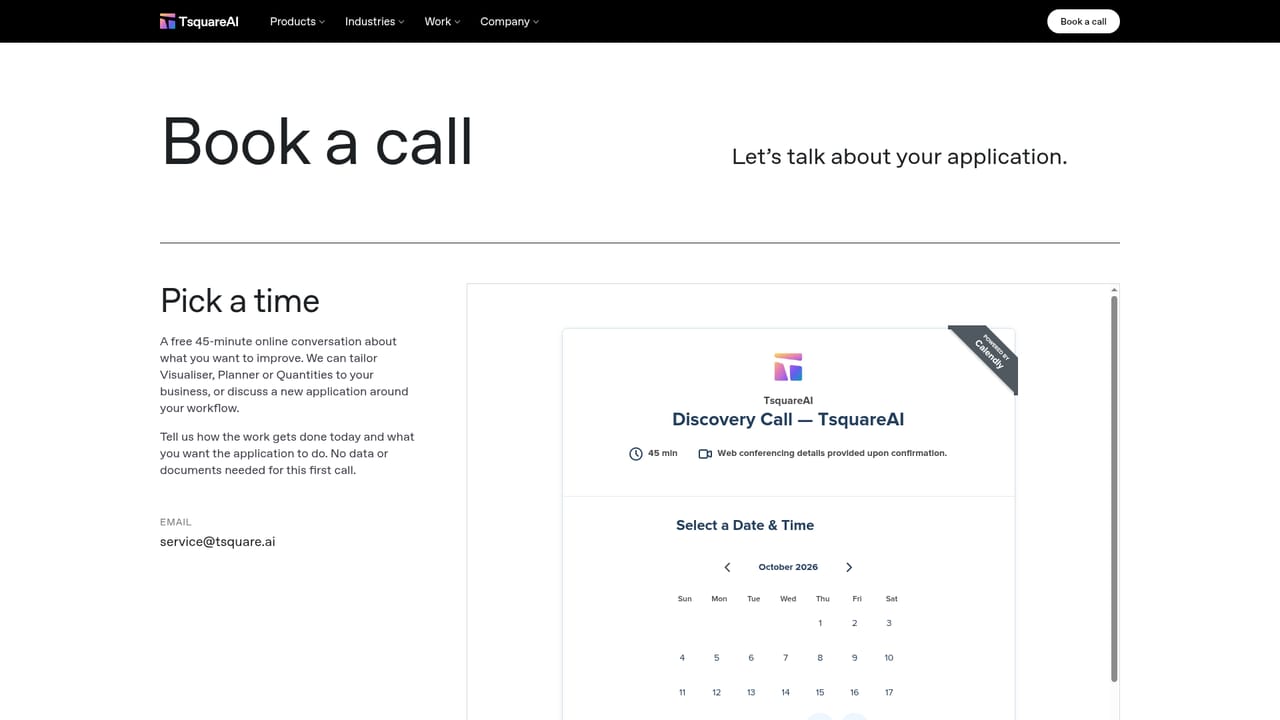
    Start on the contact page and arrange a conversation about your product range, the decisions customers struggle with, and which workflow to tackle first.
    TsquareAI — Book a scoping call
  2. 2Pick the application that matches the job
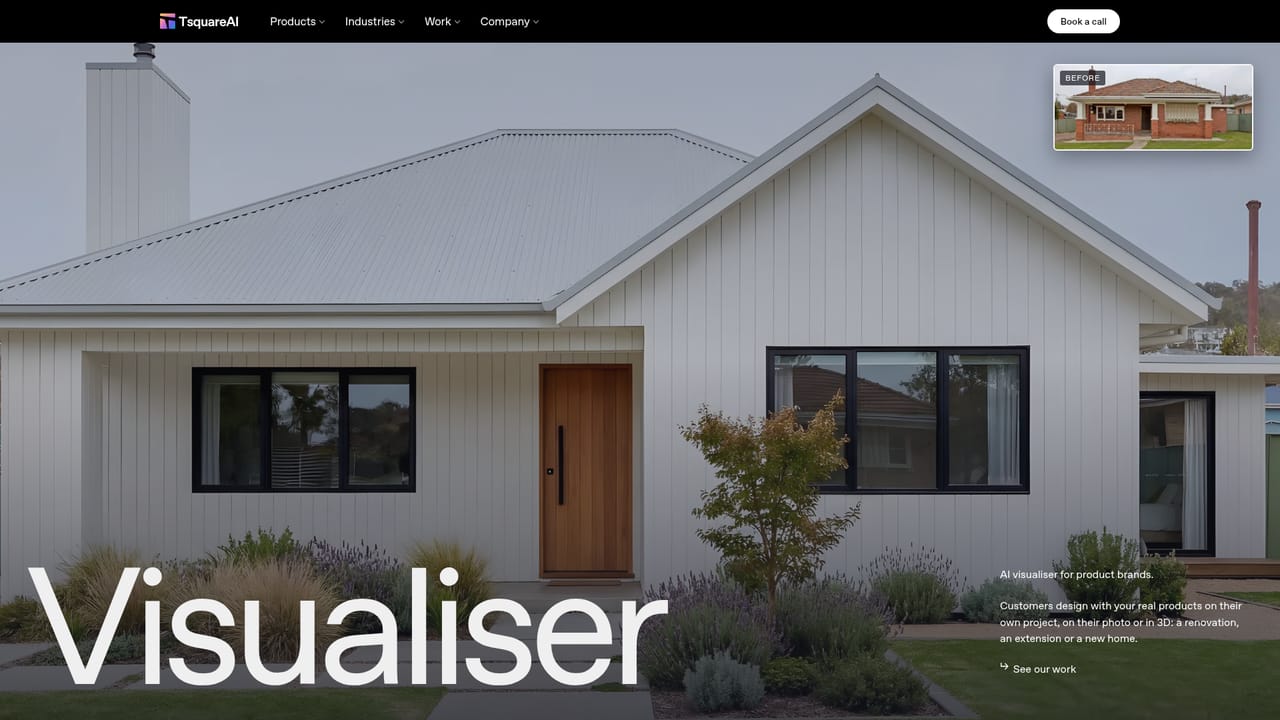
    Review the three product pages and decide whether the need is visualisation, spatial planning or quantity take-off, or a combination across a project.
    TsquareAI — Pick the application that matches the job
  3. 3Read the concept guide for your shortlisted tool
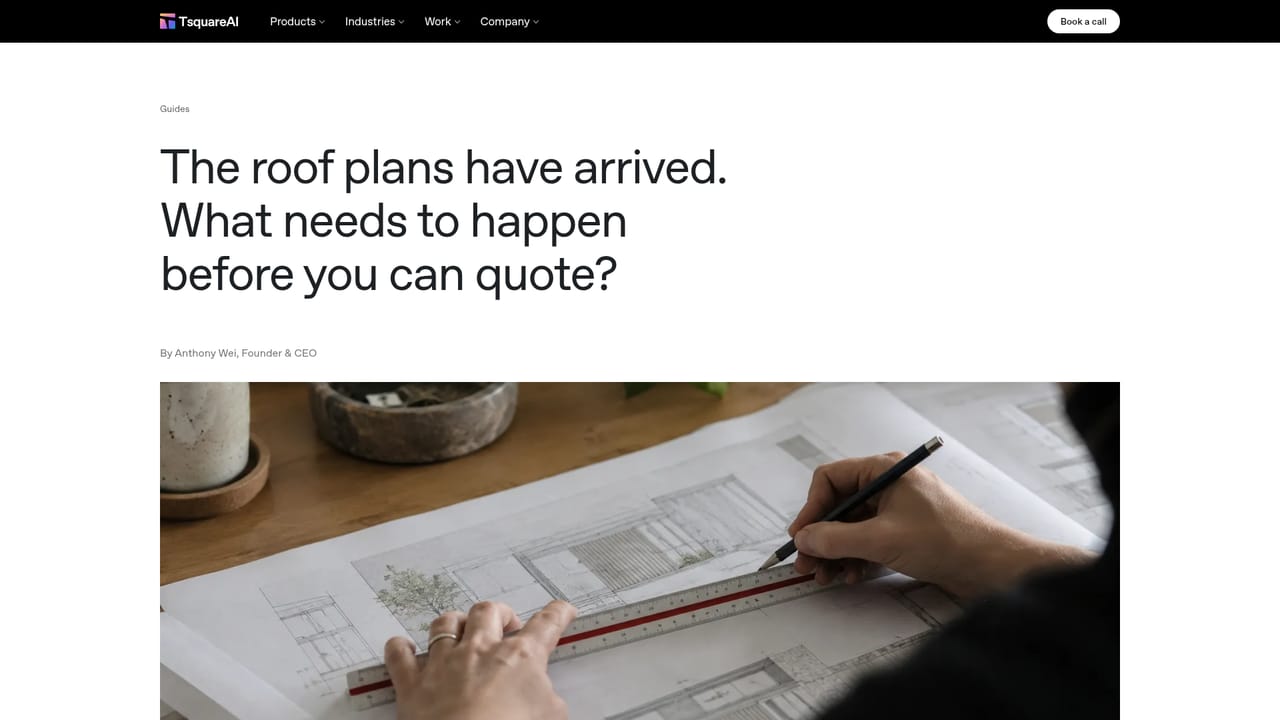
    Each application has a companion guide explaining what it does and where it fits, which helps brief internal stakeholders before scope is agreed.
    TsquareAI — Read the concept guide for your shortlisted tool
  4. 4Understand the delivery process
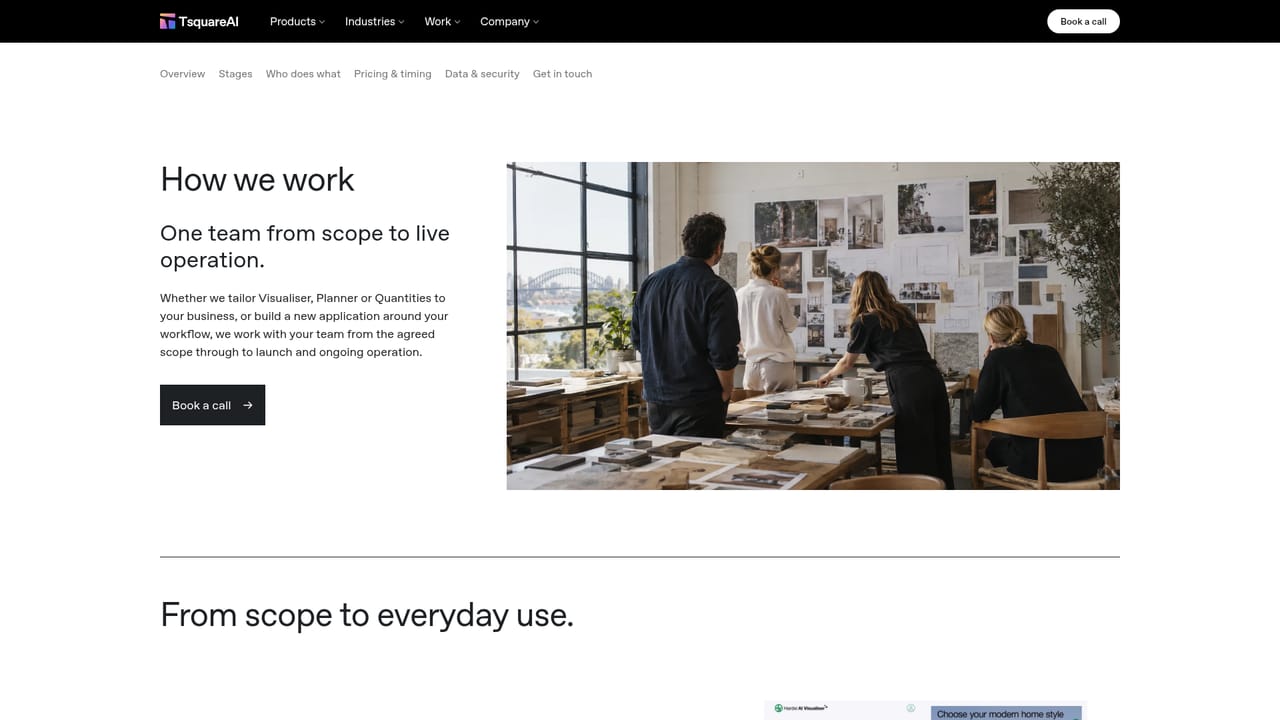
    The how-we-work page sets out the five stages (scope, build, test, launch, operate) so you know what your team contributes at each point.
    TsquareAI — Understand the delivery process
  5. 5Check comparable builds
    Browse the case studies to see how other brands structured their first release, then agree a fixed quote and a starting range with the team.

Pros and cons

Pros

  • Applications are configured around your own product range, colours, sizes and combination rulesAI
  • Covers three linked jobs (visualisation, spatial planning, quantity take-off) instead of one narrow featureAI
  • Public case work spans brands, suppliers, a glazing contractor and a council, with over one million designs generatedAI
  • Fixed quote agreed at scoping, and most applications launch within four to eight weeks of signingAI
  • Ongoing operation and improvement after launch are handled by the same team that built itAI

Cons

  • No published price list; cost depends on a bespoke scoping exercise, so budgets cannot be compared in advanceAI
  • Custom engagements mean no self-serve signup or instant trial, which slows evaluation for small teamsAI
  • Strongest fit for construction and building-product businesses; other sectors would get little from the templatesAI
  • Homepage copy leaves data handling, model provenance and security details unaddressedAI
  • Pricing visibility to end customers is optional, so the sales-funnel benefits depend on how each build is configuredAI

How much does TsquareAI cost?

Pricing

Pricing is tailored to product range, rules and workflow. TsquareAI scopes the work with you, then issues a fixed quote for the build. Many teams begin with one product range or one workflow and expand once it is proven. No rates are published on the homepage.

Learn more

Support

The same team that scopes and builds an application stays on to run, support and keep improving it after launch, per the homepage.

Learn more

Features

Visualiser applies products to a customer's own project from a photo or address, with part-by-part changes and option comparisons. Planner handles layouts and fit-outs from room to floor scale. Quantities converts plans and drawings into measured counts, optionally combined with your price lists to prepare customer-facing and internal pricing versions for review.

Learn more

Frequently asked questions about TsquareAI

  • How much does TsquareAI cost?
    Pricing is tailored to product range, rules and workflow. TsquareAI scopes the work with you, then issues a fixed quote for the build. Many teams begin with one product range or one workflow and expand once it is proven. No rates are published on the homepage.
  • How do you use TsquareAI?
    The walkthrough on this page covers 5 steps: 1. Book a scoping call 2. Pick the application that matches the job 3. Read the concept guide for your shortlisted tool 4. Understand the delivery process 5. Check comparable builds.
  • What platforms does TsquareAI support?
    TsquareAI is available on Web App.
  • What are the limitations of TsquareAI?
    No published price list; cost depends on a bespoke scoping exercise, so budgets cannot be compared in advance. Custom engagements mean no self-serve signup or instant trial, which slows evaluation for small teams. Strongest fit for construction and building-product businesses; other sectors would get little from the templates.

Status

StatusActive
Views0
Outbound clicks0
Added10/22/2026

Platforms

Web App

Pricing

Paid