Rendera AI

Redesign interiors, exteriors, and gardens with AI in seconds.

Beginner
Screenshot of Rendera AI, Redesign interiors, exteriors, and gardens with AI in seconds

What is Rendera AI?

Rendera AI converts photos of rooms, facades, patios, and gardens into restyled design renders. Upload an image, paint the area to change, and prompt a style; results usually arrive in under half a minute. Sketch-to-render and region-aware prompts add flexibility.

Rendera AI is a generative design tool that turns a single photograph of a room, facade, patio, or garden into a restyled visual concept. The workflow is deliberately narrow: upload a photo, paint over the area you want changed, and type a short prompt describing the look you want. The system returns a rendered image, typically within 20 seconds according to the site, which can then be downloaded or sent back for edits. There is no 3D modelling step and no library of preset furniture to assemble, so the output is only as specific as the prompt behind it. The tool is positioned for four broad groups. Interior designers use it to explore style directions and material palettes without opening Photoshop. Landscape designers generate yard concepts from real site photos to speed up client approvals. Real estate agents stage listings virtually and improve curb appeal ahead of viewings. Homeowners preview ideas before committing money to contractors. The pitch is speed and low commitment rather than engineering accuracy, so anyone expecting measured drawings or build-ready plans will be looking at the wrong category of software. Two features stand out. Sketch to render mode accepts rough hand drawings or basic CAD output and converts them into higher fidelity visuals, which is useful for early concept conversations. Prompt-based localization also lets you mention a region or climate, after which the model leans toward appropriate planting and architectural cues, such as desert flora for Arizona or tropical textures for Florida. Results remain prompt-dependent, and nothing in the process replaces a site survey. The commercial model is credit based. Each generation consumes one credit, credits are purchased as needed and do not expire, and there are no monthly subscriptions or lock-ins. That arrangement suits occasional users and small studios with uneven project flow better than teams that render every day, where per-image costs can accumulate quickly. Rendera sits alongside AI staging and visualization tools rather than full design suites: it is a fast ideation layer, not a replacement for CAD, BIM, or a designer's judgement.

How do you use Rendera AI?

  1. 1Create a free account
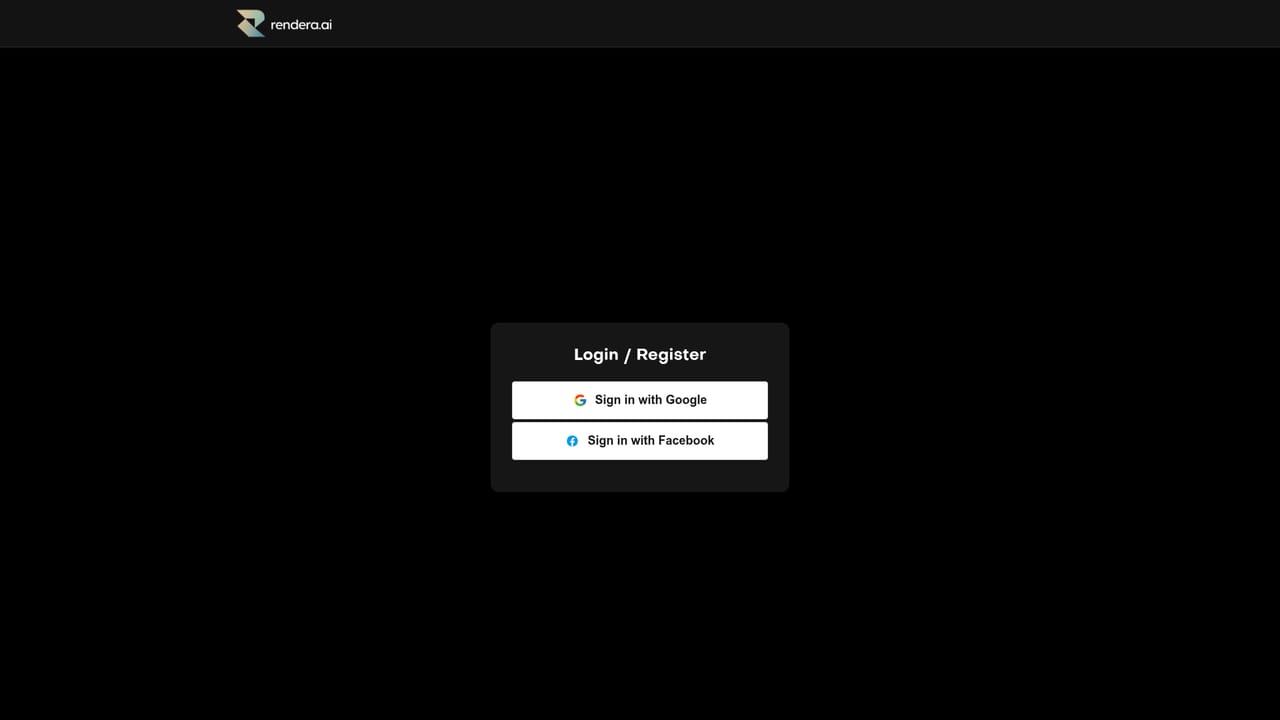
    Sign up on the Rendera app to access the design workspace. The site states sign-up is free and no subscription is required.
    Rendera AI — Create a free account
  2. 2Upload a photo of your space
    Choose an image of a room, house exterior, patio, garden, or terrace. Clear, well-lit photos give the model more to work with.
  3. 3Paint the area to redesign
    Use the paint tool to mark the region you want changed, such as a wall, floor, or planting bed. This keeps the rest of the photo intact.
  4. 4Describe your style in the prompt
    Enter design guidelines, preferred materials, or a named style. Adding a location or climate can nudge plant and architecture choices toward local realism.
  5. 5Generate and review the render
    Run the generation and wait for the result, which the site says usually arrives in about 20 seconds. Compare it against the original photo.
  6. 6Download or request edits
    Save the image you like or send it back with adjusted instructions. Each generation uses one credit, purchased in advance.

Pros and cons

Pros

  • Fast turnaround: the site states most renders return within about 20 seconds.AI
  • No subscription required; credits are bought as needed and do not expire.AI
  • Works from ordinary photos as well as rough sketches or basic CAD output.AI
  • Region-aware prompts can tailor planting and style to local climate.AI
  • Covers interiors, exteriors, patios, gardens, and terraces in one tool.AI

Cons

  • Per-image credits can add up for heavy users compared with flat monthly plans.AI
  • Output is prompt-dependent; vague instructions yield generic or off-target renders.AI
  • No mention of measured drawings, CAD export, or build-ready documentation.AI
  • The site offers no integration or API information, which limits pipeline use.AI
  • Reviews and ratings on the homepage are marketing material, not independent evidence.AI

How much does Rendera AI cost?

Pricing

Rendera uses a credit system: one credit per generation, bought as needed with no expiration. The site states there are no monthly fees, subscriptions, or lock-ins, so cost scales with the number of images produced rather than time.

Learn more

Support

The homepage has an FAQ covering subscriptions, local environment handling, sketches, render speed, and credits. No dedicated help centre, documentation, or direct support channel is listed.

Features

Photo-based redesign for interiors, exteriors, patios, gardens, and terraces; paint-to-select editing; prompt-driven styling; region-aware results when location is included; sketch or CAD to high-fidelity render conversion; renders typically returned within 20 seconds; download and edit requests.

Frequently asked questions about Rendera AI

  • How much does Rendera AI cost?
    Rendera uses a credit system: one credit per generation, bought as needed with no expiration. The site states there are no monthly fees, subscriptions, or lock-ins, so cost scales with the number of images produced rather than time.
  • How do you use Rendera AI?
    The walkthrough on this page covers 6 steps: 1. Create a free account 2. Upload a photo of your space 3. Paint the area to redesign 4. Describe your style in the prompt 5. Generate and review the render 6. Download or request edits.
  • What platforms does Rendera AI support?
    Rendera AI is available on Web App.
  • What are the limitations of Rendera AI?
    Per-image credits can add up for heavy users compared with flat monthly plans. Output is prompt-dependent; vague instructions yield generic or off-target renders. No mention of measured drawings, CAD export, or build-ready documentation.

Status

StatusActive
Views0
Outbound clicks0
Added10/22/2026

Platforms

Web App

Pricing

FreemiumPaid