Free trial
A free trial pack is offered so the renderer can be tested before any credits are purchased. The site does not state the size of the trial pack.
Learn moreTurns room photos and sketches into styled interior renders
Own InteriorRenderAI? Verify ownership to get a dofollow link

InteriorRenderAI is an image to image tool that turns room photos and sketches into styled interior renders. AI renderer that restyles photographed rooms and design sketches into cinematic interior visuals, using a preset style library or custom styles written in natural language, with credit packs and no subscription.
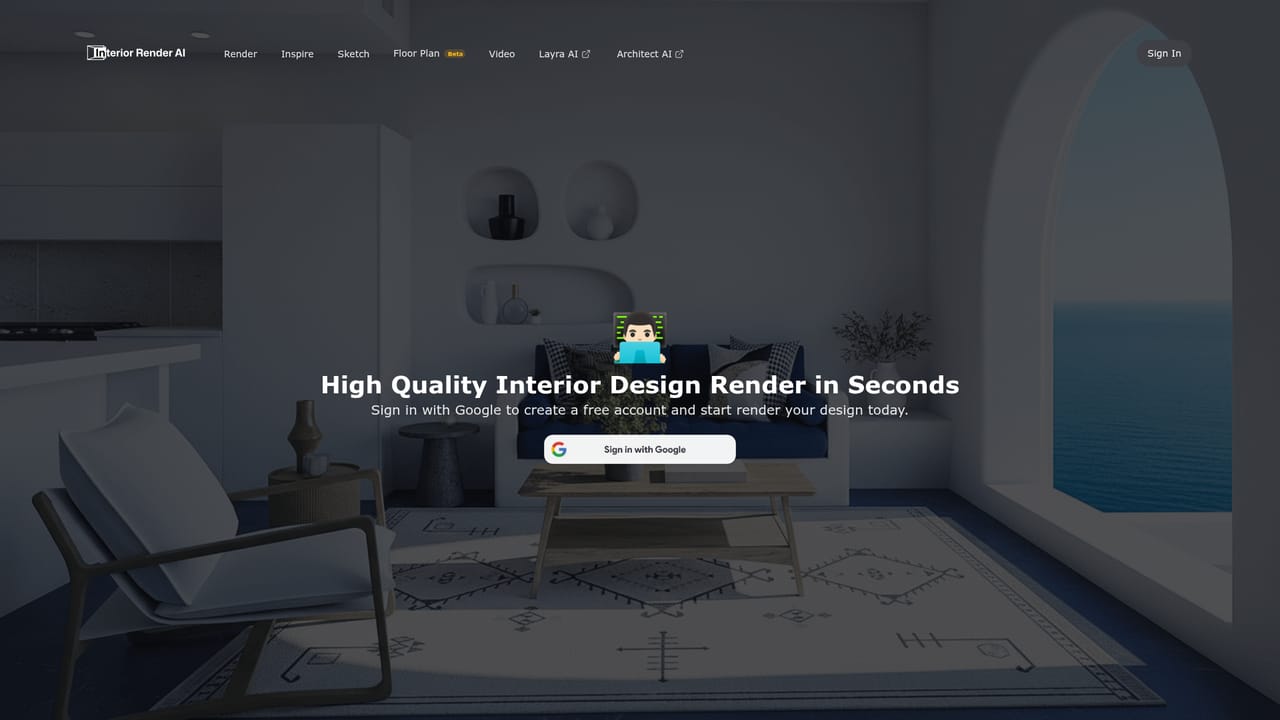
InteriorRenderAI is a web based rendering tool for interior design concepts. It takes an existing indoor photograph or a hand drawn design sketch and returns a cinematic quality render of the same space, with the styling driven by a short natural language description. The workflow is deliberately narrow: supply an image, describe the look you want, and receive a visualisation in seconds rather than waiting on a modelling and lighting pass in a traditional 3D pipeline. Style control is the core of the product. A preset library covers looks such as Mediterranean, Scandinavian, Asian, Clockpunk, Dynasty, Gaming, Fallout and Japanese, and each preset can be applied to a project and reused on later images. Users who need something outside the library can write their own style in plain language and save it as a custom preset. The same mechanism turns rough sketches into presentation ready renders, which is where the tool earns its place for client communication and idea pitches. Day to day, the tool suits interior designers producing quick concept variants, architects who need to show a mood before committing to detailed drawings, and property or furnishing teams who want a restyled version of a photographed room. Homeowners planning a renovation can use it to test directions cheaply. It sits in the same territory as text to image generators, but the room in the output stays recognisably yours, which general purpose image tools rarely guarantee. Compared with full 3D visualisation software, it trades dimensional accuracy and specification level detail for speed and low setup cost. The site states that uploaded and generated content is not used for AI training, is not shared with third parties, and is not published as case studies. Access runs on credits bought in packs, with no subscription and no automatic billing, and a free trial pack is offered before payment. The interface is entirely browser based.
A free trial pack is offered so the renderer can be tested before any credits are purchased. The site does not state the size of the trial pack.
Learn morePay as you go credits with no subscription: 50 credits for $5.99, 100 credits for $8.99, 500 credits for $99.99, and 1000 credits for $189.99. The site does not state how many credits a single render consumes.
Learn morePhoto to render restyling of existing rooms, sketch to cinematic render conversion, a preset style library (Mediterranean, Scandinavian, Asian, Clockpunk, Dynasty, Gaming and others), custom styles written in natural language and reused across projects, and a stated policy that uploaded content is not used for training or shared.
 AI Angels400+ customizable AI girlfriends for NSFW chat, voice calls, and roleplay
 Candy AIExperience the future of companionship with AI friends who chat, role-play, and connect with you on a human level.
 ourdream.aiA vast AI roleplay platform with millions of characters for chat, images, video and voiceAI Angels400+ customizable AI girlfriends for NSFW chat, voice calls, and roleplayCandy AIExperience the future of companionship with AI friends who chat, role-play, and connect with you on a human level.ourdream.aiA vast AI roleplay platform with millions of characters for chat, images, video and voice


