Free trial
A free account includes 5 messages, which functions as a limited trial of the assistant before a Pro upgrade is needed.
Learn moreYour AI-powered market analyst for real-time stock research.
Own Investing.com? Verify ownership to get a dofollow link

Investing.com is a question answering tool. WarrenAI is Investing.com's conversational research assistant. It answers market questions across 72,000+ assets using real-time, verified data, with prompts for catalysts, trends and undervalued stocks. Free sign-up includes 5 messages; deeper use requires a Pro upgrade.
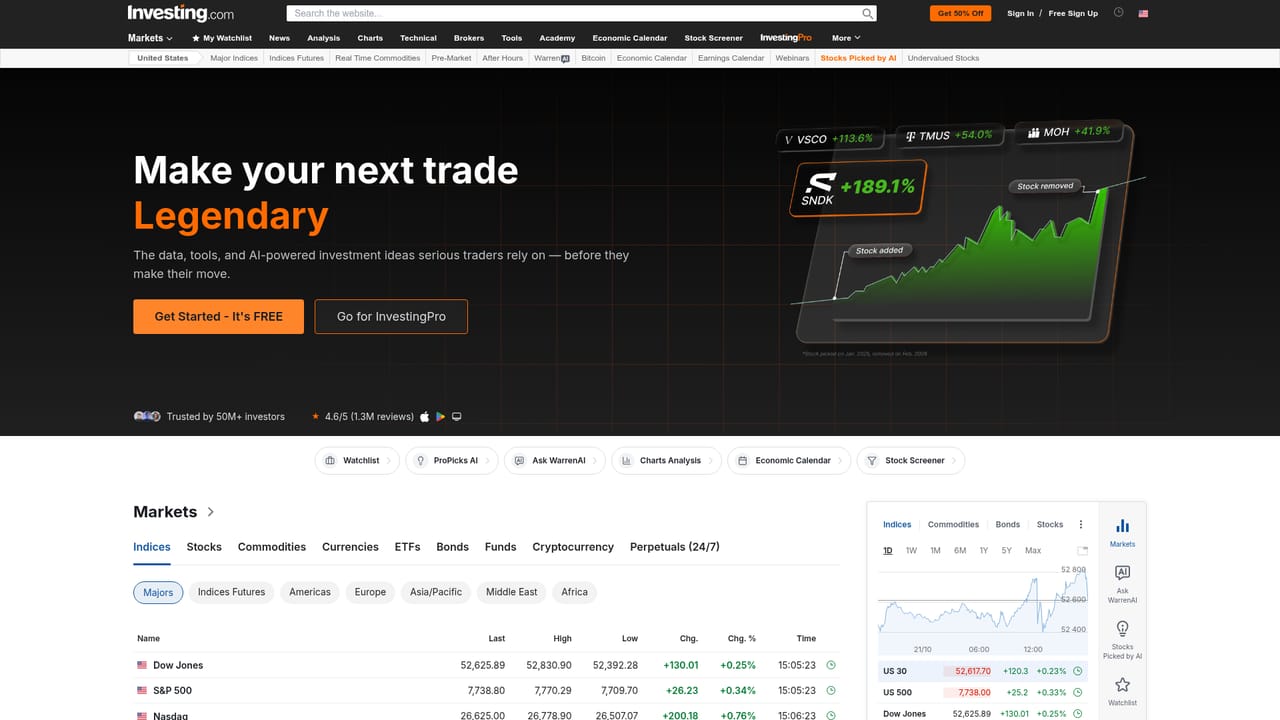
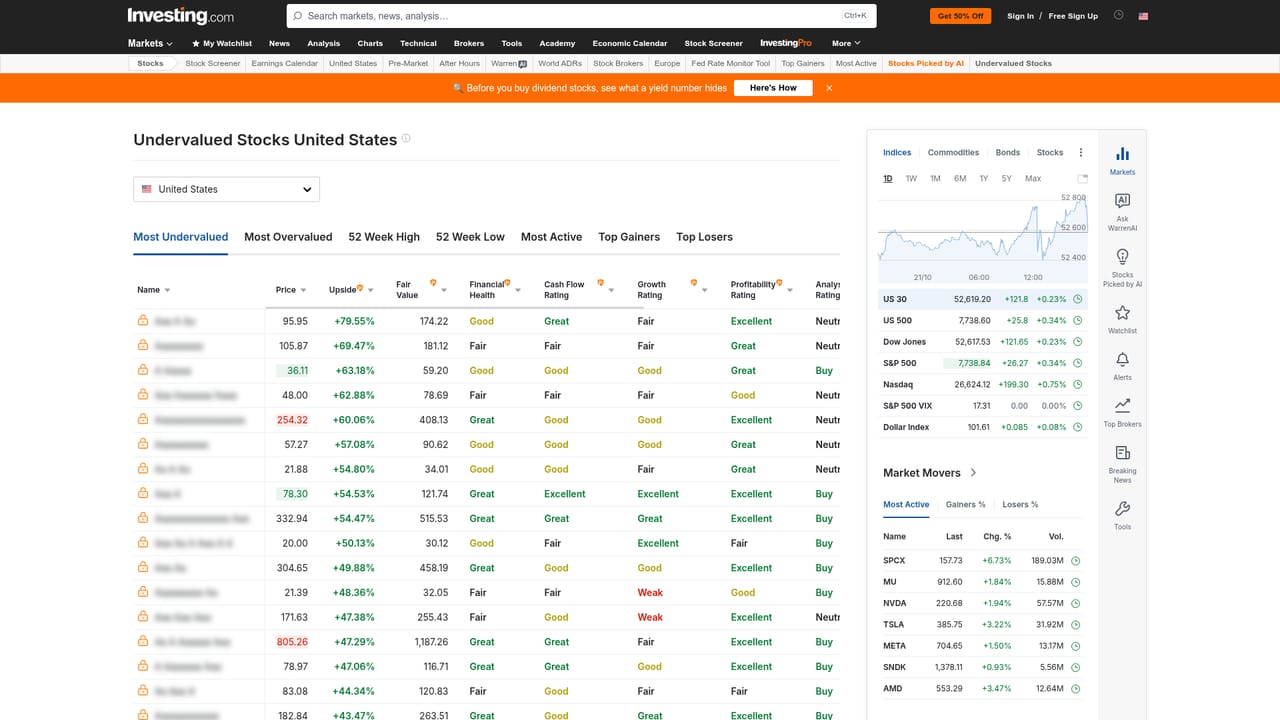
WarrenAI is a financial research assistant from Investing.com that answers questions about markets using real-time, verified data. It covers more than 72,000 assets, so queries can span individual stocks, sectors, indices and broader market themes. The assistant is built for investors who want quick, conversational analysis without manually pulling figures from multiple screens. The tool works as a chat interface. Users type a question about a stock, an upcoming catalyst, a market trend or a valuation screen, and WarrenAI responds with an analysis drawn from live data feeds. Suggested prompts such as Upcoming Catalysts, Market Trends and Undervalued Stocks help new users get started, and the assistant can screen stocks and surface ideas that match a stated criterion. Because responses are grounded in current data, the output is more useful for time-sensitive research than a static report. In practice, WarrenAI fits into an existing Investing.com workflow. It sits alongside watchlists, a screener, charts and ProPicks AI, so a user can move from a broad question to a specific ticker and then to a chart without leaving the platform. A free sign-up includes 5 messages, which is enough to test the assistant on a real question. Beyond that, access moves to the Pro tier. The login flow is separate from the main site, and the assistant is accessed through a web app. The tool is aimed at self-directed investors, analysts and anyone who already uses Investing.com for market data. It is not a portfolio manager and does not place trades. Every response carries a disclaimer that WarrenAI can provide incorrect information and is never financial advice, so it should be treated as a research accelerator, not an oracle. Compared with general-purpose chatbots, its value is the live data layer and the focus on financial instruments; compared with traditional screeners, it trades some precision for speed and natural-language access.
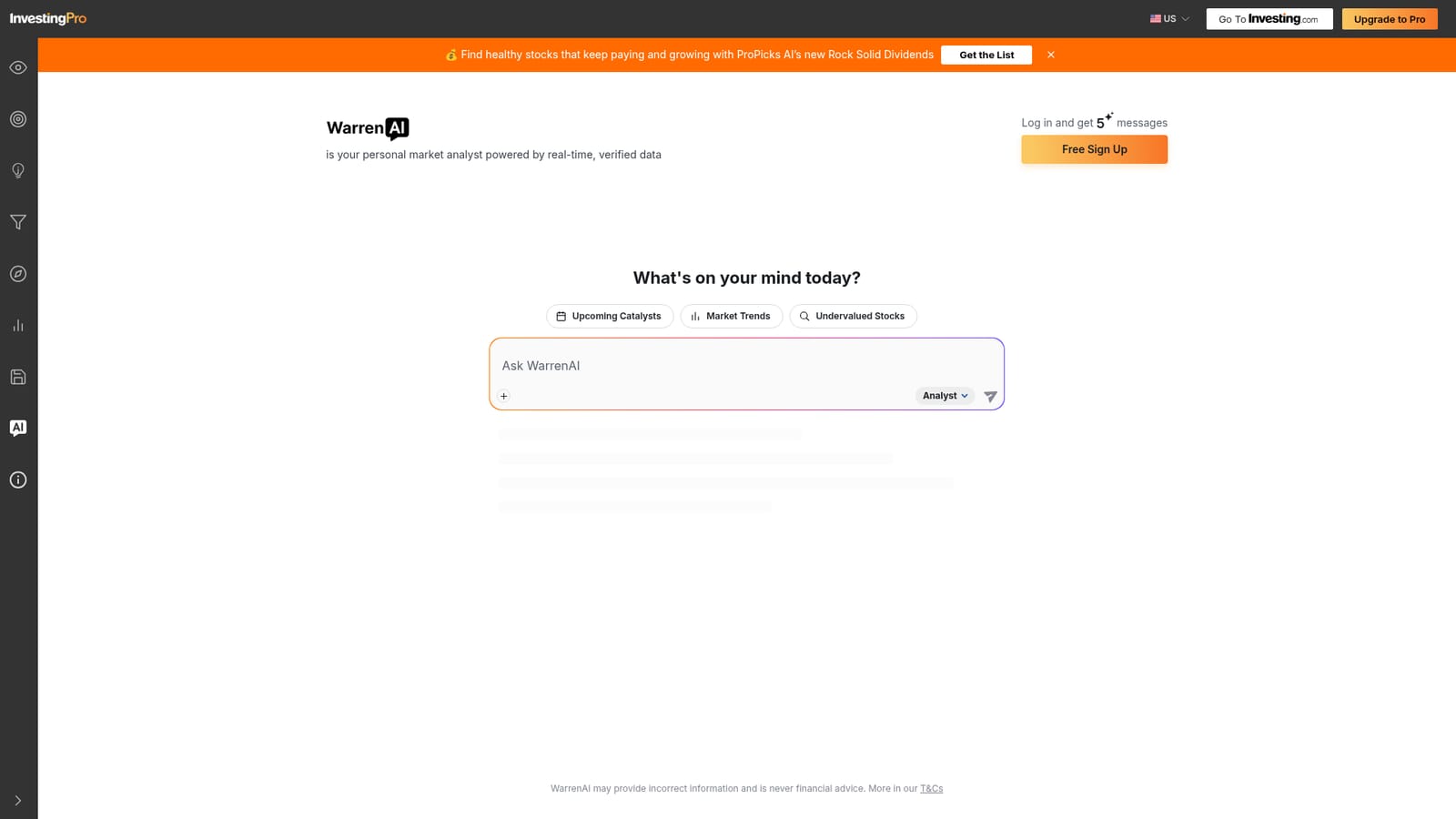
A free account includes 5 messages, which functions as a limited trial of the assistant before a Pro upgrade is needed.
Learn moreWarrenAI offers a free sign-up with 5 messages. Continued use requires an Upgrade to Pro plan; the homepage links to a Pro pricing page but does not list specific prices or tiers.
Learn moreWarrenAI answers market questions in natural language using real-time, verified data across 72,000+ assets. It supports prompts for upcoming catalysts, market trends and undervalued stocks, and can screen stocks. It sits alongside Investing.com's watchlists, screener, charts and ProPicks AI.
 AI Angels400+ customizable AI girlfriends for NSFW chat, voice calls, and roleplay
 Candy AIExperience the future of companionship with AI friends who chat, role-play, and connect with you on a human level.
 ourdream.aiA vast AI roleplay platform with millions of characters for chat, images, video and voiceAI Angels400+ customizable AI girlfriends for NSFW chat, voice calls, and roleplayCandy AIExperience the future of companionship with AI friends who chat, role-play, and connect with you on a human level.ourdream.aiA vast AI roleplay platform with millions of characters for chat, images, video and voice


