Free trial
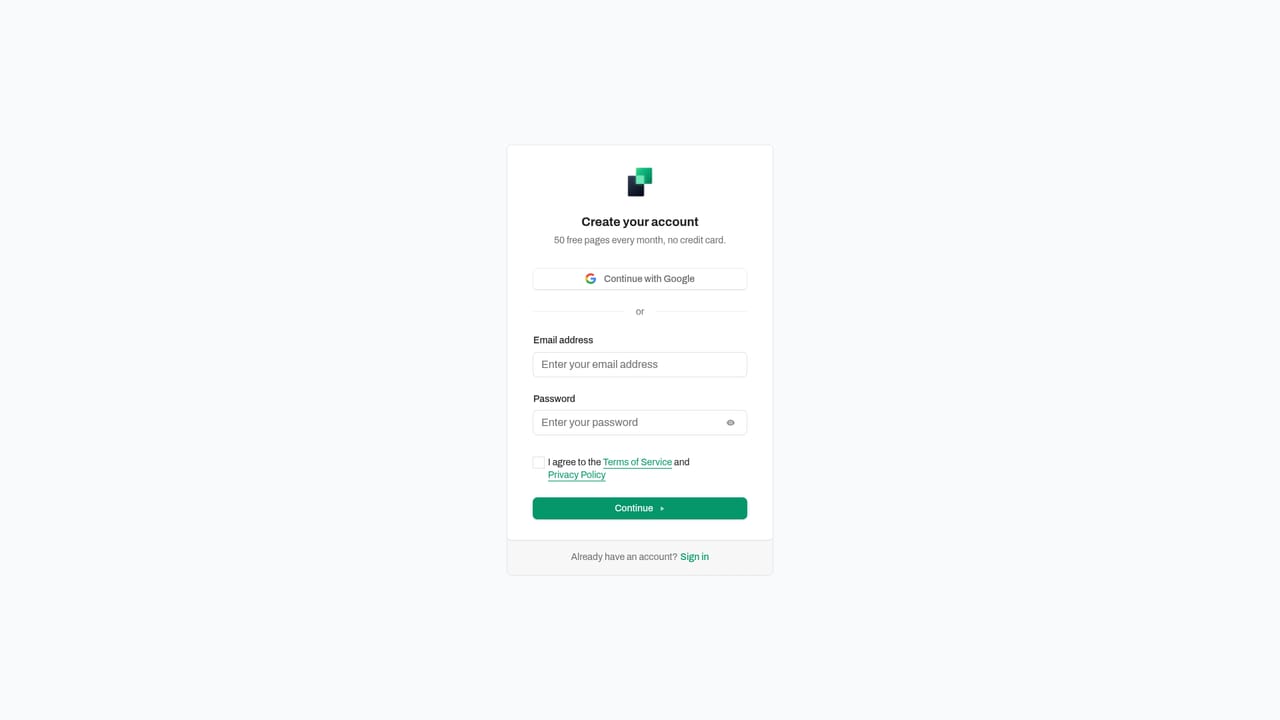
50 free pages every month with no subscription and no credit card required at sign-up.
Learn moreUpload invoices, describe the fields, download a spreadsheet with flagged rows
Own InvoiceDataExtraction? Verify ownership to get a dofollow link

InvoiceDataExtraction is an AI spreadsheet generator tool. An AI document extraction service that turns invoices, bank statements, receipts and payslips into Excel, CSV or JSON. A panel of agents must agree on each value, and anything unresolved is flagged Review Needed with a link to the source page.
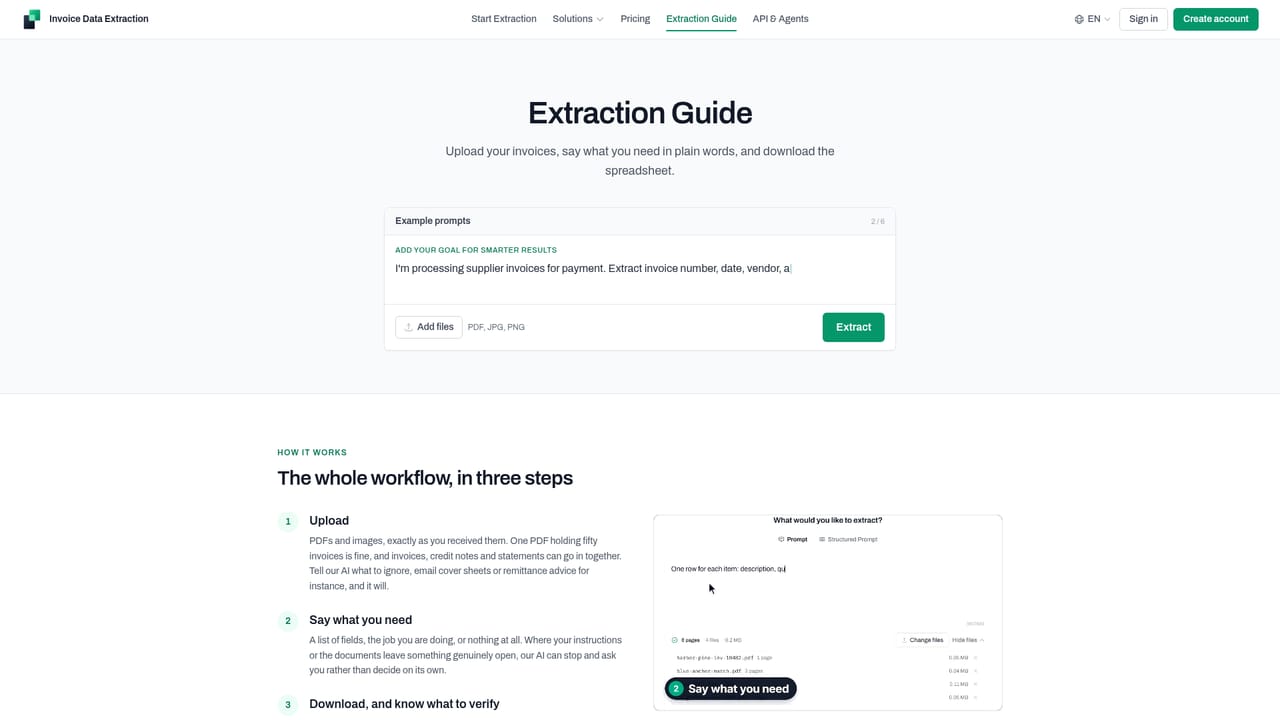
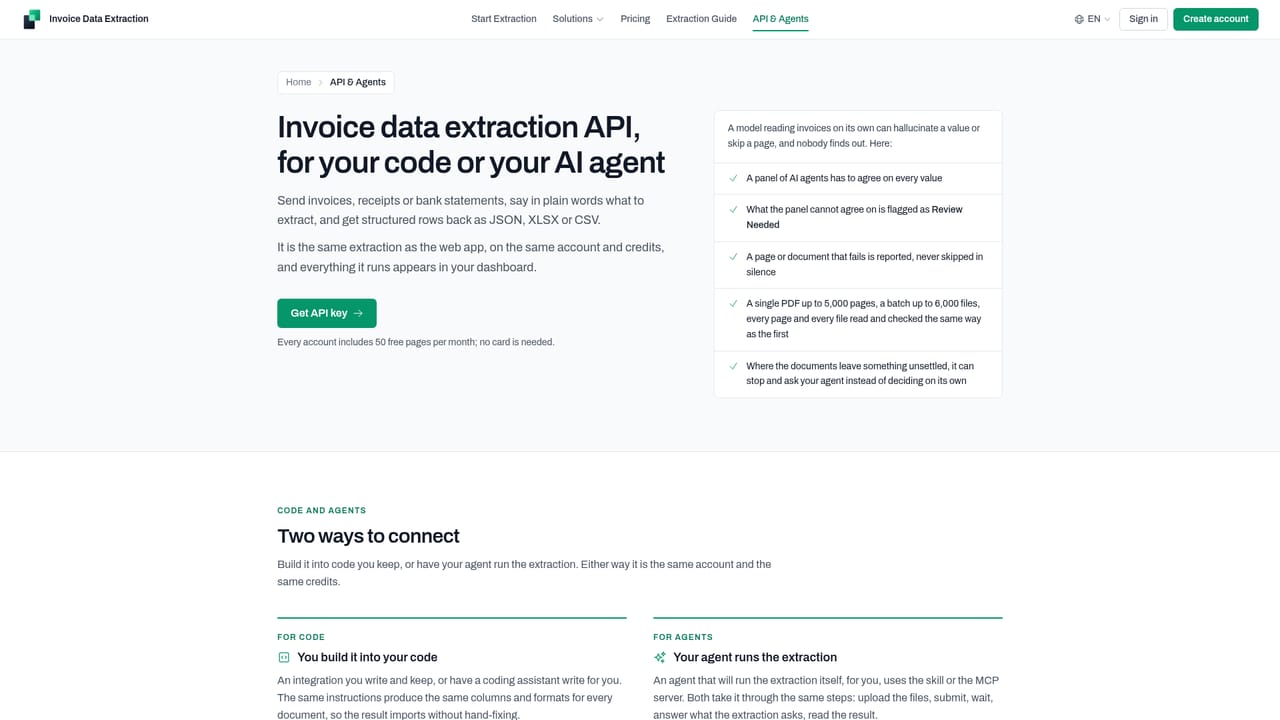
InvoiceDataExtraction is a document extraction service built around a simple loop: upload invoices or images, describe in plain language what you want out, and download a spreadsheet. The site positions it for accountants, bookkeepers, accounts payable teams and business owners, and the same engine handles bank statements, receipts, payslips, utility bills, supplier statements and purchase orders. Documents can arrive as PDFs, JPGs or PNGs, including scans and phone photos, in any layout and any language. The differentiator is the reliability model. Rather than trusting a single pass over a page, a panel of AI agents has to agree on every value. Where the panel cannot agree, the row or cell is flagged Review Needed with a note on what to check, and a built-in results viewer opens that page beside the spreadsheet row so a human can compare, confirm or correct. Source File tracking ties every row back to the file and page it came from. A document that fails is reported by name and not charged, which matters when a single PDF can run to 5,000 pages and a batch to 6,000 files. In practice most work starts with a prompt. You can name a list of fields, state the job (a quarterly VAT return, a 1099 prep), or write exact rules about date formats, credit note signs, skipped cover pages and row granularity. A prompt library stores one prompt per client or document type, a structured prompt mode fixes exact column headers and order, and a suggest prompt option writes the prompt from the uploaded files. Output is Excel, CSV or JSON, with numbers as numbers and dates as dates. Alternatives fall into two camps: generic chat assistants that read a page without traceability, and OCR tools that only convert image to text without understanding what an invoice date is versus a due date. This tool sits between them, adding consensus checking and source links to a batch pipeline. It is available on the web, with Node.js and Python SDKs plus a REST API and an MCP server for teams that want extraction inside their own code or agents.
50 free pages every month with no subscription and no credit card required at sign-up.
Learn morePay by the page with no subscription. The first 50 pages each month are free. Above that, credits are bought in packs: 100 pages for $12 ($0.12 per page) down to 25,000 pages for $1,375 ($0.055 per page). Credits keep for 18 months and support is included.
Learn moreSupport is included with paid usage. Contact is available for volumes above 25,000 pages, pro forma invoices, or a signed data processing agreement.
Learn moreNode.js and Python SDKs plus a REST API callable from any language, documentation aimed at coding assistants, and an MCP server or installable skill so your own agent can run extractions. No prebuilt accounting software connectors are described.
Learn moreMulti-agent consensus on each extracted value, Review Needed flags with what to check, source file and page tracking on every row, a results viewer that opens the page beside the row, prompt library and structured prompt modes, Excel, CSV and JSON export, batch sizes up to 6,000 files, and support for invoices, statements, receipts, payslips, utility bills and purchase orders.
Learn more AI Angels400+ customizable AI girlfriends for NSFW chat, voice calls, and roleplay
 Candy AIExperience the future of companionship with AI friends who chat, role-play, and connect with you on a human level.
 ourdream.aiA vast AI roleplay platform with millions of characters for chat, images, video and voiceAI Angels400+ customizable AI girlfriends for NSFW chat, voice calls, and roleplayCandy AIExperience the future of companionship with AI friends who chat, role-play, and connect with you on a human level.ourdream.aiA vast AI roleplay platform with millions of characters for chat, images, video and voice




