Free trial
No card is required for the free tier of 50 engineer calls per week, which resets every Monday at 00:00 UTC. Downloads and subscriptions are paused while the project is in maintenance.
Learn moreVoice AI race engineer that reads your iRacing telemetry on demand.

IRCopilot is a stocks tool. A Windows desktop companion for iRacing that answers spoken questions about pace, gaps, fuel and strategy through a push-to-talk radio binding, with session memory and multilingual replies. The project is paused for maintenance, downloads and subscriptions are unavailable, and the unlimited tier has no announced price.
iRCopilot is a voice-controlled race engineer built specifically for iRacing on Windows. A lightweight desktop app runs alongside the simulator, reads live telemetry, and answers spoken questions over a push-to-talk radio binding. Pace, gaps, position, fuel, incidents and damage context all come back as short, calm radio-style replies while the driver keeps eyes on the road. No overlay to scan and no alt-tabbing out of the car. The workflow is deliberately narrow. Install the app, sign in with an iRCopilot account, assign push-to-talk to a wheel button or keyboard key, then join a session. The engineer detects the telemetry feed and comes online automatically. Hold the binding, ask a question, release, and wait for the response. Session memory gives answers trend awareness: a question about whether P4 is closing gets a reply that accounts for recent lap history rather than only the current instant. The engineer also speaks the driver's language, with English, Spanish, French, German, Italian and Portuguese named on the site and near-universal language coverage claimed. Personality is configurable, from calm and short to deliberately sarcastic. Sim racers who already study telemetry but want it hands-free are the obvious audience, particularly those running longer races where fuel strategy and gap management matter. It is a companion to iRacing, not a replacement for analysis tools like telemetry plotters or setup software: it answers questions in the moment rather than producing post-session charts. The practical caveat is availability. The project is in maintenance, subscriptions and downloads are paused, and pricing for the unlimited tier is still to be announced. A free tier of 50 engineer calls per week is documented, and drivers who supply their own OpenAI key can use the full engineer without a subscription or weekly cap, paying their API provider directly. Only a Windows build exists, iRacing is required, and the tool is not affiliated with iRacing.com Motorsport Simulations.
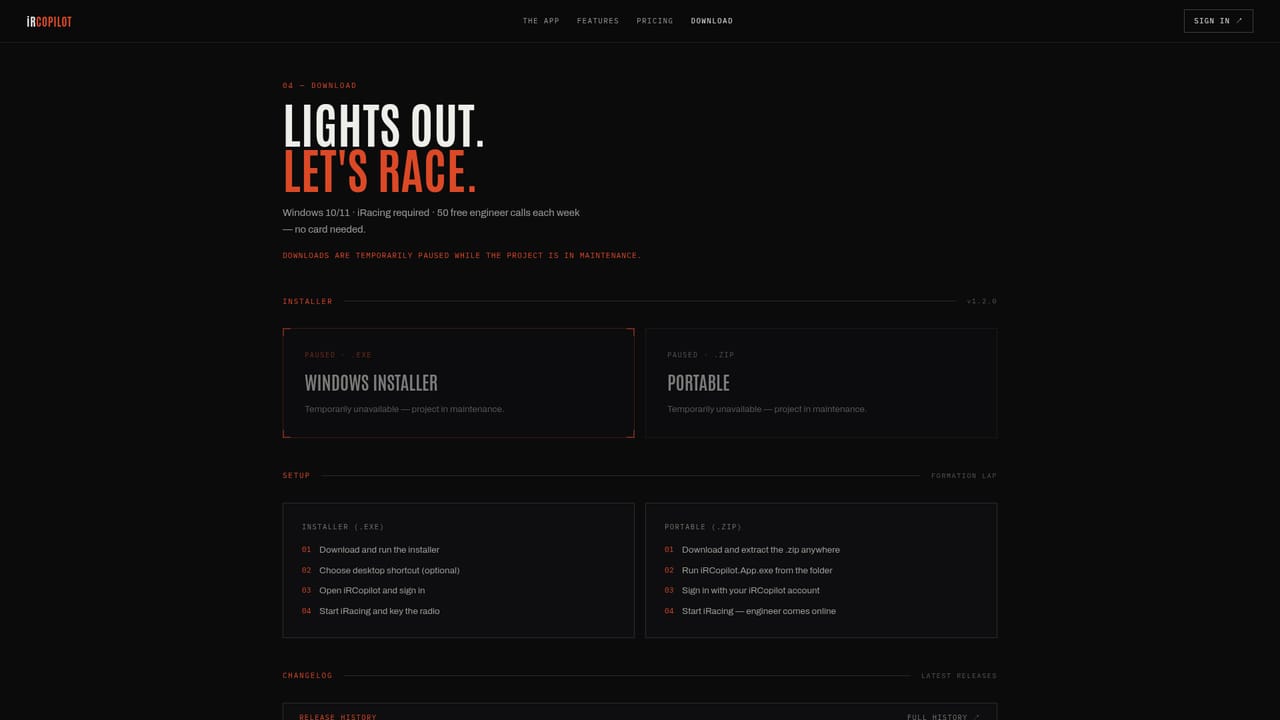
No card is required for the free tier of 50 engineer calls per week, which resets every Monday at 00:00 UTC. Downloads and subscriptions are paused while the project is in maintenance.
Learn moreFree tier: 50 engineer calls per week, resetting Monday at 00:00 UTC, no card needed, covering practice, qualifying and races. Unlimited tier: unlimited calls with hosted AI included, price to be announced and marked coming soon. A bring-your-own OpenAI key option removes the subscription and weekly limit, with API provider charges applying. Subscriptions are paused during maintenance.
Learn moreSupport is handled by email at support@ircopilot.com. Release notes and full changelog history are published on GitHub, and the site has a contact page.
Learn moreReads telemetry directly from iRacing on Windows. Optional integration with the user's own OpenAI API key as an alternative to the hosted AI service.
Live telemetry answers for pace, gaps, position, fuel, incidents and damage context; session memory that tracks stint trends; push-to-talk on a wheel or keyboard binding; selectable engineer personality; multilingual replies including English, Spanish, French, German, Italian and Portuguese; typo wall watchdog that times out stuck responses; independent volume controls.
 AI Angels400+ customizable AI girlfriends for NSFW chat, voice calls, and roleplay
 Candy AIExperience the future of companionship with AI friends who chat, role-play, and connect with you on a human level.
 ourdream.aiA vast AI roleplay platform with millions of characters for chat, images, video and voiceAI Angels400+ customizable AI girlfriends for NSFW chat, voice calls, and roleplayCandy AIExperience the future of companionship with AI friends who chat, role-play, and connect with you on a human level.ourdream.aiA vast AI roleplay platform with millions of characters for chat, images, video and voice


