JoyBook.ai

Turn photos or text prompts into printable coloring pages

Beginner
Screenshot of JoyBook.ai, Turn photos or text prompts into printable coloring pages

What is JoyBook.ai?

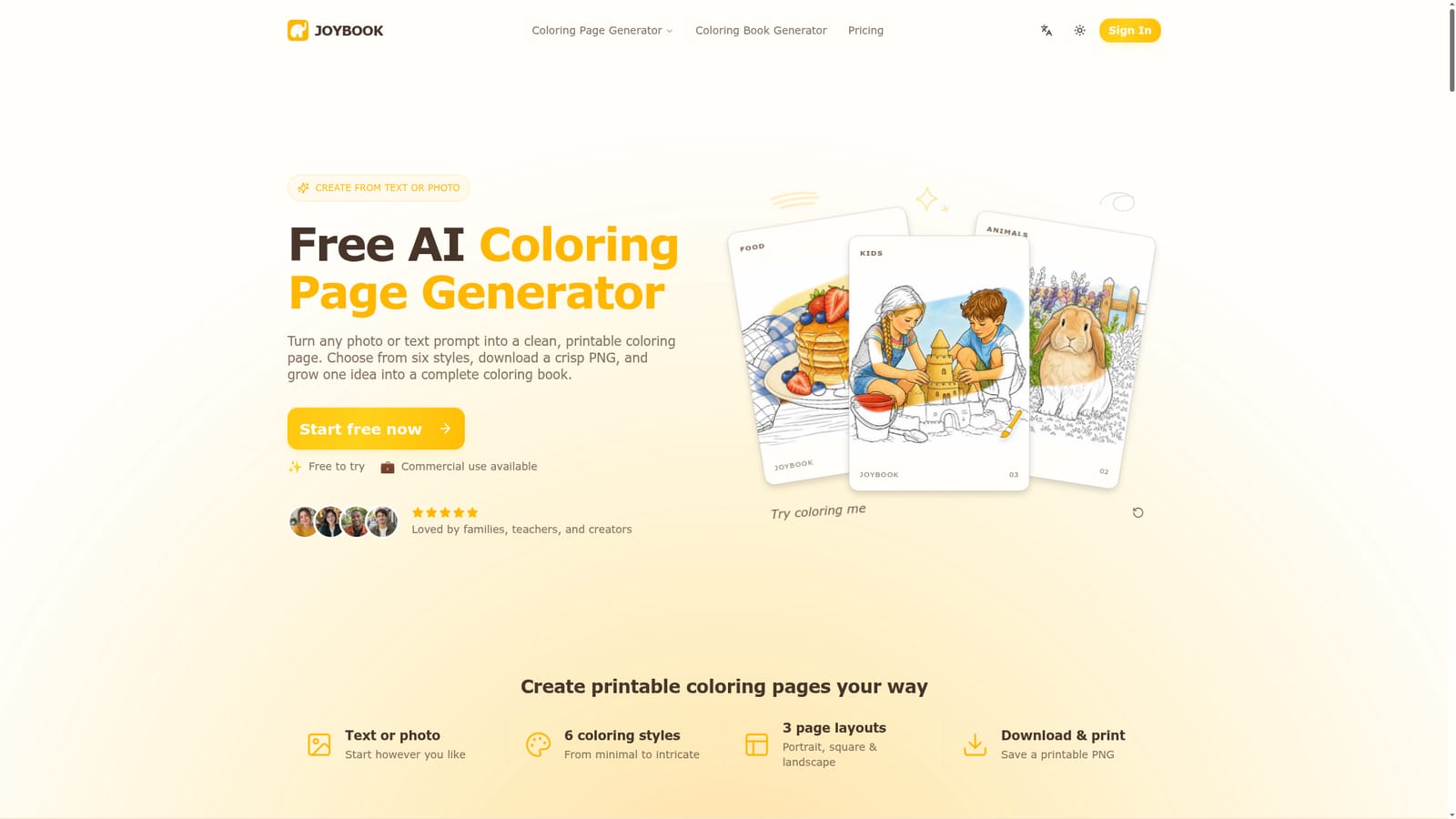
JoyBook.ai is an education tool that turns photos or text prompts into printable coloring pages. JoyBook.ai is a web tool that converts text prompts or uploaded photos into printable coloring page line art in six styles, with PNG download and a coloring book generator for building themed multi-page projects.

JoyBook.ai is a web-based coloring page generator that produces printable black-and-white line art from either a written prompt or an uploaded photo. The output is meant to be colored by hand, so the tool concentrates on clean outlines with open shapes rather than finished, shaded artwork. It also extends the single-page idea into a coloring book workflow, where several pages share a theme. The audience is broad: parents who want a page based on a child's photo or favorite character, teachers building classroom activities, and creators who sell or share coloring material. The homepage mentions that commercial use is available, which matters for the last group, though the details are not spelled out on the page. In practice the process takes three steps. The user picks the From a prompt or From a photo tab, then describes a scene (up to 1,500 characters) or drops in a JPG, PNG or WebP file. Next comes a choice of one of six styles (Default, Cartoon, Anime, Kawaii, Minimalist or Intricate) and an aspect ratio such as 1:1, 3:4, 4:3, 9:16 or 16:9. The result appears in a preview with a history tab, and the original image can be downloaded as a PNG and printed. Photo conversion aims to keep the subject recognizable while simplifying busy backgrounds, which suits pet portraits, family snapshots and travel pictures. Generation runs on a credit system, with each page costing 30 credits, and downloads carry a JoyBook watermark unless the user pays to remove it. A free tier lets visitors try the generator first. Among alternatives, JoyBook sits between general image generators that can be coaxed into line art with careful prompting and dedicated printable-activity sites with fixed libraries. Its advantage is specialization: styles, ratios and output are tuned for coloring. The separate coloring book generator targets users who want a coordinated multi-page project, with a page sequence and cover ideas, instead of isolated sheets.
How do you use JoyBook.ai?

  1. 1Choose a photo or a prompt
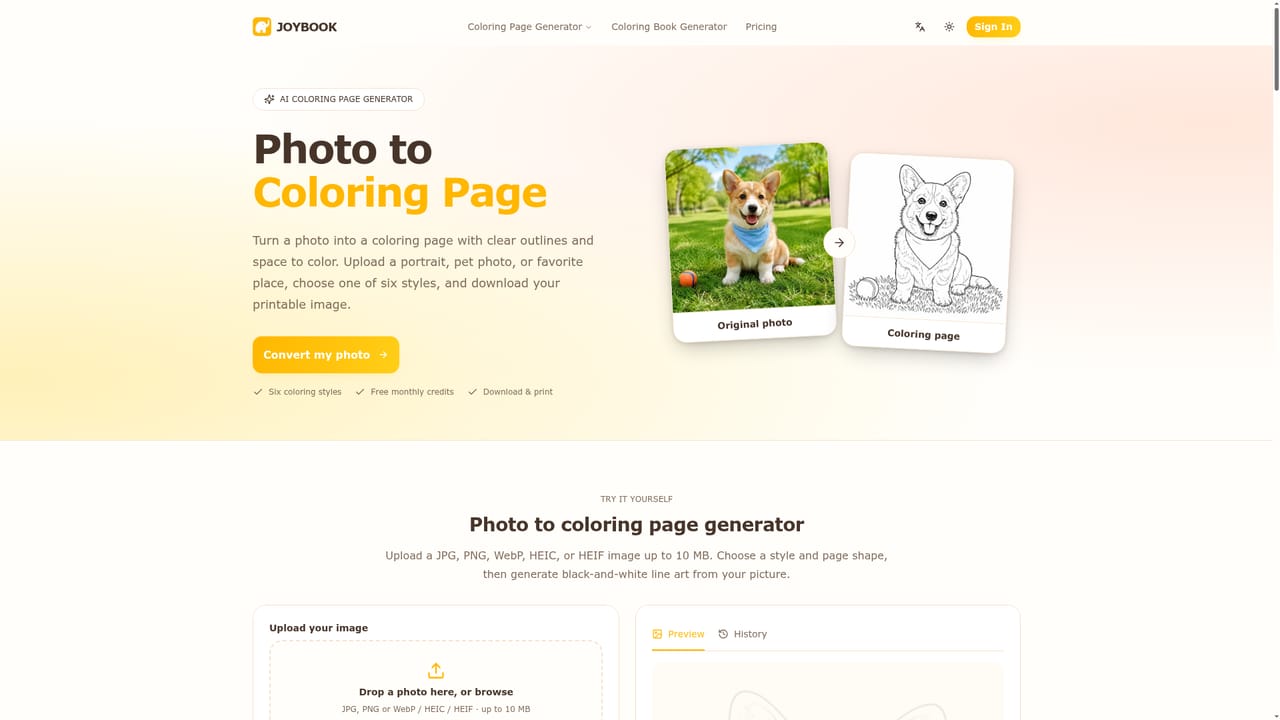
    Open the generator and pick From a photo to upload a JPG, PNG or WebP, or From a prompt to describe the scene in words.
    JoyBook.ai — Choose a photo or a prompt
  2. 2Write a descriptive prompt
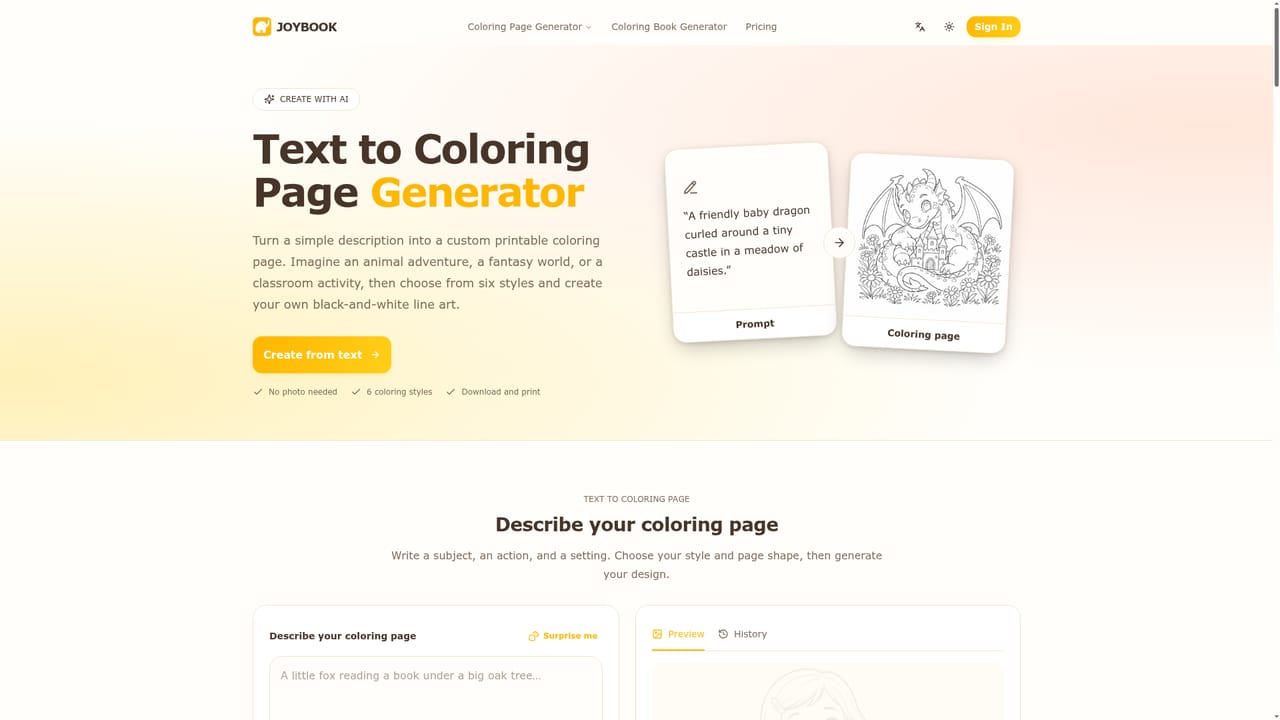
    Name the subject, setting and mood, and add the level of detail you want. The text box allows up to 1,500 characters, and Surprise me offers an idea.
    JoyBook.ai — Write a descriptive prompt
  3. 3Convert a favorite photo
    Upload a portrait, pet, place or product photo. JoyBook simplifies the background and keeps the subject recognizable.
    JoyBook.ai — Convert a favorite photo
  4. 4Pick a style and aspect ratio
    Select Default, Cartoon, Anime, Kawaii, Minimalist or Intricate, then set a ratio such as 1:1 or 3:4 and generate the page.
  5. 5Download and print
    Preview the result, download the original PNG image and print it. Paid access removes the JoyBook watermark.
  6. 6Expand into a coloring book
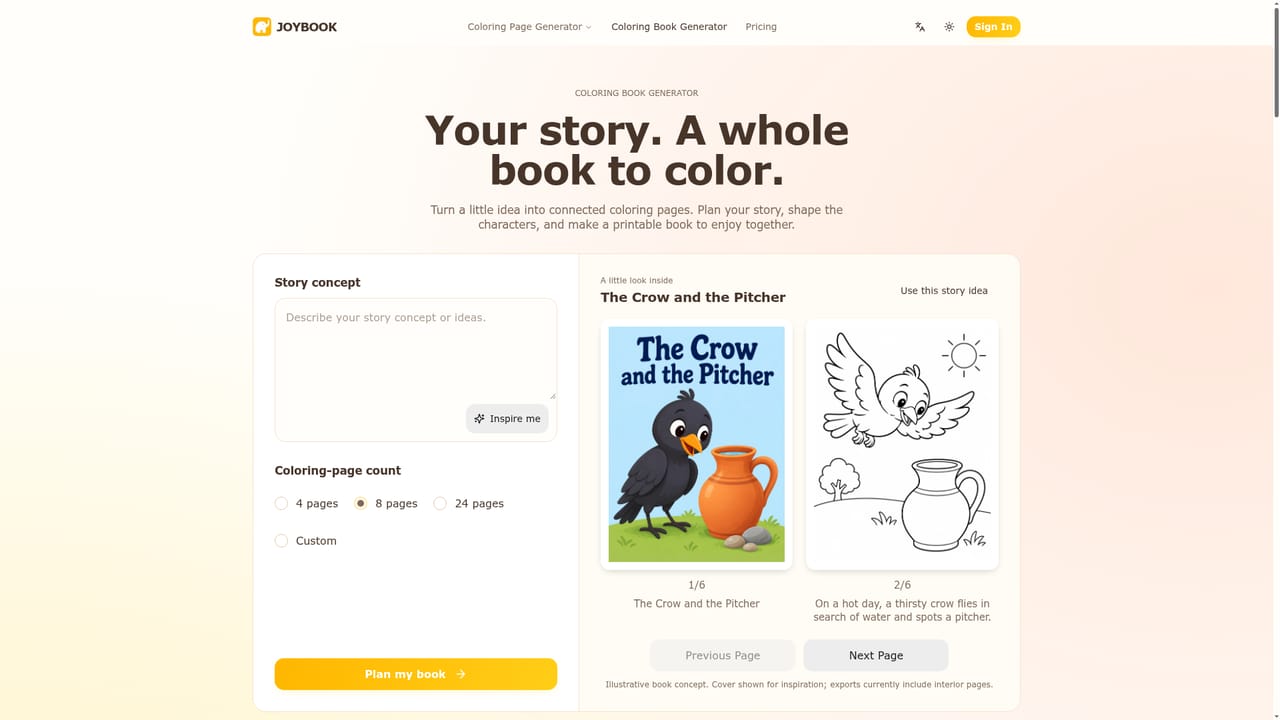
    Use the coloring book generator to plan a themed page sequence and matching cover ideas around one concept.
    JoyBook.ai — Expand into a coloring book

Pros and cons

Pros

  • Accepts both text prompts and photos, so pages can come from an idea or a family pictureAI
  • Six distinct styles and five aspect ratios give real control over the line artAI
  • Downloads a plain PNG that is ready to print without extra formattingAI
  • Dedicated coloring book generator keeps theme and page order consistent across pagesAI
  • Free to try, so quality can be judged before payingAI

Cons

  • Free downloads carry a JoyBook watermark, and removing it requires a paid planAI
  • Each page costs 30 credits, so large batches can use up an allowance quicklyAI
  • The colored reference feature (six finishes such as watercolor and marker) is marked as coming soonAI
  • Specific plan prices and commercial licensing terms are not shown on the homepageAI
  • Output is line art only, with no built-in digital coloring or editing toolsAI

How much does JoyBook.ai cost?

Free trial

The homepage advertises a free start and says the generator is free to try, but free downloads include a JoyBook watermark. Credit allowances are not stated.

Learn more

Pricing

Free to try. Each generated page costs 30 credits, and downloading without the JoyBook watermark requires a paid upgrade. Commercial use is listed as available. Specific plan prices are not shown on the homepage.

Learn more

Features

Text to coloring page and photo to coloring page conversion, six styles (Default, Cartoon, Anime, Kawaii, Minimalist, Intricate), five aspect ratios, preview and history, PNG download, optional watermark removal, and a coloring book generator for themed multi-page projects.

Learn more

Frequently asked questions about JoyBook.ai

  • How much does JoyBook.ai cost?
    Free to try. Each generated page costs 30 credits, and downloading without the JoyBook watermark requires a paid upgrade. Commercial use is listed as available. Specific plan prices are not shown on the homepage.
  • Does JoyBook.ai offer a free trial?
    The homepage advertises a free start and says the generator is free to try, but free downloads include a JoyBook watermark. Credit allowances are not stated.
  • How do you use JoyBook.ai?
    The walkthrough on this page covers 6 steps: 1. Choose a photo or a prompt 2. Write a descriptive prompt 3. Convert a favorite photo 4. Pick a style and aspect ratio 5. Download and print 6. Expand into a coloring book.
  • What platforms does JoyBook.ai support?
    JoyBook.ai is available on Web App.
  • What are the limitations of JoyBook.ai?
    Free downloads carry a JoyBook watermark, and removing it requires a paid plan. Each page costs 30 credits, so large batches can use up an allowance quickly. The colored reference feature (six finishes such as watercolor and marker) is marked as coming soon.

Status

StatusActive
Views0
Outbound clicks0
Added10/18/2026

Platforms

Web App

Pricing

Freemium