Support
Support is documentation-led: the homepage links to a usage guide for best results and to reference docs for the CLI and API.
Learn moreAutonomous coding agent that works your backlog in the cloud

Jules is a cloud-based autonomous coding agent from Google. It connects to GitHub, works through a delegated backlog in isolated VMs, and reviews its own fixes by running tests and checking screenshots. CLI and API access are available.
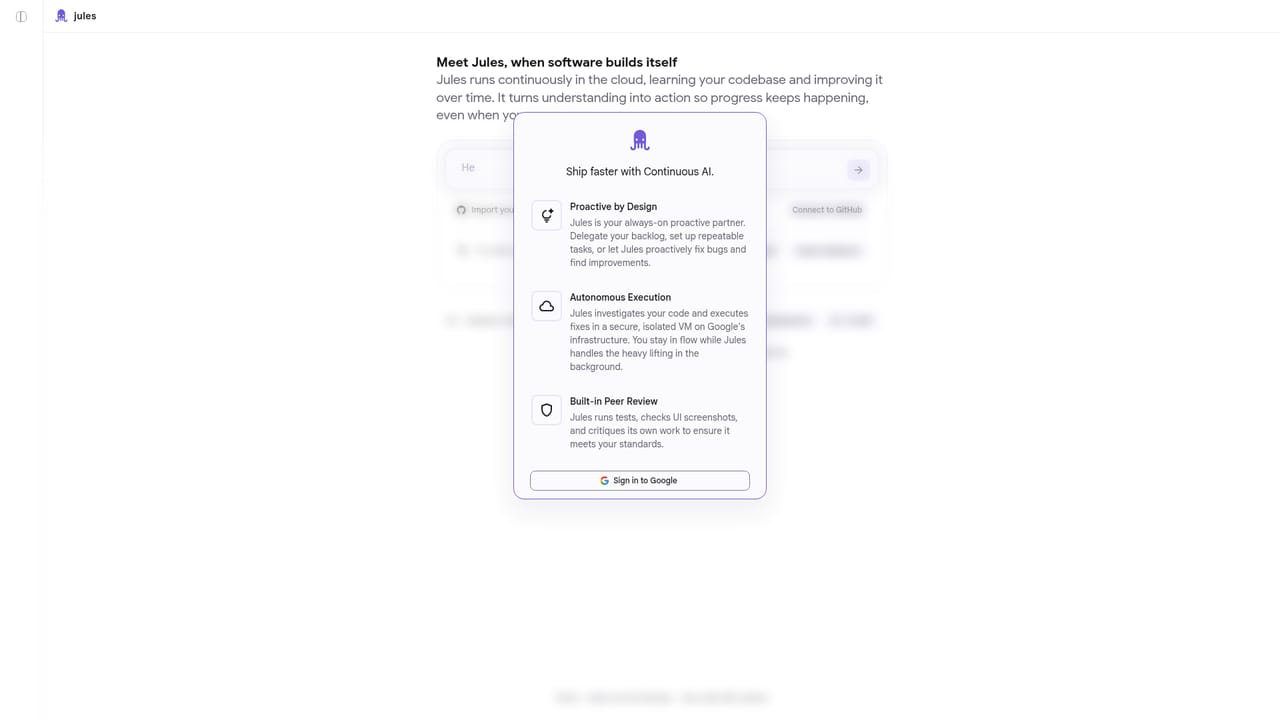
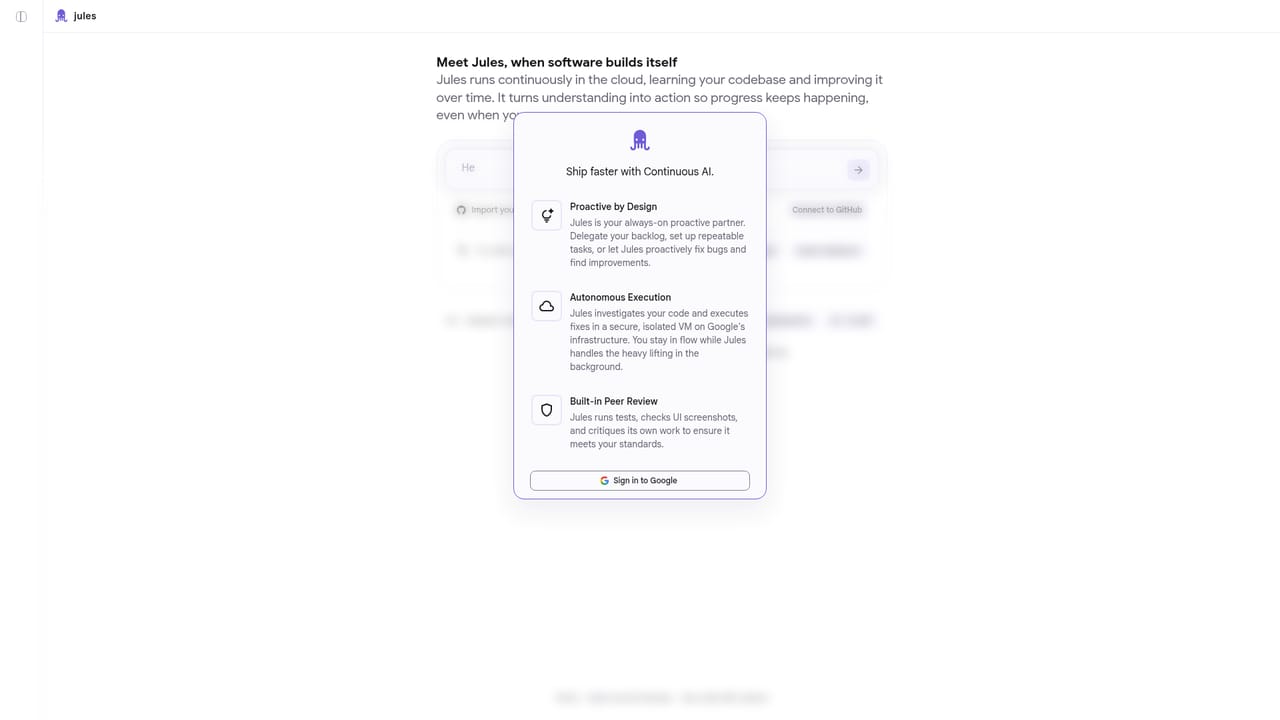
Jules is an autonomous coding agent from Google that runs continuously in a secure cloud VM. Rather than acting as a chat assistant that answers one prompt at a time, it learns a connected codebase and acts on it, investigating issues, writing fixes, running tests and reviewing its own output while the developer is away from the keyboard. The workflow starts with a GitHub connection. Once repositories are imported, work is delegated through sessions: you can hand over a backlog item, define repeatable tasks, or let Jules proactively hunt for bugs and improvements in the code you have made available to it. Each task is executed in an isolated environment on Google's infrastructure, so fixes happen in the background instead of occupying a local machine. A built-in peer review pass has Jules run tests, inspect UI screenshots and critique its own work before the result comes back to you. Jules suits engineering teams and solo developers who already have a reasonably structured repository on GitHub and want routine maintenance, bug fixes and incremental improvements handled without constant supervision. It is less of a fit for people who want line-by-line pair programming inside the editor or who need to work outside GitHub. Compared with inline coding assistants, the emphasis here is on delegation and delegation at the session level rather than autocomplete in the file you have open. Beyond the web interface, Jules offers a CLI and an API, and an integrations settings page where services such as Render can be configured. A daily session limit governs usage, and the homepage does not publish tier details or prices, so cost planning has to come from the product itself. The usage guide is the recommended starting point for getting good results, since the agent inherits whatever context and repository access you grant it.
Support is documentation-led: the homepage links to a usage guide for best results and to reference docs for the CLI and API.
Learn moreGitHub is required for importing repositories. Render can be configured on the integrations settings page, and a CLI and API are available for programmatic access.
Learn moreJules runs continuously in the cloud, learns your codebase and improves it over time. It works through delegated backlogs and repeatable tasks, proactively fixes bugs, executes changes in secure isolated VMs on Google infrastructure, and performs built-in peer review by running tests and checking UI screenshots. A CLI, API and integrations settings page extend the web interface.
Learn more AI Angels400+ customizable AI girlfriends for NSFW chat, voice calls, and roleplay
 Candy AIExperience the future of companionship with AI friends who chat, role-play, and connect with you on a human level.
 ourdream.aiA vast AI roleplay platform with millions of characters for chat, images, video and voiceAI Angels400+ customizable AI girlfriends for NSFW chat, voice calls, and roleplayCandy AIExperience the future of companionship with AI friends who chat, role-play, and connect with you on a human level.ourdream.aiA vast AI roleplay platform with millions of characters for chat, images, video and voice


