Kaedim

Turn sketches and product photos into production-ready 3D assets

Intermediate
Screenshot of Kaedim, Turn sketches and product photos into production-ready 3D assets

What is Kaedim?

Kaedim is a games tool that turns sketches and product photos into production-ready 3D assets. Kaedim is a managed 3D asset production service that turns sketches, product photos, briefs and reference packs into reviewable, production-ready 3D models, with an annotation and approval loop for unlimited revisions.

Kaedim is a managed 3D production platform that converts the material a team already has into finished 3D assets. Sketches, reference packs, product photos, briefs and art direction go in; inspectable, markable 3D geometry comes back, typically within hours rather than weeks. The service is aimed at studios and brands that need 3D content but cannot wait on internal artist bandwidth, external vendors or a long asset queue that starts too late for the deadline driving the project. The workflow is deliberately built around review rather than one-shot generation. Assets arrive in a shared space where the team can look at them, annotate specific changes (remove a vent, resize an opening, adjust a surface), compare versions side by side, request revisions and approve. Revisions are unlimited, so the deliverable converges on the version the team would actually ship. Three solution tracks frame the offering: product design teams resolve proportion, volume and form before CAD commits; game teams supply art bibles, specs and reference packs so props, environments and characters match an established style across pre-production, production and live service; e-commerce and marketing teams build reusable product CGI for product pages, campaigns and launch material without organising a photo shoot. Confidentiality is treated as a first-class feature. Inputs and outputs are isolated per project, never used to train shared models, encrypted in transit and at rest, and removable on request with deletion logs. The company states ISO27001 certification and role-based access controls, and it assigns full ownership and commercial rights over custom assets to the client. Published case studies from Lowe's, Shark Ninja and Casio cite large time savings and annual cost reductions, though those figures come from the vendor's own write-ups. The realistic positioning is a production partner rather than a self-serve generator. Teams that want to click a button and download a rough mesh may find the human-in-the-loop review cycle and scoping conversation heavier than needed. Teams with recurring, style-sensitive 3D demand and strict IP requirements are the better fit.

How do you use Kaedim?

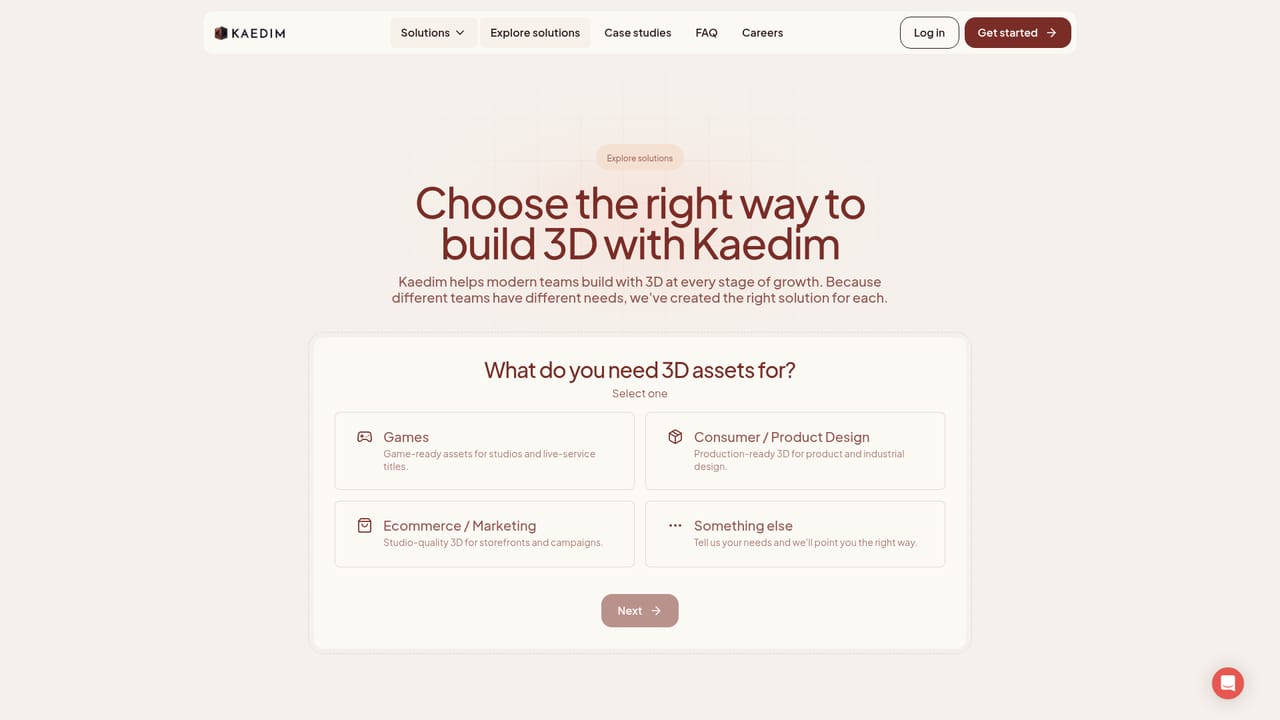
  1. 1Pick the solution track that matches your pipeline
    Review the product design, games and e-commerce pages to see which production flow maps to your work, then check the case studies for teams with similar asset volume.
    Kaedim — Pick the solution track that matches your pipeline
  2. 2Assemble the source material for a first asset
    Gather the sketch, reference pack, product photo, art bible or brief that describes the asset. The more direction you supply, the closer the first pass lands.
  3. 3Send the brief and get a scoped demonstration
    Contact the team with your sample inputs to see what Kaedim produces from them and where the service would slot into your existing process.
  4. 4Review and mark up the returned 3D asset
    Inspect the delivered model, leave annotations on specific geometry or materials, and compare against the brief.
  5. 5Request revisions until the asset is approved
    Iterate through the markup and revision loop, then give final approval on the version your team would ship or present.
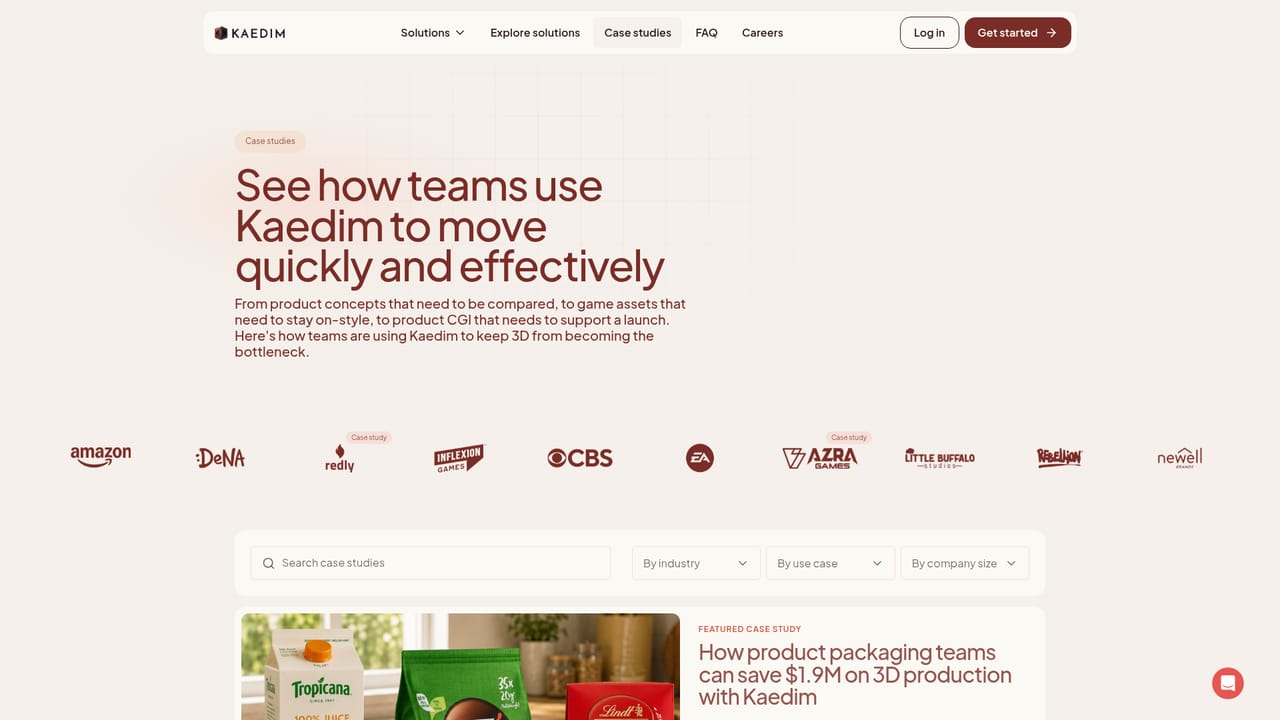
  6. 6Read a comparable case study before scaling up
    Look at how an existing customer structured its rollout to judge what a wider production commitment would involve.
    Kaedim — Read a comparable case study before scaling up

Pros and cons

Pros

  • Handles the full review loop: markup, version comparison, revisions and sign-off happen in one shared spaceAI
  • Accepts the inputs teams already have, including sketches, product photos, art bibles and reference packsAI
  • Explicit IP stance: client assets are not used for model training, ownership and commercial rights stay with the clientAI
  • Fast turnaround claimed in hours, positioned around real deadlines like art passes and CAD handoffsAI
  • Published case studies with named brands document time and cost savings on recurring 3D volumeAI

Cons

  • No published pricing, so budgeting requires a sales conversation before any comparison is possibleAI
  • Not a self-serve generator: you cannot sign up, upload and download an asset without an onboarding and scoping processAI
  • Unlimited revisions are useful but the review cycle still depends on internal feedback speedAI
  • Case study savings figures are vendor-reported and specific to large enterprise programs, so smaller teams may see different economicsAI
  • Little public detail on file format coverage, polygon budgets or rigging support, which matters for engine-ready game assetsAI

How much does Kaedim cost?

Features

Converts sketches, reference packs, product photos and briefs into 3D assets designed for inspection and markup. Review, annotation, comparison, revision and approval sit in one loop with unlimited revisions. Separate flows for product design (pre-CAD form resolution), games (props, environments, characters matching your art bible) and e-commerce CGI. Per-project isolation, no training on client IP, encrypted storage, deletion logs and ISO27001 certification.

Learn more

Frequently asked questions about Kaedim

  • How do you use Kaedim?
    The walkthrough on this page covers 6 steps: 1. Pick the solution track that matches your pipeline 2. Assemble the source material for a first asset 3. Send the brief and get a scoped demonstration 4. Review and mark up the returned 3D asset 5. Request revisions until the asset is approved 6. Read a comparable case study before scaling up.
  • What platforms does Kaedim support?
    Kaedim is available on Web App.
  • What are the limitations of Kaedim?
    No published pricing, so budgeting requires a sales conversation before any comparison is possible. Not a self-serve generator: you cannot sign up, upload and download an asset without an onboarding and scoping process. Unlimited revisions are useful but the review cycle still depends on internal feedback speed.

Status

StatusActive
Views0
Outbound clicks0
Added10/21/2026

Platforms

Web App

Pricing

Paid