Free trial
Users can start free without a credit card. The homepage describes Kai as free until it has earned its price, but gives no trial length or free tier limits.
Learn moreProactive AI assistant for your inbox, meetings, tasks and calendar

Kai AI is a life assistance tool. Kai is an AI executive assistant from the makers of Morgen. It sorts email, drafts replies in your voice, records meetings without a bot, turns commitments into tasks and helps manage calendars, with every action awaiting your approval.
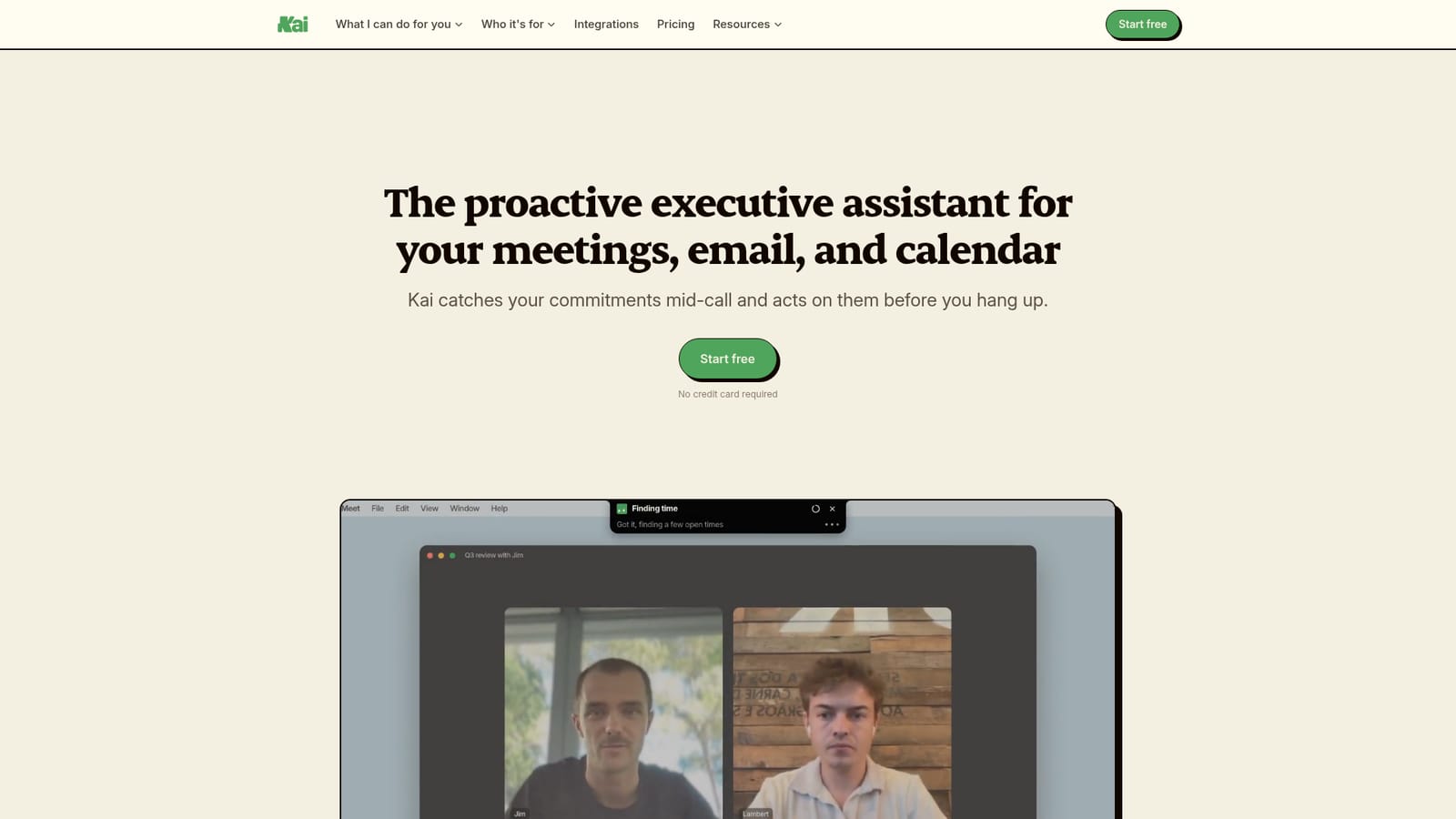
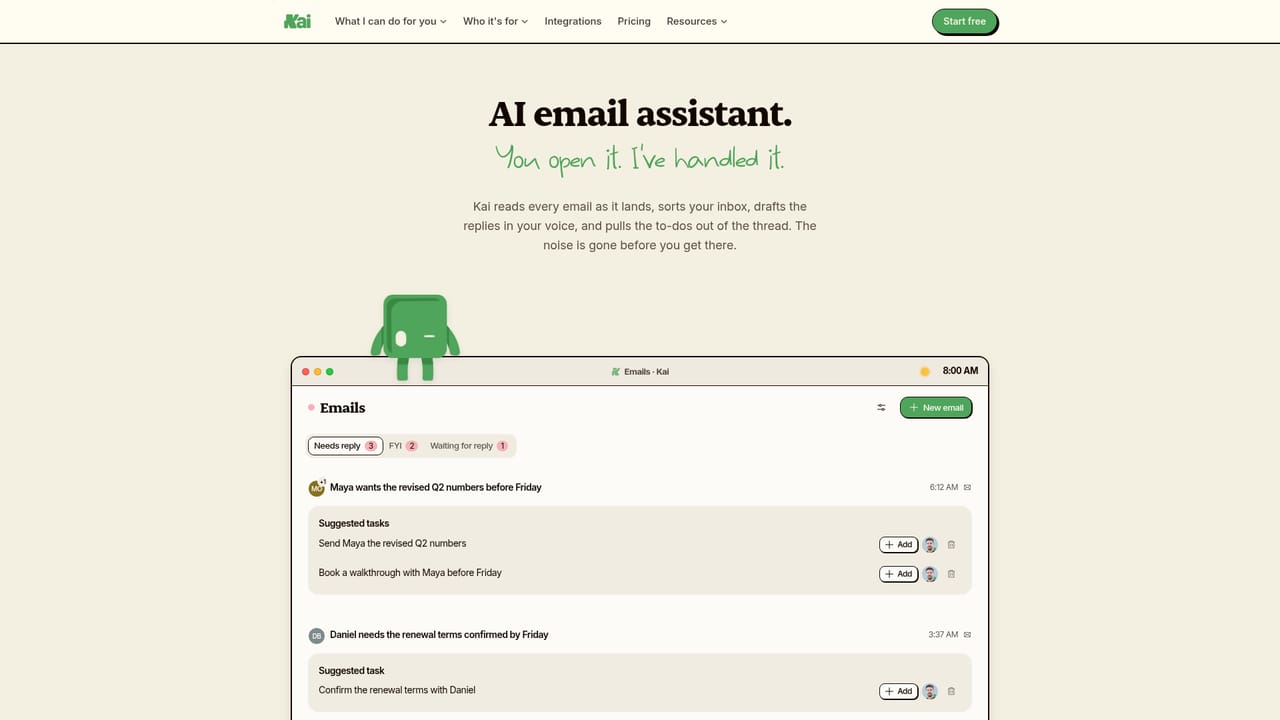
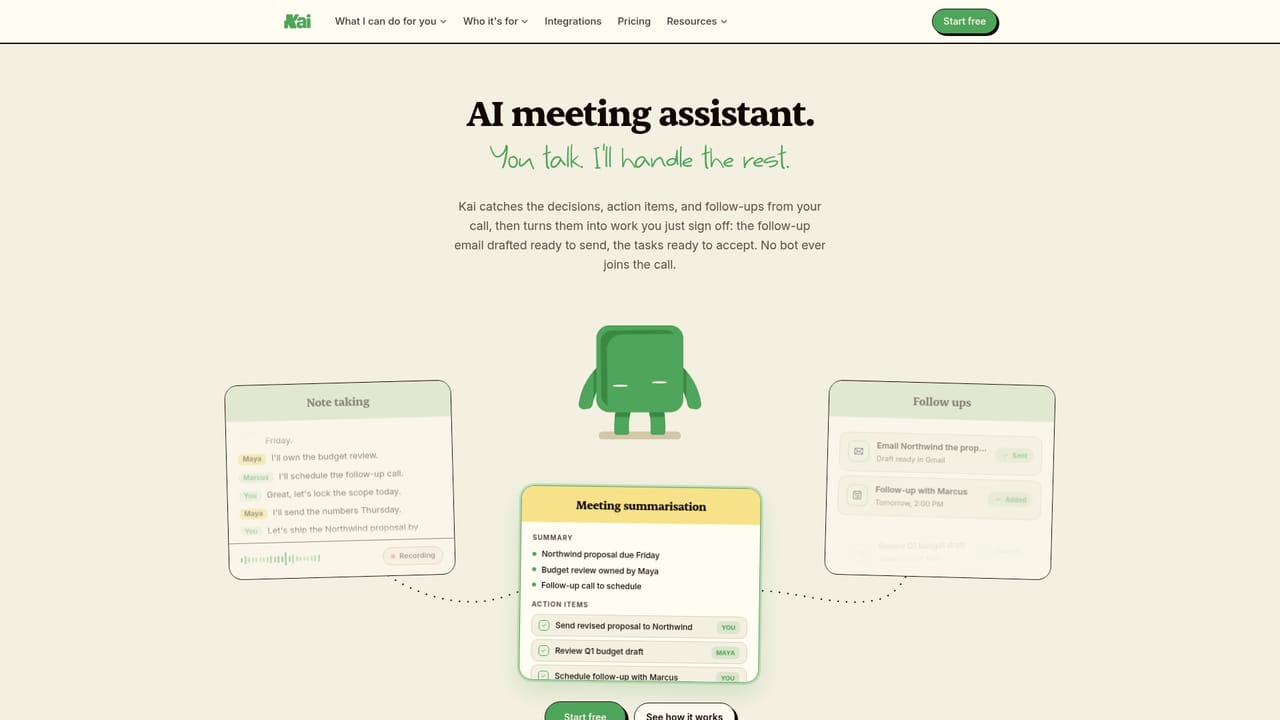
Kai is an AI executive assistant built by the team behind the Morgen calendar app. It connects to Google and Microsoft email and calendar accounts, then works in the background on four fronts: meetings, email, tasks and scheduling. The pitch is a assistant that acts on its own and waits for approval, rather than a chatbot that needs prompting. In practice, Kai reads incoming mail and sorts each thread by what it needs from the user (Needs Reply, FYI, Waiting Reply, Done), then drafts replies in the user's own writing voice. For meetings, it prepares a brief beforehand, produces a live transcript during the call, and afterwards writes a summary and pulls out action items. Calls on Zoom, Google Meet and Teams are captured from the user's device, so no bot joins the meeting. Accepted action items become tasks on a single ranked list, each linked to the email thread or meeting it came from. Calendar features include a combined view across accounts, clash detection, focus-time blocking on request and a booking page that reads free/busy data from every calendar marked as busy. Control stays with the user. Drafts, tasks and calendar blocks wait for review, nothing is sent without sign-off, and corrections feed back into how Kai behaves over time. A chat interface lets users ask questions about their day, and an MCP connection lets assistants such as Claude or ChatGPT read the same live data. Workflows can run automatically, and a mobile app covers iPhone and Android alongside web and Mac. The audience spans founders and executives, freelancers, team leads, heavy AI users and people with ADHD who want commitments held outside their heads. Compared with standalone notetakers, Kai's stated difference is what happens after the call. Compared with task apps like Todoist or TickTick, it does not sync externally today, so it works best as the home for commitments it catches itself.
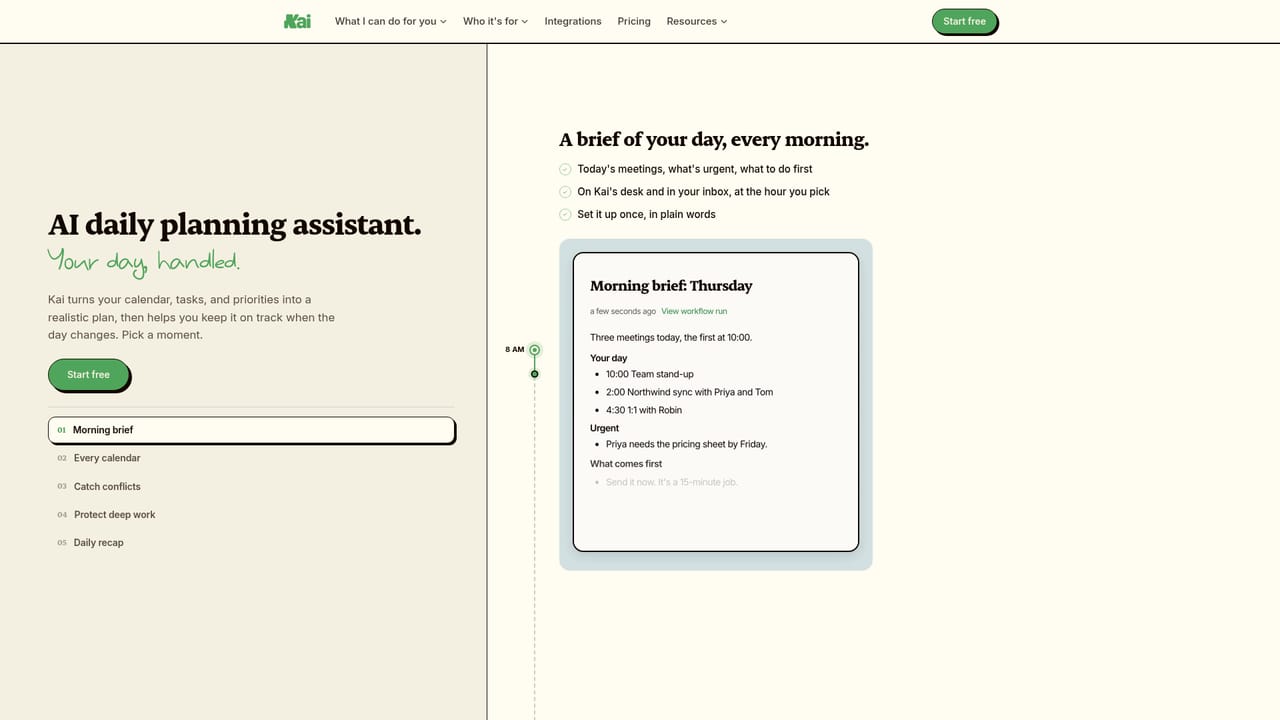
Users can start free without a credit card. The homepage describes Kai as free until it has earned its price, but gives no trial length or free tier limits.
Learn morePlans start from $20 per user per month, with a free start and no credit card required. Further plan details are on the pricing page.
Learn moreThe homepage includes an FAQ covering daily use, setup, pricing and privacy, plus a contact page for further questions.
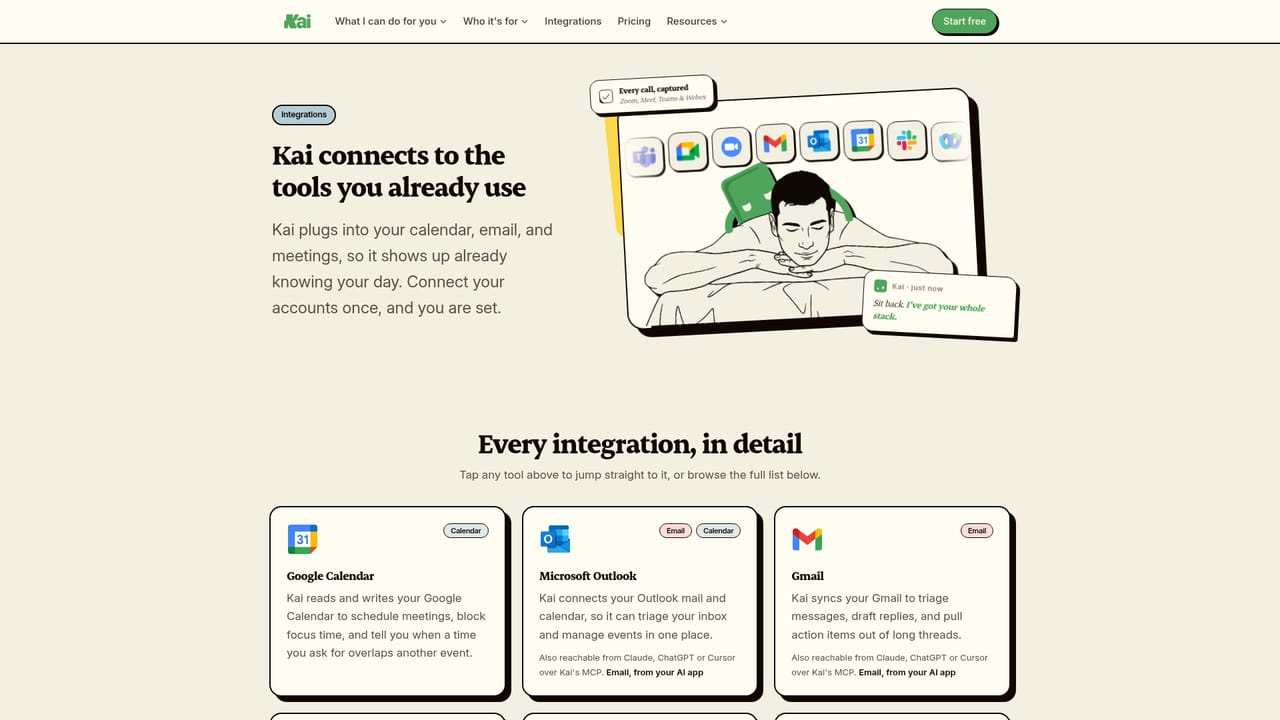
Learn moreWorks with Gmail, Google Calendar, Microsoft Outlook, Zoom, Google Meet and Microsoft Teams. It also connects to Claude and ChatGPT over MCP. No sync with external task apps today.
Learn moreMeeting briefs, live transcripts without a bot, summaries and action items; inbox triage with drafted replies; ranked task list; calendar view across accounts with clash flagging, focus-time blocking and a booking page; chat with Kai; automated workflows; MCP access; mobile app.


