Free trial
A free entry point is offered through the get started free link, with account terms confirmed in the app. No trial length or usage cap is stated.
Learn moreMIDI-style vocal tuning in the browser, no plugins required
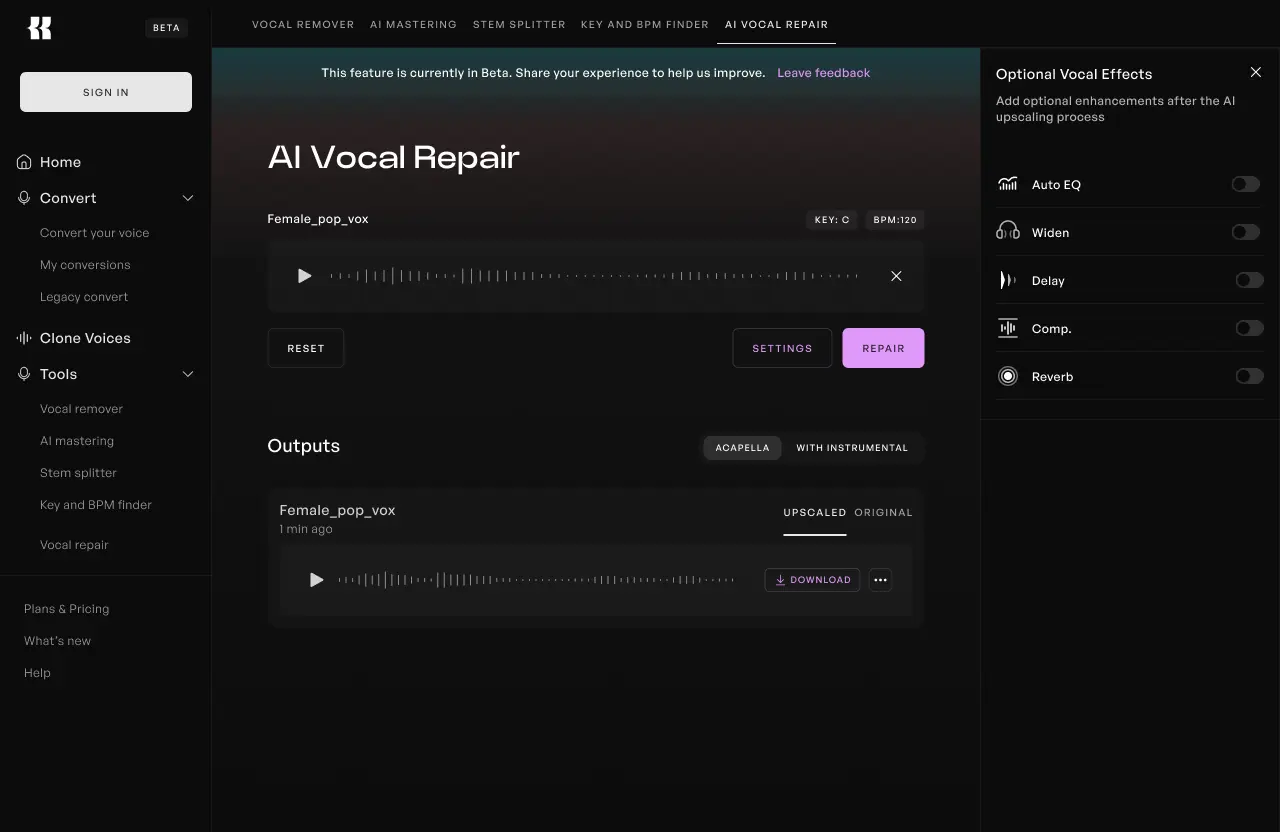
Kits AI is an audio editing tool. Browser-based vocal tuner that shows a vocal's pitch as a piano roll, letting users snap notes in tune, drag them by hand and add vibrato. Audio is re-synthesized rather than transposed, and finished takes export straight into Kits Studio for voice models and mastering.
Kits AI Pitch Editor is a browser-based vocal tuning tool built around a piano roll, the same note grid producers already know from MIDI work. A dry vocal take is uploaded and the editor draws its pitch contours on screen, letting the user drag notes up, down or across to reshape the performance. The pitch is not simply transposed: the audio is re-synthesized, so the tool targets a natural vocal tone even when a note is moved a long way from where it was sung. Three workflows sit inside the same interface. Snap in tune pulls notes onto the correct pitch for quick fixes on a rough one take recording. Manual dragging gives full control over individual notes for phrasing adjustments. Vibrato and melody reshaping turn the editor into a creative tool, useful for testing new progressions or a different delivery before committing to a final performance. Every pitch curve updates in real time with overlays and smooth feathering, so the edit is visible as well as audible. The target user is the creator working without an audio engineer: a songwriter cutting demos, a producer keeping collaborators in key, a vocalist cleaning up a scratch track before sharing it. The drag and drop interface and visible pitch curves mean music theory is not a prerequisite, though engineers looking for fine grained control may find the approach lighter than a dedicated DAW tuning suite. That positioning is deliberate, aimed at speed and clarity over depth. The Pitch Editor is one part of Kits Studio, which also hosts voice conversion, voice model creation, harmonies and mastering. Tuned vocals export from the same workspace, so a corrected take can move straight into those other tools without leaving the browser. No downloads, plugins or extra software are involved at any stage.
A free entry point is offered through the get started free link, with account terms confirmed in the app. No trial length or usage cap is stated.
Learn moreThe page directs users to get started free and to review current plans and account terms inside the app. Specific price points and plan tiers are not listed on the homepage.
Learn moreA frequently asked questions section on the page covers what the Pitch Editor is, whether music theory is needed, snapping to key and how it compares with other pitch shifting tools.
Accepts WAV, MP3, M4A uploads and DAW stems, and connects to other Kits Studio tools such as voice models, harmonies and mastering. No third party plugin integrations are listed.
Piano roll pitch editing with draggable notes, snap in tune correction, vibrato and phrasing adjustments, melody reshaping, real time pitch curve overlays with smooth feathering, and re-synthesized audio that aims to preserve a natural vocal tone. Exports tuned vocals and connects to voice conversion, voice models, harmonies and mastering in Kits Studio.
 AI Angels400+ customizable AI girlfriends for NSFW chat, voice calls, and roleplay
 Candy AIExperience the future of companionship with AI friends who chat, role-play, and connect with you on a human level.
 ourdream.aiA vast AI roleplay platform with millions of characters for chat, images, video and voiceAI Angels400+ customizable AI girlfriends for NSFW chat, voice calls, and roleplayCandy AIExperience the future of companionship with AI friends who chat, role-play, and connect with you on a human level.ourdream.aiA vast AI roleplay platform with millions of characters for chat, images, video and voice


