What these tools do
A harmony maker is asked for a specific job: add a second, third or fifth vocal part above or below a lead line. The tools listed here approach that from two directions. Most separate an existing recording into stems, isolating the vocal so it can be doubled, pitched or re-stacked. Others generate a whole sung track from an idea or a lyric sheet. For a solo singer without a session choir, this replaces the manual work of recording each harmony part by ear, and for a producer it replaces a chain of demos and hand-edited takes.
How to choose one
Start with what you have. If you own a finished mix and want the vocal out, a stem splitter with clean separation matters more than anything else. If you want new sung material, a generation tool is the right kind. Check whether stems are previewable before payment, since separation quality varies by genre and backing density. Look at export formats and whether individual stems (not only the mixed result) can be downloaded. Platform matters too: a browser tool covers a quick session, while app versions on iOS, Android or desktop suit repeat use. Free tiers differ widely in file length and watermarking, so test one full song before committing.
Notable tools
VocalRemover.one splits vocals from backing tracks in the browser and lets you preview stems before paying, which suits anyone comparing separation quality first.
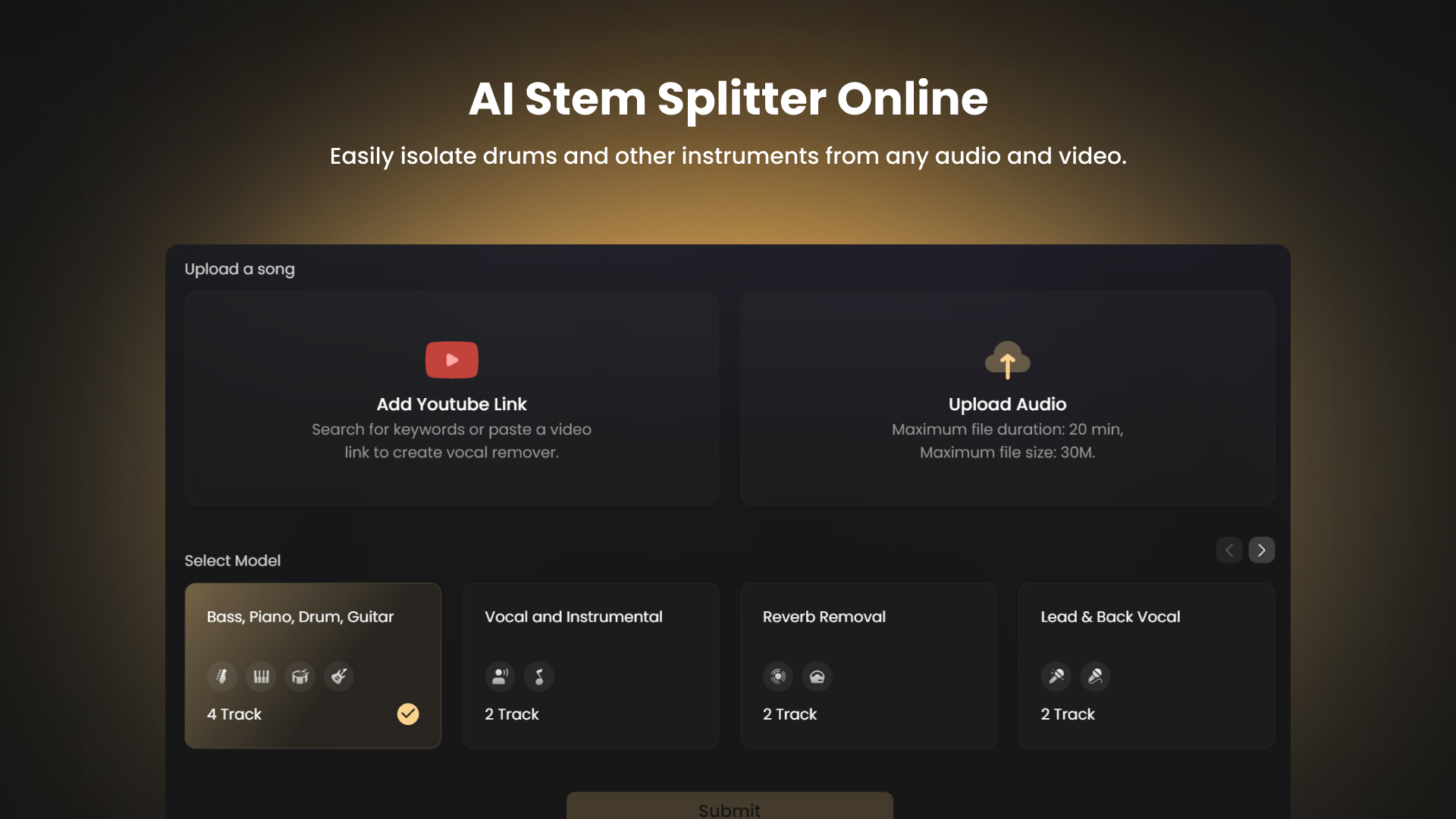
Vocal Remover by Remusic is a free browser splitter that strips vocals, bass, drums, guitar or piano, useful for pulling a lead line out of a busy arrangement.
Singify AI Vocal Remover splits a song into vocals, instrumentals and individual stems, with web, mobile and desktop apps for repeat sessions.
EaseUS Online Vocal Remover separates voice from music in seconds and offers mobile apps alongside the web version.
Vocalremover returns vocals and instrumental in about ten seconds, which makes it a fast first pass on a long file.
Coolo.ai targets karaoke tracks, remixes and practice mixes, splitting stems and running in the browser or on Android.
Text to Song AI takes a description or pasted lyrics and returns a finished song with vocals, for creating a sung part rather than separating one.
Common questions
What is a harmony maker?
A harmony maker is any tool that helps produce stacked vocal parts, either by generating sung material or by isolating a voice so harmony can be built on top. The tools on this page handle the separation or creation step. The arrangement decisions stay with you.
Is a free harmony creator good enough?
Free tiers cover real work: several splitters here separate full songs at no cost, and app versions often add longer files or higher quality. Quality depends on the source. Dense mixes with heavy reverb separate less cleanly than dry vocal recordings.
Where do I find a free harmony generator online?
Use the browser tools listed above. Preview stems before paying where the option exists, then download the vocal stem and build your harmony parts in your own editor. For a free vocal harmony creator that produces sung audio, the generation tool is the one to test.
When to look elsewhere
If the goal is a new backing track rather than a vocal part, the MIDI Generator or Type Beat Finder pages fit better. If you already have a finished vocal and want words changed, see Song Lyrics Changer.