Support
Support happens through the LiveKit Community Slack, where the team invites questions, ideas and pull requests. Issues can also be filed against the example repository on GitHub.
Learn moreTalk to GPT out loud inside a live video meeting

Kitt is a parrot voice translation tool. A LiveKit demo that adds a spoken GPT-3.5 participant to a video meeting. It transcribes microphones with Google STT, answers with short streamed sentences through Google TTS, and supports wake word activation, meeting summaries and live translation.
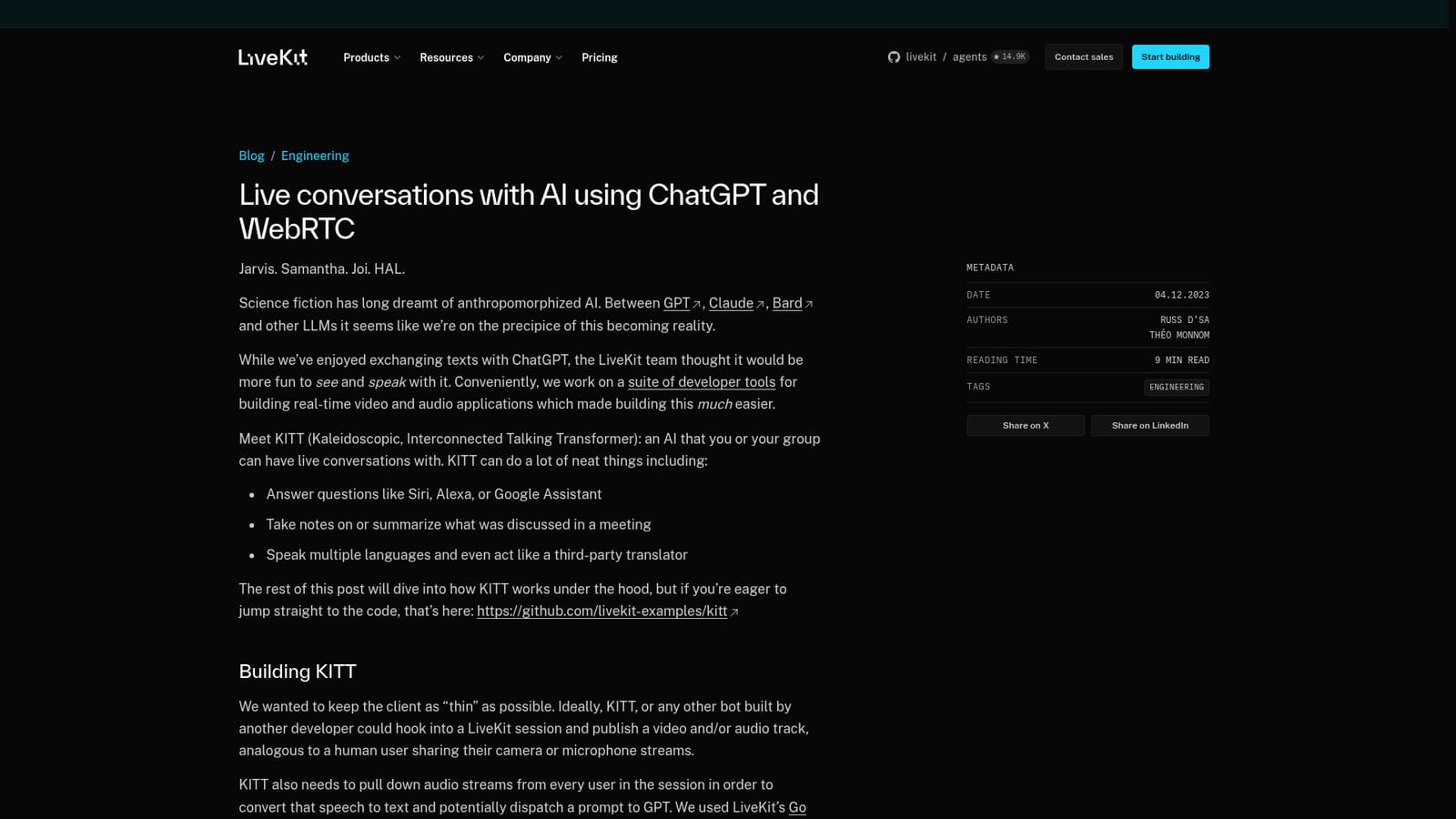
KITT (Kaleidoscopic, Interconnected Talking Transformer) is a LiveKit engineering demo that puts a conversational AI into a real time video session. You open a meeting built on LiveKit Meet, and a bot participant joins alongside the human attendees, listens to the microphone streams, and answers aloud. It works like an assistant in the Siri or Alexa mould, but the interesting part is the group setting: it can take notes on what was discussed, summarise the meeting, answer spoken questions, reply in each participant's chosen language, and even act as a live translator between two people speaking different languages. The build is a chain of three services. Google Cloud speech to text converts incoming audio into a stream of partial transcripts, GPT-3.5 Turbo receives those prompts plus the running conversation history and produces a reply, and Google text to speech turns the response into audio that is published back into the room as a track. The whole design is tuned for latency rather than transcription accuracy, and audio is streamed sentence by sentence so replies start before the model has finished generating. Live transcriptions and the bot's visual state are pushed to every participant through LiveKit data messages. The interface borrows heavily from LiveKit Meet, so there is a video grid, a join screen, and a small animated avatar that changes state when KITT is listening or speaking. In a one to one call, every utterance is treated as a prompt. With several people in the room, you must say "KITT" or "Hey KITT" first, and a chime confirms the wake word. It is aimed at developers exploring voice agents and real time AI rather than at teams wanting a packaged assistant. The source is on GitHub as a reference implementation, vendors for STT, TTS and the language model are swappable, and the authors themselves flag Whisper, Rime, GPT-4 and avatar rendering as open experiments. Compared with text chat tools, KITT shows what a low latency spoken agent feels like in a shared call; compared with commercial meeting assistants, it is a codebase to learn from and extend.

Support happens through the LiveKit Community Slack, where the team invites questions, ideas and pull requests. Issues can also be filed against the example repository on GitHub.
Learn moreBuilt on LiveKit server SDKs with Pion WebRTC, Google Cloud speech to text and text to speech, and OpenAI GPT-3.5 Turbo, all wired together through LiveKit rooms, webhooks and data messages.
The bot joins a LiveKit room as a participant, subscribes to every microphone track and streams audio to Google speech to text. GPT-3.5 Turbo, primed for short answers, generates replies that are split by sentence and spoken through Google TTS while still streaming. Live transcription of your prompt is shown to all users, wake word activation handles group calls, per user language codes allow translation, and conversation history is passed with each prompt.
 AI Angels400+ customizable AI girlfriends for NSFW chat, voice calls, and roleplay
 Candy AIExperience the future of companionship with AI friends who chat, role-play, and connect with you on a human level.
 ourdream.aiA vast AI roleplay platform with millions of characters for chat, images, video and voiceAI Angels400+ customizable AI girlfriends for NSFW chat, voice calls, and roleplayCandy AIExperience the future of companionship with AI friends who chat, role-play, and connect with you on a human level.ourdream.aiA vast AI roleplay platform with millions of characters for chat, images, video and voice


.png)