KOOX AI

Turn still images into videos with audio, using several AI models

Beginner
Screenshot of KOOX AI, Turn still images into videos with audio, using several AI models

What is KOOX AI?

KOOX AI is a generative video tool that turns still images into videos with audio, using several AI models. KOOX AI is a web image to video generator that animates photos, drawings and 3D renders from a text prompt. It offers several AI video models in one place, generates synced audio by default, and starts with free credits.

KOOX AI is a browser-based image to video generator. A user uploads a picture, writes a short prompt describing the motion they want, and the service returns a video clip. The input can be a photograph, a drawing or a 3D render, and the site shows examples built from portraits, couples in flower fields, cartoon animals and a cat working in a kitchen. The main differentiator is that the platform is a hub rather than a single model. The site says it offers access to several popular video models, naming Veo 3, SORA2 and Runway, and it highlights newer additions such as MiniMax H3 and Seedance 2.5 with their own example pages. This lets a user run the same image through different engines and compare the results. The site notes that model availability and supported features can change over time, and that output quality and generation time depend on the image, the model, the settings and queue conditions. Audio is enabled by default. Prompts can include the sounds a user wants alongside the motion, and the service generates matching effects and ambient sound meant to follow what happens on screen, such as footsteps or wind. The homepage also claims reduced flicker and more stable subjects between frames, along with motion that follows gravity and inertia, though it adds that results vary. The audience listed on the page covers influencers, content creators, product marketers, and artists or animators. Typical uses include animating product shots, turning social posts into short clips, and prototyping a character sketch before committing to full production. The workflow is three steps: drop an image, describe the motion, then generate and download. Within the crowded video generation market, KOOX AI sits closer to an aggregator than to a single-vendor tool. It suits people who want to test several engines without managing separate accounts. Free credits may be offered to start with no card required upfront, and further use requires buying credits or choosing a paid plan, which the pricing page covers.
How do you use KOOX AI?

  1. 1Open the generator
    Go to the KOOX AI homepage and head to the create section, where the image to video tool starts.
    KOOX AI — Open the generator
  2. 2Upload your image
    Drop in a photo, drawing or 3D render. Portraits, landscapes and illustrations are all described as supported.
  3. 3Describe the motion
    Type the motion you want, and add the sounds you expect since audio generation is enabled by default. Be specific, or leave it open and let the AI improvise.
  4. 4Choose a model and generate
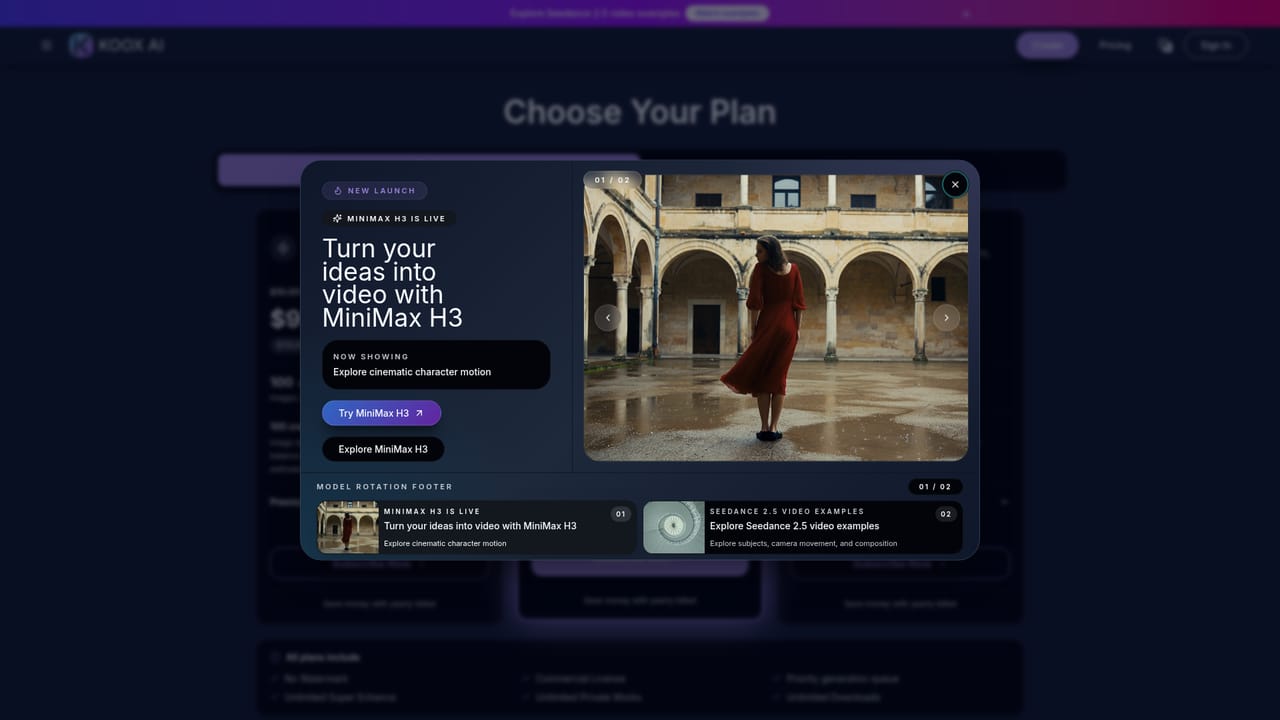
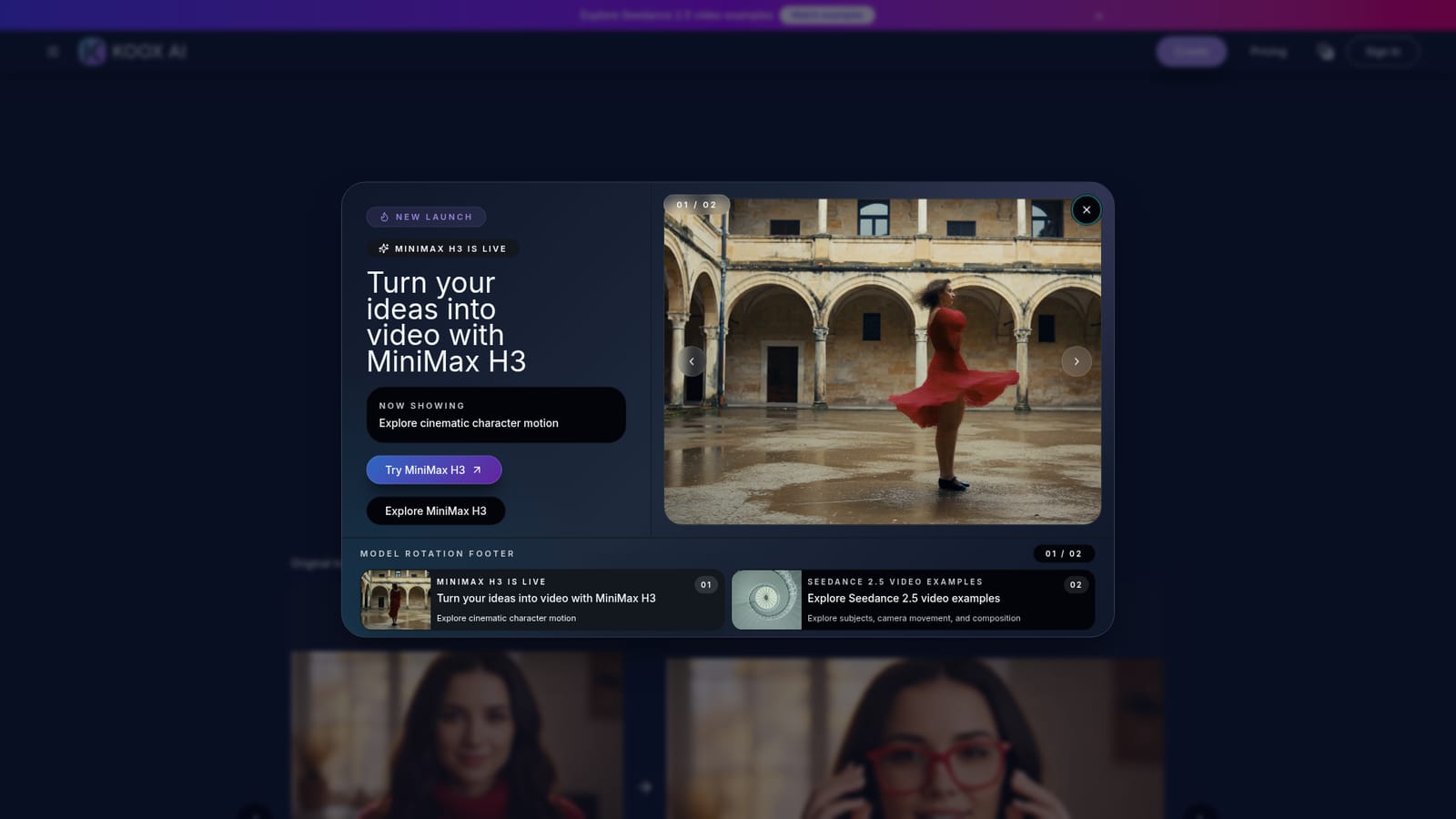
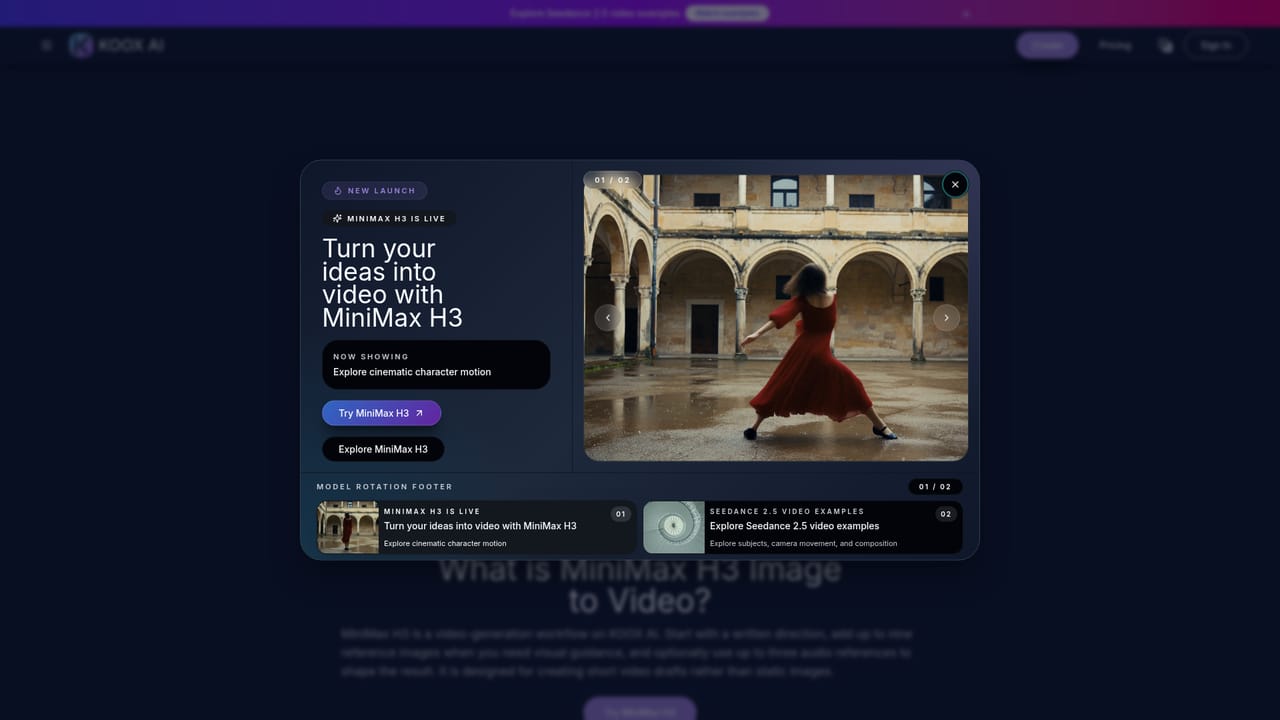
    Pick from the available AI models, such as the newly listed MiniMax H3, then start generation and wait for the queue to finish.
    KOOX AI — Choose a model and generate
  5. 5Review, compare and download
    Watch the result, try another model or a refined prompt if needed, then download the finished video.
  6. 6Check credits and plans
    Review the pricing page to see how extra credits or a paid plan work once the free credits are used.
    KOOX AI — Check credits and plans

Pros and cons

Pros

  • Gives access to multiple video models in one place, so the same image can be compared across enginesAI
  • Audio generation is on by default and can be steered through the text promptAI
  • Accepts photos, drawings and 3D renders, so it suits illustration and animation prototyping tooAI
  • Simple three-step workflow of upload, prompt and generate, with no editing skills neededAI
  • Free credits may be available to try it, with no credit card required upfrontAI

Cons

  • Continued use requires buying credits or a paid plan once the free credits run outAI
  • Output quality and generation time vary by image, model, settings and queue, so results are not predictableAI
  • Model availability and supported features may change over time, which makes workflows hard to rely onAI
  • Claims about physics and motion consistency are qualified by the site itself and are not backed by published benchmarksAI
  • Free credit amounts and plan limits are not stated on the homepage, so cost planning needs the pricing pageAI

How much does KOOX AI cost?

Free trial

Free credits may be available to try the service, and no credit card is required upfront. The amount is not stated on the homepage.

Learn more

Pricing

Free credits may be available to start, with no credit card required upfront. Additional generations need purchased credits or a paid plan. Exact prices are not stated on the homepage.

Learn more

Features

Image to video generation from photos, drawings and 3D renders, text prompts for motion, access to several AI video models (Veo 3, SORA2, Runway, MiniMax H3, Seedance 2.5), default synced audio generation, and downloadable video output.

Frequently asked questions about KOOX AI

  • How much does KOOX AI cost?
    Free credits may be available to start, with no credit card required upfront. Additional generations need purchased credits or a paid plan. Exact prices are not stated on the homepage.
  • Does KOOX AI offer a free trial?
    Free credits may be available to try the service, and no credit card is required upfront. The amount is not stated on the homepage.
  • How do you use KOOX AI?
    The walkthrough on this page covers 6 steps: 1. Open the generator 2. Upload your image 3. Describe the motion 4. Choose a model and generate 5. Review, compare and download 6. Check credits and plans.
  • What platforms does KOOX AI support?
    KOOX AI is available on Web App.
  • What are the limitations of KOOX AI?
    Continued use requires buying credits or a paid plan once the free credits run out. Output quality and generation time vary by image, model, settings and queue, so results are not predictable. Model availability and supported features may change over time, which makes workflows hard to rely on.

Status

StatusActive
Views0
Outbound clicks0
Added10/18/2026

Platforms

Web App

Pricing

FreemiumPaid