Kortix Suna

Open-source AI operating system for running agents from one repo you own

Advanced API
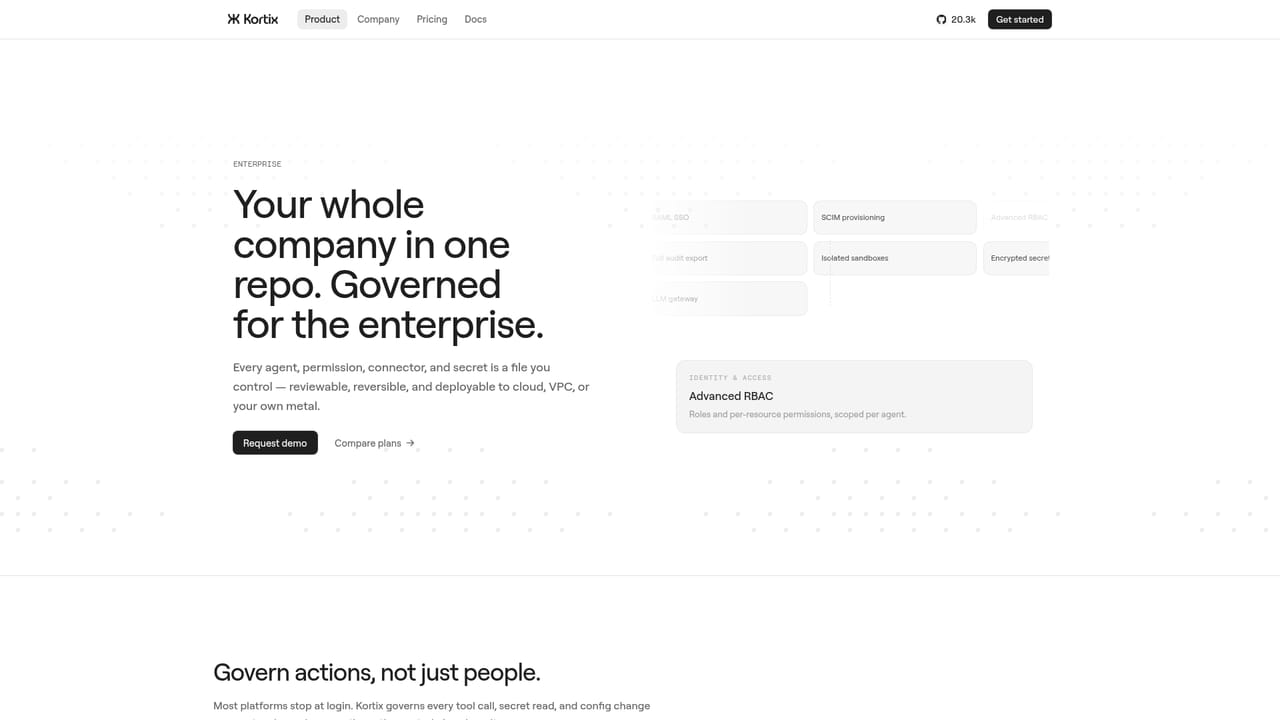
Screenshot of Kortix Suna, Open-source AI operating system for running agents from one repo you own

What is Kortix Suna?

Kortix Suna is an open-source AI operating system that keeps agents, skills, memory, connectors and permission rules in one git repo you own. Agents run multi step jobs on isolated machines and land results as change requests. Any model, your own keys, self-hosted or managed cloud.

Kortix Suna is an open-source AI operating system: a single git repository that holds your agents, their skills, company memory, connector configuration, permission rules and triggers as plain text files. Instead of renting a closed workspace where agent settings live in someone else's database, the repo is the company. You clone it, edit files, commit changes, and the same version control habits you use for code apply to the AI workforce. Each agent runs on a harness powered by OpenCode that gives the underlying model planning, tool use and multi step execution. A bare model answers a question; the harness reads files, patches code, runs test suites, and stops when a permission rule blocks it. Every session boots its own isolated Linux machine containing your repo and tools, so work happens on a disposable environment rather than a laptop. Agents can be launched from the web app, the CLI, Slack, Microsoft Teams, email, mobile or the API, and finished work returns as a change request for a human to review and merge. Kortix is model agnostic. Claude, OpenAI and Gemini models sit alongside OpenRouter and any OpenAI compatible endpoint, selectable per agent, per session or per message, and billed through your own API key, a ChatGPT subscription or the Kortix Gateway. Connectors cover more than 3,000 apps through MCP or plain APIs, including Slack, GitHub, Linear, Notion, Figma, Stripe, HubSpot, Salesforce and the major cloud providers. The intended audience is teams that want autonomous work across sales, engineering, marketing, finance, people, product and data without surrendering data ownership. Practical examples include outbound campaign drafting with a human approval gate before send, daily error triage that patches the worst bug and opens a change request, weekly SEO rewrites, ledger reconciliation and scheduled warehouse reports posted to Slack. Self-hosting, VPC or on-prem deployment are supported alongside managed cloud, which places it as an open alternative to Claude Cowork and ChatGPT Work for organizations that need the stack in their own hands. Setup assumes comfort with git, YAML style configuration and container based environments. Beginners can use the hosted app, but the product clearly rewards engineering teams.

How do you use Kortix Suna?

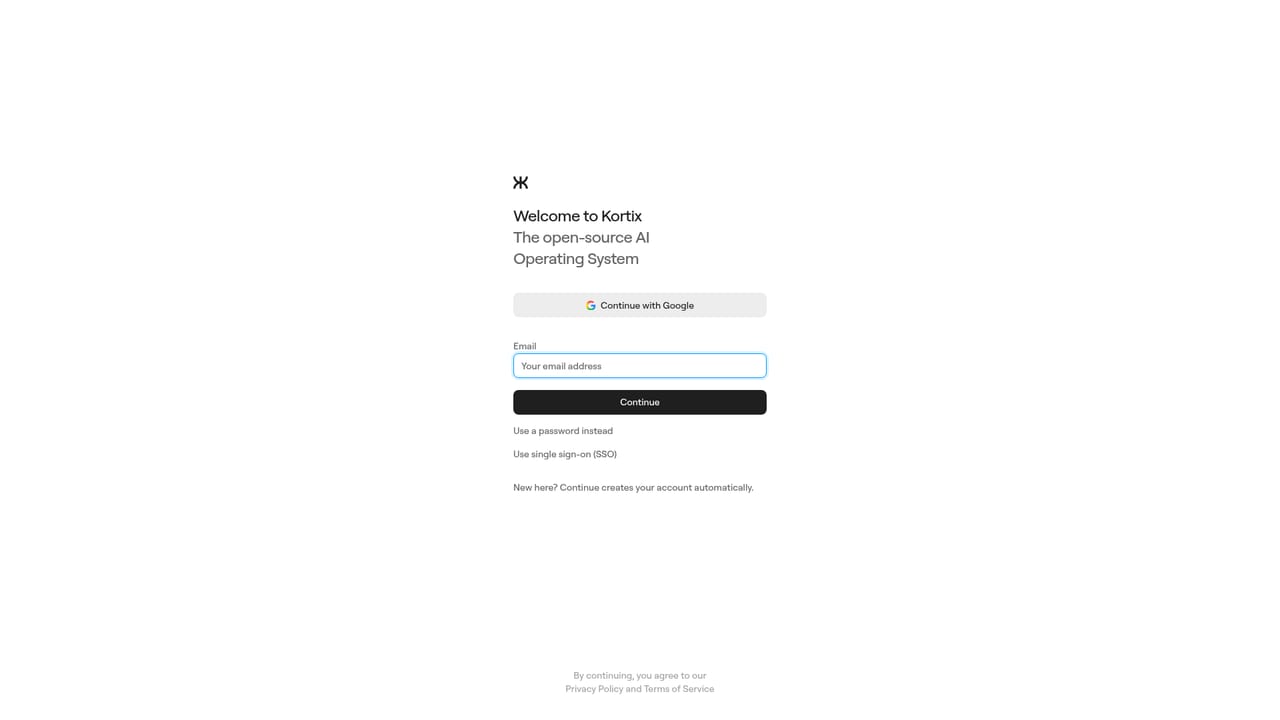
  1. 1Open the Kortix app and create an account
    Start at the website and sign in to reach the hosted workspace, or skip this and deploy the open-source stack yourself if you plan to self-host.
    Kortix Suna — Open the Kortix app and create an account
  2. 2Choose where Kortix runs
    Decide between managed cloud, VPC or on-prem. Teams with data residency rules should settle this before connecting any company systems.
    Kortix Suna — Choose where Kortix runs
  3. 3Fork or create the company repo
    The repo holds agents, skills, memory, rules, triggers, connectors and the machine image. Clone it locally so you can edit configuration as files.
  4. 4Define an agent and its permissions
    Write an agent file that describes the role, then set permission rules such as denying git push so the agent opens a change request instead of landing code itself.
  5. 5Wire up connectors and scope access
    Connect the tools the team already uses, then limit which agent may touch which system. Keep credentials in your own key management where possible.
  6. 6Start a session and review the change request
    Launch the agent from the web app, CLI or Slack. When it finishes, read the diff it proposes and approve or request changes on the merge.

Pros and cons

Pros

  • Everything the AI workforce needs lives as text in one git repo, so agents, skills and rules are versioned and portableAI
  • Model agnostic setup lets you assign Claude, OpenAI, Gemini or any OpenAI compatible endpoint per agent, session or messageAI
  • Each session gets its own isolated Linux machine with the repo already cloned, so no local installation is requiredAI
  • Permission rules in the agent file can block risky actions such as pushing to main, and work lands as reviewable change requestsAI
  • Broad connector coverage through MCP and APIs, spanning Slack, GitHub, Linear, CRM, billing and cloud platformsAI

Cons

  • The git repo centric model is a real barrier for non-technical teams who expected a point and click agent builderAI
  • Pricing is not stated on the homepage beyond a billing note, so cost comparison against closed alternatives needs direct inquiryAI
  • Running agents on isolated machines per session can multiply model and infrastructure spend in ways that are hard to forecastAI
  • Self-hosting and on-prem deployment shift security, upgrades and uptime onto your own teamAI
  • Maturity risk applies: the project positions itself as an open alternative to established products and is still evolvingAI

How much does Kortix Suna cost?

Pricing

The homepage does not publish plan tiers or prices. It states that models are billed through your own API key, a ChatGPT subscription or the Kortix Gateway, and offers managed cloud alongside self-hosted, VPC and on-prem deployment. Exact costs require contacting the vendor.

Learn more

Support

Support and security details are covered on the enterprise page, which explains how Kortix is secured. The homepage does not list support channels or service levels.

Learn more

Integrations

Over 3,000 apps via MCP or API, including Slack, Microsoft Teams, GitHub, GitLab, Linear, Notion, Figma, Stripe, HubSpot, Salesforce, Gmail, Google Drive, Jira, Shopify, Zoom, Zendesk, AWS, Azure and Google Cloud.

Features

Agents, skills, memory, rules, triggers, connectors and machine images all live in one git repo. A harness powered by OpenCode adds planning, tool use and multi step runs. Each session boots an isolated Linux machine with the repo cloned. Any model can be assigned per agent, session or message, and more than 3,000 apps connect through MCP or APIs.

Frequently asked questions about Kortix Suna

  • How much does Kortix Suna cost?
    The homepage does not publish plan tiers or prices. It states that models are billed through your own API key, a ChatGPT subscription or the Kortix Gateway, and offers managed cloud alongside self-hosted, VPC and on-prem deployment. Exact costs require contacting the vendor.
  • Does Kortix Suna have an API?
    Yes, Kortix Suna offers an API.
  • How do you use Kortix Suna?
    The walkthrough on this page covers 6 steps: 1. Open the Kortix app and create an account 2. Choose where Kortix runs 3. Fork or create the company repo 4. Define an agent and its permissions 5. Wire up connectors and scope access 6. Start a session and review the change request.
  • What platforms does Kortix Suna support?
    Kortix Suna is available on Web App, MacOS, Windows, Linux, Browser extension and Android.
  • What does Kortix Suna integrate with?
    Over 3,000 apps via MCP or API, including Slack, Microsoft Teams, GitHub, GitLab, Linear, Notion, Figma, Stripe, HubSpot, Salesforce, Gmail, Google Drive, Jira, Shopify, Zoom, Zendesk, AWS, Azure and Google Cloud.
  • What are the limitations of Kortix Suna?
    The git repo centric model is a real barrier for non-technical teams who expected a point and click agent builder. Pricing is not stated on the homepage beyond a billing note, so cost comparison against closed alternatives needs direct inquiry. Running agents on isolated machines per session can multiply model and infrastructure spend in ways that are hard to forecast.

Status

StatusActive
Views0
Outbound clicks0
Added10/21/2026

Platforms

Web AppMacOSWindowsLinuxBrowser extensionAndroid

Pricing

FreemiumSubscription