Free trial
The free plan is permanent rather than time limited: 3 SQL queries, 1 user, 1 editor and all core features, with no credit card required at signup.
Learn moreTurn a SQL query into tables, charts, REST APIs and dashboards

Kvery is a developer tool that turns a SQL query into tables, charts, REST APIs and dashboards. Kvery converts SQL queries into tables, charts, REST APIs and dashboards without backend code. It adds AI query generation, scheduled runs, webhooks, an MCP server for AI agents, and native iOS and Android apps, with a free plan limited to 3 queries.
Kvery is a SQL workspace that takes a query and builds the surrounding product from it: a responsive table, auto-updating charts, a documented REST endpoint and a shareable dashboard. The pitch is that the backend layer between a database and a usable internal tool disappears. A developer writes or generates the query, and Kvery handles rendering, API exposure and refresh scheduling from that single definition. The query editor is the center of the product. It supports multiple tabs, schema browsing, syntax highlighting and autocomplete, and it accepts plain English input that the AI converts into SQL. From the results pane a user can generate a table with sorting, filtering and pagination, drop charts onto a dashboard canvas, or publish the query as a REST API with authentication and documentation attached. Scheduled execution runs queries on CRON-style timing and delivers output by email, Slack or webhook, which covers most recurring reporting needs without a separate BI license. Kvery is aimed at developers and small data teams who already have a database but no appetite for building an admin panel or reporting layer. It fits between raw SQL clients, which stop at results, and full BI platforms, which require modeling work and cost more per seat. The built-in MCP server is the more distinctive bet: Claude, Cursor, n8n or any MCP client can list, search and execute queries using scoped tokens that can be read-only, restricted by tag, or set to hide the underlying SQL from the agent. Security claims include AES-256 encrypted connection storage, 2FA, IP whitelisting, role-based access and audit logs, with native iOS and Android apps for viewing dashboards on the move. Supported databases are MySQL, PostgreSQL and Microsoft SQL Server, reachable directly or through SSH tunnels.
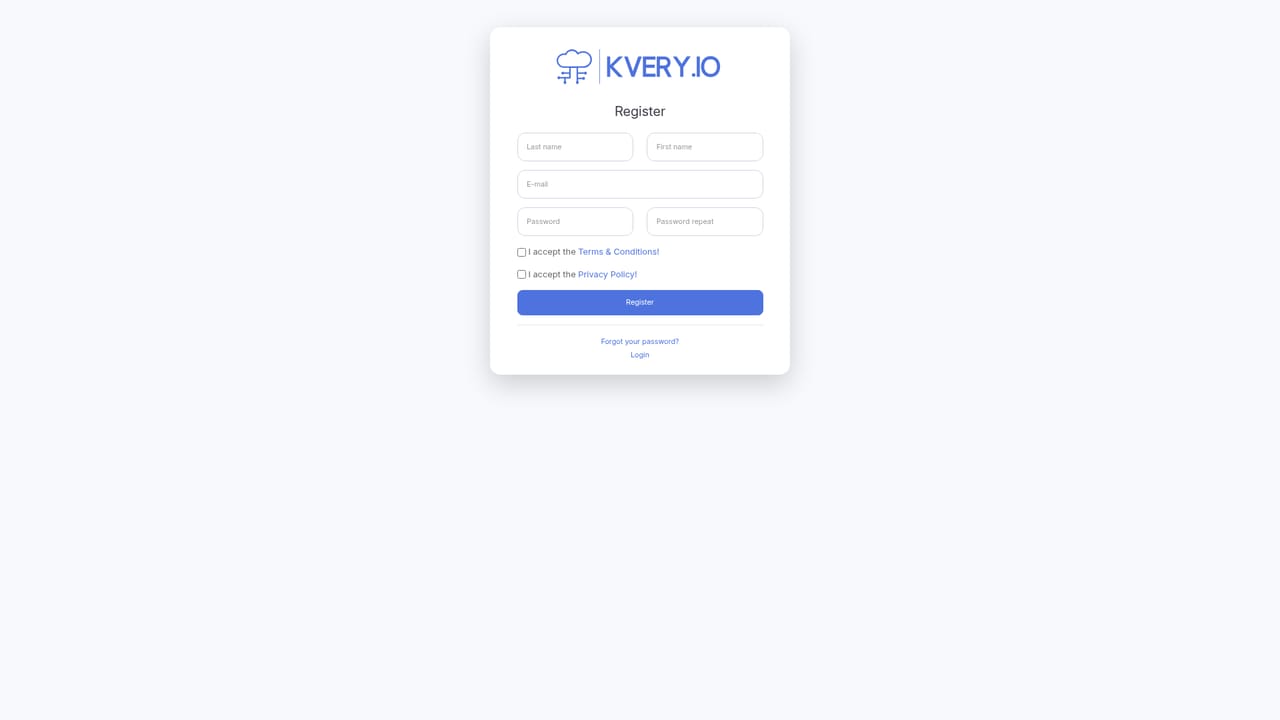
The free plan is permanent rather than time limited: 3 SQL queries, 1 user, 1 editor and all core features, with no credit card required at signup.
Learn moreFour tiers, all including core features and differing by query count and seats. Free is $0 with 3 queries and 1 user. Individual is $899/year for 25 queries. Team is $1499/year for 100 queries, 10 users and 3 editors. Enterprise is $2299/year for 250 queries, 30 users and 10 editors. Annual billing offers a two month discount.
Learn moreSupport scales with plan: community support on Free, email on Individual, priority on Team and dedicated support on Enterprise. The site also carries a categorized FAQ covering setup, security, pricing and billing.
Connects to MySQL, PostgreSQL and Microsoft SQL Server directly or over SSH tunnels. Output pushes to Slack, webhooks, email, CSV, JSON and Excel. The MCP server and REST endpoints work with Claude, Cursor, n8n, Postman and Python scripts.
AI natural language to SQL, automatic tables with sorting and pagination, dynamic charts, REST API generation with auth and docs, CRON-style scheduling with email and webhook alerts, drag-and-drop dashboards, multi-workspace permissions, 2FA and audit logs, an MCP server for AI agents, and CSV, JSON and Excel export.
 AI Angels400+ customizable AI girlfriends for NSFW chat, voice calls, and roleplay
 Candy AIExperience the future of companionship with AI friends who chat, role-play, and connect with you on a human level.
 ourdream.aiA vast AI roleplay platform with millions of characters for chat, images, video and voiceAI Angels400+ customizable AI girlfriends for NSFW chat, voice calls, and roleplayCandy AIExperience the future of companionship with AI friends who chat, role-play, and connect with you on a human level.ourdream.aiA vast AI roleplay platform with millions of characters for chat, images, video and voice


