Support
The site lists 24/7 expert assistance and advanced encryption as part of its security and service posture, alongside bank-grade security claims. No public help centre or documentation portal is linked.
Learn moreAI agents that run accounts payable, reconciliation and reporting inside your ERP

LayerNext is an accounting journal entries tool. LayerNext deploys AI agents that process invoices, match bank transactions and prepare financial reports inside existing ERPs and accounting systems, including legacy desktop software without APIs. It targets finance teams that want accounts payable and reconciliation executed rather than assisted.
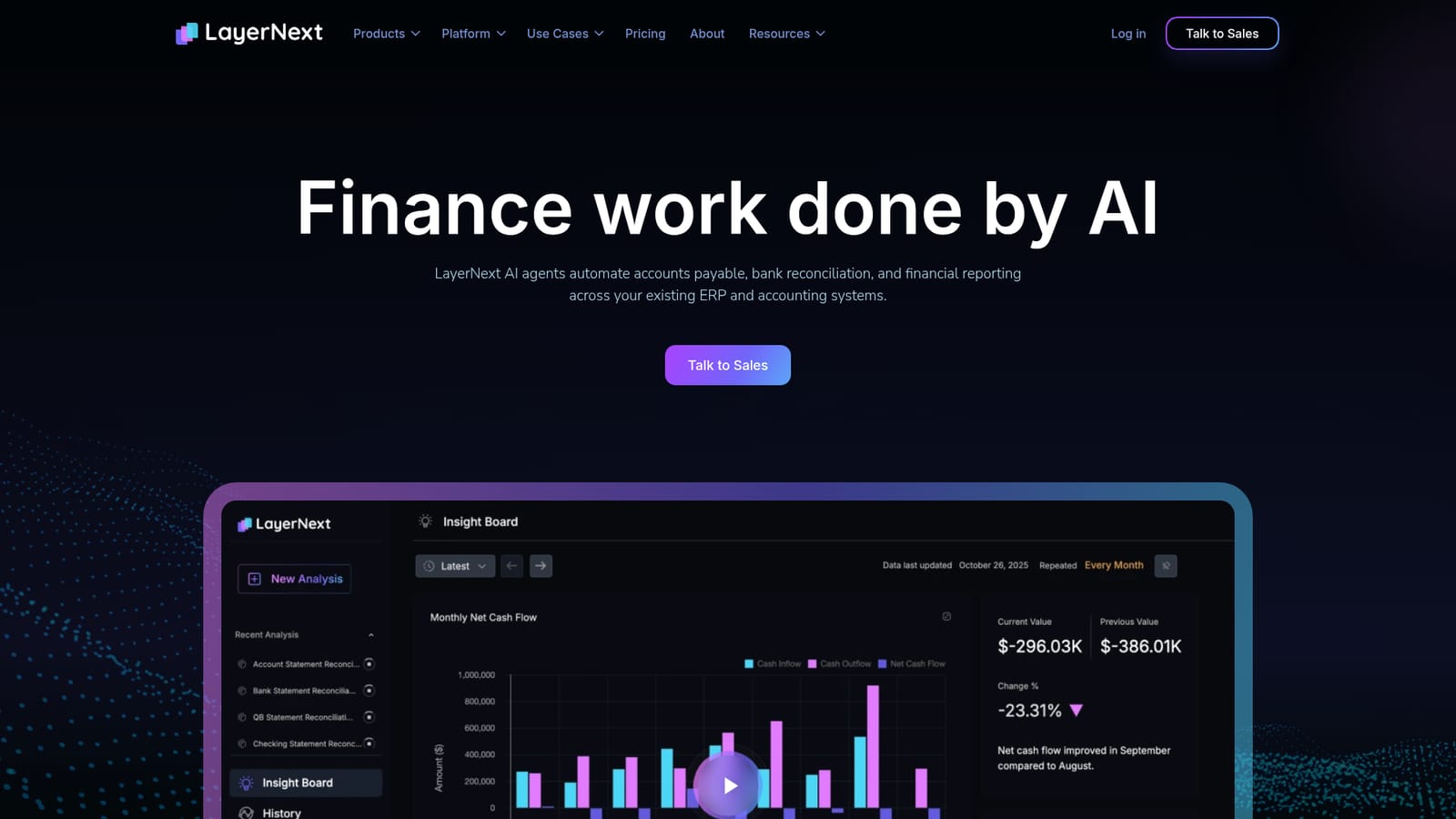
LayerNext is a finance operations platform built around AI agents that carry out accounting work directly inside the systems a company already runs. Rather than layering another dashboard on top of existing software, the agents capture invoices, extract the data, validate it, match it to purchase orders and route it for approval. The same agents handle bank reconciliation by matching transactions from bank feeds or uploaded statements in real time, and they assemble financial reporting without a person rebuilding spreadsheets each month. The product is aimed at finance teams in mid-sized and multi-entity organizations, particularly those running ERPs that lack modern APIs. A distinguishing claim is desktop and legacy automation: agents navigate Windows-based and custom applications the way a staff member would, so old systems do not block adoption. Custom workflow rules cover approval chains and general ledger structures, which matters for groups that need consistent controls across several operating companies. In practice, deployment starts with one workflow chosen from accounts payable, reconciliation or reporting. LayerNext maps the process, business rules, approvals and exceptions, then connects to the ERP, finance inboxes, bank data and reporting sources. From there agents execute the work, with exceptions and approvals routed to the right people and every action kept visible and traceable. A CFO-facing insight board surfaces cash flow, burn rate and runway. LayerNext sits closer to finance process automation than to standalone OCR or expense tools. Vendors in that space typically stop at document extraction or a reporting layer, while this one positions itself as doing the posting and matching work itself. The trade-off is that it is an implementation-heavy product sold through sales conversations, not a self-serve utility, and the headcount savings quoted on the site come from the vendor rather than independent review.
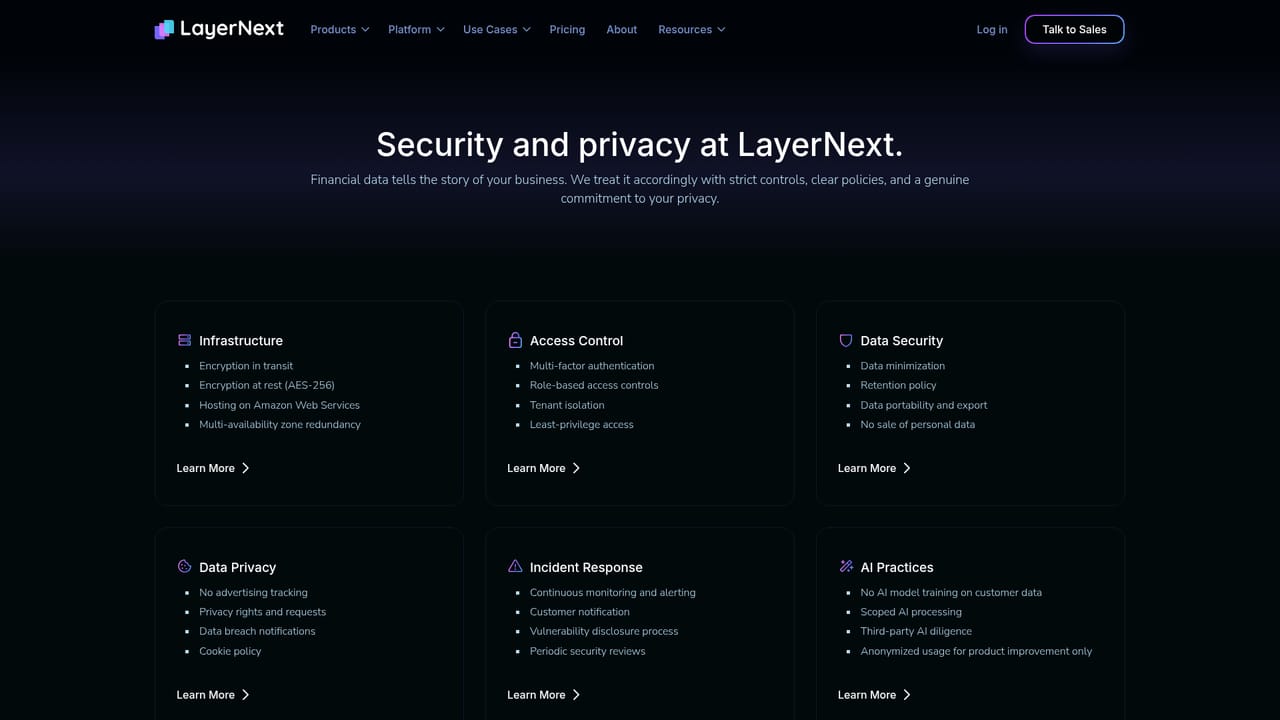
The site lists 24/7 expert assistance and advanced encryption as part of its security and service posture, alongside bank-grade security claims. No public help centre or documentation portal is linked.
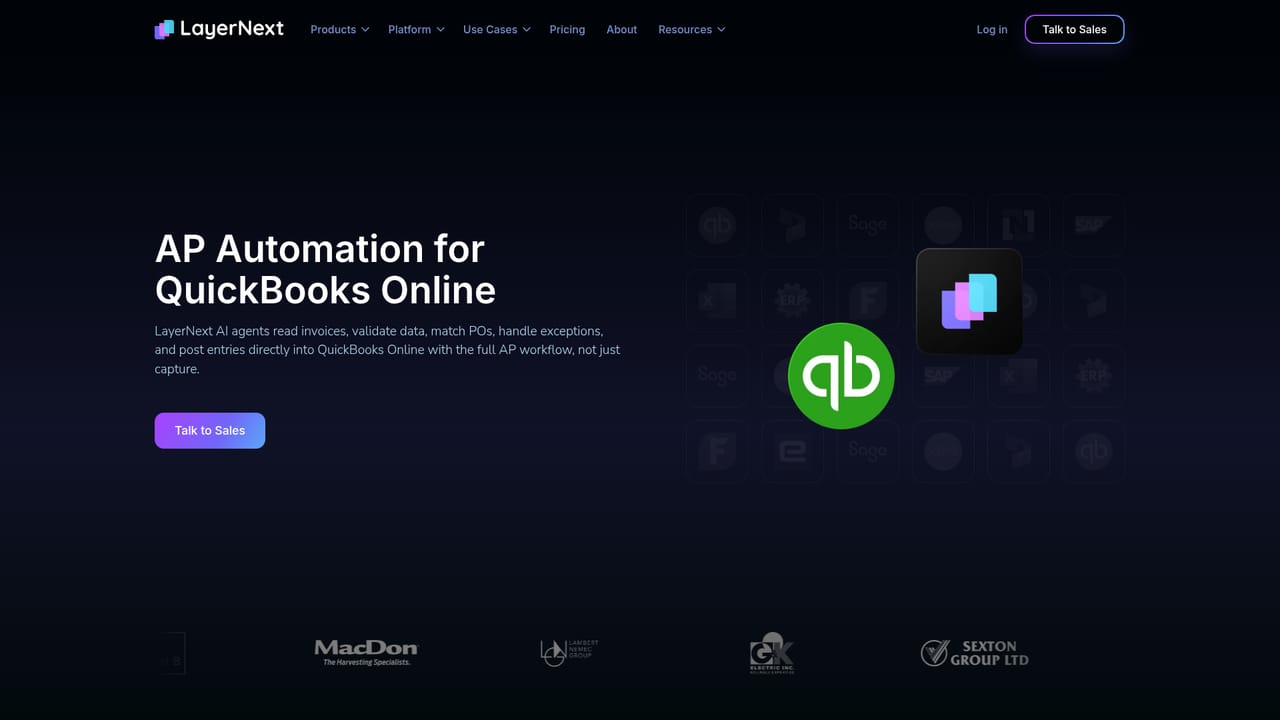
Learn moreConnectors listed for QuickBooks Online, QuickBooks Desktop, NetSuite, SAP, Microsoft Dynamics 365, Sage, Epicor Eagle and FieldServio. Legacy and Windows desktop applications without APIs are handled through agent-driven automation.
Learn moreCore modules cover accounts payable (invoice capture, extraction, validation, PO matching and approval routing), real-time bank reconciliation from feeds or uploaded statements, custom workflow rules for approvals and GL structures, desktop and legacy ERP automation, and a CFO insight board for cash flow, burn rate and runway. Exceptions and approvals route to people, with agent actions kept traceable.
 AI Angels400+ customizable AI girlfriends for NSFW chat, voice calls, and roleplay
 Candy AIExperience the future of companionship with AI friends who chat, role-play, and connect with you on a human level.
 ourdream.aiA vast AI roleplay platform with millions of characters for chat, images, video and voiceAI Angels400+ customizable AI girlfriends for NSFW chat, voice calls, and roleplayCandy AIExperience the future of companionship with AI friends who chat, role-play, and connect with you on a human level.ourdream.aiA vast AI roleplay platform with millions of characters for chat, images, video and voice