Free trial
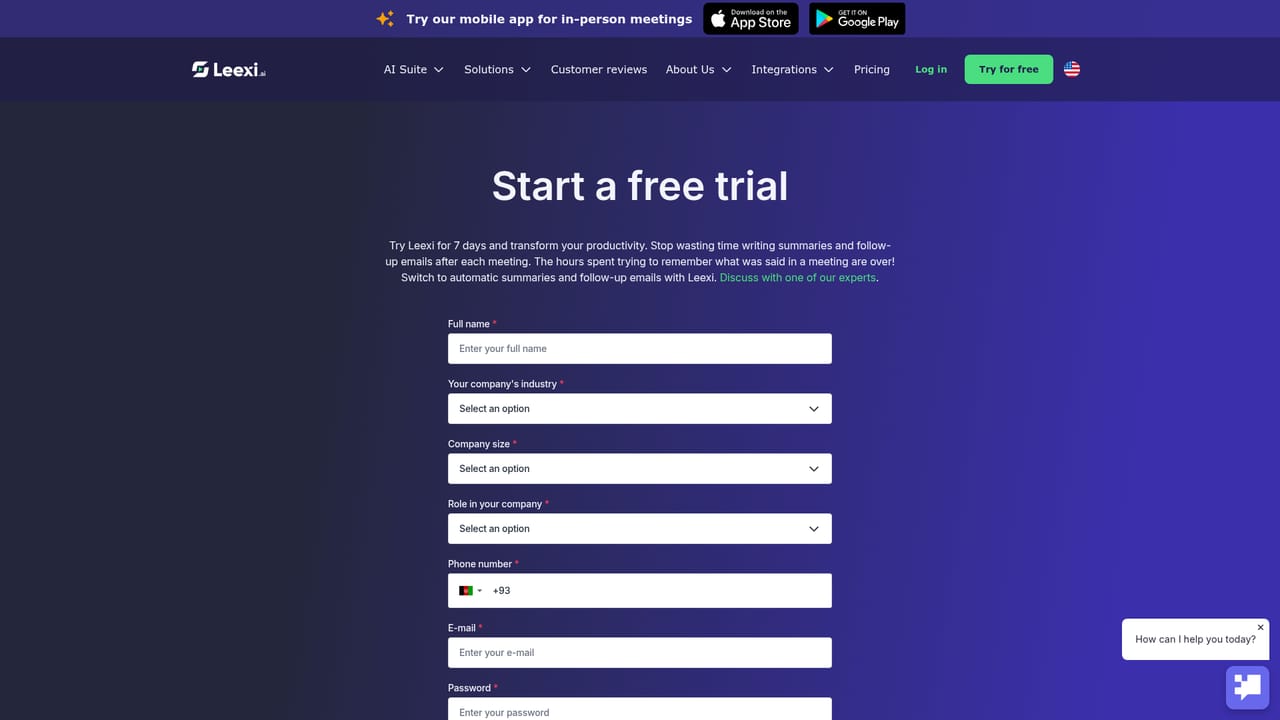
A seven-day free trial gives access to the whole Leexi One suite, including automatic notetaking, summaries, Ask Leexi and the available integrations, so initial results can be judged within the first week.
Learn moreSecure AI meeting suite running from briefing to action plan

Leexi is an AI notetaker that grew into a 13-tool meeting suite: capture on Meet, Teams, Zoom or in person, summaries in 100+ languages, Ask Leexi search, task tracking and CRM, ATS, VoIP and calendar sync. ISO 27001 and GDPR aligned.
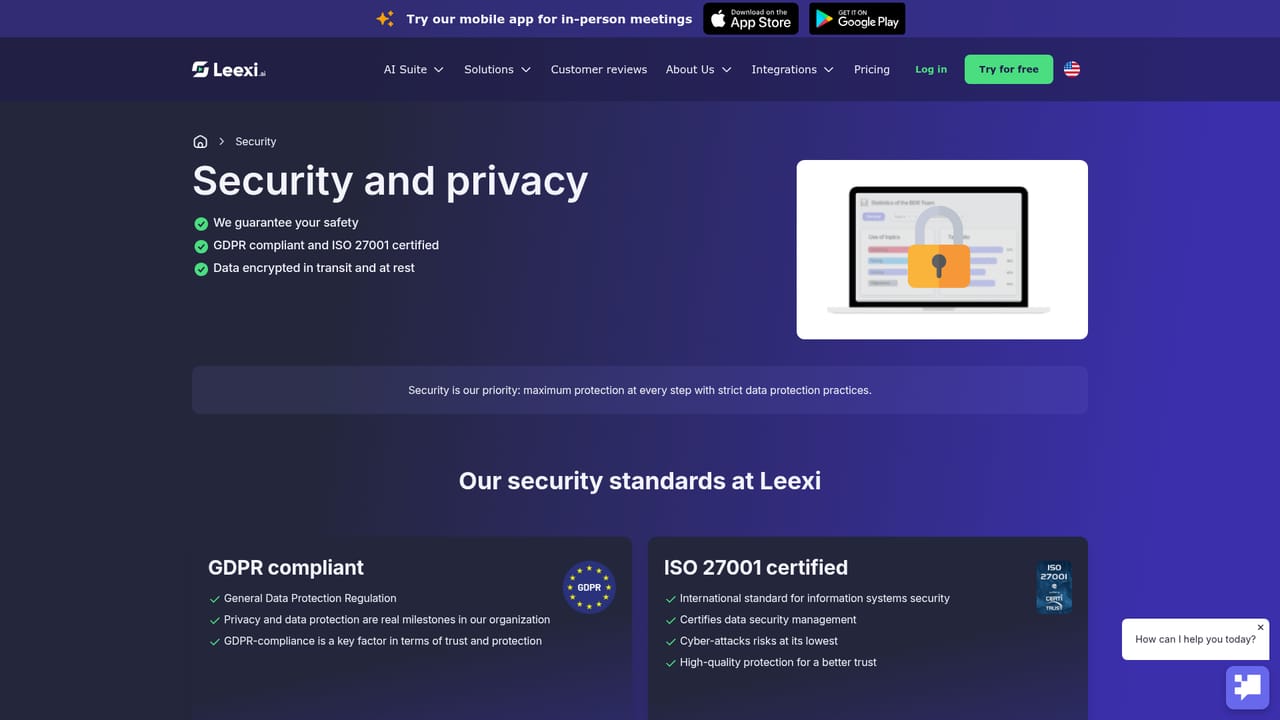
Leexi is a French AI meeting suite built around a note-taking core and expanded into a broader workspace the company calls Leexi One. The notetaker joins conversations on Google Meet, Microsoft Teams and Zoom, and the mobile app extends the same capture to in-person discussions with a single tap. Recordings are transcribed in more than 100 automatically detected languages, then turned into structured summaries, tasks and custom reports built from your own prompts or a ready-made library. What separates Leexi from a bare transcription bot is the surrounding toolset. Thirteen linked modules cover preparation, capture, retrieval and follow-up: Leexi Studio for report templates, Ask Leexi for querying past conversations in plain language, a task manager, a knowledge base, a coaching module and Leexi Sync for pushing data outward. Ask Leexi is the piece most teams notice first, since it answers questions about a decision or commitment without replaying hours of audio. Each call page gathers the recording, speaking time, CRM deal context, AI summary and per-participant tasks in one view. In practice the product is aimed at revenue and people teams that live in calls: sales organisations wanting summaries and next steps written back to HubSpot, Salesforce, Pipedrive, Zoho or Odoo, recruiters working inside an ATS such as Boond or RecruitCRM, and support or success teams on Aircall, Ringover, 3CX or Teams Phone. Calendars, Slack, Notion, Google Docs and SharePoint are covered too, and an open layer of REST API, webhooks and MCP lets engineering wire Leexi into existing workflows rather than adding another silo. Automation platforms Zapier, Make and viaSocket fill gaps. Against lean single-purpose notetakers, Leexi positions itself on governance and depth: ISO 27001 certification, GDPR compliance, SOC 2 in progress, and hosting on AWS or Scaleway. Business plans add a dedicated contact for configuration and adoption. The trade-off is scope. Buyers who only want a transcript may find the suite heavier than needed, and the richest functionality sits behind the upper tiers. Setup is quick, a seven-day trial opens the full suite, and results are visible inside the first week.
A seven-day free trial gives access to the whole Leexi One suite, including automatic notetaking, summaries, Ask Leexi and the available integrations, so initial results can be judged within the first week.
Learn moreFour plans are named on the homepage: Starter, AI-Meeting, Business and Enterprise. Each tier adds integrations (CRM, ATS, VoIP) and Ask Leexi usage, and the site directs buyers to the sales team for a recommendation. No prices or usage limits are published.
Learn moreBusiness deployments include a dedicated contact who helps configure usage, speed up adoption and shape how Leexi evolves. The homepage also highlights human support as a core strength, and reviewers describe fast, direct assistance during onboarding.
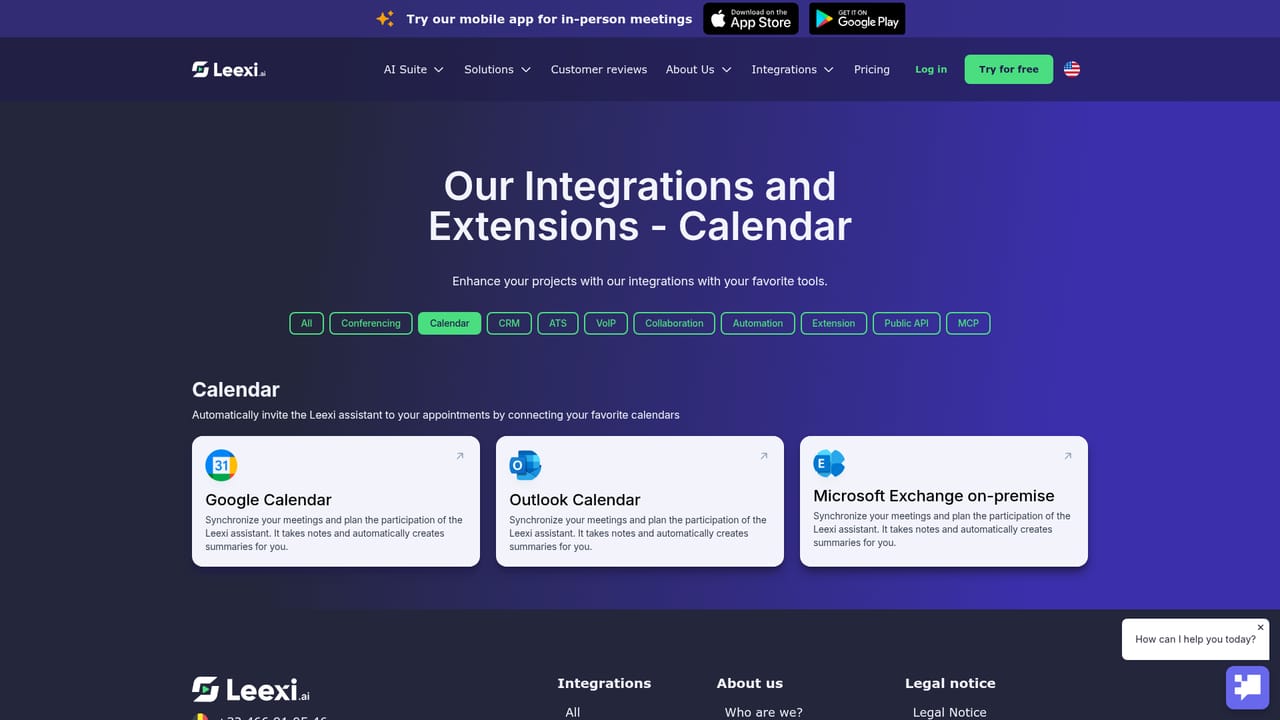
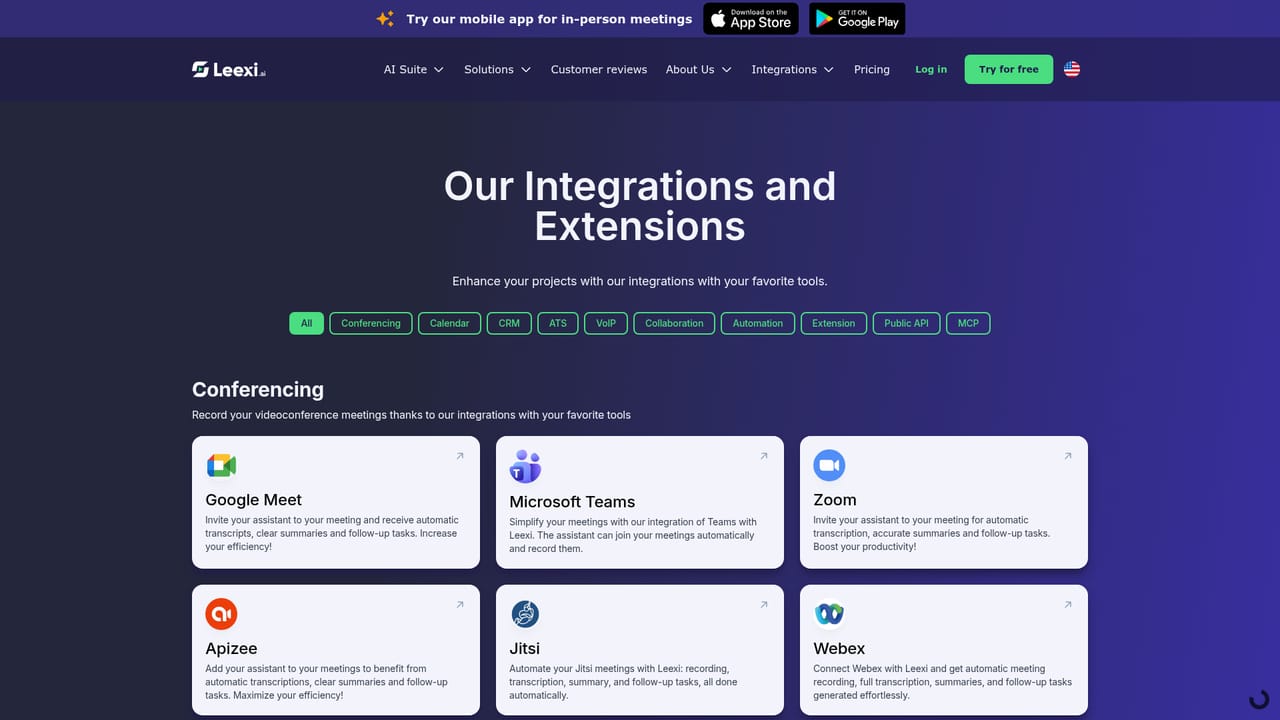
Over 50 integrations across ten categories: HubSpot, Salesforce, Pipedrive, Zoho and Odoo for CRM; Aircall, Ringover, 3CX and Teams Phone for VoIP; Google Meet, Teams, Zoom and Webex for conferencing; calendars, Slack, Notion, SharePoint, ATS tools, Zapier, Make, MCP clients and a public REST API.
Learn moreLeexi One bundles 13 tools: an AI notetaker for Meet, Teams, Zoom and in-person recording, transcriptions with automatic detection across 100+ languages, custom report templates in Leexi Studio, Ask Leexi conversational search, a task manager, knowledge base, coaching module, Leexi Sync and a mobile app. Call pages combine recordings, speaking time, CRM context, summaries and per-participant tasks.
Learn more AI Angels400+ customizable AI girlfriends for NSFW chat, voice calls, and roleplay
 Candy AIExperience the future of companionship with AI friends who chat, role-play, and connect with you on a human level.
 ourdream.aiA vast AI roleplay platform with millions of characters for chat, images, video and voiceAI Angels400+ customizable AI girlfriends for NSFW chat, voice calls, and roleplayCandy AIExperience the future of companionship with AI friends who chat, role-play, and connect with you on a human level.ourdream.aiA vast AI roleplay platform with millions of characters for chat, images, video and voice


