Free trial
A free plan exists and requires no credit card. The homepage does not describe a separate time-limited trial of paid features.
Learn moreAI contract review and portfolio analysis built for growing companies

Legly is a legal assistant tool. Legly reviews a single contract in minutes, flagging risks and missing clauses, then turns every uploaded agreement into searchable structured data: obligations, renewal dates, governing law and risk positions across the portfolio. Built for SMEs, with a free plan and no implementation project.
Legly is an AI contract review and contract intelligence platform aimed at small and mid-sized companies rather than enterprise legal departments. Two products share one data layer. The first takes a single agreement you upload, reads it, and returns a plain-language account of what it commits you to: obligations, risk allocation, clauses that deviate from a normal position, and clauses that are missing altogether. The second works across your existing contract library, surfacing obligations, renewal dates, governing law and risk positions in a live portfolio view you can filter and search in natural language. The practical workflow is a first pass. You upload a PDF or a draft a counterparty has sent, Legly flags risks and gaps, produces a summary of what is critical, and generates feedback you can send back to the other side. In the portfolio product, key dates and commitments are extracted automatically so renewals and obligations surface before they become a problem, and custom dashboards can be built around the terms you care about. Each review feeds the same accumulating structured data layer, so the value grows with the number of agreements processed. The intended users are the people closest to the work: legal teams that want the business moving without losing oversight, procurement and sourcing staff handling supplier agreements, sales and commercial leads checking commitments before signing, and CFOs tracking exposure and value leakage across business-critical obligations. Legly positions itself as usable without legal knowledge or an implementation project, with a claimed five minutes to get running. The company is explicit that AI does not replace counsel. Output is a first pass to validate against deal context and approved positions, and material exposure, uncapped liability, unusual indemnities and jurisdiction-specific questions still belong with qualified lawyers. Against enterprise contract lifecycle suites, the pitch is speed and no setup; against a general chatbot, the difference is structured extraction that persists across the whole portfolio rather than a one-off answer about one document.
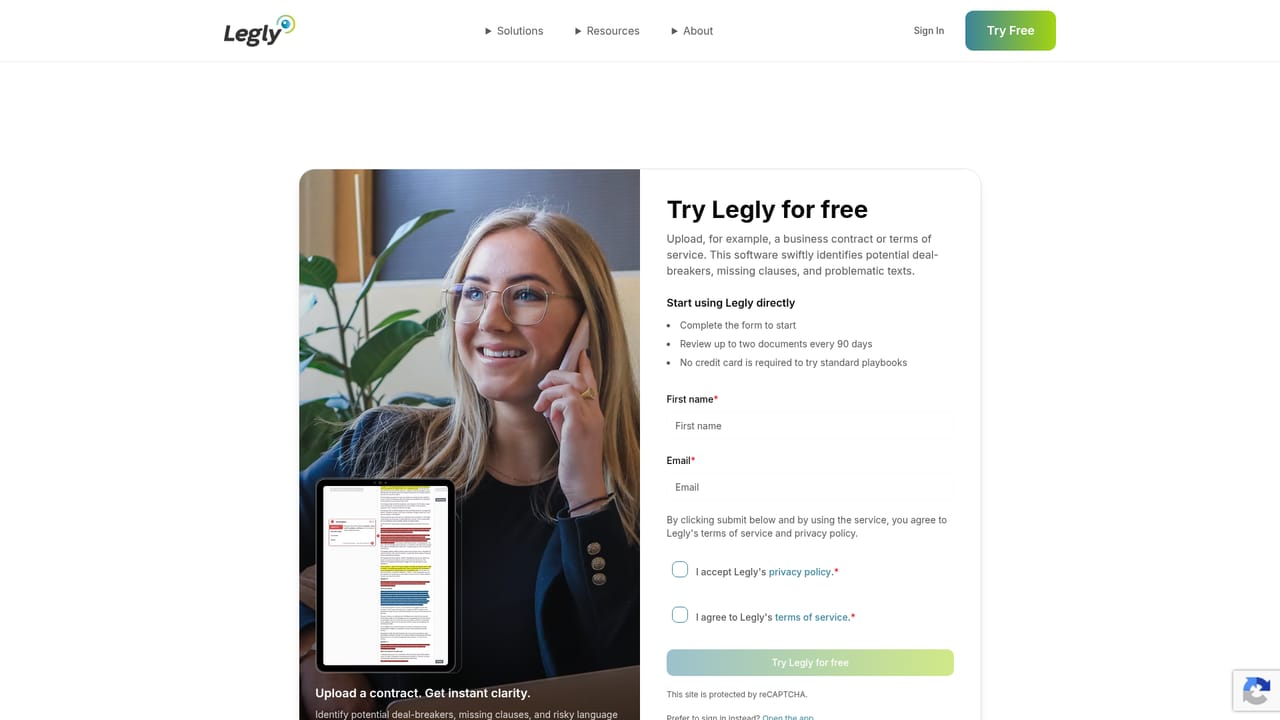
A free plan exists and requires no credit card. The homepage does not describe a separate time-limited trial of paid features.
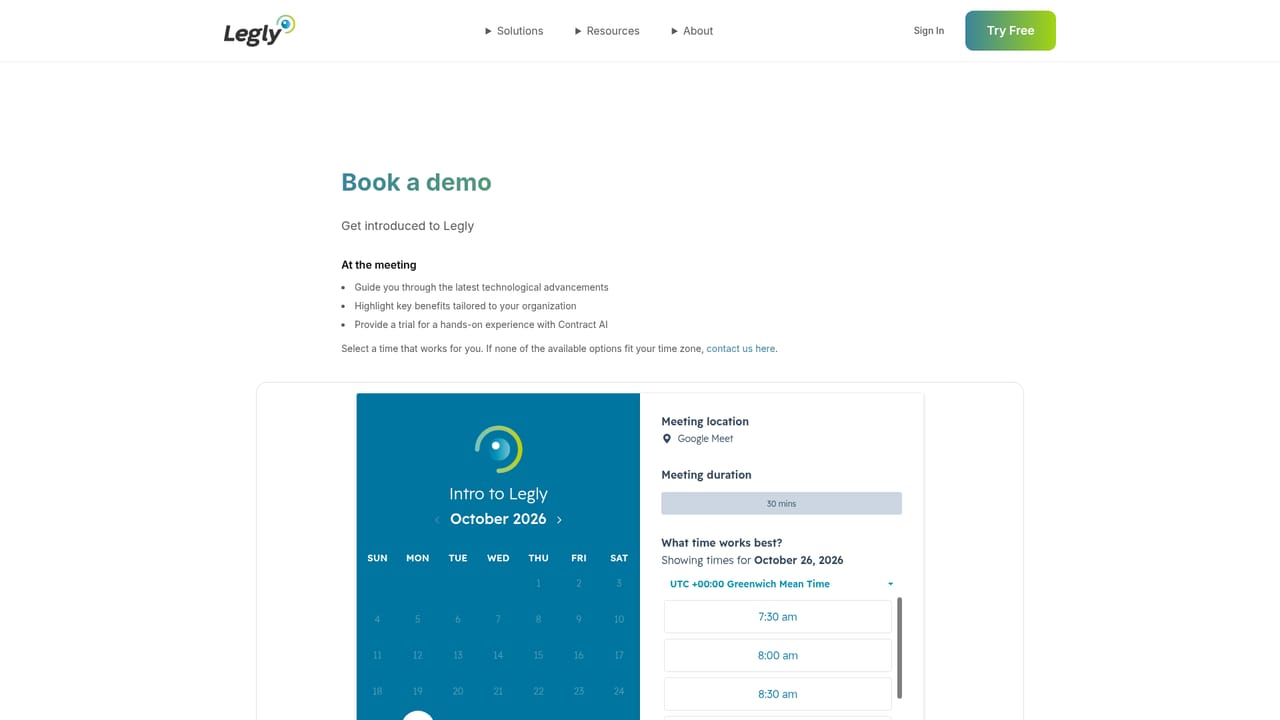
Learn moreA free plan is available with no credit card required, sufficient to review an agreement. Paid tiers and per-seat rates are not published on the homepage, so commercial terms come out of a demo or sales conversation.
Learn moreUpload a contract and get risks flagged, missing clauses identified, a summary of critical points and ready-to-send counterparty feedback. Portfolio analysis adds a live risk view, filtering by law, term, status or clause, natural-language search across all contracts, custom dashboards and automatic extraction of metadata, obligations and renewal dates.
 AI Angels400+ customizable AI girlfriends for NSFW chat, voice calls, and roleplay
 Candy AIExperience the future of companionship with AI friends who chat, role-play, and connect with you on a human level.
 ourdream.aiA vast AI roleplay platform with millions of characters for chat, images, video and voiceAI Angels400+ customizable AI girlfriends for NSFW chat, voice calls, and roleplayCandy AIExperience the future of companionship with AI friends who chat, role-play, and connect with you on a human level.ourdream.aiA vast AI roleplay platform with millions of characters for chat, images, video and voice


