Free trial
Signing up grants $10 of free credit with no card required, which is enough to test the endpoint on real traffic.
Learn moreCut AI API token costs by restructuring context before every call
Lexi is an AI mistress tool. A gateway that rewrites conversation context before each AI call so long sessions send fewer tokens. One URL swap across OpenAI, Anthropic, Google, Mistral, xAI, DeepSeek and Meta; Lexi charges 40% of realised savings and nothing when a request is not improved.
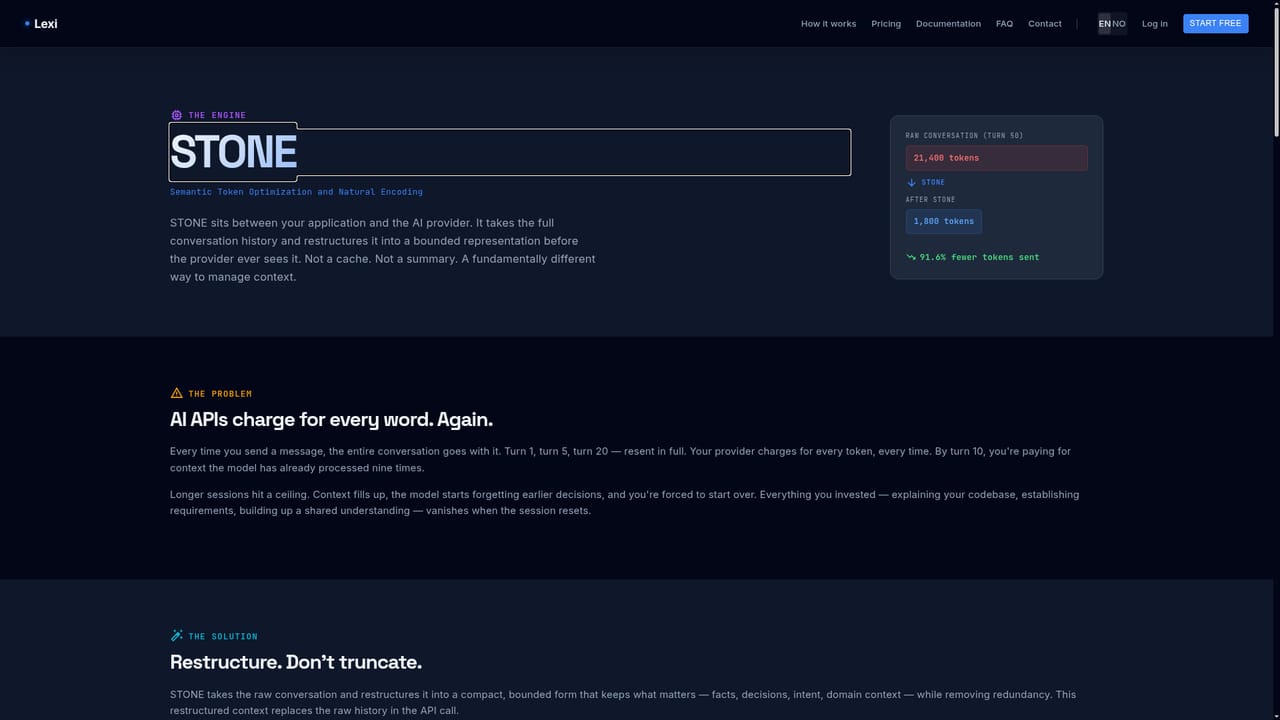
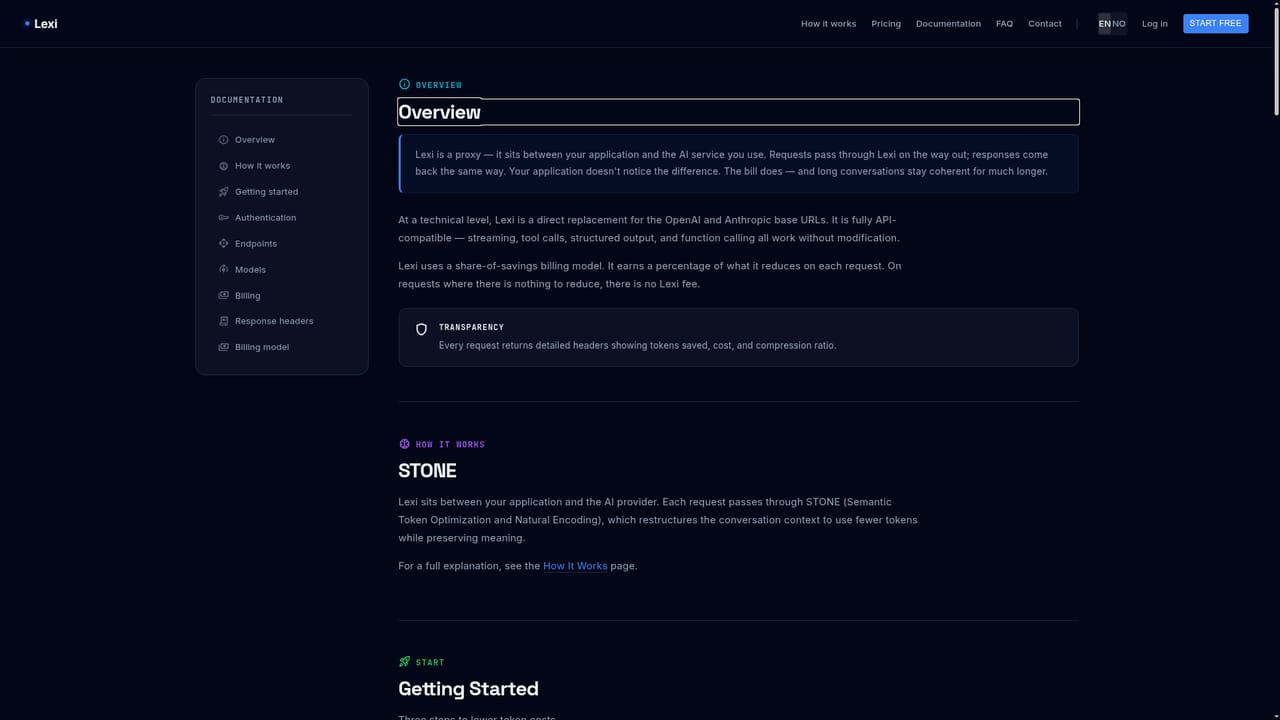
Lexi is a drop-in gateway that sits between an application and its AI provider, rewriting conversation context before each request so fewer tokens travel to the model. The engine behind it, STONE (Semantic Token Optimization and Natural Encoding), converts long message histories into a bounded representation, pinning numbers, dates and decisions into a permanent anchor. The pitch is straightforward: the same model, the same answers, a materially smaller payload. Lexi reports a 75-turn GPT-4o benchmark where a 1.6M token conversation compressed to 135K tokens, cutting provider cost from $4.37 to $0.52. In practice the integration is an endpoint swap. Developers point the base URL at api.lexisaas.com and combine their Lexi key with their own provider key in one credential string. Streaming, tool calls and structured output pass through unchanged, and Lexi never stores the provider key. It reads the model name to route requests across OpenAI, Anthropic, Google, Mistral, xAI, DeepSeek and Meta, covering 33 models on one URL. Every response returns cost, savings and reduction figures in HTTP headers, so teams can log spend or surface it in their own dashboards. The tool targets engineering and platform teams running sustained AI workloads: chat assistants, agents and long-running copilots where each turn resends the full history. Billing is tied to outcomes. Lexi takes 40% of whatever it saves, and when restructuring yields nothing the original request is forwarded and the customer pays provider rates only. A zero-negative guarantee backs this up, so a miss costs nothing extra. Session memory is reported at 14.4 KB with added latency under 1ms. Alternatives fall into two camps. Prompt compression and summarization libraries require code changes and risk losing facts, while provider-side caching only discounts repeated prefixes. Lexi's differentiator is the URL-level swap plus an outcome-based fee, though its headline numbers come from a single published benchmark and results are stated to vary by content and conversation pattern.
Signing up grants $10 of free credit with no card required, which is enough to test the endpoint on real traffic.
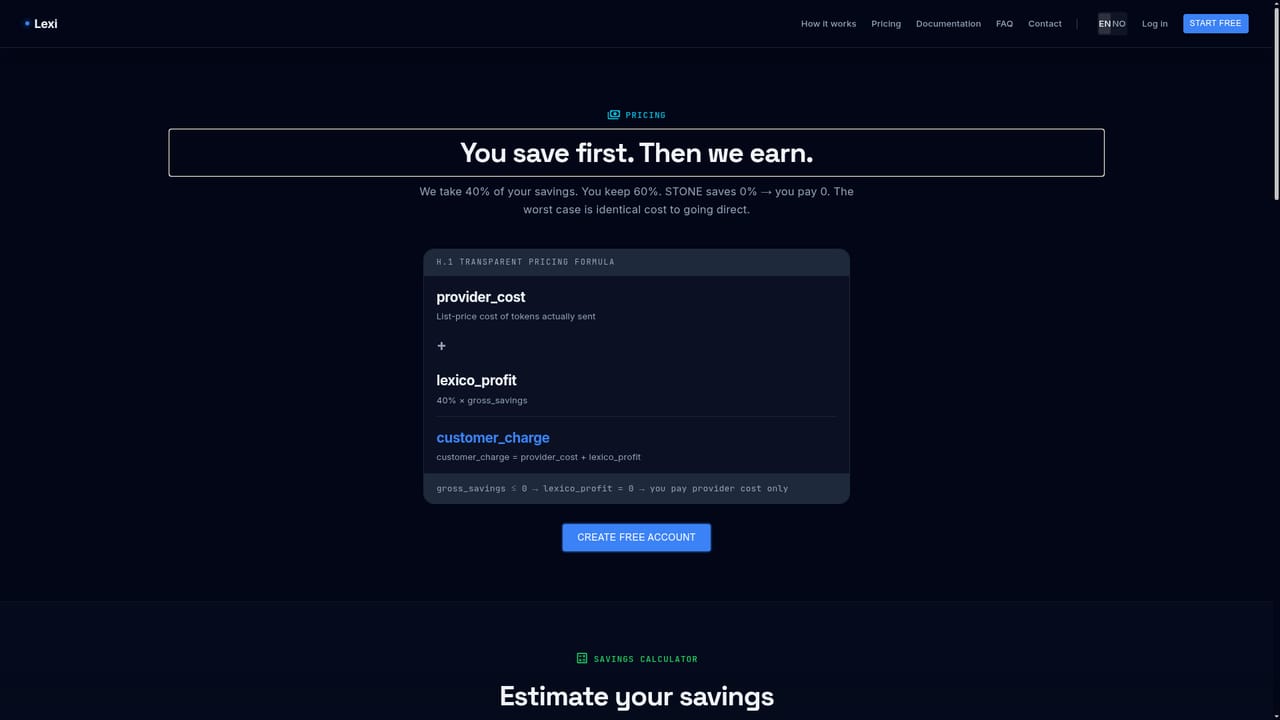
Learn moreLexi charges 40% of the savings it generates and the customer keeps 60%. When a request does not benefit from restructuring, the original is sent and the customer pays only provider rates. New accounts get $10 in free credit with no card required.
Learn moreOne endpoint covers 33 models across OpenAI, Anthropic, Google, Mistral, xAI, DeepSeek and Meta. The provider is inferred from the model name, and streaming, tool calls and structured output pass through unchanged.
Learn moreSTONE restructures conversation context into a bounded form so token counts stay flat across turns. Fact pinning preserves numbers, dates and decisions, archived messages are retrievable in full, and recall adapts from use. Session memory is reported at 14.4 KB. Cost and savings figures arrive in response headers, and a zero-negative guarantee forwards the original request when restructuring cannot help.
Learn more AI Angels400+ customizable AI girlfriends for NSFW chat, voice calls, and roleplay
 Candy AIExperience the future of companionship with AI friends who chat, role-play, and connect with you on a human level.
 ourdream.aiA vast AI roleplay platform with millions of characters for chat, images, video and voiceAI Angels400+ customizable AI girlfriends for NSFW chat, voice calls, and roleplayCandy AIExperience the future of companionship with AI friends who chat, role-play, and connect with you on a human level.ourdream.aiA vast AI roleplay platform with millions of characters for chat, images, video and voice