Free trial
The homepage states the product is free to start and free to try, with no card details or trial length specified.
Learn moreMulti-model AI workspace for drafting, comparing and finishing structured documents
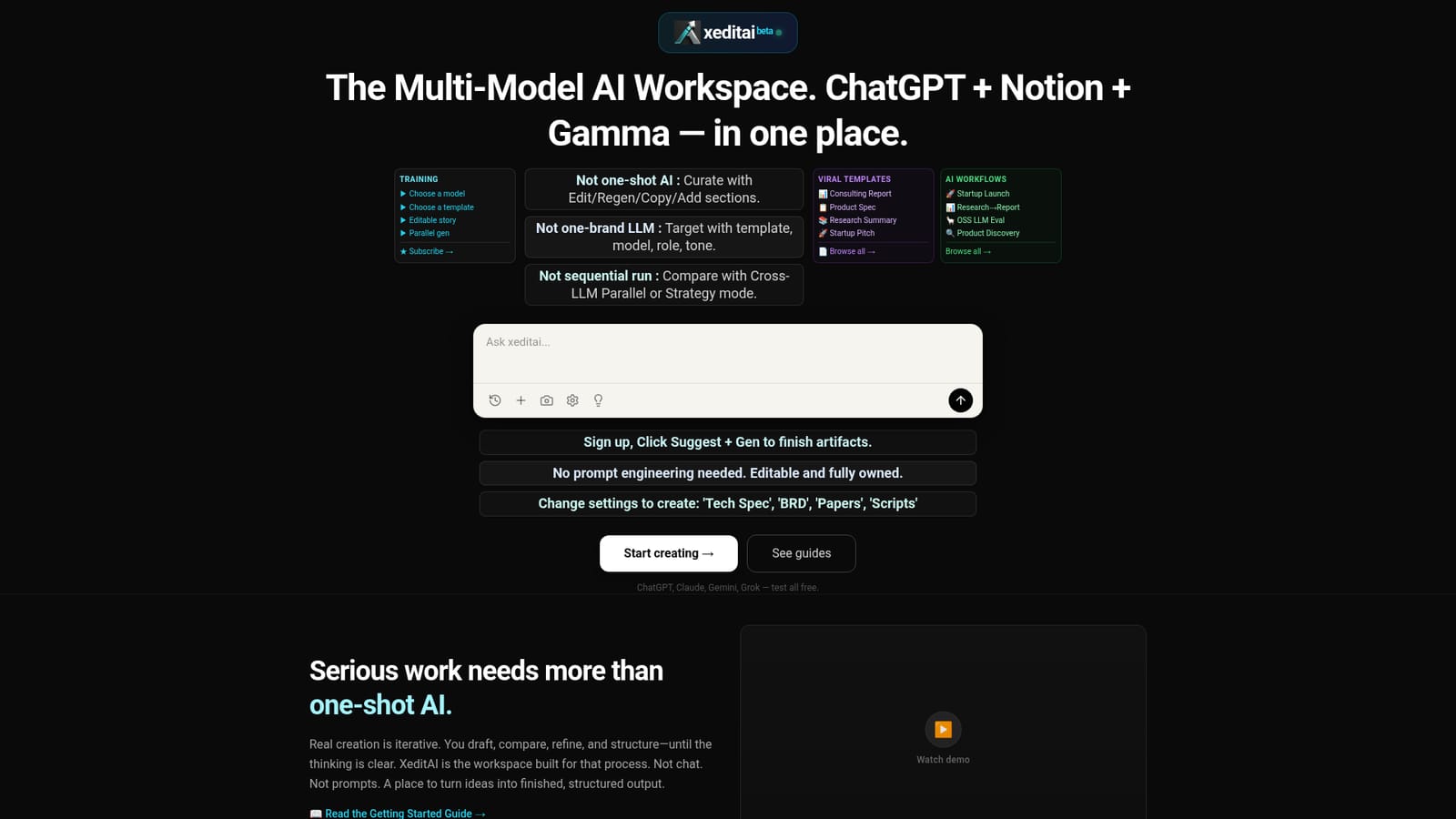
xeditai is an AI mistress tool. A multi-model AI studio for structured documents: pick GPT-4o, Claude, Gemini, Grok or open models per section, compare answers in Parallel Mode, synthesise with Strategy Mode, and export editable work to PDF, DOCX or PPTX.
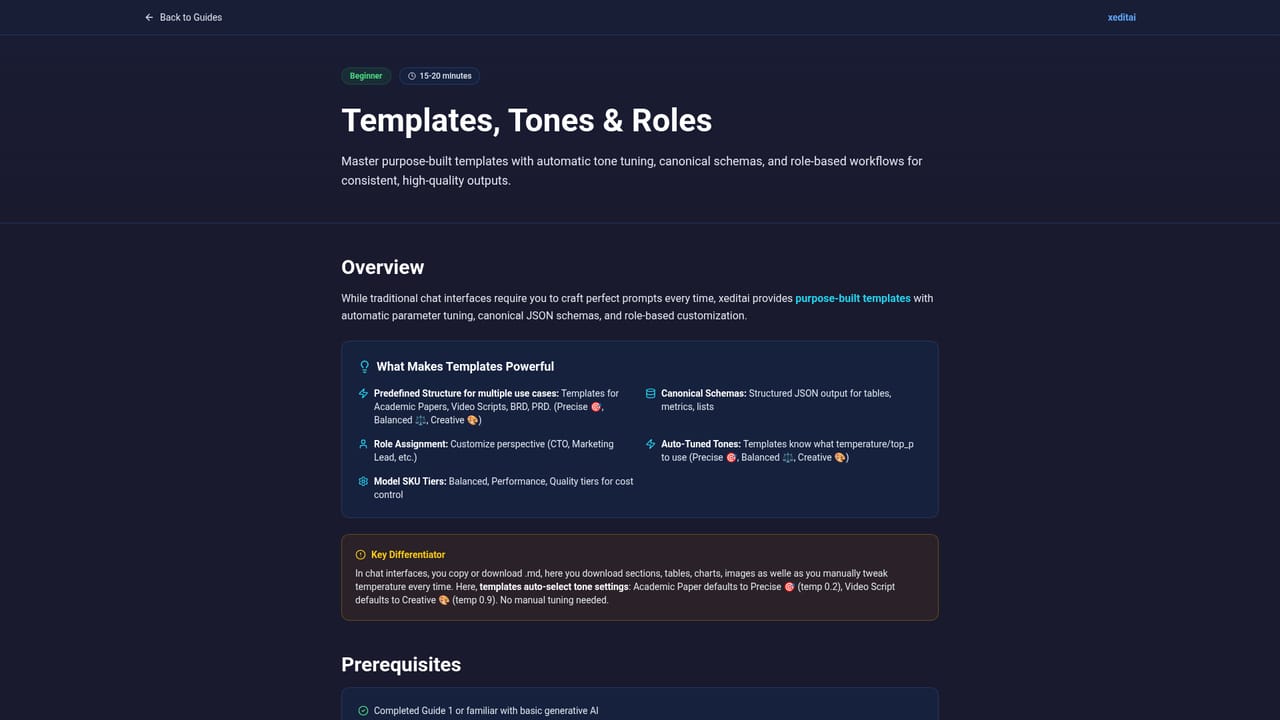
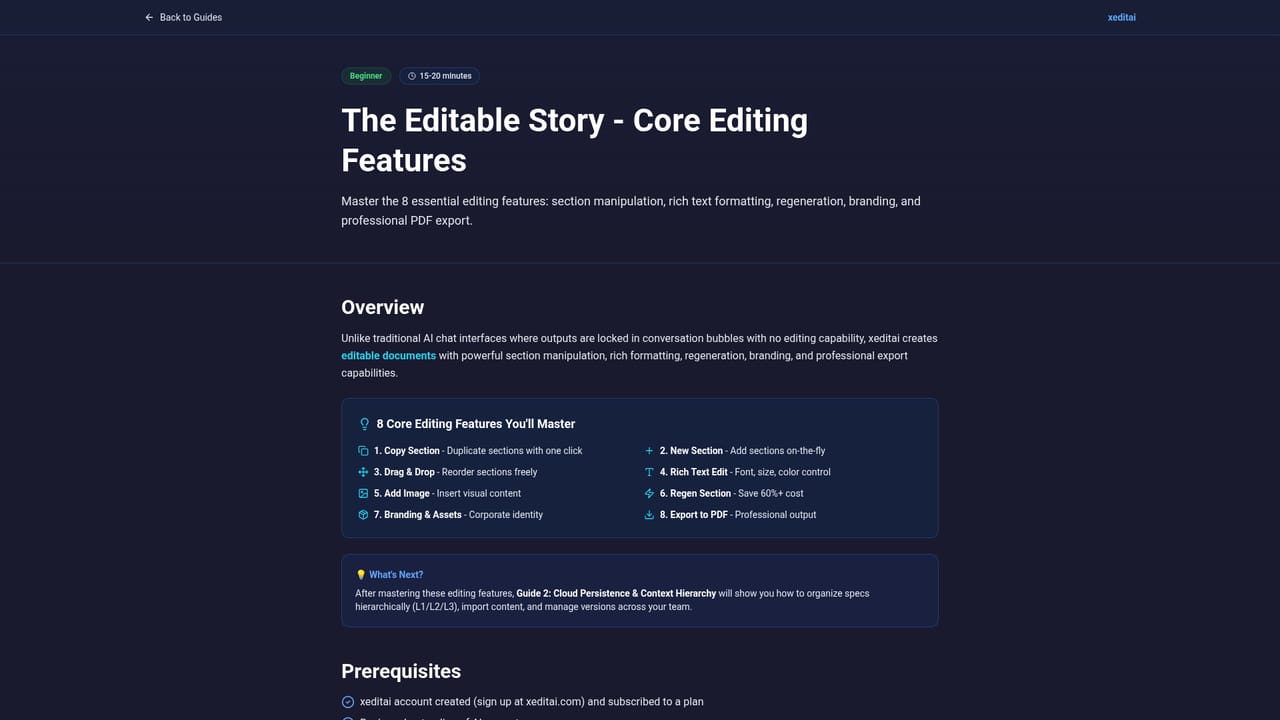
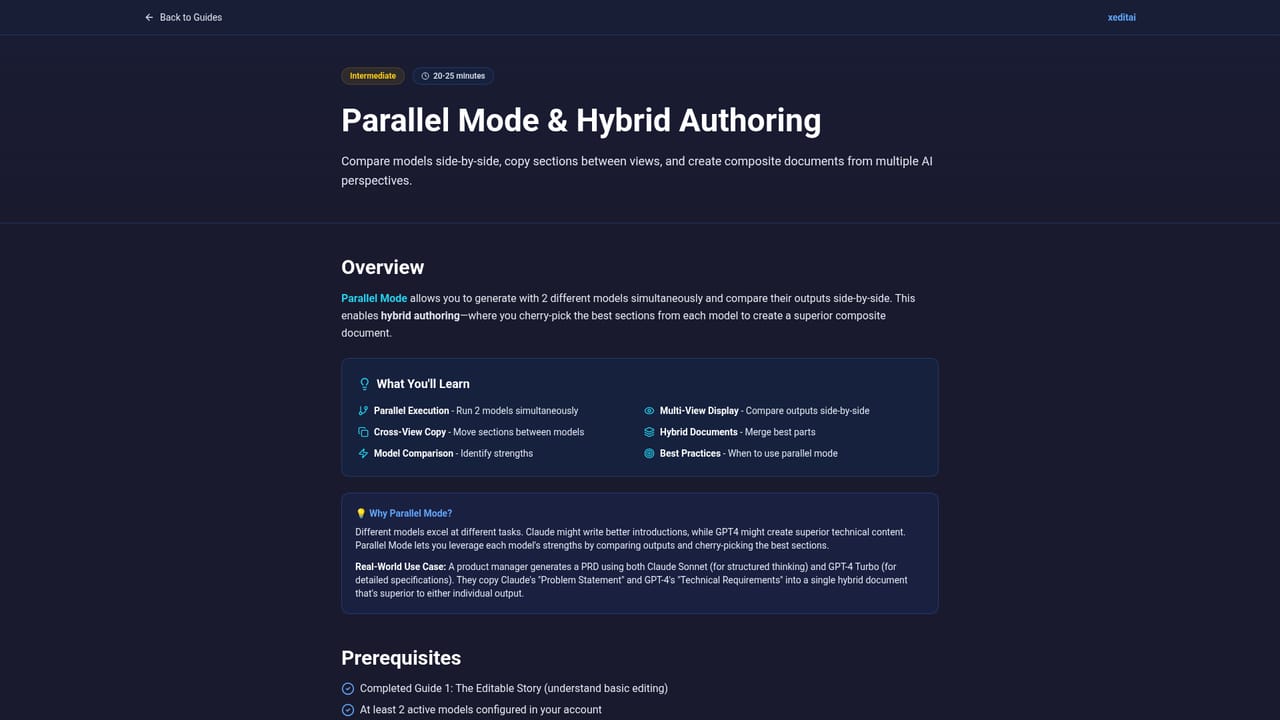
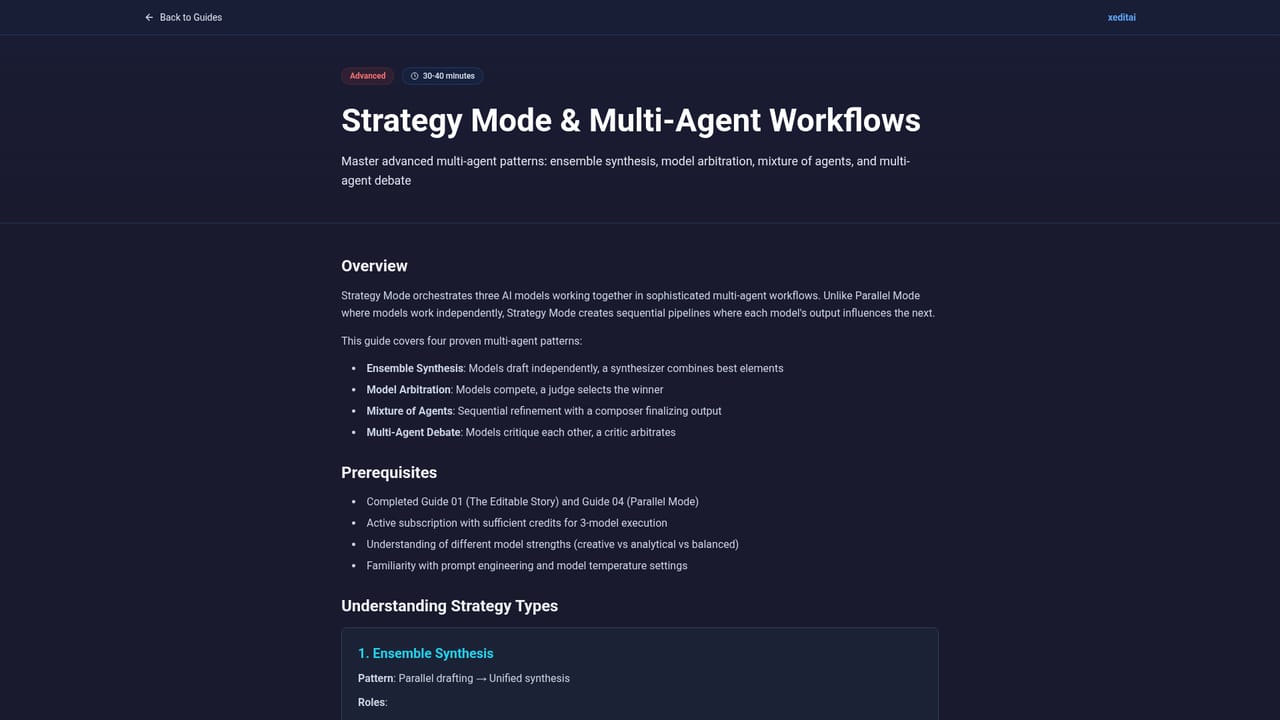
xeditai is a generative AI workspace that puts several model families inside one editing surface. Rather than settling on a single vendor, you pick from OpenAI (GPT-4o, o1), Anthropic (Claude 3.5, Opus), Google Gemini Pro, Perplexity Sonar, xAI Grok, and open models served through TogetherAI, DeepInfra and OpenRouter (Qwen, Llama, Kimi, GLM, MiniMax, Nemotron). You can switch models section by section within the same document, so a pricing table and a technical appendix do not have to come from the same engine. The product is built around iteration rather than one-shot prompting. Outputs land in a rich-text editor where you refine, regenerate, copy or add sections, and the document stays editable and owned by you. Templates and tones cover the formats people actually ship: PRDs, BRDs, consulting reports, research summaries, startup pitches, product specs and scripts. Work is saved to the cloud automatically and exports cleanly to PDF, DOCX or PPTX for stakeholders. Two modes separate it from ordinary chat wrappers. Parallel Mode runs several models at once on the same request and lays the answers side by side. Strategy Mode chains models together with debate, scoring and synthesis to arrive at a single stronger result. Prebuilt workflows (startup launch, research to report, open-source LLM evaluation, product discovery) bundle these steps for common jobs. It suits founders writing specs and investor documents, product teams producing PRDs and release notes, researchers assembling papers and structured arguments, and creators or educators building blogs and courses. Anyone who already jumps between several chatbot tabs will recognise the problem it solves. The trade-off is that xeditai is a document studio, not a general chat assistant, so casual conversation and quick one-line answers are better handled elsewhere. Pricing tiers are not published on the homepage, so budget has to be confirmed with the vendor.
The homepage states the product is free to start and free to try, with no card details or trial length specified.
Learn moreSupport runs through step-by-step guides, a YouTube tutorial channel and a public feedback page for ideas and issue reports.
Learn moreModel providers listed include OpenAI, Anthropic, Google, Perplexity, xAI, TogetherAI, DeepInfra and OpenRouter. No third-party app integrations are described on the homepage.
Rich-text editable story with regenerate and add-section controls, cloud persistence, templates and tones for PRDs, BRDs, research drafts and scripts, Cross-LLM Parallel Mode, Strategy Mode with debate and scoring, model switching per section across OpenAI, Anthropic, Google, xAI, Perplexity and open models, plus PDF, DOCX and PPTX export.
Learn more AI Angels400+ customizable AI girlfriends for NSFW chat, voice calls, and roleplay
 Candy AIExperience the future of companionship with AI friends who chat, role-play, and connect with you on a human level.
 ourdream.aiA vast AI roleplay platform with millions of characters for chat, images, video and voiceAI Angels400+ customizable AI girlfriends for NSFW chat, voice calls, and roleplayCandy AIExperience the future of companionship with AI friends who chat, role-play, and connect with you on a human level.ourdream.aiA vast AI roleplay platform with millions of characters for chat, images, video and voice