Free trial
50 free page conversions with no credit card required. The trial runs through desktop signup, and the homepage includes an interactive demo for testing extraction before committing.
Learn moreTurn any document into a clean spreadsheet, no templates needed
Own Lido Document Processing? Verify ownership to get a dofollow link

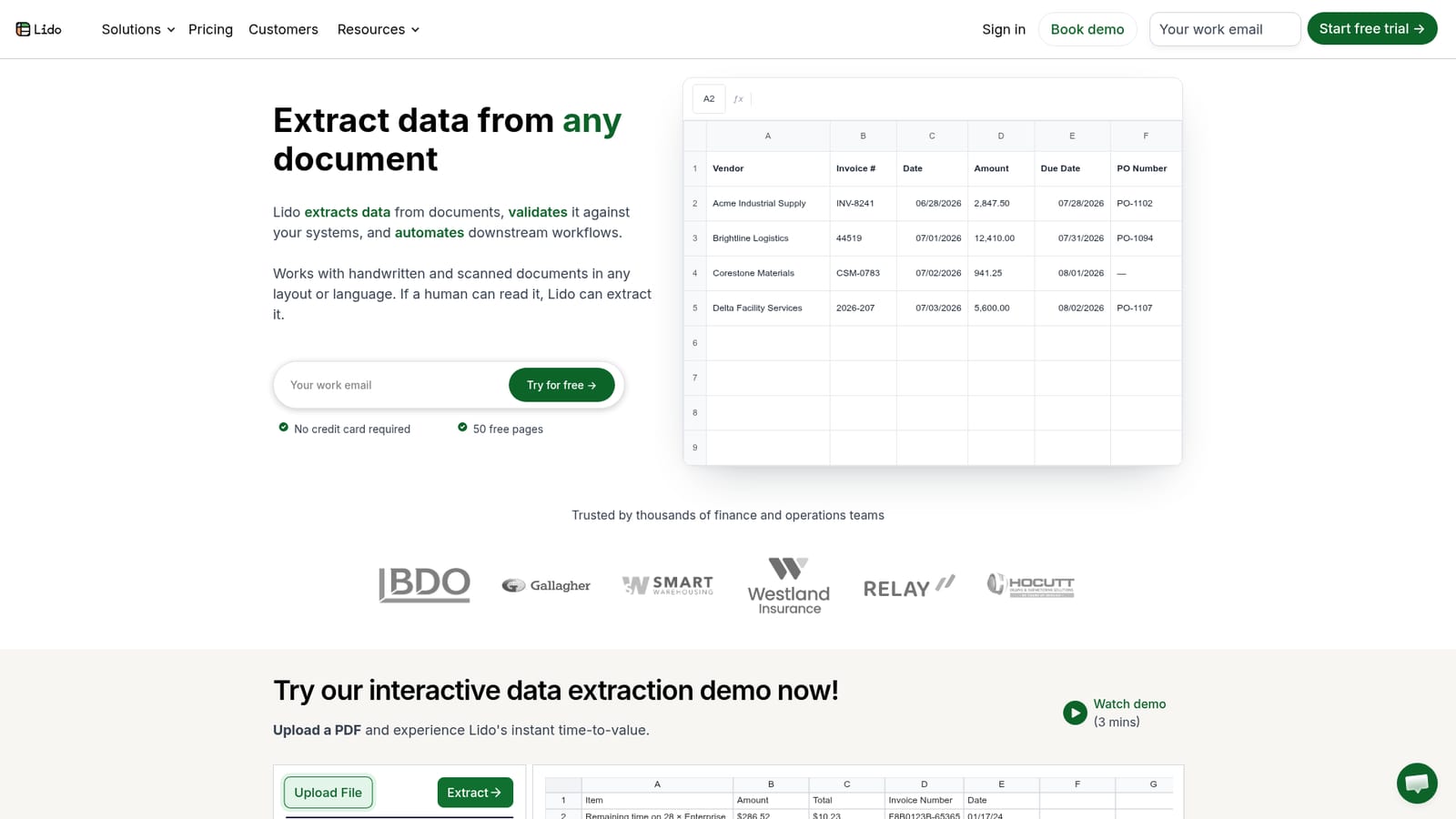
Lido Document Processing is an AI spreadsheet generator tool that turns any document into a clean spreadsheet, no templates needed. Lido extracts structured data from invoices, receipts, scans and handwritten documents and exports it to Excel, Google Sheets or CSV with no template setup.
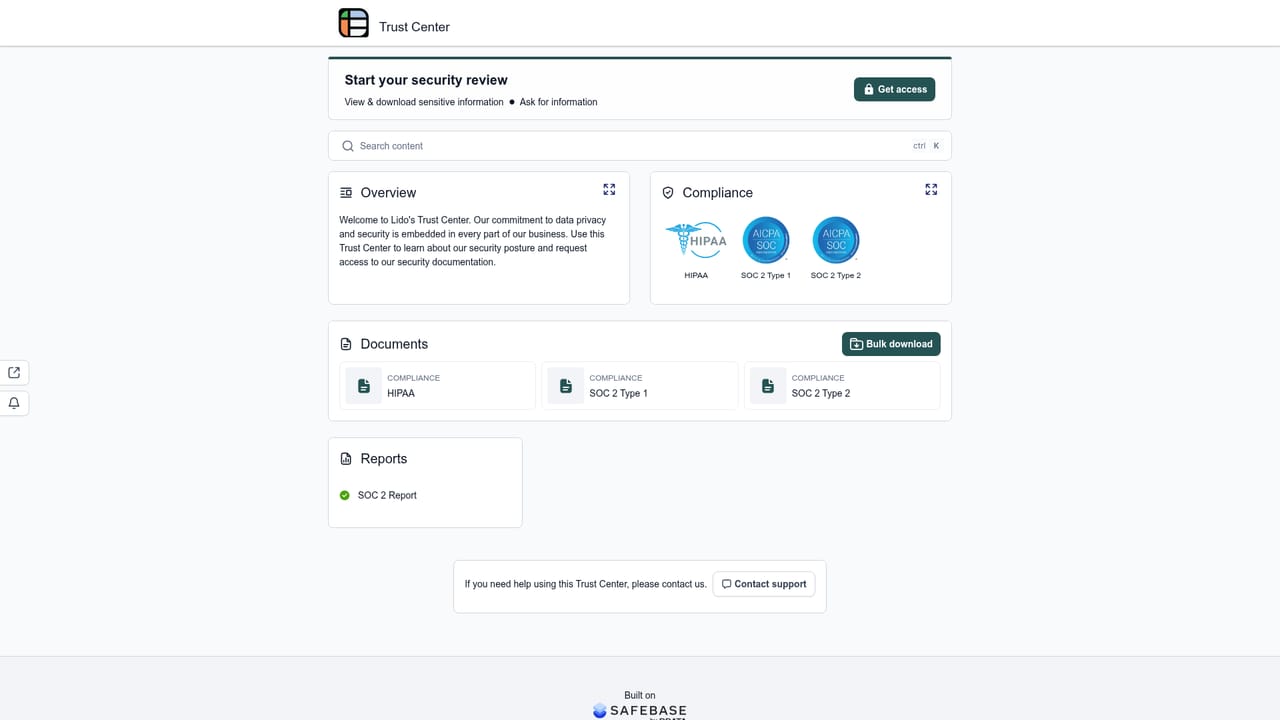
Lido is a document processing platform built around a single promise: if a person can read a document, Lido can pull structured data out of it. PDFs, scans, photos, handwritten notes and email attachments all go in, and a clean table comes out, ready for Excel, Google Sheets or CSV. There is no template builder and no model to train. The AI reads layout and context the way a person would, so a new vendor's invoice format works on the first upload. The product is aimed squarely at finance and operations teams. Accounts payable is the obvious fit: invoice header data, line items, purchase order numbers and due dates land in a spreadsheet in seconds, then get checked against internal records before anything reaches an ERP. Lido also lists receipts, bank statements, purchase orders, tax forms, medical claims, bills of lading and contracts among supported types, which means the same workflow covers healthcare intake and logistics paperwork. Because it handles handwriting and any language or currency, the usual stencil of fixed-layout invoices is not a precondition. In practice the cycle runs ingest, extract, validate, automate. Batches can be uploaded directly, or shared folders and inboxes can be connected so new files arrive on their own. The user names the columns they want and adds optional instructions, with a switch for pulling multiple rows per document, which matters when one invoice carries a long line-item table. Validation matches extracted values against internal systems to return clean records. Automation steps then fire: files renamed or split, outputs sent on a schedule, forms filled with extracted data, results pushed to an ERP. The pitch is speed of setup rather than depth of configuration. Lido claims 99 percent or better accuracy against 50 to 90 percent for legacy OCR, an implementation measured in about an hour, and roughly 90 percent of manual work removed. It competes with template-based OCR suites that need weeks of onboarding and with generic AI chat tools that cannot validate against company systems or trigger downstream steps. Compliance documentation is published on a dedicated trust portal. The main constraint is that the product is desktop only for now.
50 free page conversions with no credit card required. The trial runs through desktop signup, and the homepage includes an interactive demo for testing extraction before committing.
Learn moreFree trial gives 50 pages with no credit card. Paid plans start at $29 per month for 100 pages. The Scale plan is $7,840 per year for 42,000 pages and up to 10 users. Enterprise plans with custom volume start from $35,000 per year.
Learn moreSupport runs through demo scheduling and email signup, with a dedicated trust portal for security and compliance reports. The homepage does not describe support tiers or response times.
Learn moreUploads can come from local files, Google Drive, OneDrive or an email inbox, and shared folders can ingest new documents automatically. Outputs go to Excel, Google Sheets, CSV or an ERP. The homepage does not publish a full integration catalogue.
Extraction from PDFs, scans, photos, Word files and email attachments, including handwritten and multilingual documents. Columns and extra instructions define the output, with an option for multiple rows per document. Validation matches data against internal systems. Automation covers file renaming and splitting, scheduled outputs, AI form filling, ERP uploads and CSV export.
 AI Angels400+ customizable AI girlfriends for NSFW chat, voice calls, and roleplay
 Candy AIExperience the future of companionship with AI friends who chat, role-play, and connect with you on a human level.
 ourdream.aiA vast AI roleplay platform with millions of characters for chat, images, video and voiceAI Angels400+ customizable AI girlfriends for NSFW chat, voice calls, and roleplayCandy AIExperience the future of companionship with AI friends who chat, role-play, and connect with you on a human level.ourdream.aiA vast AI roleplay platform with millions of characters for chat, images, video and voice




