Free trial
The site invites users to test for free with no card required and links to an onboarding signup page.
Learn moreAI agent that finds jobs, tailors your resume, and applies for you

LiftmyCV is an automatic job apply tool. LiftmyCV combines AI job matching, per-job resume and cover letter generation, automated applications through a Chrome extension or cloud agent, and a Kanban tracker. It targets high-volume job seekers who want tailored documents and hands-off submissions across 12+ job boards and ATS platforms.
LiftmyCV is a job search assistant built around an AI agent named Luna. It continuously scans a large live index of openings across job boards and applicant tracking systems, scores each listing against your experience, and then prepares and submits application materials on your behalf. The company states that it tracks more than 2 million roles across 12 or more sources, including LinkedIn, Greenhouse, Lever, Workable, Ashby, SmartRecruiters, and Workday. The workflow starts with a profile. You upload a resume and LiftmyCV converts your experience, skills, and preferences into a structured career graph, which can then drive matching, document generation, and submissions. Job specific resumes and cover letters are generated per posting rather than sending one generic document everywhere. Applications are then handled through one of two modes. The in-browser mode uses a Chrome extension and offers a Copilot option for reviewing each application before it goes out, or an Autopilot option for automatic submission at volume. A separate autonomous mode operates from LiftmyCV's cloud servers without requiring your browser to stay open, including a Stealth Apply flow and an early application strategy. This fits job seekers running a high volume search, particularly people applying across many similar roles who want tailored documents without rewriting them each time. Everything lands in a tracker with a Kanban board and a full activity log covering submitted, skipped, and failed applications. Alternatives like Jobright, Simplify, LazyApply, JobCopilot, and AIApp occupy the same space. LiftmyCV's differentiators, as the site presents them, are pay-as-you-go billing alongside subscriptions, workflow variety beyond basic autofill, and direct access to the founder for support. The tradeoff is that automation quality depends on how well each third party application form is supported, and mass applications carry their own risks.
The site invites users to test for free with no card required and links to an onboarding signup page.
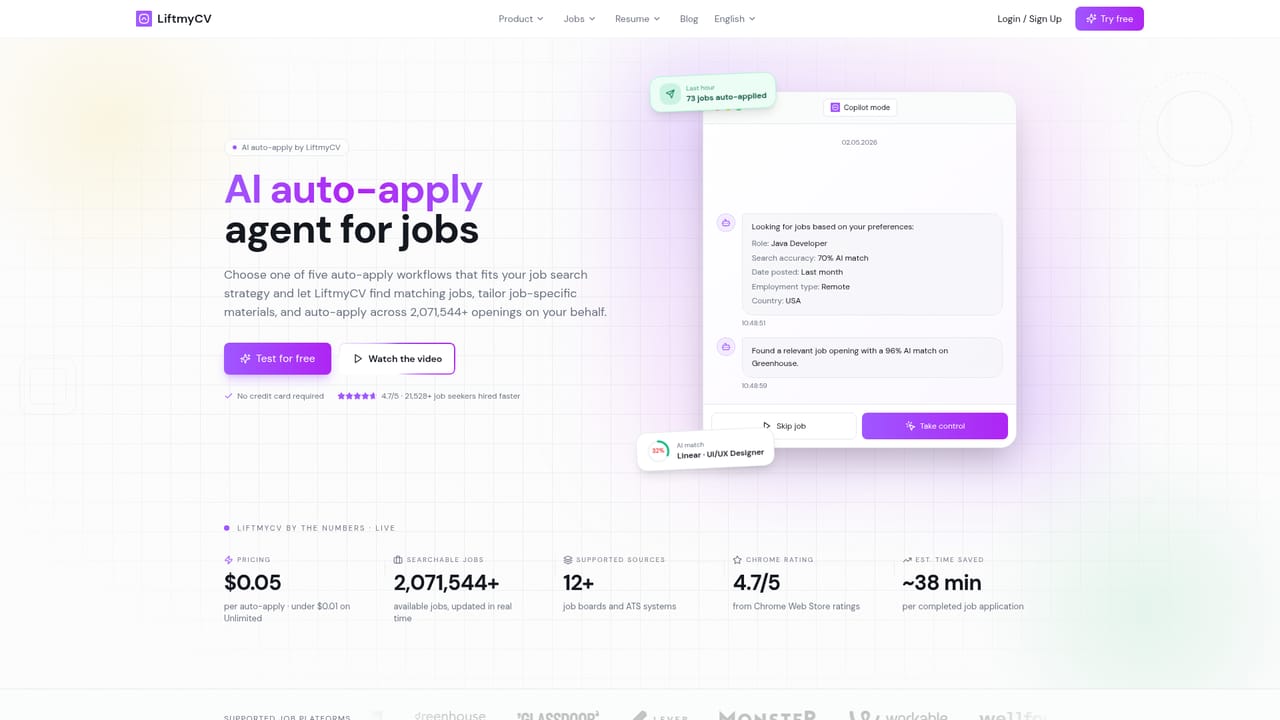
Learn moreThe homepage lists $0.05 per auto-apply, dropping under $0.01 on an Unlimited plan, and references a $9.99/mo figure in its competitor comparison. Billing can be pay-as-you-go, subscription based, or a mix of both for extra application volume. Free testing is offered without a card.
Learn moreDirect founder support is advertised by email, chat, or calls, contrasted with generic bot replies from competitors. The site rated 4.7/5 on the Chrome Web Store.
Learn moreSearch and auto-apply cover 12+ sources, with LinkedIn, Greenhouse, Glassdoor, Lever, Monster, Workable, Wellfound, Recruitee, Breezy, Ashby, Workday, and SmartRecruiters named on the homepage. Automation in-browser runs through a Chrome extension.
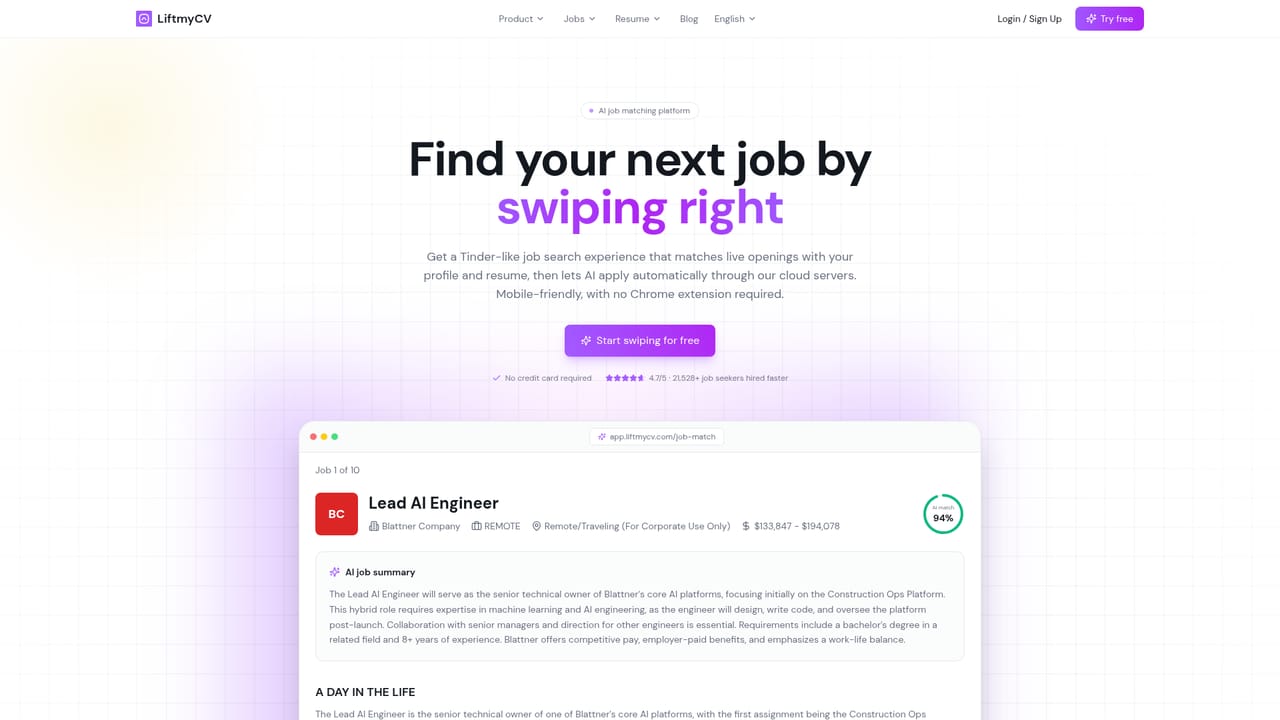
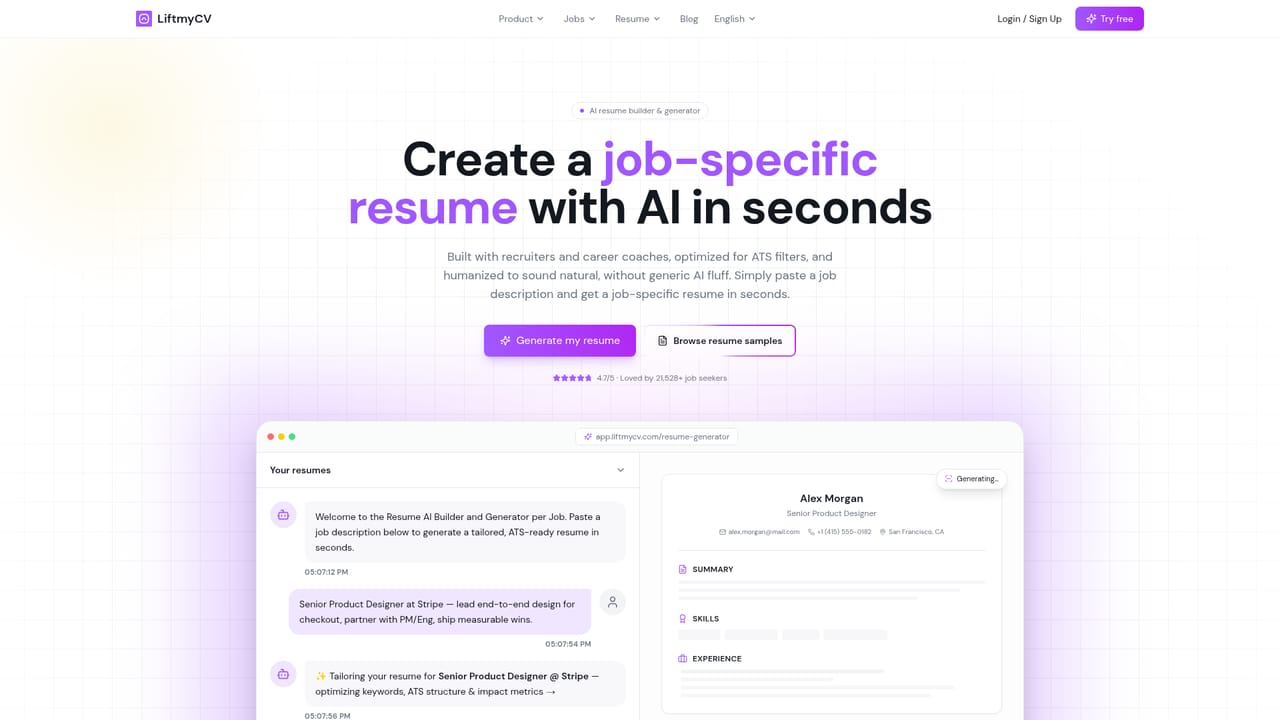
Learn moreAI job matching with fit scores, per-job resume generation, per-role cover letters, auto-apply through a Chrome extension or cloud agent, non-stop 24/7 application runs, a Kanban job tracker, full auto-apply history, multiple job seeker profiles, and 76+ ATS-friendly resume samples by role.
Learn more AI Angels400+ customizable AI girlfriends for NSFW chat, voice calls, and roleplay
 Candy AIExperience the future of companionship with AI friends who chat, role-play, and connect with you on a human level.
 ourdream.aiA vast AI roleplay platform with millions of characters for chat, images, video and voiceAI Angels400+ customizable AI girlfriends for NSFW chat, voice calls, and roleplayCandy AIExperience the future of companionship with AI friends who chat, role-play, and connect with you on a human level.ourdream.aiA vast AI roleplay platform with millions of characters for chat, images, video and voice


