Support
A support page, documentation site, changelog, FAQ, Trust Center and a Discord community are linked from the site.
Learn moreAssistant that remembers your meetings, messages and docs
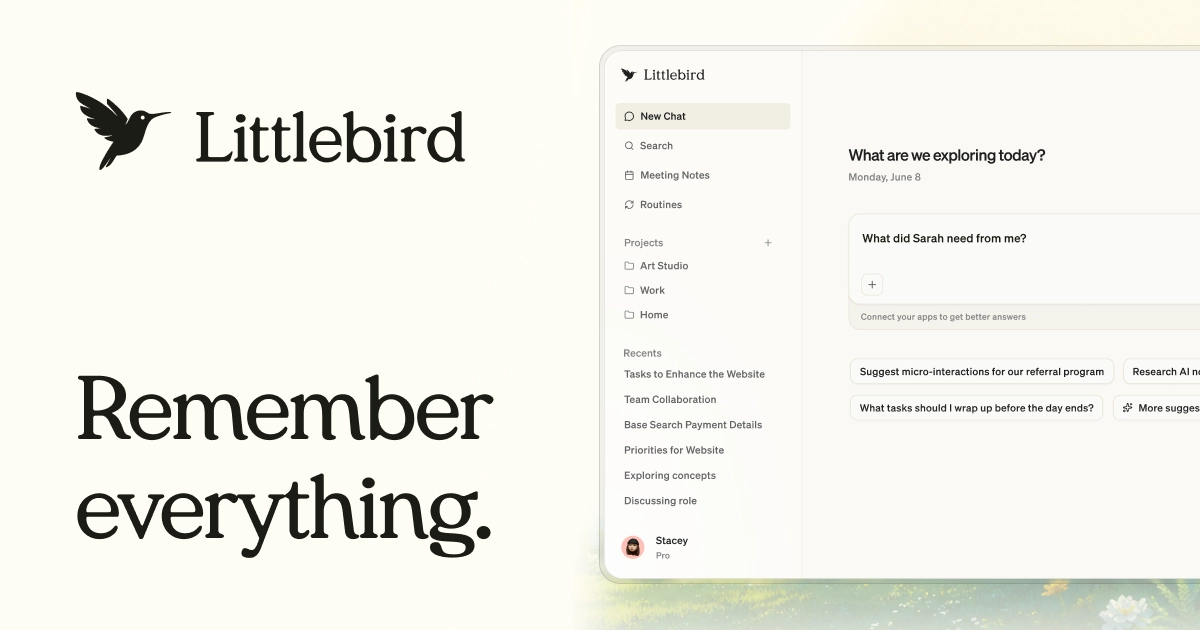
Littlebird is an AI assistant with a persistent memory of your meetings, messages, docs and apps. It takes bot-free meeting notes, runs scheduled routines, drafts in your voice, and works on desktop and mobile with privacy controls.
Littlebird is a personal AI assistant built around persistent memory of your working life. Instead of starting each chat from zero, it keeps context from your meetings, messages, documents and the apps you use, so questions can be asked without pasting background or retelling a project's history. The pitch is less about generating content from scratch and more about removing the overhead of remembering, retrieving and re-explaining your own work. In practice the product covers several jobs. Meeting notes are taken without a bot joining the call, with a prep brief beforehand and a drafted recap afterward that surfaces action items and topics. Routines let you schedule recurring outputs such as a weekday morning briefing or a weekly project update, which can push tasks into tools like Todoist or refresh a status doc in Notion. A chat interface drafts emails, docs and updates in your own voice, drawing on what it already knows about the people and deadlines involved. A feature called Hover brings the assistant onto any screen with a single tap, and mobile apps for iOS and Android extend it beyond the desktop. Privacy is treated as a core part of the design. Passwords, credit cards and banking sites are blocked by default, extra apps or sites can be excluded, and recent history can be paused or deleted in a couple of clicks. The company states that it does not sell data or train models on it, holds zero data retention agreements with its LLM providers, and publishes SOC 2 and HIPAA audit material through a trust center. Littlebird sits between general chat assistants and dedicated meeting recorders. Comparison pages on the site position it against ChatGPT, Claude, Granola, Otter, Fathom, Cluely and Screenpipe. It suits knowledge workers, founders, managers, writers and students who juggle many threads and want one assistant that already knows the context, with team and enterprise options also listed.
A support page, documentation site, changelog, FAQ, Trust Center and a Discord community are linked from the site.
Learn moreWorks with apps such as Gmail, Slack, Calendar, Notion, Todoist, Google Sheets and PostHog, and offers an MCP feature. A dedicated integrations page lists the full set.
Learn morePersistent memory across meetings, messages, docs and apps; bot-free meeting prep, notes and recaps; scheduled routines such as morning briefs; chat that drafts emails and docs in your voice; Hover overlay on any screen; iOS and Android apps; privacy controls with deletion.
Learn more AI Angels400+ customizable AI girlfriends for NSFW chat, voice calls, and roleplay
 Candy AIExperience the future of companionship with AI friends who chat, role-play, and connect with you on a human level.
 ourdream.aiA vast AI roleplay platform with millions of characters for chat, images, video and voiceAI Angels400+ customizable AI girlfriends for NSFW chat, voice calls, and roleplayCandy AIExperience the future of companionship with AI friends who chat, role-play, and connect with you on a human level.ourdream.aiA vast AI roleplay platform with millions of characters for chat, images, video and voice