Features
Converts voice recordings into organized summaries and clear action items using AI. Accessible through a web dashboard with sign in, with an interface shown on both mobile and desktop screens.
Turn spoken voice notes into summaries and action items
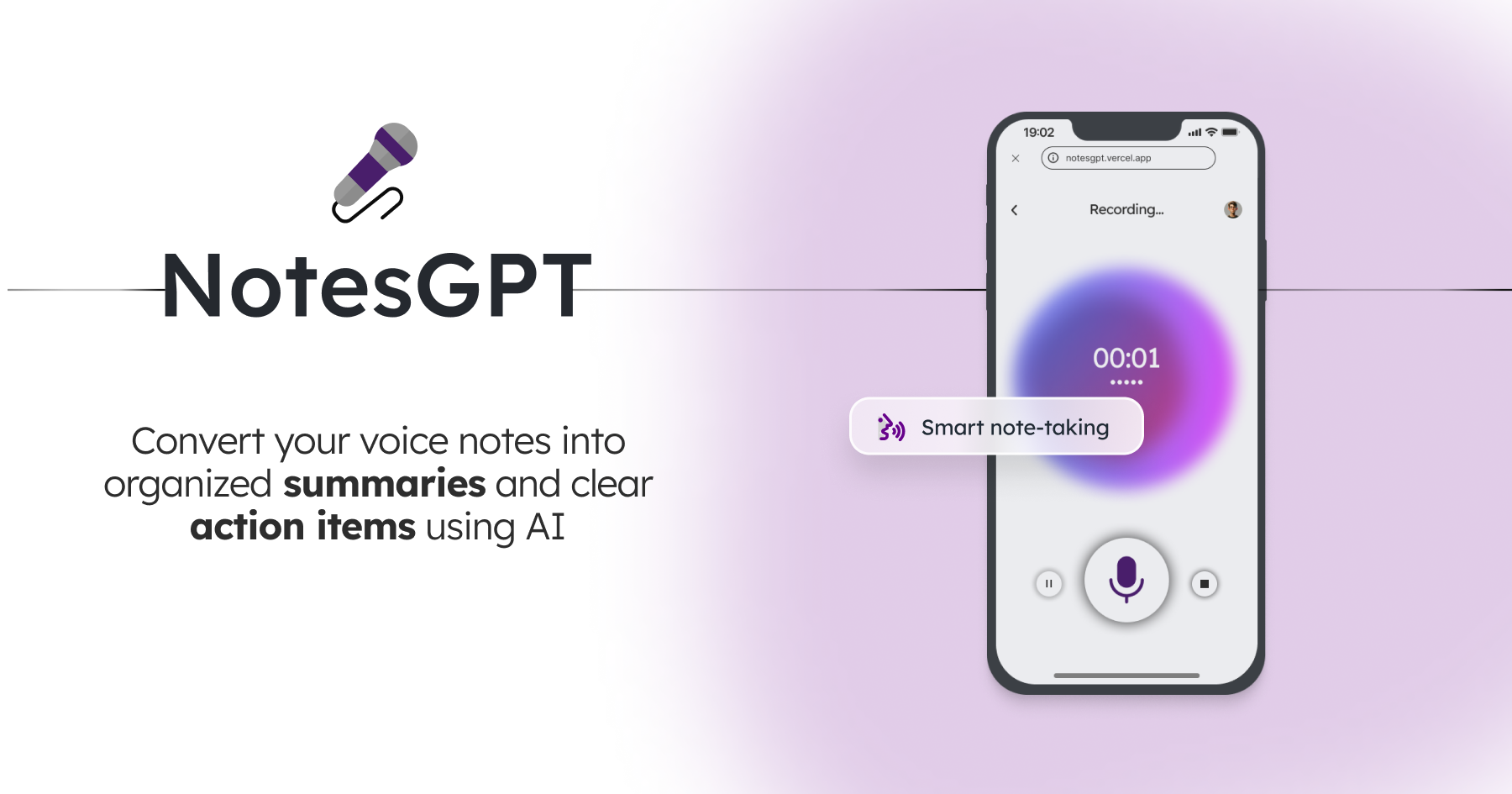
notesGPT is an AI task generator tool that turns spoken voice notes into summaries and action items. notesGPT is a browser-based voice note taker that converts spoken recordings into organized summaries and clear action items, aimed at people who prefer talking over typing and want quick, actionable notes.
notesGPT is a web-based voice note taker that turns spoken recordings into structured written output. Instead of typing, a user talks through ideas, meeting recaps or loose to-do thoughts, and the service returns an organized summary along with a list of clear action items. The focus is narrow by design: capture speech quickly and hand back something that can be acted on without much cleanup. The workflow is short. Visitors reach a sign in screen that leads to a dashboard, where recordings and their generated notes are managed. The homepage shows the interface on both a phone and a laptop screen, which suggests the product is meant to be used in a browser across device sizes rather than through a dedicated native app. The site also credits Together.ai and Convex, so the stack appears to rely on hosted AI model inference plus a managed backend and database service. The tool suits professionals, students and busy people who think better out loud than at a keyboard, especially those who leave a meeting, lecture or commute with scattered thoughts and need a task list afterwards. The action item output is the main differentiator from plain dictation apps, which stop at transcript text. Among alternatives, notesGPT is lighter than full meeting recorders that join calls and sync with calendars, and it does not advertise team workspaces or deep editing. Compared with general chat assistants, it saves the effort of writing prompts, since the summary and action item format is built in. Details on usage limits, supported languages and pricing are not published on the homepage, so prospective users should expect to sign in and explore the dashboard to judge whether it fits their routine.
Converts voice recordings into organized summaries and clear action items using AI. Accessible through a web dashboard with sign in, with an interface shown on both mobile and desktop screens.
 AI Angels400+ customizable AI girlfriends for NSFW chat, voice calls, and roleplay
 Candy AIExperience the future of companionship with AI friends who chat, role-play, and connect with you on a human level.
 ourdream.aiA vast AI roleplay platform with millions of characters for chat, images, video and voiceAI Angels400+ customizable AI girlfriends for NSFW chat, voice calls, and roleplayCandy AIExperience the future of companionship with AI friends who chat, role-play, and connect with you on a human level.ourdream.aiA vast AI roleplay platform with millions of characters for chat, images, video and voice