Free trial
A 14-day free trial is available and does not require a credit card. Signup happens through the Localo app.
Learn moreAI-built one-page websites from Google Business Profiles

Localo Sites builds a one-page local business website from Google Business Profile data in minutes, with hosting, SEO and automatic GBP sync included. It targets agencies and local SEO consultants who want fast, consistent sites for clients without design or development work.
Localo Sites is an AI website builder that generates a one-page website for a local business using only the data already present in its Google Business Profile (GBP). It is part of the Localo local SEO platform and is aimed at agencies, SEO specialists and consultants who manage multiple local clients. The builder pulls the business name, description, photos, opening hours, location, services and selected reviews, then assembles a mobile-friendly landing page with LocalBusiness Schema and on-page SEO already in place. The operator chooses a subdomain (for example, thebusiness.localo.site) and publishes. In practice, the workflow is short. After connecting a GBP, Localo suggests a site address, generates the page in one click, and hosts it on its own infrastructure. The site syncs automatically whenever the GBP changes: new photos, updated hours or fresh reviews appear without manual edits. Agencies can position the Localo site as the client's main website (when the client has none or an outdated, non-mobile site) or keep it as an additional consistent citation that reinforces name, address and phone data. Because hosting and maintenance are included in paid plans, the tool supports an upsell model where the agency offers a website as an extra service at no additional cost. Localo reports over 34,000 published sites, 14 million monthly impressions and 167,000 monthly clicks across those sites. The comparison against a regular website is clear: near-zero build time, no designer or developer, and automatic freshness. The trade-off is scope. This is a one-page local presence, not a full content-managed site: there is no mention of multi-page structures, blogs, custom code or ecommerce. Businesses with complex content needs will still require a conventional platform. Localo Sites fits best as a fast local visibility layer or a citation asset inside a broader local SEO stack, alongside tools such as Localo's own GBP audit and post scheduling features.
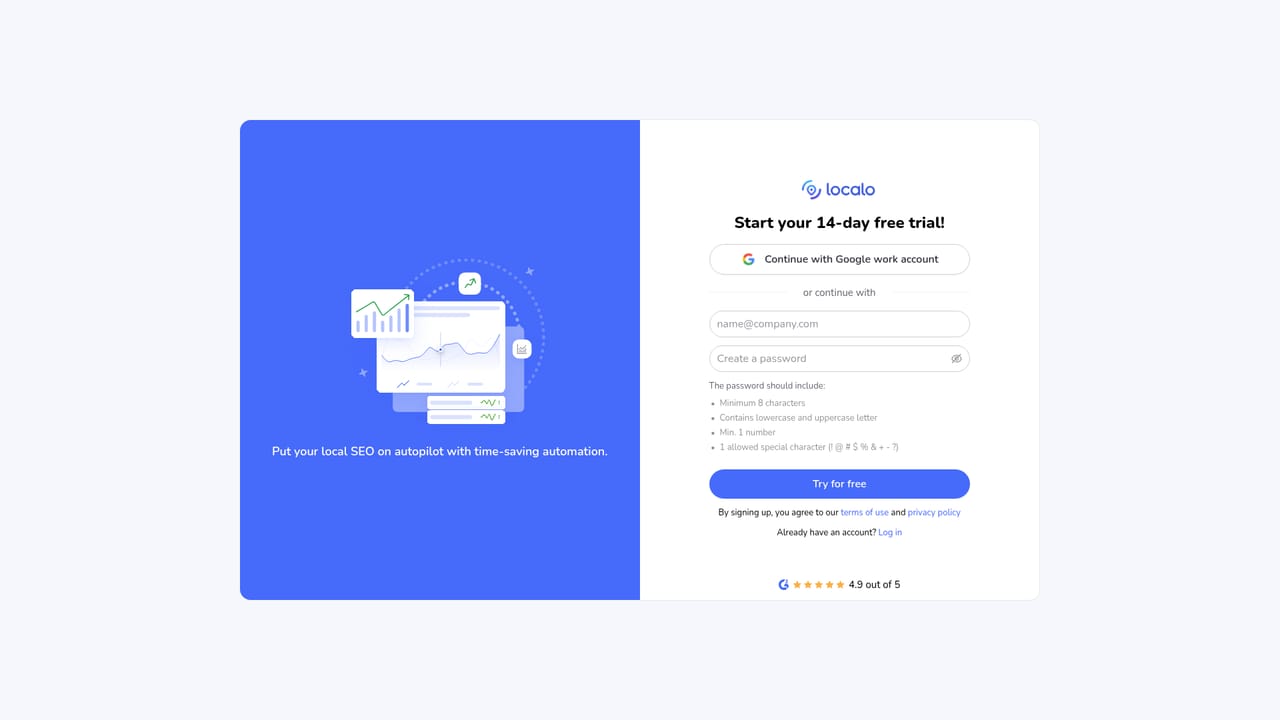
A 14-day free trial is available and does not require a credit card. Signup happens through the Localo app.
Learn moreThe website builder is included in all paid Localo plans for every location. Each site runs on Localo's hosting at no additional cost, with domain, server and updates covered by the subscription. No specific plan prices are listed on the page.
Learn moreThe homepage notes that Localo handles hosting, updates and SEO for every published site, and user reviews mention a responsive support team. No dedicated support page or channel details are listed.
The tool connects directly to Google Business Profile for data and automatic synchronization. No other integrations are mentioned on the homepage.
AI generates a mobile-friendly one-page website from Google Business Profile data, including contact info, social links, photos and top reviews. LocalBusiness Schema and local SEO are applied by default. The site syncs automatically with the GBP and is hosted on Localo infrastructure with no maintenance fees. Users can choose a localo.site subdomain and set the site as a main website or an additional citation.
 AI Angels400+ customizable AI girlfriends for NSFW chat, voice calls, and roleplay
 Candy AIExperience the future of companionship with AI friends who chat, role-play, and connect with you on a human level.
 ourdream.aiA vast AI roleplay platform with millions of characters for chat, images, video and voiceAI Angels400+ customizable AI girlfriends for NSFW chat, voice calls, and roleplayCandy AIExperience the future of companionship with AI friends who chat, role-play, and connect with you on a human level.ourdream.aiA vast AI roleplay platform with millions of characters for chat, images, video and voice