Pricing
The homepage does not publish plan tiers or prices. It promotes a 20 percent discount code (MERRYCHRIS) and links to a dedicated pricing page, which is where current plans and limits should be checked.
Learn moreTurn one static logo into three client-ready motion concepts
Own Logo Animation App? Verify ownership to get a dofollow link

Logo Animation App is an icon animation tool that turns one static logo into three client-ready motion concepts. A proposal-first tool that converts one static logo into three distinct motion directions with names, previews, and explanations, aimed at brand designers and freelancers who need client-ready motion concepts without opening After Effects.
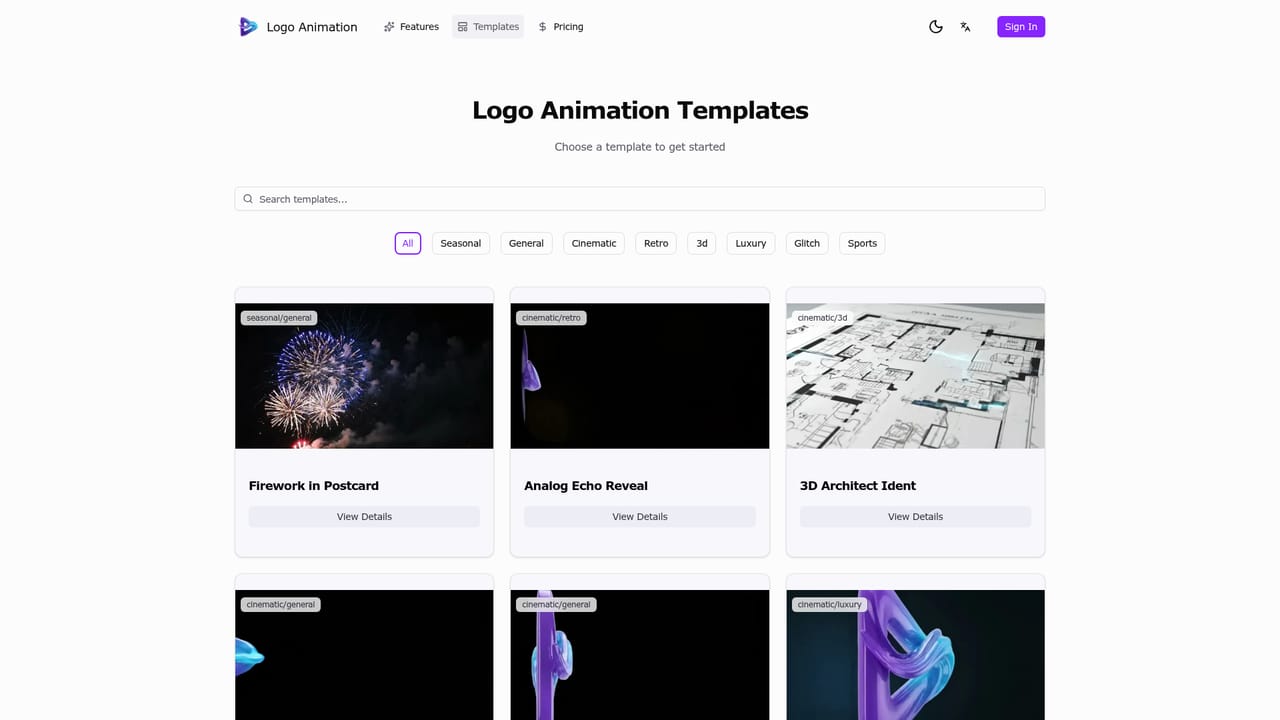
Logo Animation App is a web-based motion design tool aimed squarely at the proposal stage of a branding project. Instead of producing a single animation and hoping the client likes it, the product takes one uploaded logo and returns three distinct motion directions in a single run. Each direction is presented as a named concept with a preview and a short explanation, so the conversation with a client starts from comparison rather than from a yes or no reaction to one guess. The workflow is deliberately narrow. A designer uploads the logo, which stays the fixed source of truth across every concept, then sets the mood and context through inputs such as vibe (minimal, premium, tech) and intended placement (website hero, social intro, splash screen, pitch deck). After generation, the concepts can be reviewed side by side, the strongest one selected, and the chosen direction downloaded. A template gallery supplies starting points with cinematic, retro, 3D, and luxury styling, including named looks such as 3D Architect Ident, Analog Echo Reveal, and Retro Chrome Synthwave. The intended user is a brand designer, freelancer, or small studio that already delivers identity work but does not treat motion as a core craft. The pitch is about add-on revenue and turnaround: the frequent client request for an animated version of a logo becomes a fast, repeatable deliverable rather than a project that requires opening After Effects or hiring a motion specialist. Because the output is framed as proposal material rather than a finished broadcast package, it fits early in the engagement, when directions are still being weighed. It should be judged as a concept accelerator, not a replacement for a full motion graphics suite. Teams that need frame-level control, custom easing, or elaborate brand systems will still finish work elsewhere. Its value sits in the first round of client review, where speed and variety matter more than polish.
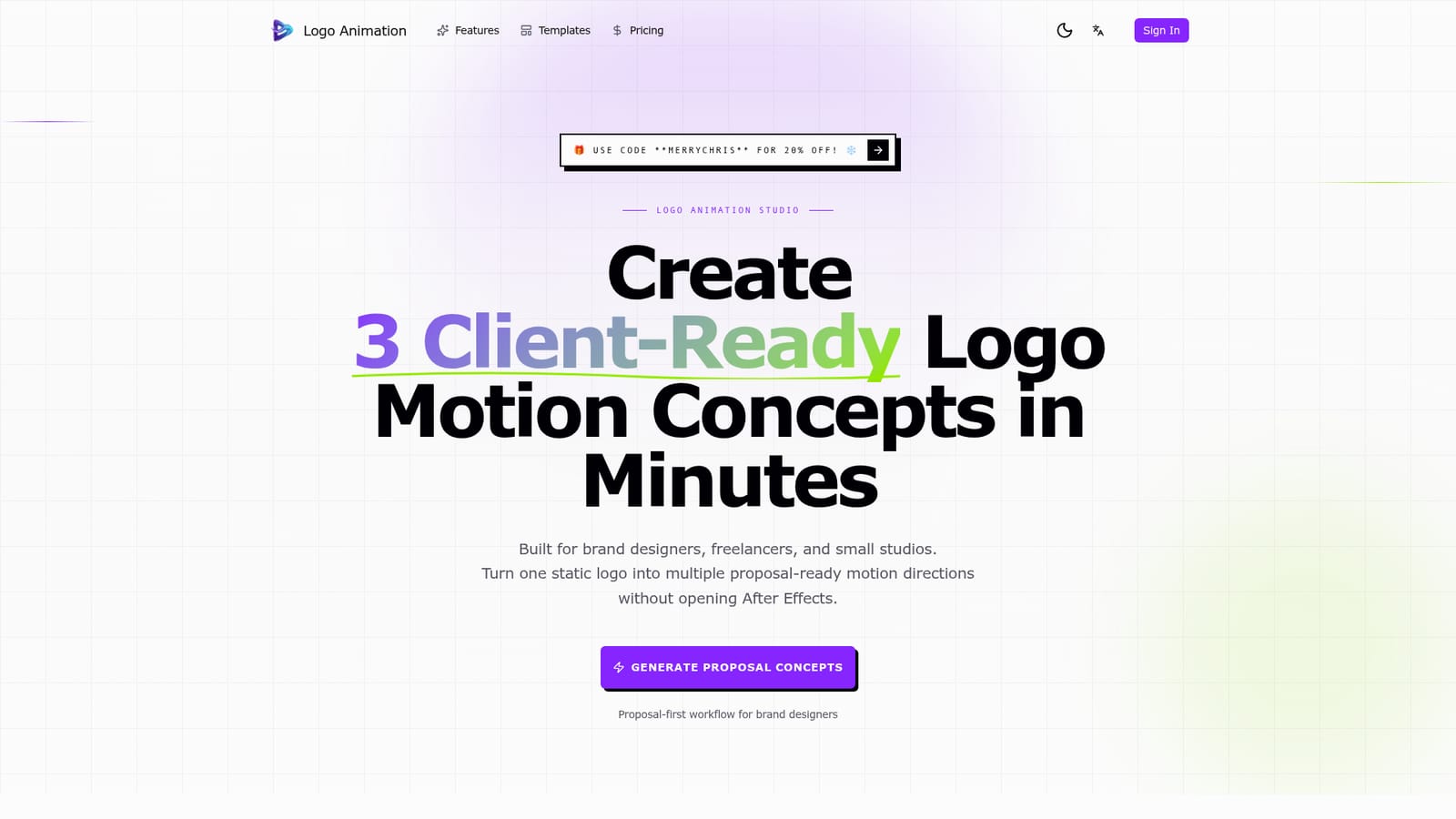
The homepage does not publish plan tiers or prices. It promotes a 20 percent discount code (MERRYCHRIS) and links to a dedicated pricing page, which is where current plans and limits should be checked.
Learn moreThe site points visitors to a Discord server for support but does not describe response times, documentation, or other support channels.
Core features include three concept directions per generation run, brand vibe and context inputs, labeled proposal-ready output with a name and explanation, concept selection before export, and a reusable workflow for website reveals, social intros, splash screens, and pitch decks. A template gallery supplies cinematic, retro, 3D, and luxury starting styles.
 AI Angels400+ customizable AI girlfriends for NSFW chat, voice calls, and roleplay
 Candy AIExperience the future of companionship with AI friends who chat, role-play, and connect with you on a human level.
 ourdream.aiA vast AI roleplay platform with millions of characters for chat, images, video and voiceAI Angels400+ customizable AI girlfriends for NSFW chat, voice calls, and roleplayCandy AIExperience the future of companionship with AI friends who chat, role-play, and connect with you on a human level.ourdream.aiA vast AI roleplay platform with millions of characters for chat, images, video and voice