Free trial
New accounts get 30 free credits with no card required, covering one mascot, one animation and a single refinement. Paid plans also offer a try free option.
Learn moreTurn a static image or a prompt into an animated brand mascot.

MascotVibe is an icon animation tool that turns a static image or a prompt into an animated brand mascot. Animated mascot generator that turns a description, a website URL or an uploaded image into a character with motion presets, exporting to WebM, APNG, MP4, MOV and spritesheets for apps, games and brands.
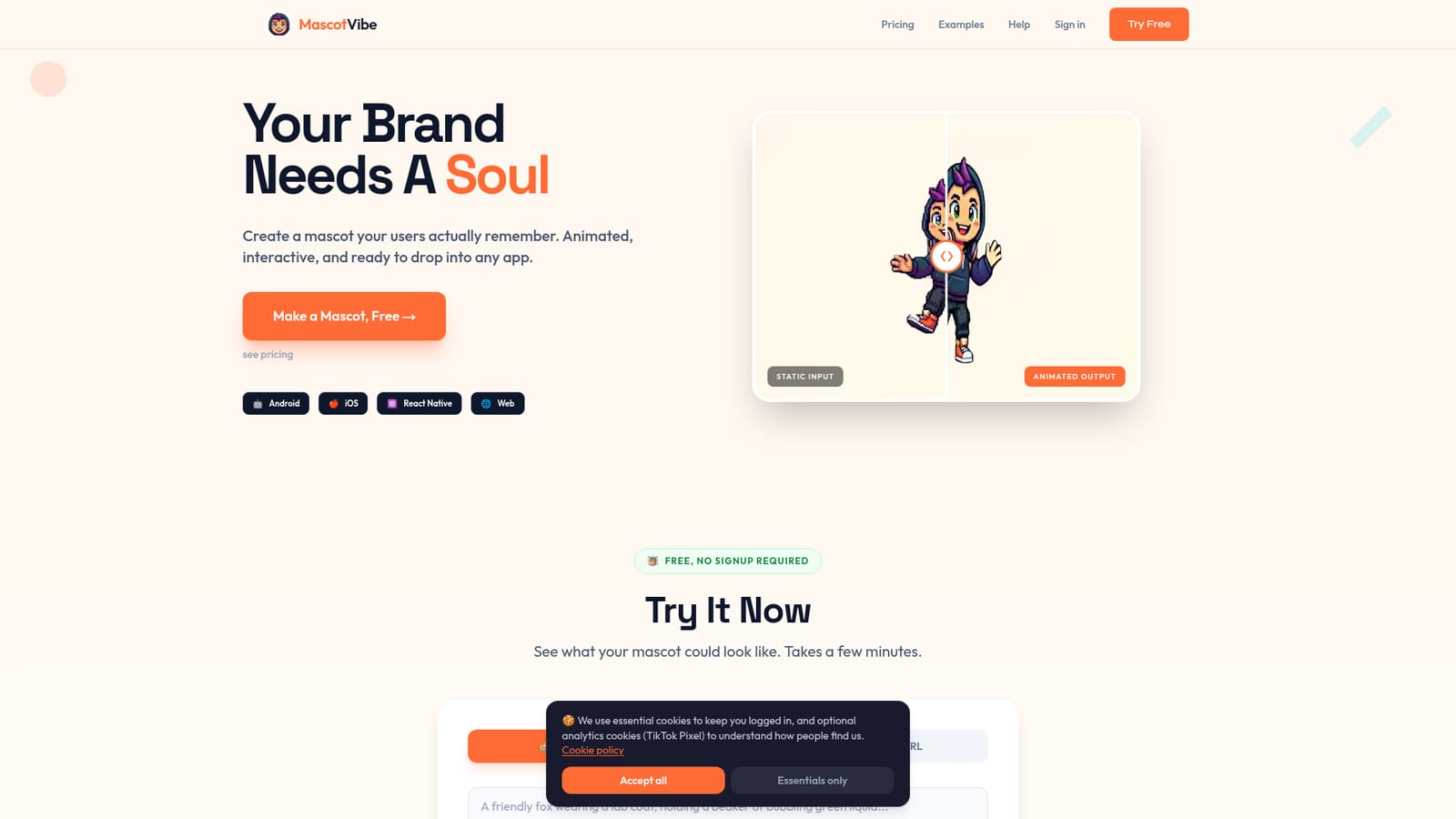
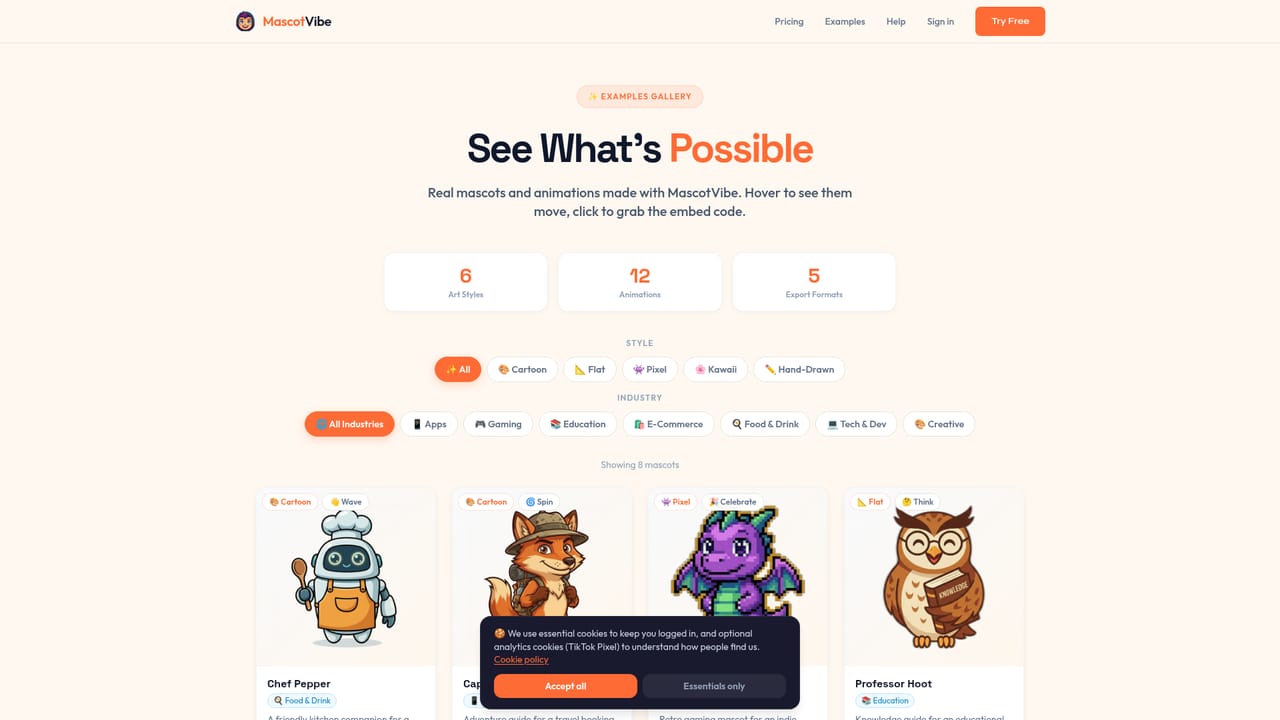
MascotVibe is a browser based generator for animated brand mascots. You bring a concept, either by describing it in words, by pointing the tool at your website URL so it can read your brand, or by uploading a mascot you already own. The generator returns concept options across six styles: kawaii, cartoon, 3D, flat, pixel and hand-drawn. From there you pick an animation and export the result. Animation is the part that separates it from a straight image generator. There are 12 presets such as wave, dance, celebrate, spin and think, plus a free text prompt for motion when none of the presets fit. Exports come in WebM with alpha, APNG (the homepage pitches this for iOS), MP4, MOV ProRes and spritesheets. That spread covers app store assets, web embeds, social clips and game engines, so a single mascot can be reused across touchpoints instead of rebuilt for each one. The tool is aimed at small product teams, indie game studios, startup founders and marketers who need a recognizable character but do not have an illustrator on hand. The homepage benchmarks this against commissioned work: weeks of back and forth and a four figure bill versus a description and a few minutes. The pricing model reinforces that positioning. Credits are bought as a monthly plan rather than a flat retainer, and the free tier exists mainly to let you evaluate output quality before paying. Where it fits among alternatives is narrower than a general image platform and wider than a sticker maker. It competes with commissioning a designer and with generic AI illustration tools, but its differentiator is the animation and export pipeline rather than raw art quality. Someone who only needs a still logo character will find it heavier than necessary. Someone shipping a mascot into an Android app, an iOS bundle, a game and a landing page in the same week is the intended user.
New accounts get 30 free credits with no card required, covering one mascot, one animation and a single refinement. Paid plans also offer a try free option.
Learn moreFree tier with 30 credits, one mascot, one animation and one refinement, though downloads require an upgrade. Pro is $14.99 per month for 200 credits (about 8 animated mascots) with all presets and formats. Studio is $39.99 per month for 800 credits plus API access and priority support.
Learn moreEmail support on the Pro plan and priority support on Studio. The homepage lists no documentation site or live chat.
Studio plan includes API access with 5 REST endpoints and unlimited API calls. No other third party integrations are listed on the homepage.
Text, website scan or image upload as input, six art styles, 4 concept options per generation, 12 animation presets plus custom motion prompts, and export to WebM with alpha, APNG, MP4, MOV ProRes and spritesheets.
 AI Angels400+ customizable AI girlfriends for NSFW chat, voice calls, and roleplay
 Candy AIExperience the future of companionship with AI friends who chat, role-play, and connect with you on a human level.
 ourdream.aiA vast AI roleplay platform with millions of characters for chat, images, video and voiceAI Angels400+ customizable AI girlfriends for NSFW chat, voice calls, and roleplayCandy AIExperience the future of companionship with AI friends who chat, role-play, and connect with you on a human level.ourdream.aiA vast AI roleplay platform with millions of characters for chat, images, video and voice